How to Get the Latest Version of a Registered Model in MLflow

Right after training, the version you want to check is usually the one you just registered: the newest. MLflow numbers versions 1, 2, 3 in the order they're registered, so the newest is the one with the highest number, and a search sorted by it finds it in one call. Real output from MLflow 3.18.0.
Syntax
latest = MlflowClient().search_model_versions(
    f"name = '{name}'", order_by=["version_number DESC"], max_results=1
)[0]
| Part | What it means |
|---|---|
name | The registered model |
order_by=["version_number DESC"] | Highest version number first |
max_results=1 | Only that first version |
[0] | The one ModelVersion in the list |
latest | The newest version: its version, source, run_id, tags and more |
The search_model_versions reference: "Search for model versions in backend that satisfy the filter criteria."
Prerequisites
- An MLflow tracking server with a database backend at
http://127.0.0.1:8080, such asmlflow server --port 8080with its default SQLite database. The registry needs one. mlflowandscikit-learnin your project, for example withuv add mlflow scikit-learn pandas.
Step 1: Find the Newest Version and Load It
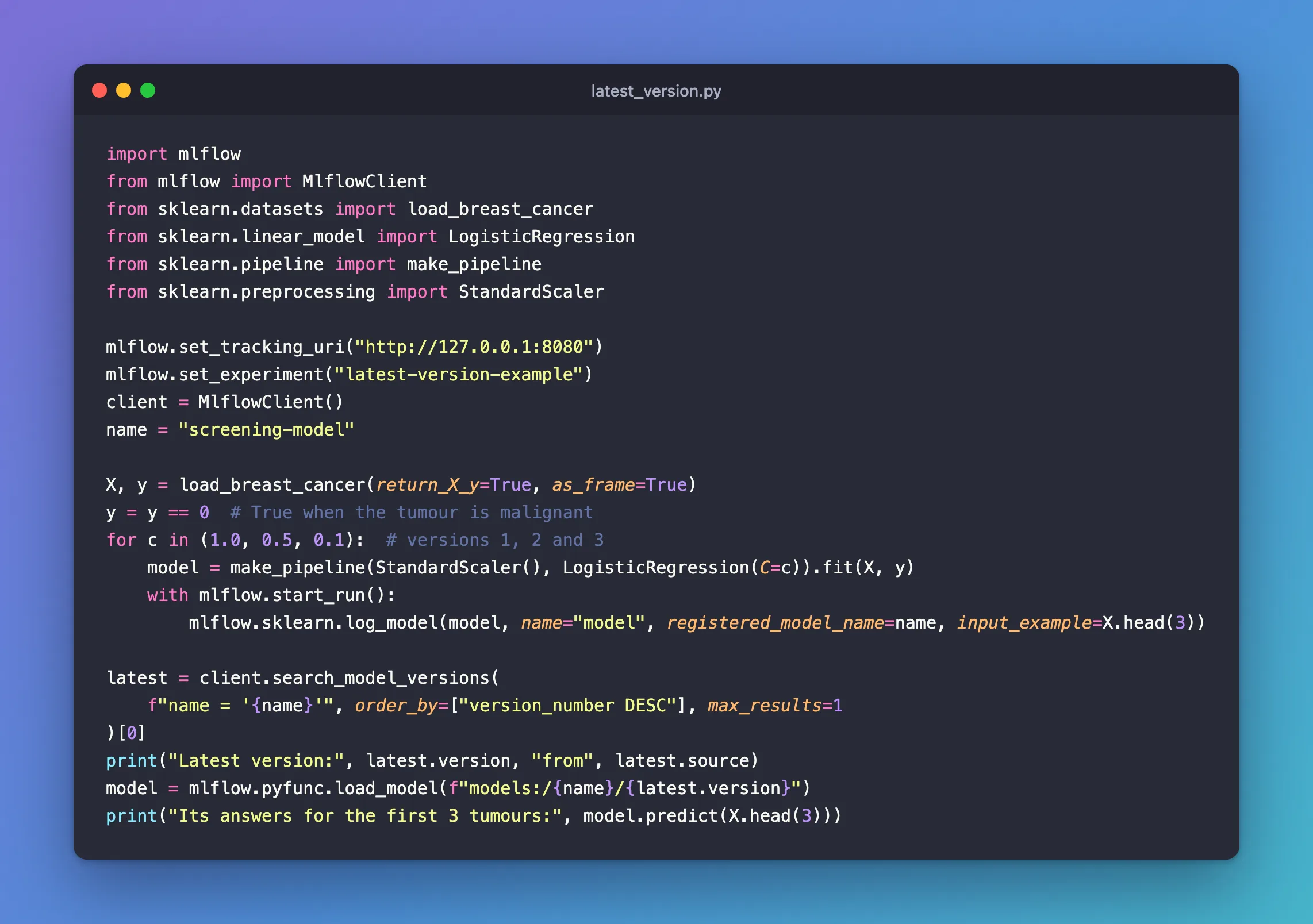
The example registers three versions of a breast cancer classifier as screening-model, each with stronger regularization than the last. It finds the newest, prints its number and the logged model it holds, loads it by that number, and predicts for the first three tumours in the data:
import mlflow
from mlflow import MlflowClient
from sklearn.datasets import load_breast_cancer
from sklearn.linear_model import LogisticRegression
from sklearn.pipeline import make_pipeline
from sklearn.preprocessing import StandardScaler

mlflow.set_tracking_uri("http://127.0.0.1:8080")
mlflow.set_experiment("latest-version-example")
client = MlflowClient()
name = "screening-model"

X, y = load_breast_cancer(return_X_y=True, as_frame=True)
y = y == 0  # True when the tumour is malignant
for c in (1.0, 0.5, 0.1):  # versions 1, 2 and 3
    model = make_pipeline(StandardScaler(), LogisticRegression(C=c)).fit(X, y)
    with mlflow.start_run():
        mlflow.sklearn.log_model(model, name="model", registered_model_name=name, input_example=X.head(3))

latest = client.search_model_versions(
    f"name = '{name}'", order_by=["version_number DESC"], max_results=1
)[0]
print("Latest version:", latest.version, "from", latest.source)
model = mlflow.pyfunc.load_model(f"models:/{name}/{latest.version}")
print("Its answers for the first 3 tumours:", model.predict(X.head(3)))
uv run python latest_version.py
Latest version: 3 from models:/m-f59013fd0c2847cd98864ad2e20249e0
Its answers for the first 3 tumours: [ True  True  True]

The search returned version 3, the last one registered, with the logged model it was registered from. Loaded by its number, it flags the first three tumours as malignant, which all three are in scikit-learn's breast cancer data.
Common Mistakes
| Mistake | What happens | Do this instead |
|---|---|---|
| Serving whatever version is newest | A version that failed its checks goes live as soon as it's registered | Serve an alias, and move it only to versions that passed |
Leaving out max_results=1 | Every version is fetched to use only the first | Ask for one |
Troubleshooting
| Symptom | Likely cause | Fix |
|---|---|---|
IndexError: list index out of range | No version matched, because the name is wrong or the registered model has no versions yet | Check the name, and register a version first |
FutureWarning that get_latest_versions "is deprecated since 2.9.0" | The code uses the stage-based get_latest_versions | Use the search above |
FAQ
Why not get_latest_versions?
It belongs to model stages, which MLflow has deprecated. In MLflow 3.18.0, calling it prints a FutureWarning that it "is deprecated since 2.9.0. Model registry stages will be removed in a future major release."
How do I load a version that passed review, not just the newest?
Search with a tag filter, such as tags.validation_status = 'approved', in the same order: How to Search Model Versions in MLflow.
Conclusion
search_model_versions("name = 'screening-model'", order_by=["version_number DESC"], max_results=1)[0] returned version 3, and models:/screening-model/3 loaded it.
Additional Resources
- MlflowClient.search_model_versions — filters, ordering and paging.
- Model Registry workflows — listing versions, and the deprecated model stages.
