How to Get the Last Inserted ID and Affected Rows in MySQL

After an INSERT, you usually need the new row's ID. After an UPDATE or a DELETE, you want to know whether it found anything. MySQL has a function for each: LAST_INSERT_ID() and ROW_COUNT(). They're simple, with a few behaviours worth seeing. All of it is run here on MySQL 9.7.
Prerequisites
- MySQL, and a way to run SQL. The examples use MySQL 9.7.4 in Docker, and the
mysqlclient from How to Connect to MySQL in a Docker Container. - A table with an
AUTO_INCREMENTcolumn. The examples usecategories.
Step 1: Read Both After an Insert
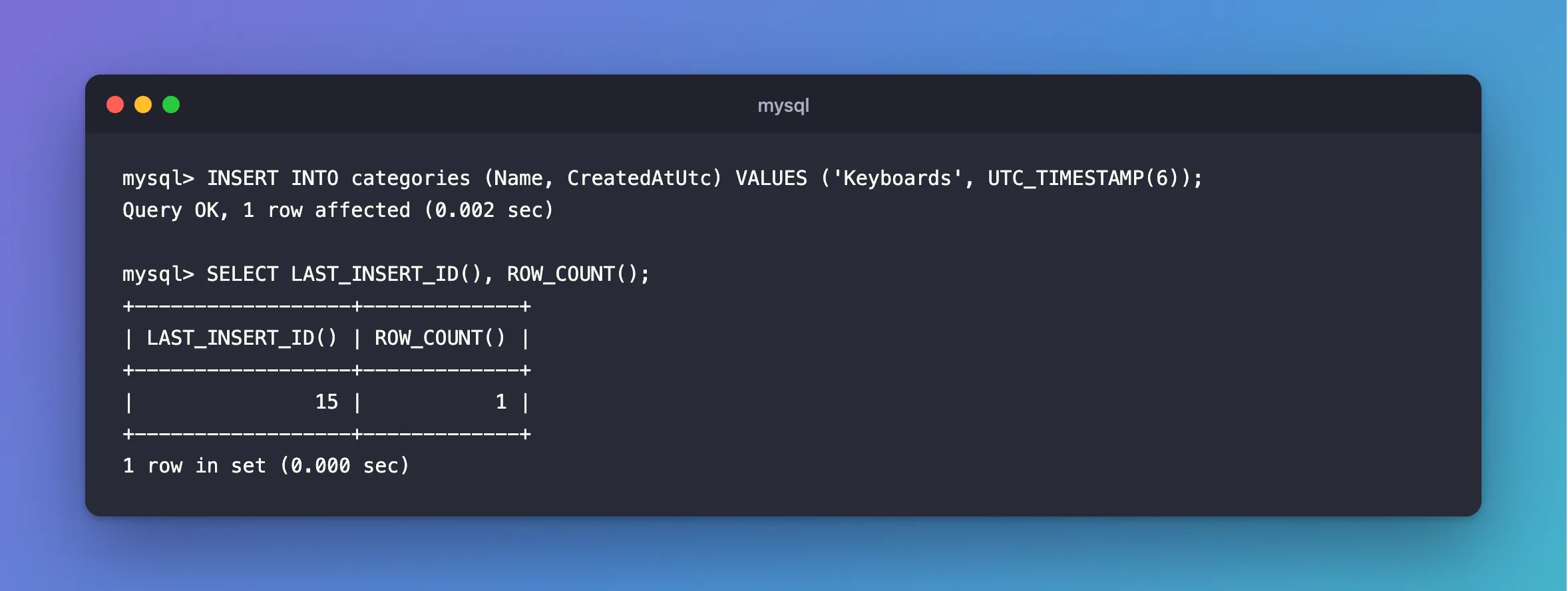
INSERT INTO categories (Name, CreatedAtUtc) VALUES ('Keyboards', UTC_TIMESTAMP(6));
SELECT LAST_INSERT_ID(), ROW_COUNT();
+------------------+-------------+
| LAST_INSERT_ID() | ROW_COUNT() |
+------------------+-------------+
|               15 |           1 |
+------------------+-------------+
1 row in set (0.000 sec)
Step 2: See That the ID Stays
LAST_INSERT_ID() keeps its value until the next successful AUTO_INCREMENT insert on your connection. Asking again gives the same answer:
+------------------+
| LAST_INSERT_ID() |
+------------------+
|               15 |
+------------------+
1 row in set (0.000 sec)
A failed insert doesn't change it either. After a duplicate:
INSERT INTO categories (Name, CreatedAtUtc) VALUES ('Cables', UTC_TIMESTAMP(6));
SELECT LAST_INSERT_ID();
ERROR 1062 (23000): Duplicate entry 'Cables' for key 'categories.IX_categories_Name'
+------------------+
| LAST_INSERT_ID() |
+------------------+
|               15 |
+------------------+
1 row in set (0.000 sec)
So don't call it without checking that your insert worked. It still returns the earlier ID.
Step 3: It's Per Connection
Two people inserting at the same moment each get their own answer. MySQL's LAST_INSERT_ID entry says: "The ID that was generated is maintained in the server on a per-connection basis." That's why it's safe to use, and why SELECT MAX(Id) isn't.
Step 4: Read ROW_COUNT After Other Statements
ROW_COUNT() describes the statement just before it, so call it right after. An update that changes a value:
UPDATE categories SET Name = 'Keyboards and mice' WHERE Name = 'Keyboards';
SELECT ROW_COUNT();
+-------------+
| ROW_COUNT() |
+-------------+
|           1 |
+-------------+
1 row in set (0.000 sec)
The same update again. The row is found, and nothing changes, so it's 0:
UPDATE categories SET Name = 'Keyboards and mice' WHERE Name = 'Keyboards and mice';
SELECT ROW_COUNT();
+-------------+
| ROW_COUNT() |
+-------------+
|           0 |
+-------------+
1 row in set (0.000 sec)
A delete that finds nothing is also 0:
DELETE FROM categories WHERE Name = 'Missing';
SELECT ROW_COUNT();
+-------------+
| ROW_COUNT() |
+-------------+
|           0 |
+-------------+
1 row in set (0.000 sec)
So a 0 from an UPDATE can mean either "no such row" or "already that value". The mysql client's Rows matched line tells them apart, and this post goes through it.
What You See in EF Core's SQL
These two functions are how EF Core talks to MySQL. An insert ends with:
SELECT `Id`
FROM `categories`
WHERE ROW_COUNT() = 1 AND `Id` = LAST_INSERT_ID();
And an update ends with SELECT ROW_COUNT();, which is how EF Core notices a row that's gone. What UseAffectedRows Does explains why that number can differ from the mysql client's.
Common Mistakes
| Mistake | What happens | Do this instead |
|---|---|---|
Using SELECT MAX(Id) for the new ID | Another connection's insert can get in between | Use LAST_INSERT_ID() |
| Calling it after a failed insert | You get the previous ID | Check the insert first |
Another statement before ROW_COUNT() | It describes that statement instead | Call it right after |
Reading LAST_INSERT_ID() after a multi-row insert as the last ID | It's the first new ID | Add the row count if you need the rest |
FAQ
When should I call LAST_INSERT_ID?
It returns the ID "for an AUTO_INCREMENT column as a result of the most recently executed INSERT statement", as the page says, so call it only after an insert of your own.
Do I need these with EF Core?
No. EF Core uses them for you, and sets the ID on your object.
Conclusion
LAST_INSERT_ID() gives the ID your connection just generated, stays the same through a failed insert, and can't see other connections. ROW_COUNT() describes the statement before it, and a 0 from an UPDATE can also mean the row already had that value.
Additional Resources
- Information Functions —
LAST_INSERT_ID()andROW_COUNT().
