How to Get the Folder a Python File Is In with Path(__file__)

A script that reads a file next to it breaks as soon as you run it from another folder, because relative paths start from where you are, not from the script. Path(__file__) starts from the script itself. This guide prints a script's own path, its folder and the folder above, with real output from Python 3.15.2.
Syntax
from pathlib import Path

here = Path(__file__).resolve()
here.parent        # the folder the file is in
here.parents[<n>]  # the folder <n> + 1 levels up
| Part | What it means |
|---|---|
__file__ | The path Python loaded this file from |
.resolve() | Makes it absolute. Python's pathlib reference: "Make the path absolute, resolving any symlinks." |
.parent | The folder that contains the file |
.parents[<n>] | "An immutable sequence providing access to the logical ancestors of the path": parents[0] is the folder, parents[1] the one above it |
Prerequisites
- uv and Python. This guide uses uv 0.13.10 with Python 3.15.2, in a project made with
uv init.
Step 1: Write the Script
In a project folder called lang-python:
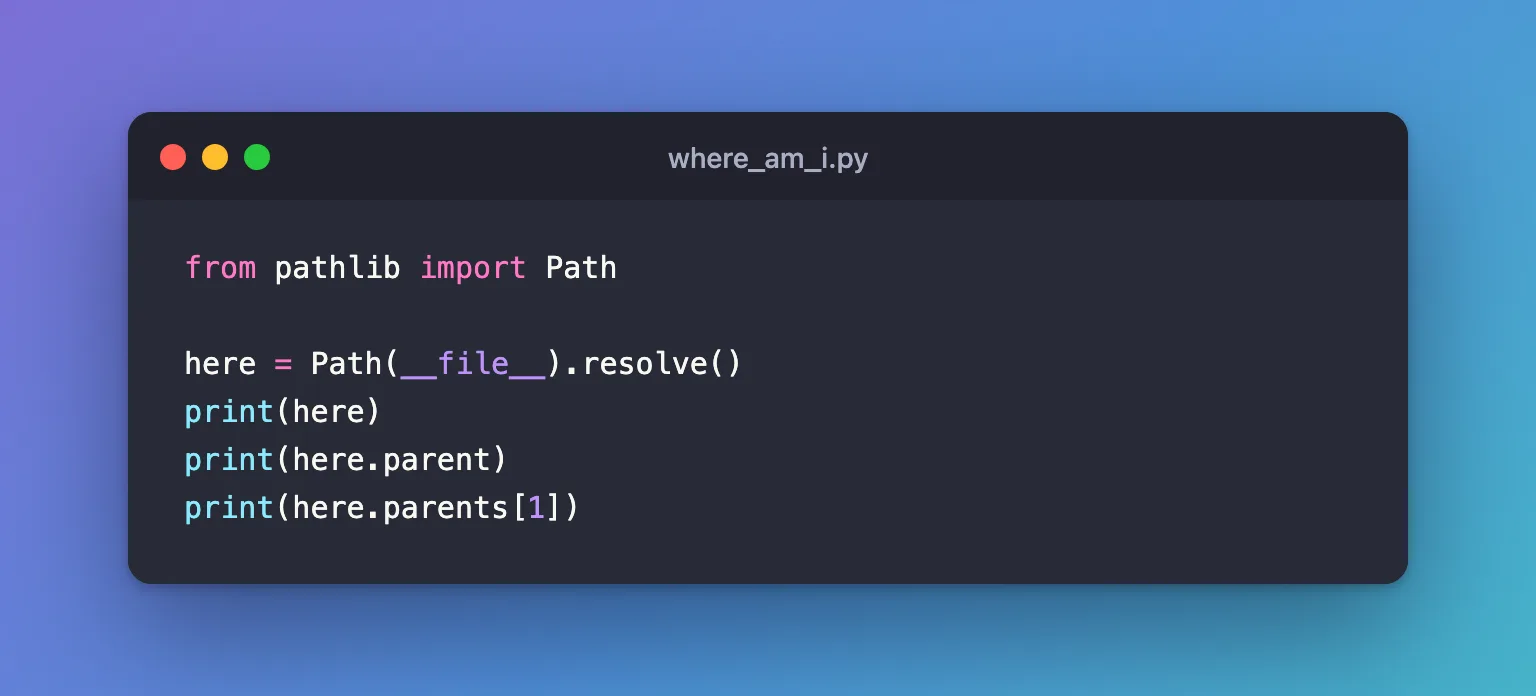
from pathlib import Path

here = Path(__file__).resolve()
print(here)
print(here.parent)
print(here.parents[1])
Step 2: Run It
uv run python where_am_i.py
/Users/you/source/lang-python/where_am_i.py
/Users/you/source/lang-python
/Users/you/source
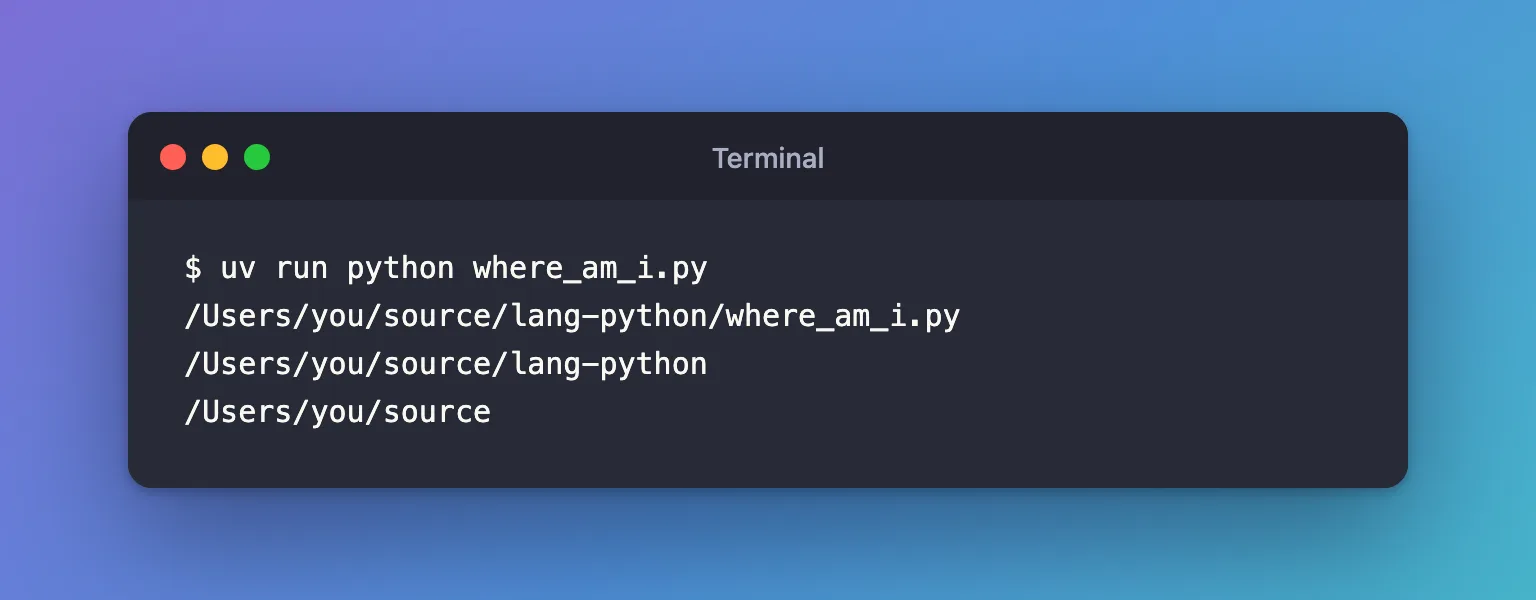
The script printed its own full path, its folder and the folder above. Run it from the folder above, uv run python lang-python/where_am_i.py, and it prints the same three lines: the answer depends on where the file is, not on where you are.
Common Mistakes
| Mistake | What happens | Do this instead |
|---|---|---|
Using a relative path such as Path("data.csv") in a script you run from elsewhere | It's looked up in the folder you ran the script from | Build it from the script: Path(__file__).resolve().parent / "data.csv" |
Counting parents from 1 | parents[0] is already the file's folder | parents[1] is one level above the folder |
Troubleshooting
| Symptom | Likely cause | Fix |
|---|---|---|
FileNotFoundError only when you start the script from another folder | A relative path | Build paths from Path(__file__).resolve().parent |
FAQ
Why resolve()?
It makes the path absolute, so .parent and .parents give real folders even when Python loaded the file through a relative path.
What is __file__ in the code a command runs?
The path of the module file that holds the code, inside the project's source folder, so the same approach works there too.
Conclusion
Path(__file__).resolve() gave the script's full path, .parent its folder lang-python, and .parents[1] the folder above, source, whichever folder the script was started from.
Additional Resources
- pathlib —
resolve(),parent,parentsand the other path tools. - Module objects:
__file__— what__file__holds.
