How to Get the First Rows of a pandas DataFrame with head

A DataFrame can hold thousands of rows, and printing all of them doesn't help when you only want to see what the data looks like. head returns the first few rows: five unless you ask for another number. This guide previews a table of seven players, with real output from pandas 3.1.1.
Syntax
<dataframe>.head(<number of rows>)
| Part | What it means |
|---|---|
<number of rows> | Optional. How many rows from the top. Without it, 5 |
| The result | A new DataFrame with those rows; the original is unchanged |
The pandas reference: "Return the first n rows. This function exhibits the same behavior as df[:n], returning the first n rows based on position."
Prerequisites
- pandas in your project, for example with
uv add pandas. This guide uses pandas 3.1.1 on Python 3.15.2.
Step 1: Write the Script
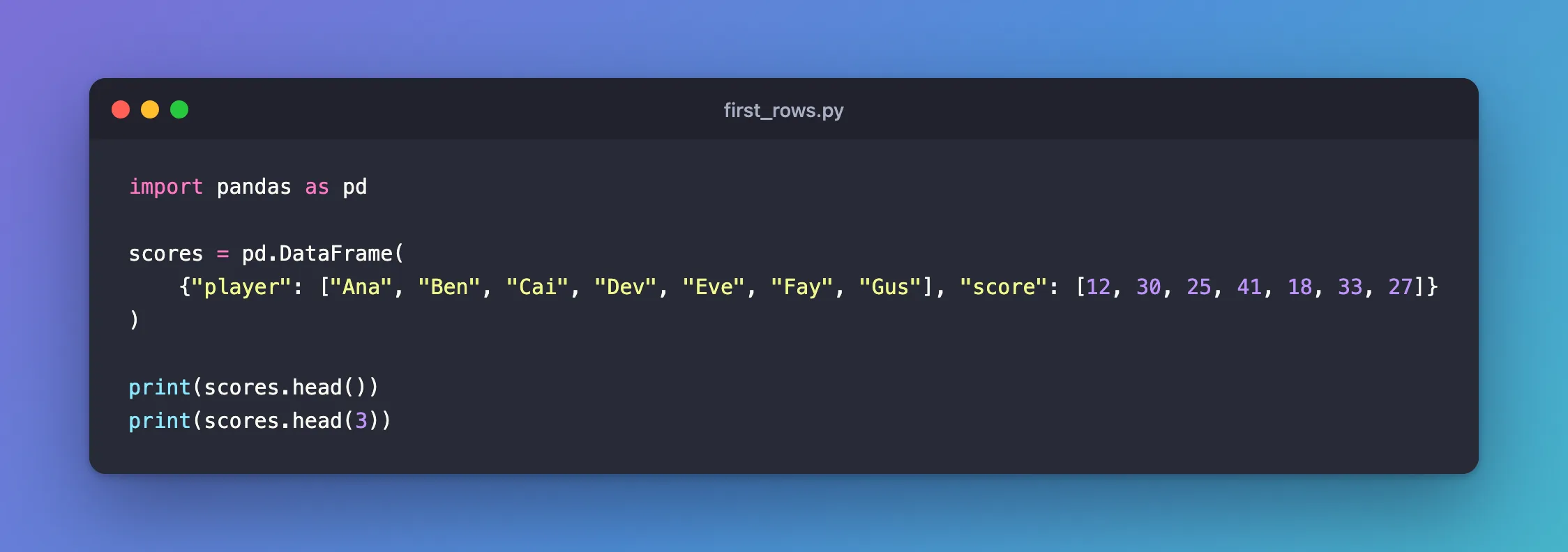
import pandas as pd

scores = pd.DataFrame(
    {"player": ["Ana", "Ben", "Cai", "Dev", "Eve", "Fay", "Gus"], "score": [12, 30, 25, 41, 18, 33, 27]}
)

print(scores.head())
print(scores.head(3))
Step 2: Run It
uv run python first_rows.py
  player  score
0    Ana     12
1    Ben     30
2    Cai     25
3    Dev     41
4    Eve     18
  player  score
0    Ana     12
1    Ben     30
2    Cai     25
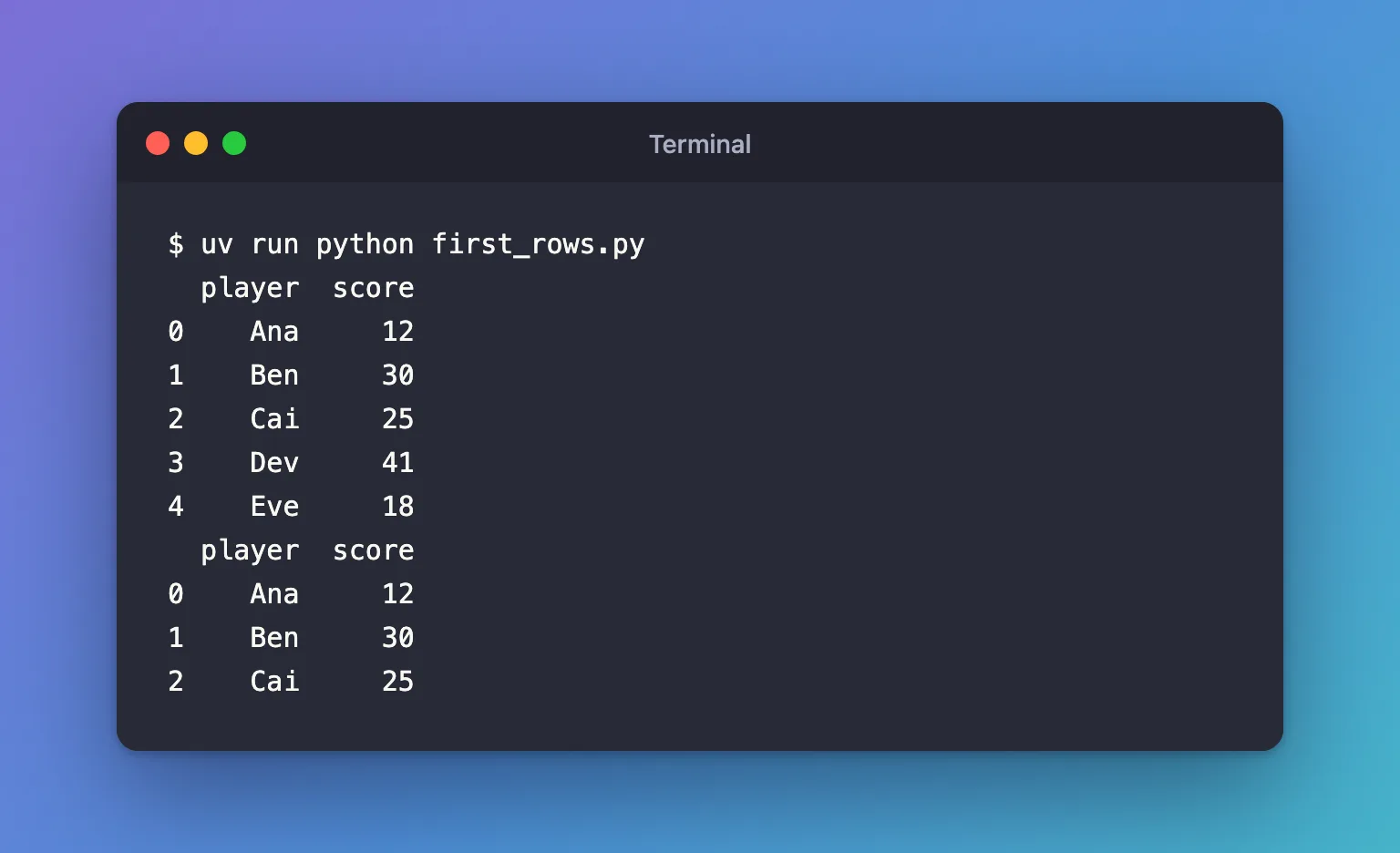
head() gave the first five of the seven players, and head(3) the first three.
Common Mistakes
| Mistake | What happens | Do this instead |
|---|---|---|
Expecting head to sort first | It returns the first rows in their current order, not the highest scores | Sort first: scores.sort_values("score", ascending=False).head(3) gave Dev, Fay and Ben, the top three |
Expecting head(-1) to give the last row | A negative number gives all rows except that many at the end: on two rows, head(-1) gave only the first | Use tail(1) for the last row |
Troubleshooting
| Symptom | Likely cause | Fix |
|---|---|---|
| Fewer rows than you asked for | The table has fewer rows: head(10) on two rows gave both, without an error | Nothing to fix; check len(scores) if you expected more |
FAQ
Does head change the DataFrame?
No. It returns a new, shorter DataFrame: after scores.head(3), len(scores) was still 7.
How do I see the last rows?
With tail, which works the same way from the bottom: scores.tail(3) gave Eve, Fay and Gus.
Conclusion
scores.head() showed the first five rows and scores.head(3) the first three: a quick look at a DataFrame without printing all of it.
Additional Resources
- DataFrame.head — the method, including negative numbers.
- DataFrame.tail — the last rows.
