How to Get the First Day of the Month in Power Automate with startOfMonth

startOfMonth() takes any date and time and gives back the first day of its month, at midnight. It's the starting point for monthly work in a flow: this month's first day, last month's, or the range of dates a monthly report covers.
Syntax
startOfMonth('<timestamp>', '<format>')
From Microsoft's functions reference:
<timestamp>(required): the date and time, as text, such as'2026-10-17T15:30:00Z', or a token or expression that holds one.<format>(optional): how to write the result. Without it, you get the ISO 8601 form, such as 2026-10-01T00:00:00.0000000Z. With a pattern such as'yyyy-MM-dd', you get just that, 2026-10-01.
The result is the specified timestamp but starting on the first day of the month at the zero-hour mark, as text.
The Example
The flow has two Compose actions (How to Use the Compose Action in Power Automate). Both start from 17 October 2026 at 3:30 PM UTC: First day of the month uses the default format, and First day as a date asks for yyyy-MM-dd.
Step 1: Get the First Day
In the first Compose, add this expression (How to Add an Expression in Power Automate):
startOfMonth('2026-10-17T15:30:00Z')
The action's Code view shows the expression as it's stored, with an @ in front:
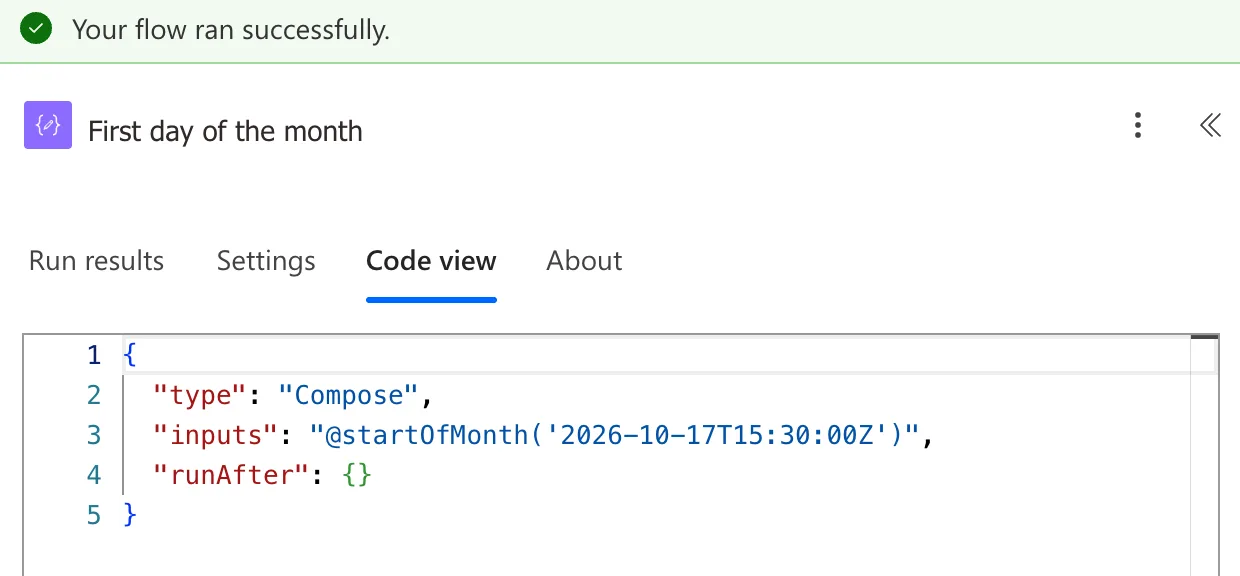
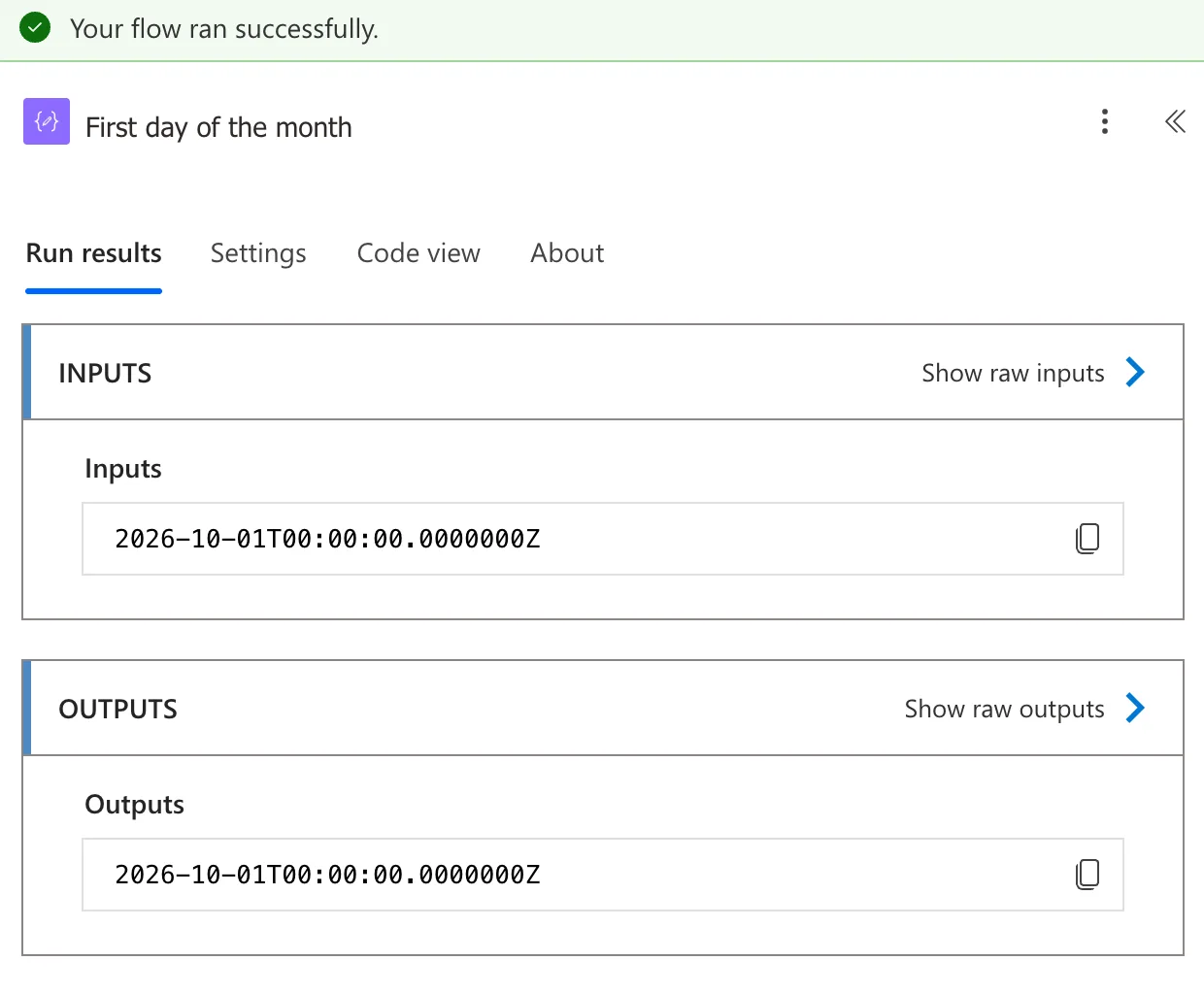
In a run, the result is 1 October at midnight, 2026-10-01T00:00:00.0000000Z. The time is gone as well as the day:
Step 2: Write It as a Date
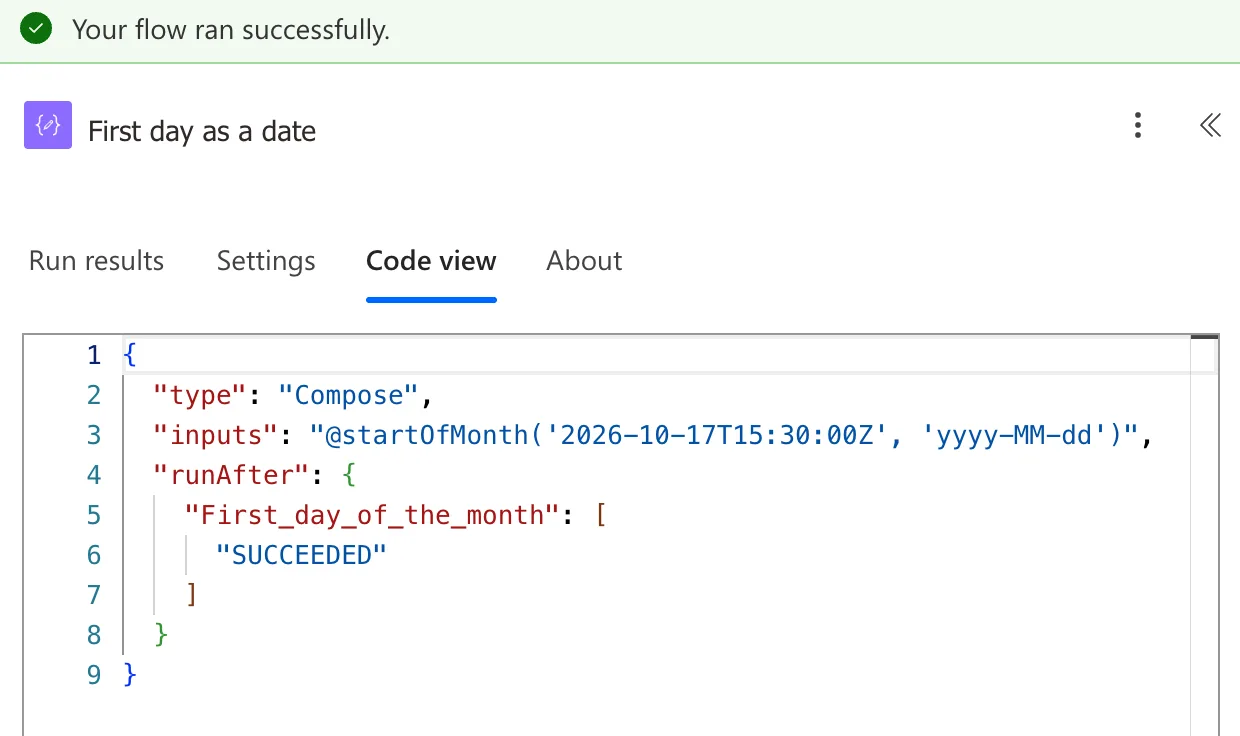
To use the result as a plain date, for a file name, a SharePoint filter or an email, give a format:
startOfMonth('2026-10-17T15:30:00Z', 'yyyy-MM-dd')
The Result
First day as a date shows 2026-10-01:
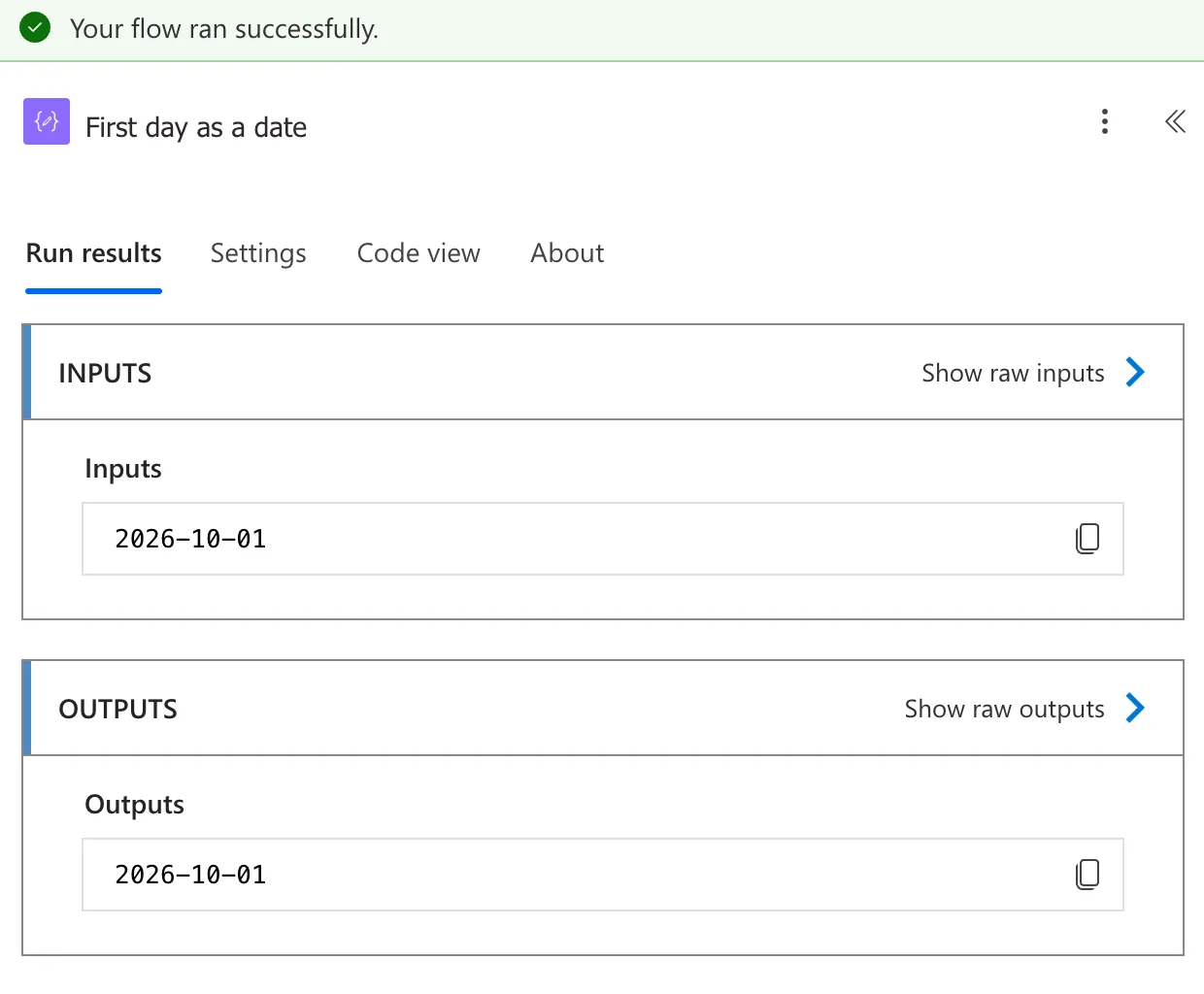
The format uses the same placeholders as formatDateTime(): yyyy for the year, MM for the month and dd for the day (How to Format a Date in Power Automate with formatDateTime).
Common Mistakes
| Mistake | What happens | Do this instead |
|---|---|---|
startOfMonth(utcNow()) for people in another time zone | Around midnight on the 1st, UTC can still be in the previous month, or already in the next | Convert to local time first (How to Convert UTC to Local Time in Power Automate with convertFromUtc) |
'yyyy-mm-dd' as the format | mm is minutes, so the month comes out as 00 | 'yyyy-MM-dd' |
| Expecting the last day of the month | startOfMonth gives the first | For the last day, add a month and take a day off |
Troubleshooting
| Symptom | Likely cause | Fix |
|---|---|---|
| The run fails on the expression | The timestamp isn't a date and time the function can read | Check what the token holds in the run |
| The result has a long time on the end | No format was given | Add 'yyyy-MM-dd' |
| This expression has a problem for a correct expression | The editor's check, not the expression | Select Add again (Fixed: "This Expression Has a Problem" for a Valid Expression in Power Automate) |
FAQ
How do I get the first day of this month?
Use the current time: startOfMonth(utcNow(), 'yyyy-MM-dd'). For a local month, convert first: startOfMonth(convertFromUtc(utcNow(), 'GMT Standard Time'), 'yyyy-MM-dd') for the UK.
And the first day of last month?
Take a month off the first day of this month with addToTime(): addToTime(startOfMonth(utcNow()), -1, 'Month') (How to Add Months to a Date in Power Automate with addToTime).
Are there functions for the start of a day or an hour?
Yes: startOfDay() and startOfHour() work the same way, from the same reference.
Conclusion
startOfMonth(timestamp) gives the first day of the timestamp's month at midnight, and startOfMonth(timestamp, 'yyyy-MM-dd') gives it as a plain date.
Additional Resources
- Reference guide to functions in expressions: startOfMonth
- Customize or format date and time values in a flow
