How to Get the Current Time in UTC in Python

Times stored or sent between systems are safest in UTC, the time zone that never changes for daylight saving. In Python, datetime.now(tz=timezone.utc) gives you the current time in UTC, labelled as UTC, so nothing downstream has to guess which zone it's in.
Syntax
from datetime import datetime, timezone

<now> = datetime.now(tz=timezone.utc)
| Part | What it does |
|---|---|
datetime.now(...) | Returns the current date and time. |
tz=timezone.utc | Converts it to UTC and attaches UTC as its time zone. |
<now> | An aware datetime: one that knows its time zone. |
The datetime documentation: "If tz is not None, it must be an instance of a tzinfo subclass, and the current date and time are converted to tz’s time zone." It adds: "This function is preferred over today() and utcnow()."
The Example
The example takes the current time in UTC and prints it together with its time zone.
Prerequisites
- uv and Python. This guide uses uv 0.13.10 with Python 3.15.2.
Step 1: Write the Code
Create a file named main.py:
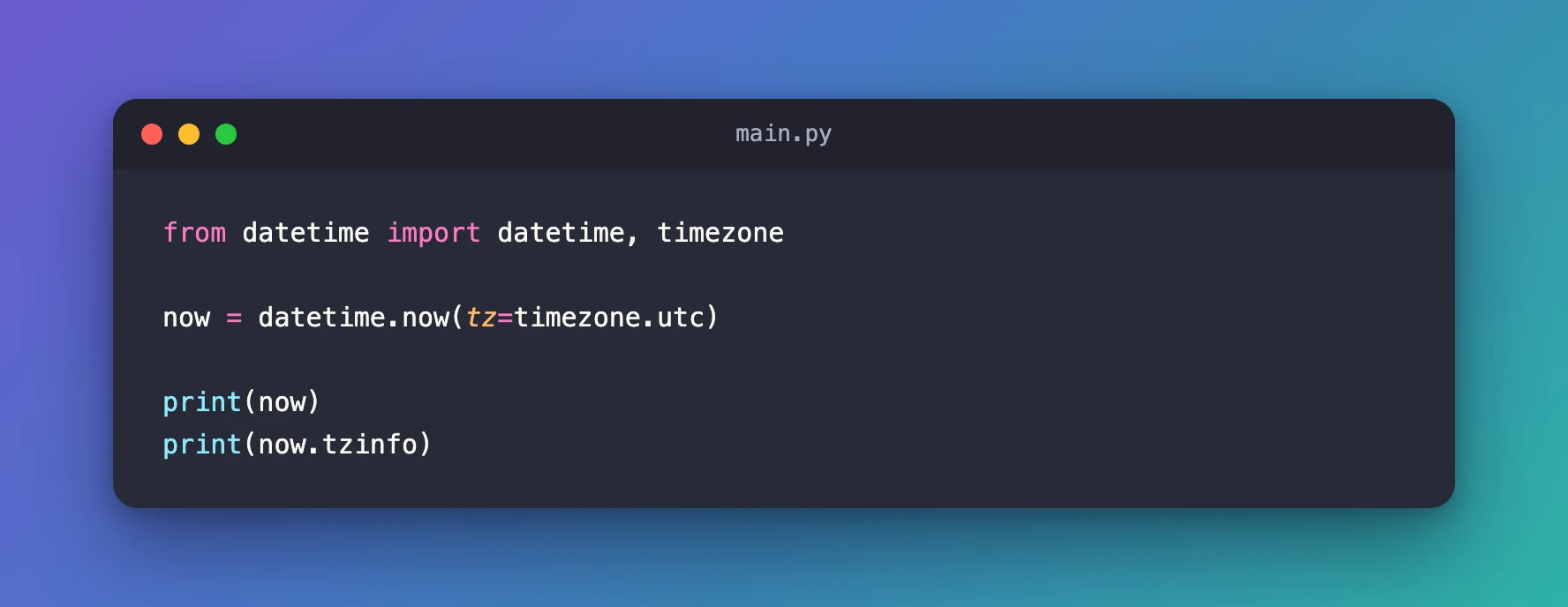
from datetime import datetime, timezone

now = datetime.now(tz=timezone.utc)

print(now)
print(now.tzinfo)
Step 2: Run It
uv run python main.py
2026-11-26 06:04:49.896497+00:00
UTC
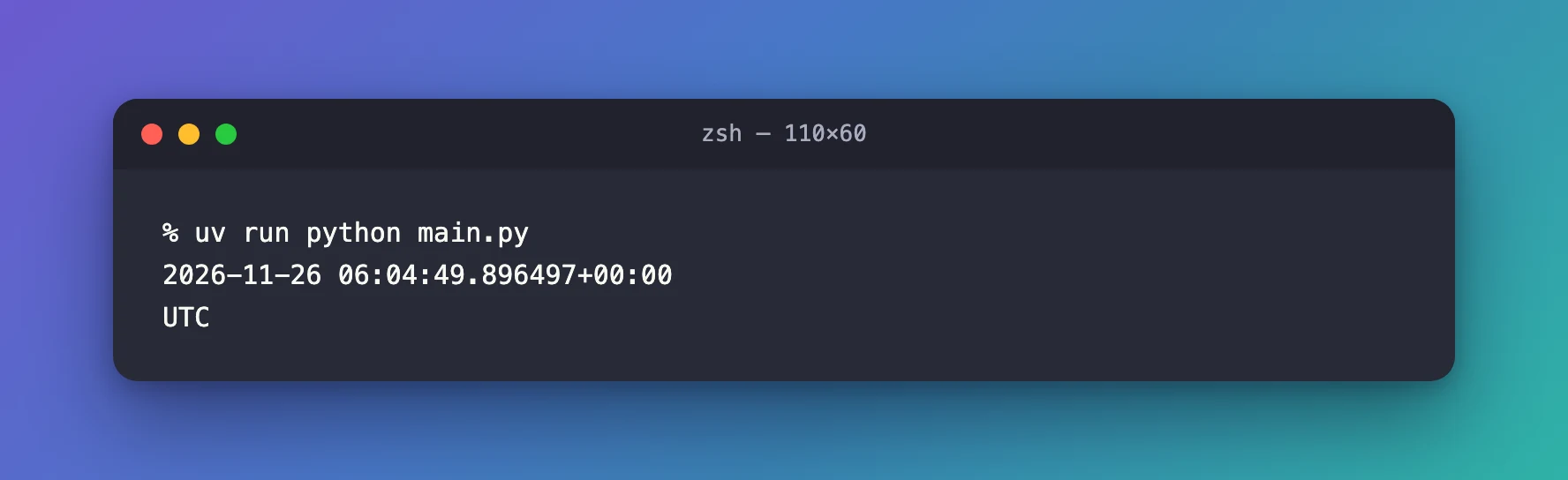
Your time will differ. The +00:00 at the end and the UTC on the second line show that the value carries its time zone. The command is the same in zsh, bash and PowerShell.
Why Not datetime.utcnow()?
datetime.utcnow() returns UTC time without the UTC label, so the value looks like local time to anything that reads it. Python 3.15 deprecates it. I ran a main.py that calls now = datetime.utcnow() with Python's -W default option, which shows deprecation warnings, and got:
/Users/Shared/you/utc/main.py:3: DeprecationWarning: datetime.datetime.utcnow() is deprecated and scheduled for removal in a future version. Use timezone-aware objects to represent datetimes in UTC: datetime.datetime.now(datetime.UTC).
  now = datetime.utcnow()
2026-11-26 06:10:29.137420
The time it printed has no +00:00: nothing in the value says it's UTC.
datetime.UTC, which the warning suggests, is the same object as timezone.utc.
Common Mistakes
| Mistake | What happens | Do this instead |
|---|---|---|
Calling datetime.now() without tz | You get local time with no zone: tzinfo is None | Pass tz=timezone.utc |
Using datetime.utcnow() | A deprecation warning, and a value with no zone | Use datetime.now(tz=timezone.utc) |
Ordering an aware datetime against a naive one with < | TypeError: can't compare offset-naive and offset-aware datetimes | Make both aware |
Troubleshooting
| Symptom | Likely cause | Fix |
|---|---|---|
DeprecationWarning: datetime.datetime.utcnow() is deprecated | The code calls utcnow() | Switch to datetime.now(tz=timezone.utc) |
| A stored time is hours off | It was saved as local time without a zone | Store aware UTC times |
FAQ
What's the difference between aware and naive datetimes?
An aware datetime knows its time zone, so +00:00 is part of it; a naive one is just a date and a clock time, and its tzinfo is None.
How do I get a Unix timestamp instead?
Call .timestamp() on the aware datetime: it returns the seconds since 1 January 1970 UTC as a float.
Conclusion
datetime.now(tz=timezone.utc) returns the current time in UTC with the zone attached. Use it instead of utcnow(), which is deprecated and drops the zone.
Additional Resources
- datetime.now(), in the Python documentation.
- Aware and naive objects, in the Python documentation.
