How to Get the Current Commit Hash with git rev-parse HEAD

Every Git commit has a hash, a long ID that names exactly that version of your code. Scripts, build tools and experiment trackers record it so you can always get back to the code that produced something. git rev-parse HEAD prints the hash of the commit you're on. This guide prints it in full and short, with real output from Git 2.56.
Syntax
git rev-parse [--short] HEAD
| Part | What it means |
|---|---|
rev-parse | Turns a name for a commit into its hash |
HEAD | The commit you're on. Git's documentation: "HEAD names the commit on which you based the changes in the working tree." |
--short | Optional. Prints the start of the hash instead, as long as it stays unique |
Git's rev-parse documentation on --short: "shortens the object name to a unique prefix with at least length characters."
The Example
A folder called git-demo with one commit, Start the notes.
Prerequisites
- Git. This guide uses Git 2.56.1.
Step 1: Print the Full Hash
In the repository's folder:
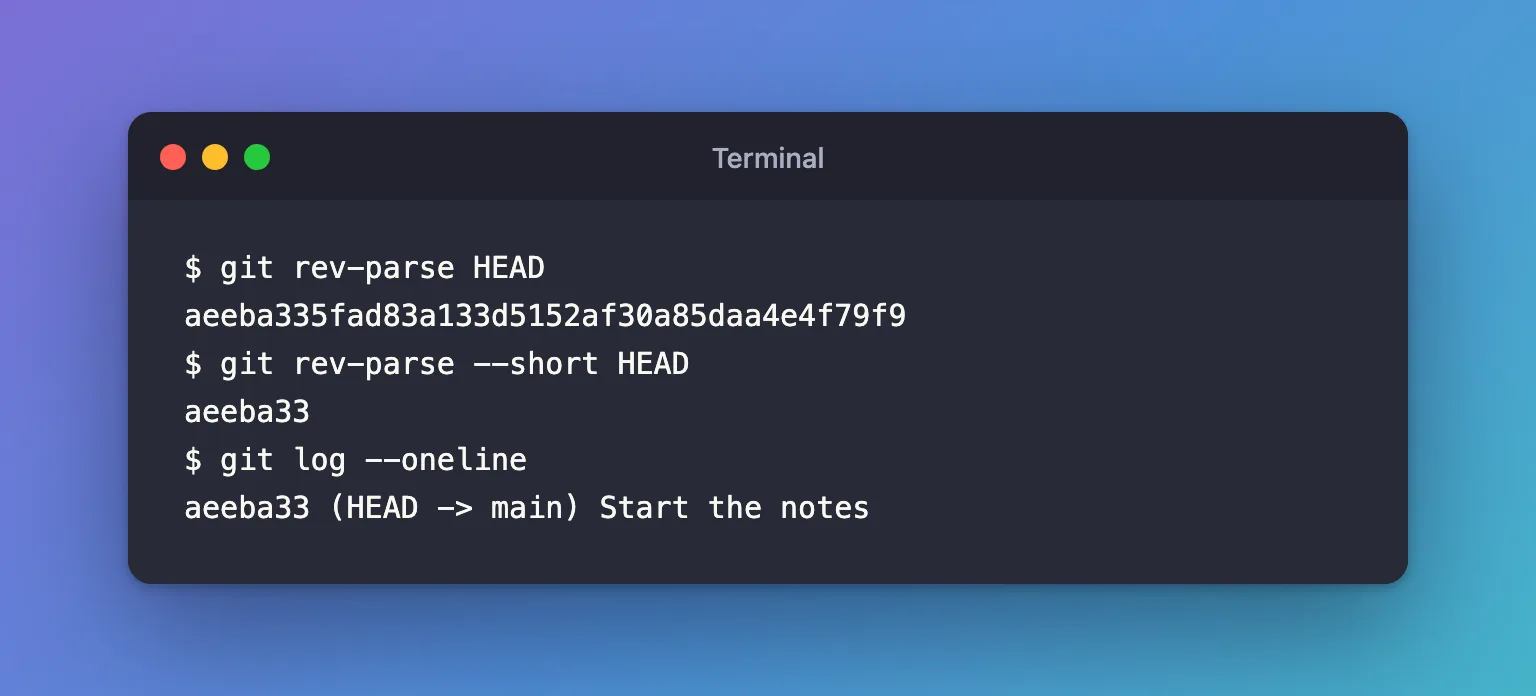
git rev-parse HEAD
aeeba335fad83a133d5152af30a85daa4e4f79f9
Forty characters: the full hash of the commit the repository is at.
Step 2: Print the Short Hash
git rev-parse --short HEAD
aeeba33
The start of the same hash, the form Git shows in its own lists:
git log --oneline
aeeba33 (HEAD -> main) Start the notes
Common Mistakes
| Mistake | What happens | Do this instead |
|---|---|---|
| Recording the hash before committing your changes | The hash names the last commit, which doesn't have them | Commit first, then read the hash |
| Storing the short hash for the long term | A short hash is unique only among the commits that exist now | Store the full hash, and show the short one |
Troubleshooting
| Symptom | Likely cause | Fix |
|---|---|---|
fatal: not a git repository (or any of the parent directories): .git | The folder isn't inside a Git repository | Run it in the repository's folder |
FAQ
Does the hash change when I edit a file?
No. It changes when you commit. Until then, git rev-parse HEAD prints the last commit's hash.
Can I get the hash from inside a program?
Yes: run git rev-parse HEAD from the program and read what it prints. Python's subprocess.run does that, for example.
Conclusion
git rev-parse HEAD printed aeeba335fad83a133d5152af30a85daa4e4f79f9, the commit the repository is at, and --short printed aeeba33, the same start git log --oneline shows.
Additional Resources
- git rev-parse — the command and its options.
- gitrevisions —
HEADand the other ways to name a commit.
