How to Get Part of a String with a Range in C#

A short code from a long ID, the first letters of a name, the last digits of a number: taking part of a string is everyday work. In C#, a range in square brackets does it in a few characters: code[..4] is the first four, code[^3..] the last three.
Syntax
string <part> = <text>[<start>..<end>];
string <first> = <text>[..<count>];
string <rest> = <text>[<start>..];
string <last> = <text>[^<count>..];
| Part | What it does |
|---|---|
<start>..<end> | The characters from position <start> up to, but not including, position <end>. Positions start at 0 |
..<count> | From the beginning: the first <count> characters |
<start>.. | From <start> to the end |
^<count> | A position counted from the end: ^3.. is the last 3 characters |
Microsoft's member access operators reference: "The .. operator specifies the start and end of a range of indices as its operands." For ..end, it gives "Values from the start to the end exclusively." Its tutorial on indices and ranges confirms that strings are included: "You can also use indices and ranges with string, Span<T>, or ReadOnlySpan<T>."
The Example
The program takes four parts of a 12-character code: the first four characters, everything after them, three from the middle, and the last three.
Prerequisites
- The .NET 10 SDK or newer, which runs a single
.csfile withdotnet run. This guide uses .NET SDK 10.0.404.
Step 1: Write the Code
Create a file named main.cs in an empty folder:
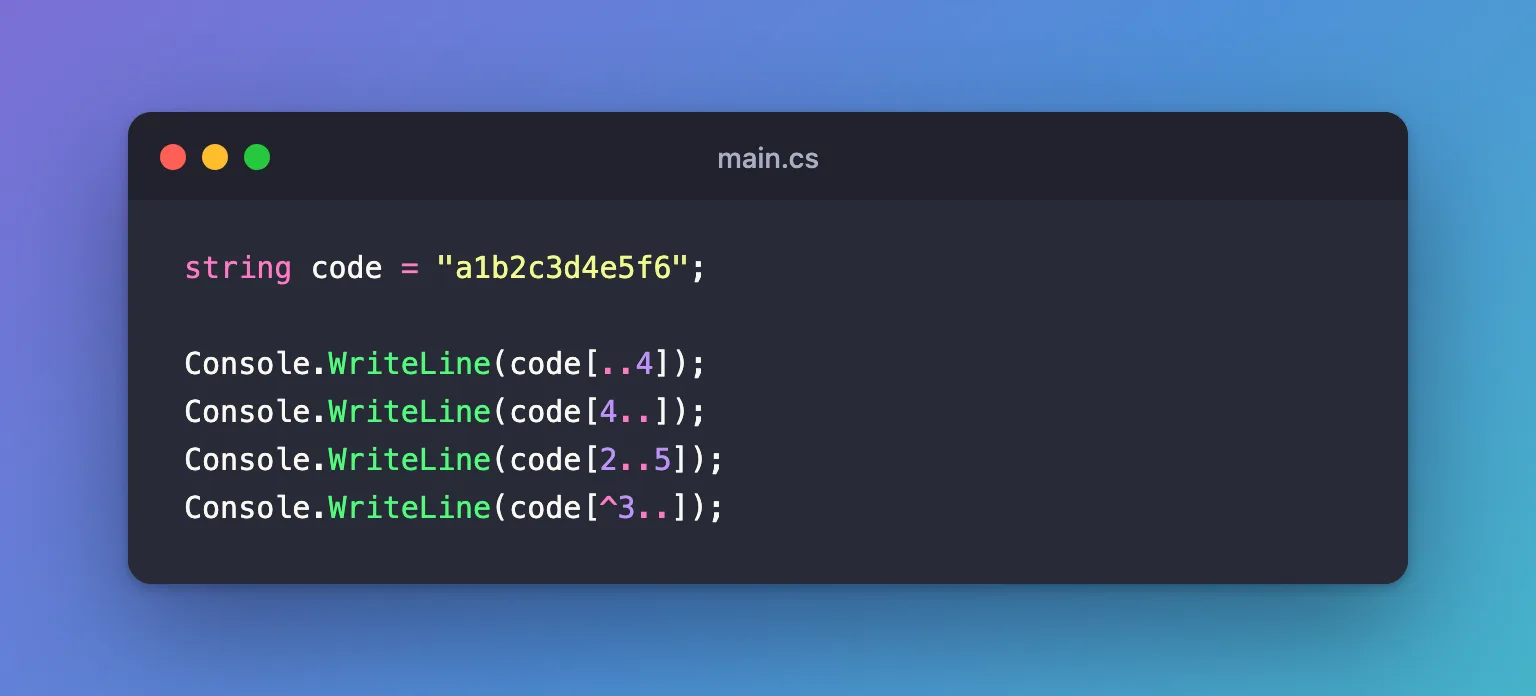
string code = "a1b2c3d4e5f6";

Console.WriteLine(code[..4]);
Console.WriteLine(code[4..]);
Console.WriteLine(code[2..5]);
Console.WriteLine(code[^3..]);
Step 2: Run It
dotnet run main.cs
a1b2
c3d4e5f6
b2c
5f6
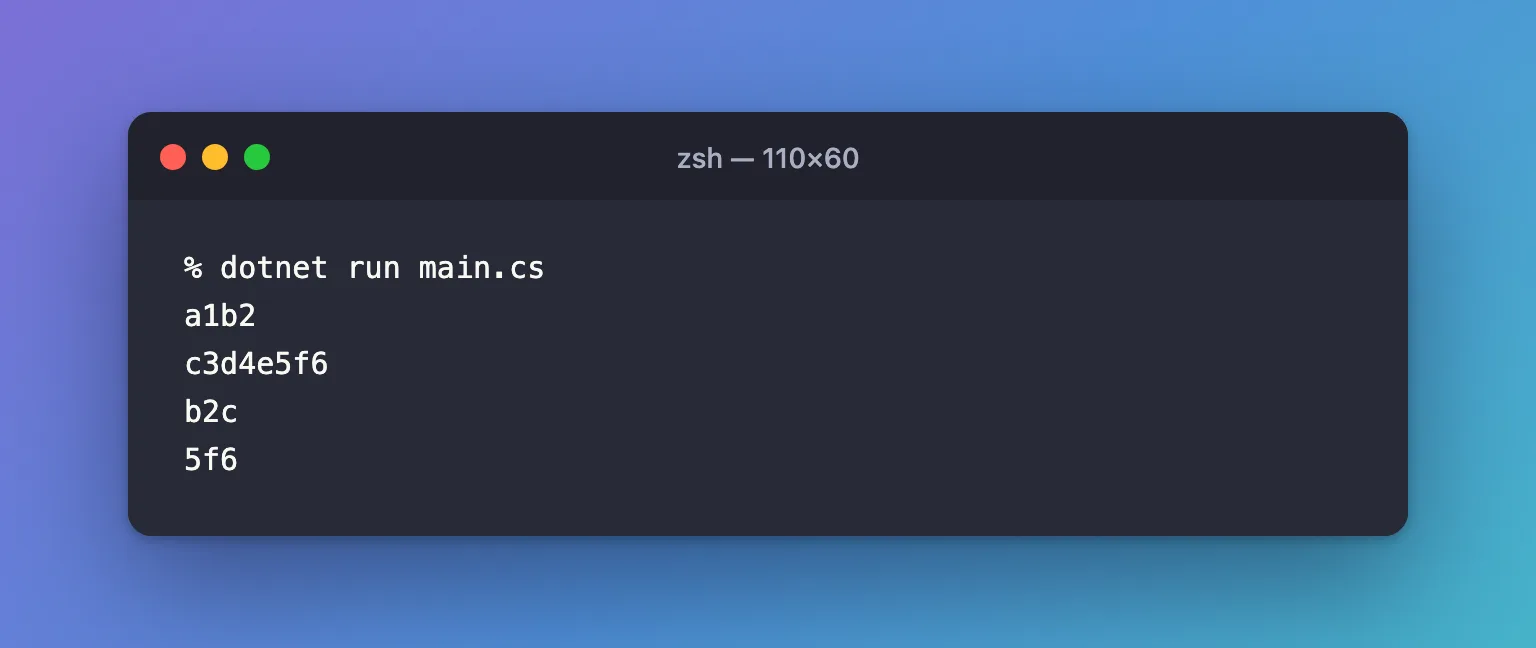
..4gave positions 0 to 3:a1b2, four characters.4..started where that one stopped, at position 4:c3d4e5f6.2..5gave positions 2, 3 and 4:b2c. The end position isn't included.^3..gave the last three:5f6.
The command is the same in zsh, bash and PowerShell.
A Range Longer Than the String
A range doesn't stop at the end of a short string. It throws:
string code = "abc";
Console.WriteLine(code[..8]);
Unhandled exception. System.ArgumentOutOfRangeException: Index and length must refer to a location within the string. (Parameter 'length')
   at System.String.ThrowSubstringArgumentOutOfRange(Int32 startIndex, Int32 length)
   at System.String.Substring(Int32 startIndex, Int32 length)
   at Program.<Main>$(String[] args) in /Users/you/demo/main.cs:line 2
The stack trace shows that the range became a Substring call. When the string can be shorter, cap the end at its length with Math.Min:
string code = "abc";
Console.WriteLine(code[..Math.Min(8, code.Length)]);
abc
Common Mistakes
| Mistake | What happens | Do this instead |
|---|---|---|
text[..8] on a string shorter than 8 | ArgumentOutOfRangeException: Index and length must refer to a location within the string. (Parameter 'length') | text[..Math.Min(8, text.Length)] |
Expecting 2..5 to include position 5 | You get positions 2, 3 and 4 | Add one to the end |
Writing 5..2, with the start after the end | ArgumentOutOfRangeException: length ('-3') must be a non-negative value. (Parameter 'length') | Put the smaller position first |
Troubleshooting
| Symptom | Likely cause | Fix |
|---|---|---|
Index and length must refer to a location within the string. | The range goes past the end of the string | Check the length first, or cap it with Math.Min |
| One character missing at the end | The end of a range is exclusive | Use an end one higher |
FAQ
Does a range work on arrays too?
Yes. int[] numbers = [1, 2, 3, 4]; and numbers[..2] gave the first two items, 1, 2, as a new array.
Is a range faster than Substring?
On a string, the range is turned into a Substring call, as the stack trace above shows, so it does the same work. Use whichever reads better.
Conclusion
text[start..end] returns the characters from start up to, but not including, end: ..n for the first n, n.. for the rest, ^n.. for the last n. A range past the end of the string throws, so cap it with Math.Min when the string can be shorter.
Additional Resources
- Range operator .., on Microsoft Learn.
- Indices and ranges, on Microsoft Learn.
