How to Get an Item from a List by Its Position in Python

A Python list keeps its items in order, and you can read any one of them by its position. The first item is at position 0, and negative positions count from the end. This guide reads three colors from a list, with real output from Python 3.15.2.
Syntax
<list>[<position>]
| Part | What it means |
|---|---|
<list> | The list to read from |
<position> | A whole number. 0 is the first item, 1 the second; -1 is the last, -2 the one before it |
The Python tutorial: "Like strings (and all other built-in sequence types), lists can be indexed and sliced".
Prerequisites
- uv and Python 3. This guide uses uv 0.13.10 with Python 3.15.2, in a project made with
uv init.
Step 1: Write the Script
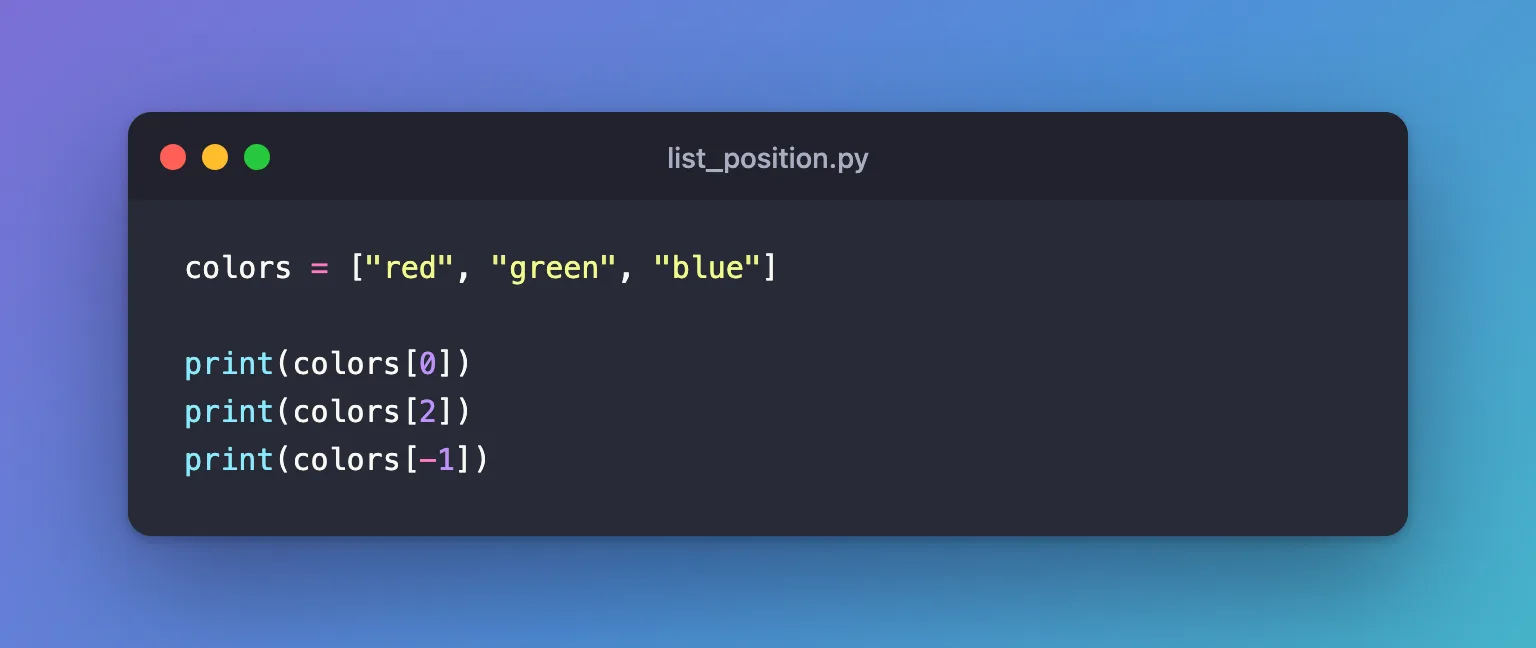
colors = ["red", "green", "blue"]

print(colors[0])
print(colors[2])
print(colors[-1])
Step 2: Run It
uv run python list_position.py
red
blue
blue
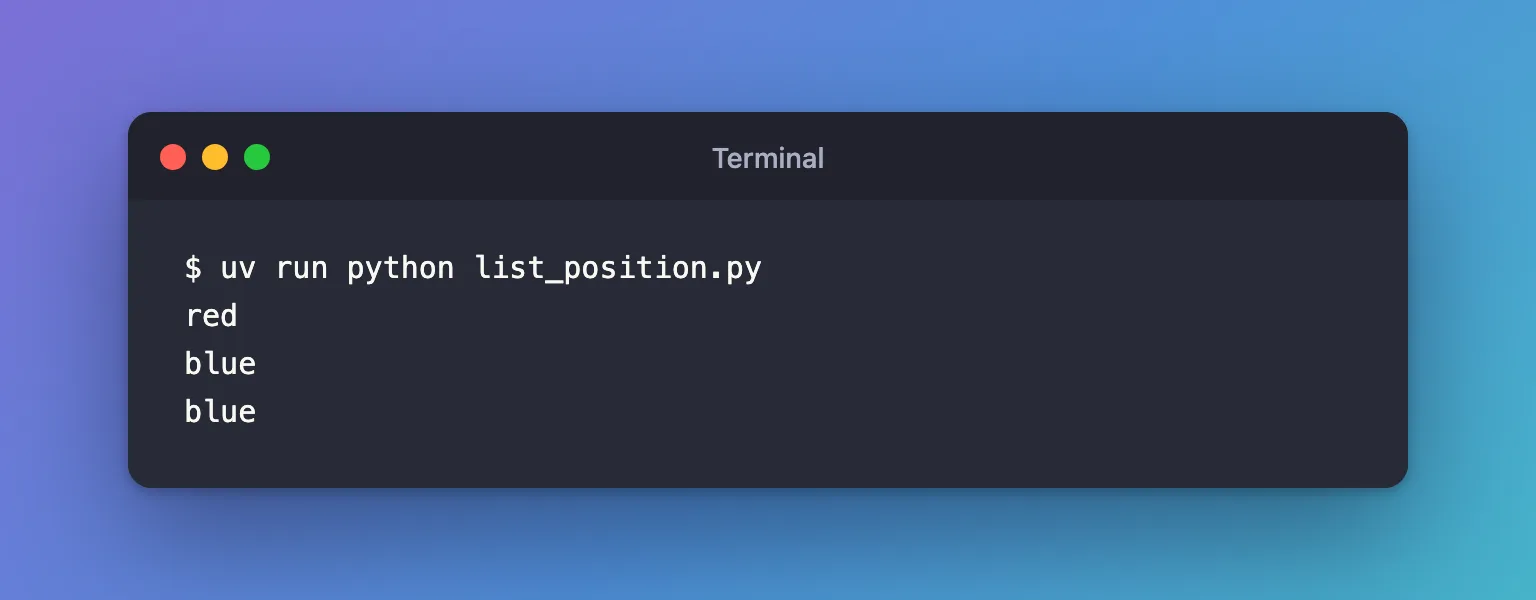
Position 0 is red. The list has three items, so the last one is at position 2, and -1 reaches the same blue from the end.
Common Mistakes
| Mistake | What happens | Do this instead |
|---|---|---|
| Counting from 1 | colors[3] for the third of three items raised IndexError: list index out of range | The third item is colors[2]; the last is colors[-1] |
| Using text as the position | colors["1"] raised TypeError: list indices must be integers or slices, not str | Convert it first: colors[int("1")] |
Troubleshooting
| Symptom | Likely cause | Fix |
|---|---|---|
IndexError: list index out of range | The position is the list's length or more | Check the length with len(colors); the last position is one less |
FAQ
How do I get the last item without knowing the length?
Use -1: colors[-1] gave blue. The tutorial: "Indices may also be negative numbers, to start counting from the right".
Does reading an item remove it?
No. Indexing only reads; the list keeps all three items.
Conclusion
colors[0] read the first item, colors[2] the third and colors[-1] the last. Positions start at 0, and a position past the end raises IndexError.
Additional Resources
- Lists in the Python tutorial — indexing and slicing.
- Common sequence operations — every operation lists share with other sequences.
