How to Get an Element from an Array by Its Index in PHP

Each element of a PHP list has an index, and you read an element by putting its index in square brackets after the array. Counting starts at 0, so $colors[0] is the first element. Unlike many languages, PHP doesn't stop at an index that isn't there: it warns and carries on.
Syntax
$<element> = $<array>[<index>];
$<count> = count($<array>);
| Part | What it does |
|---|---|
$<array>[<index>] | The element at <index>. For a list like ['red', 'green'], indexes start at 0. |
count($<array>) | How many elements the array has. The last index of a list is one less. |
The PHP manual on arrays: "Array elements can be accessed using the array[key] syntax."
The Example
The example reads the first and the third of three colors, the last one with count($colors) - 1, the number of colors, then an index past the end, and finally prints done.
Prerequisites
- PHP for the command line. This guide uses PHP 8.6.0.
Step 1: Write the Code
Create a file named main.php:
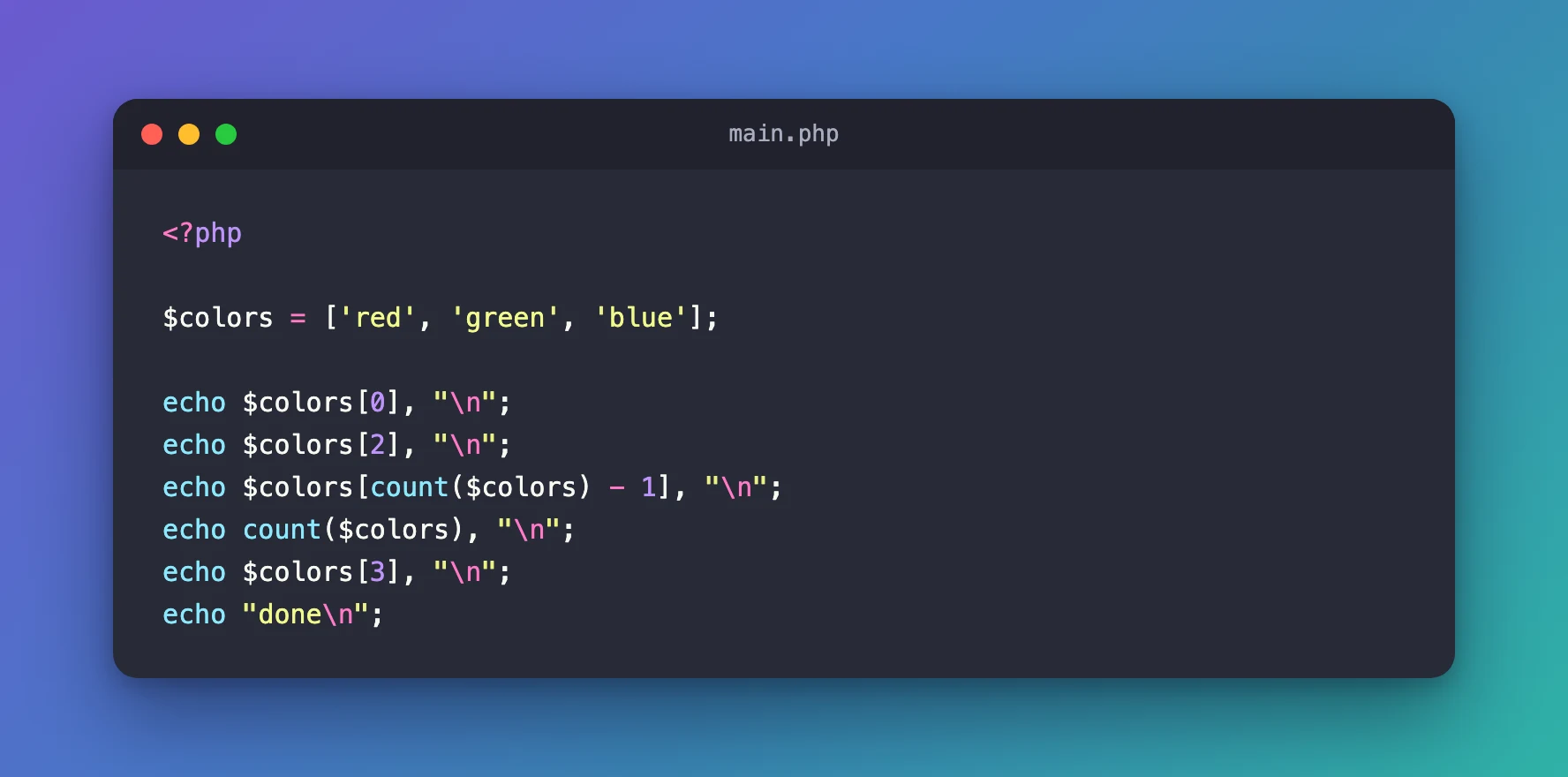
<?php

$colors = ['red', 'green', 'blue'];

echo $colors[0], "\n";
echo $colors[2], "\n";
echo $colors[count($colors) - 1], "\n";
echo count($colors), "\n";
echo $colors[3], "\n";
echo "done\n";
Step 2: Run It
php main.php
red
blue
blue
3
PHP Warning:  Undefined array key 3 in /Users/Shared/you/main.php on line 9

Warning: Undefined array key 3 in /Users/Shared/you/main.php on line 9

done
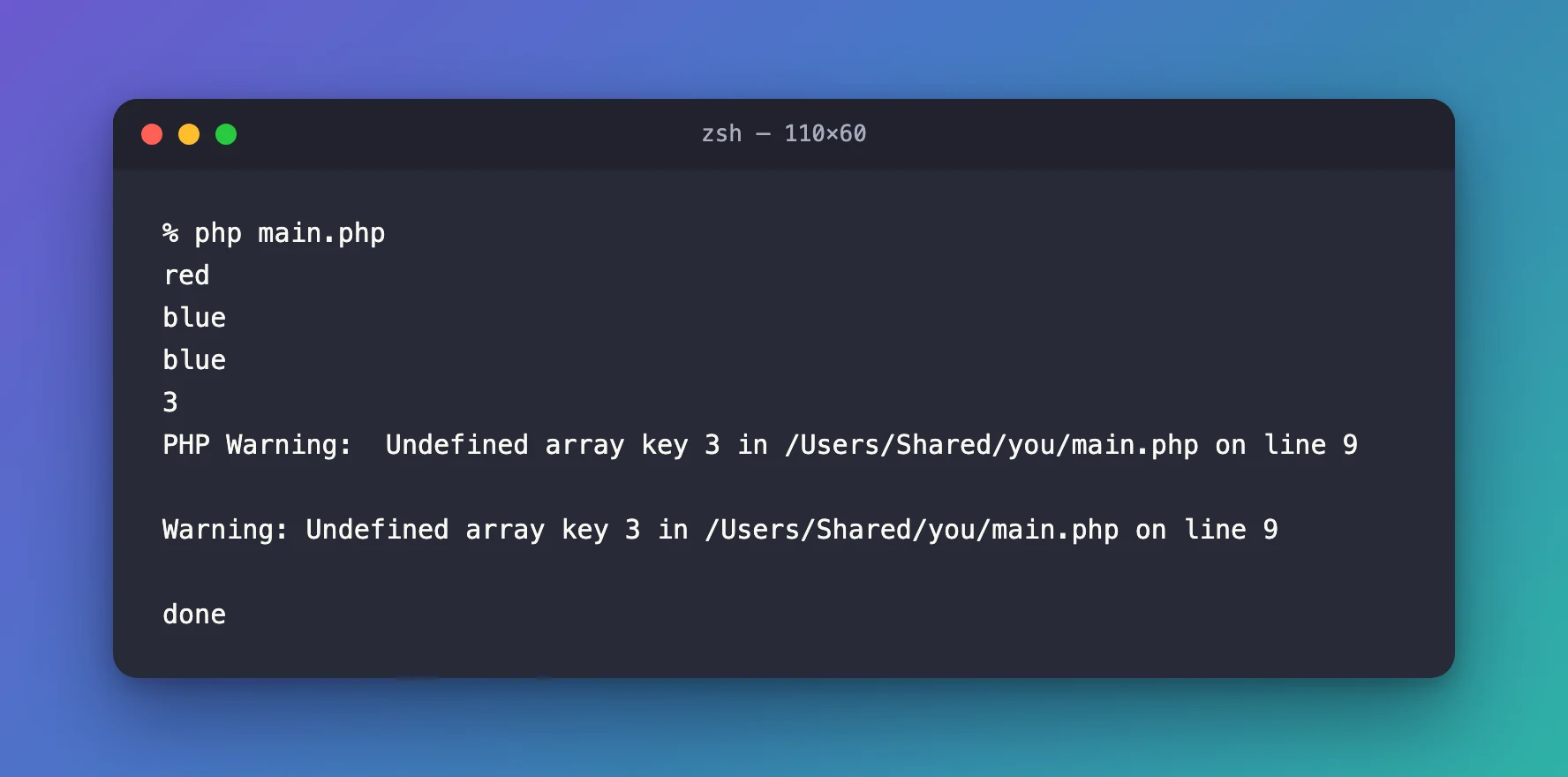
The command is the same in zsh, bash and PowerShell.
What Happened
$colors[0]is the first element and$colors[2]the third.$colors[count($colors) - 1]worked out the last index, 2.$colors[3]doesn't exist. PHP printed a warning, usednullfor the missing value, and went on: the script still printeddone.- The warning appeared twice. This PHP's settings both display errors (
display_errorsisSTDOUT) and log them (log_errorsisOnwith no log file, so the log line goes to the terminal too, starting withPHP Warning:).
Common Mistakes
| Mistake | What happens | Do this instead |
|---|---|---|
Using $colors[count($colors)] for the last element | It's one past the end: Warning: Undefined array key 3 | Use count($colors) - 1 |
Using $colors[-1] for the last element | Warning: Undefined array key -1: a negative number is just another key | Use count($colors) - 1, or end($colors) |
| Ignoring the warning | The code goes on with null and fails later, far from the cause | Check with isset($colors[3]) or ?? 'default' |
Troubleshooting
| Symptom | Likely cause | Fix |
|---|---|---|
Warning: Undefined array key N | No element has that index | Check the index against count() |
| The same warning printed twice | Both display_errors and log_errors are on in php.ini | Run php -i to see the settings; turn one off if you like |
FAQ
How do I give a default for a missing element?
With the null coalescing operator: $colors[3] ?? 'none' gives 'none' without a warning.
Can I change an element by its index?
Yes: $colors[1] = 'yellow'; replaces the second element, and $colors[] = 'pink'; adds one at the end.
Conclusion
$array[index] reads an element, counting from 0 in a list, and count($array) tells you how many there are. A missing index gives a warning and null rather than stopping the script, so check with isset or ?? when the index comes from data.
