How to Get an Element from an Array by Its Index in Java

Each element of a Java array has a position, its index, and you read an element by putting its index in square brackets after the array. Counting starts at 0, so colors[0] is the first element and colors[colors.length - 1] is the last.
Syntax
<type>[] <array> = {<value>, <value>, <value>};
<type> <element> = <array>[<index>];
int <count> = <array>.length;
| Part | What it does |
|---|---|
<type>[] | An array of that type, such as String[]. |
<array>[<index>] | The element at <index>, counting from 0. |
<array>.length | How many elements the array has. It's a field, so it has no brackets. |
The Java Language Specification, section 10.4: "All array accesses are checked at run time; an attempt to use an index that is less than zero or greater than or equal to the length of the array causes an ArrayIndexOutOfBoundsException to be thrown."
The Example
The example reads the first and the third of three colors, the last one with length - 1, the array's length, and then an index past the end.
Prerequisites
- A JDK, the Java Development Kit.
java Main.javaruns a single file without compiling it first. This guide uses OpenJDK 25.0.5.1.
Step 1: Write the Code
Create a file named Main.java:
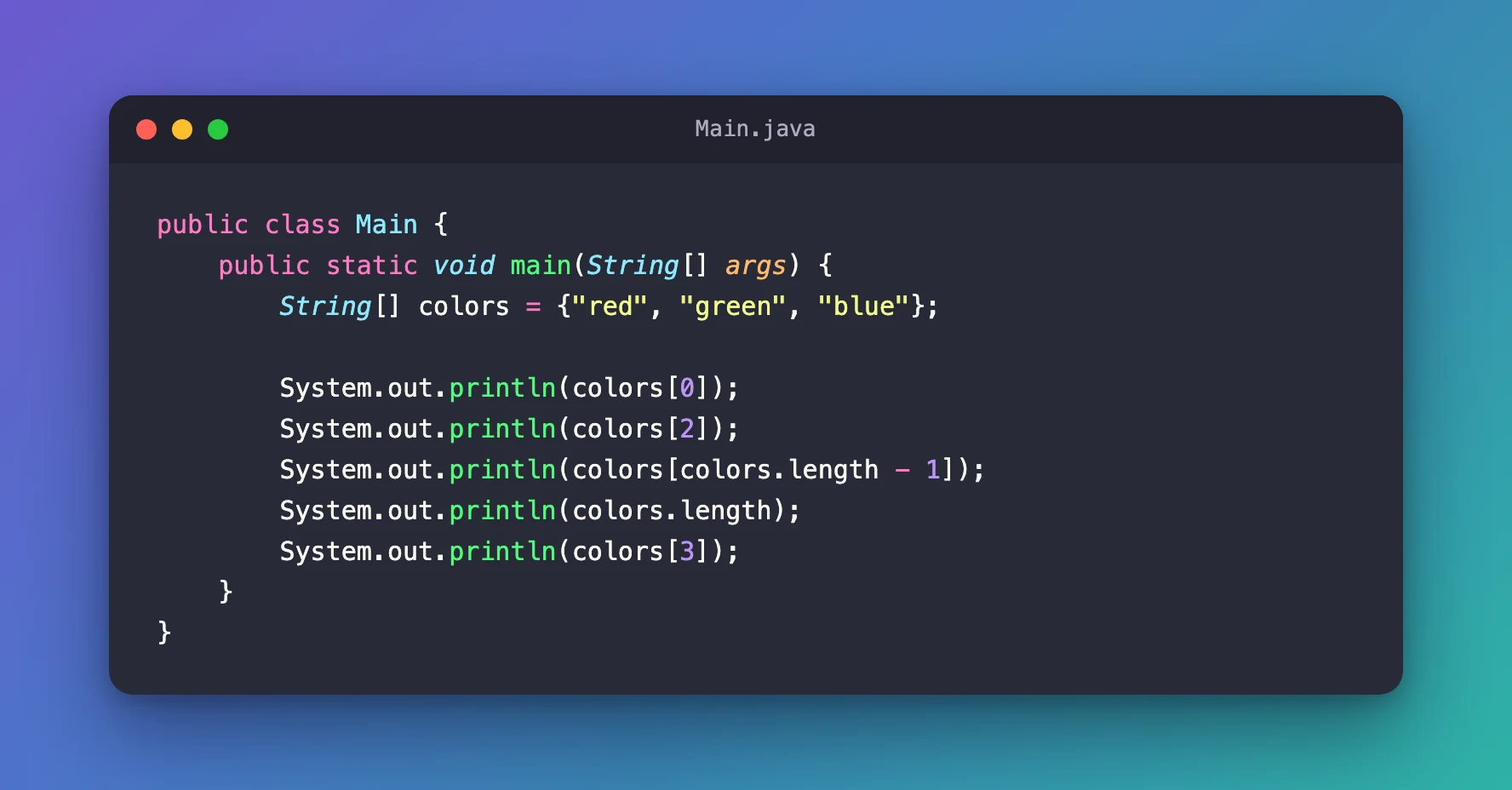
public class Main {
    public static void main(String[] args) {
        String[] colors = {"red", "green", "blue"};

        System.out.println(colors[0]);
        System.out.println(colors[2]);
        System.out.println(colors[colors.length - 1]);
        System.out.println(colors.length);
        System.out.println(colors[3]);
    }
}
Step 2: Run It
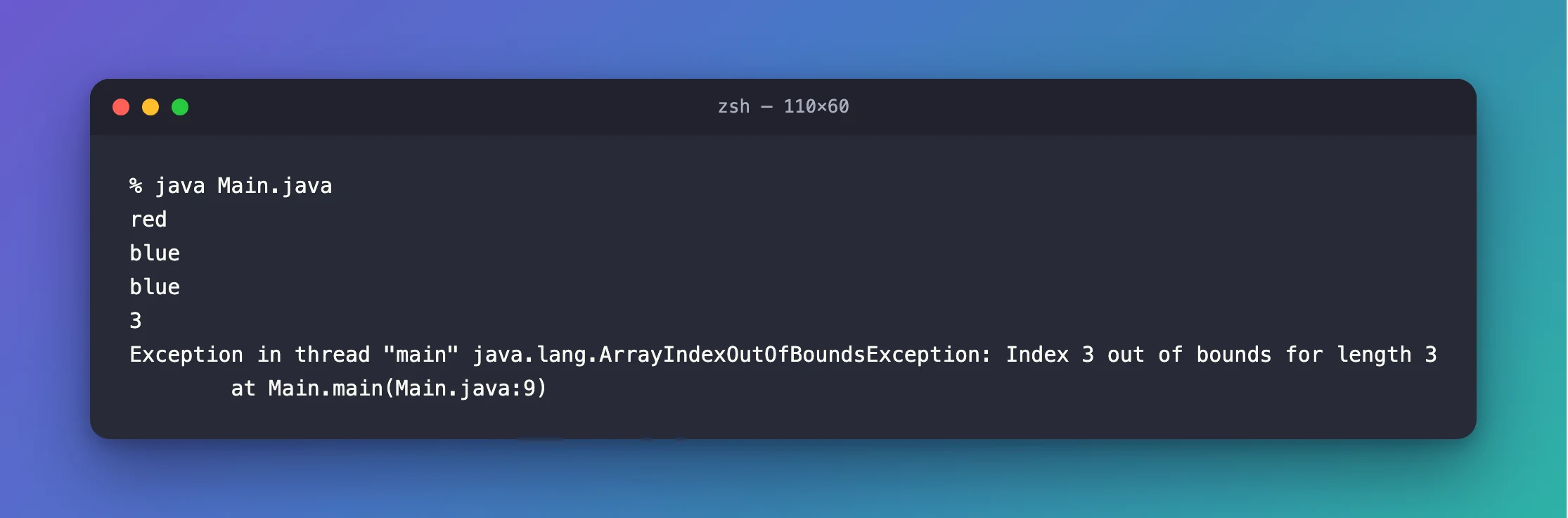
java Main.java
red
blue
blue
3
Exception in thread "main" java.lang.ArrayIndexOutOfBoundsException: Index 3 out of bounds for length 3
        at Main.main(Main.java:9)
The command is the same in zsh, bash and PowerShell.
What Happened
colors[0]is the first element andcolors[2]the third, because counting starts at 0.colors[colors.length - 1]worked out the last index, 2, and returnedblue.colors.lengthis3.colors[3]asked for a fourth element, and Java stopped the program withArrayIndexOutOfBoundsException, naming the index and the length.
Common Mistakes
| Mistake | What happens | Do this instead |
|---|---|---|
| Counting from 1 | colors[1] is the second element | Start at 0 |
Using colors[colors.length] for the last element | ArrayIndexOutOfBoundsException: Index 3 out of bounds for length 3 | Use colors[colors.length - 1] |
Writing colors.length() | length is a field on arrays, not a method, so it doesn't compile | Use colors.length; length() is for strings |
Troubleshooting
| Symptom | Likely cause | Fix |
|---|---|---|
ArrayIndexOutOfBoundsException: Index N out of bounds for length M | The index is negative or not less than the length | Check length before you index |
NullPointerException when indexing | The array variable is null | Make sure the array was created |
FAQ
Can I count from the end, as in Python?
Not with a negative index: colors[-1] throws. Use colors[colors.length - 1].
Can I change an element?
Yes: colors[1] = "yellow"; replaces the second element. The length of an array never changes.
Conclusion
array[index] reads an element, counting from 0, and array.length tells you how many there are. Any index below 0 or at length and above throws ArrayIndexOutOfBoundsException.
Additional Resources
- Chapter 10. Arrays, in the Java Language Specification.
