How to Get an Access Token for Your Own API with the Azure CLI

An API protected by Microsoft Entra ID answers 401 Unauthorized to anyone without an access token. While you build it, you need a real token to test it, and the Azure CLI you're already signed in to can get one in one command. This guide shows the command, what it returns, and how to send the token with a request.
Syntax
az account get-access-token --scope <application-id-uri>/<scope-name> [--tenant <tenant-id>] [--query <field>] [--output <format>]
| Part | What to put there |
|---|---|
--scope | The full name of the permission the token is for: your API's Application ID URI, a slash, and a scope the API defines, such as api://22222222-2222-2222-2222-222222222222/access_as_user. Without --scope, the token is for Azure Resource Manager, not your API |
--tenant | Optional. The ID of the tenant to get the token from, when you can sign in to more than one |
--query | Optional. Picks fields from the answer. accessToken keeps just the token |
--output | Optional. tsv prints a single value without quotes, ready for a variable |
The command signs in as you: the token lets an app call the API with your identity. The Azure CLI also has --resource, the older form, which takes the Application ID URI alone: --resource "api://<client ID>". For the API on this page, both forms gave a token with the same audience and the same scope, access_as_user.
Prerequisites
- The Azure CLI, signed in to your API's tenant (
az login). - Your API trusts the Azure CLI for the scope: it lists the Azure CLI's client ID,
04b07795-8ddb-461a-bbee-02f9e1bf7b46, under Authorized client applications on its Expose an API page. Without that, the command fails with AADSTS9002313 (see Troubleshooting).
The examples on this page use an API registered as Dewiride Service Desk API, with the scope access_as_user.
Step 1: Find Your API's Client ID
The scope starts with api:// and your API's client ID. Rather than pasting it, look it up by the registration's name:
- macOS / Linux
- Windows (PowerShell)
API_CLIENT_ID=$(az ad app list --display-name "Dewiride Service Desk API" --query "[0].appId" --output tsv)
$apiClientId = az ad app list --display-name "Dewiride Service Desk API" --query "[0].appId" --output tsv
Step 2: Get a Token
Ask for a token for the scope:
- macOS / Linux
- Windows (PowerShell)
az account get-access-token --scope "api://$API_CLIENT_ID/access_as_user"
az account get-access-token --scope "api://$apiClientId/access_as_user"
{
  "accessToken": "eyJ0eXAiOiJKV1QiLC…",
  "expiresOn": "2026-11-19 19:43:39.000000",
  "expires_on": 1795097619,
  "subscription": "00000000-0000-0000-0000-000000000000",
  "tenant": "11111111-1111-1111-1111-111111111111",
  "tokenType": "Bearer"
}
The real accessToken is about 2,200 characters long; here it's cut short on purpose. The other fields:
| Field | What it is |
|---|---|
accessToken | The token itself |
expiresOn | When it expires, in your computer's time zone: this one, 19:43:39, is 14:13:39 UTC on a computer set to India Standard Time |
expires_on | The same moment as a Unix timestamp, seconds since 1 January 1970 UTC |
subscription | The Azure subscription the CLI has selected. The token has nothing to do with it |
tenant | The tenant that issued the token |
tokenType | Bearer: whoever holds the token can use it, which is why it goes in an Authorization: Bearer header |
Anyone who has the token can call the API as you until it expires. Never paste it into a chat, a ticket or a screenshot, and don't print it where others can see your screen.
Step 3: Keep the Token and Send It
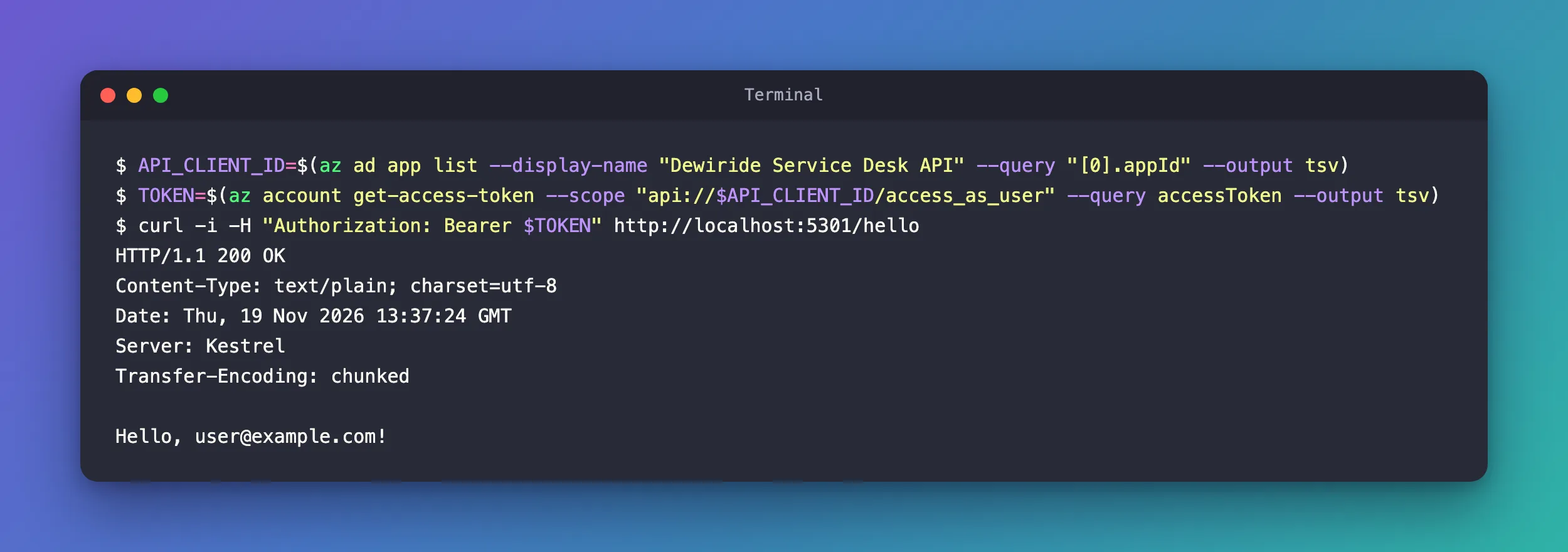
To use the token, keep only the token in a variable and put it in an Authorization: Bearer header. The examples send it to a small ASP.NET Core API on http://localhost:5301 that answers its /hello request only for valid tokens (How to Protect an ASP.NET Core Minimal API with Microsoft.Identity.Web):
- macOS / Linux
- Windows (PowerShell)
TOKEN=$(az account get-access-token --scope "api://$API_CLIENT_ID/access_as_user" --query accessToken --output tsv)
curl -i -H "Authorization: Bearer $TOKEN" http://localhost:5301/hello
$token = az account get-access-token --scope "api://$apiClientId/access_as_user" --query accessToken --output tsv
curl.exe -i -H "Authorization: Bearer $token" http://localhost:5301/hello
HTTP/1.1 200 OK
Content-Type: text/plain; charset=utf-8
Date: Thu, 19 Nov 2026 13:37:24 GMT
Server: Kestrel
Transfer-Encoding: chunked

Hello, user@example.com!
The API read the signed-in person's name from the token. curl -i prints the response's headers before its body; in PowerShell, curl.exe makes sure you get curl and not a PowerShell command of the same name. The same request without the header gets nothing:
curl -i http://localhost:5301/hello
HTTP/1.1 401 Unauthorized
Content-Length: 0
Date: Thu, 19 Nov 2026 13:37:24 GMT
Server: Kestrel
WWW-Authenticate: Bearer
For a .http file instead of curl, write the token into a .env file the editor reads (How to Send a Bearer Token from a .http File in VS Code and Visual Studio).
What the Token Says
An access token is three Base64 parts joined by dots, and its middle part holds claims about who it's for and what it allows. Decoded, the token from this page carried:
| Claim | Value | Meaning |
|---|---|---|
aud | api://22222222-2222-2222-2222-222222222222 | The audience: the API it's for. Your API refuses tokens for any other audience |
scp | access_as_user | The scopes it grants |
appid | 04b07795-8ddb-461a-bbee-02f9e1bf7b46 | The app that asked for it: the Azure CLI |
ver | 1.0 | The token format version. The API's registration decides it, not the command |
The token is valid for a limited time: Microsoft gives access tokens a random lifetime of 60 to 90 minutes, 75 on average. The Azure CLI keeps tokens in a cache, so it doesn't always ask Microsoft for a new one: the token it returned at 13:27 UTC had been issued for an earlier command, more than twenty minutes before. When the API starts answering 401 again, run the token command again.
Common Mistakes
| Mistake | What happens | Do this instead |
|---|---|---|
Leaving out --scope | The token is for Azure Resource Manager, and the API answers 401 with The audience '(null)' is invalid in its WWW-Authenticate header | Always pass your API's full scope |
Passing the scope name alone, access_as_user | The request doesn't name your API | Pass the full scope, with api://<client ID>/ in front |
| Printing the token or pasting it somewhere | Anyone who sees it can call the API as you until it expires | Keep it in a variable or a git-ignored file |
Reading expiresOn as UTC | You expect the token to expire hours earlier or later than it does | expiresOn is your computer's local time; expires_on is the exact moment |
Troubleshooting
| Symptom | Likely cause | Fix |
|---|---|---|
AADSTS9002313: Invalid request. Request is malformed or invalid. | Run the command again with --debug: AADSTS65001: The user or administrator has not consented to use the application … 'Microsoft Azure CLI' means the API doesn't trust the Azure CLI for that scope | Pre-authorize the Azure CLI for the scope (How to Pre-Authorize a Client Application for Your API in Microsoft Entra ID) |
| The same AADSTS9002313 although the Azure CLI is pre-authorized | The scope in the command is misspelled or isn't the authorized one: a made-up access_as_admin failed exactly this way | Copy the scope from the API's Expose an API page |
| AADSTS9002313 for every token, even for Azure | Your Azure CLI sign-in itself needs renewing | Fixed: AADSTS9002313 in Azure CLI |
401 with The token expired at '…' | The token's lifetime is over | Get a new token |
az ad app list returns nothing | The CLI is signed in to another tenant, or the name is different | az account show --query tenantId; check the registration's name |
FAQ
Do I need a client secret to get the token?
No. The Azure CLI signs in as you, with its own registration, the one Microsoft publishes for it. Your API only needs to trust that registration.
Can my app use the Azure CLI's token in production?
No. The Azure CLI is a developer tool. An app gets its own tokens: a single-page app through MSAL, for example (How to Get an Access Token with MSAL React).
Why is the token a version 1.0 token when I asked with a v2.0 scope?
The API's registration chooses the version of the tokens issued for it, not the app that asks. A new registration gets version 1.0 tokens unless its settings say otherwise, and Microsoft.Identity.Web accepts both.
Conclusion
az account get-access-token --scope api://<client ID>/<scope> gets a token for your own API as you, once the API exposes the scope and trusts the Azure CLI. Keep just the token with --query accessToken --output tsv, send it in an Authorization: Bearer header, and get a fresh one when the API answers 401 again. When the command fails with AADSTS9002313, --debug shows the real cause.
Additional Resources
- az account get-access-token — every option.
- Access tokens in the Microsoft identity platform — claims, versions and lifetimes.
- Fixed: AADSTS9002313 When the Azure CLI Gets a Token for Your Own API — how the error was found and fixed.
