How to Get a Value from a Dictionary by Key in C#

A Dictionary stores values under keys, such as prices under product names. Reading one back takes square brackets, prices["coffee"], when you know the key is there, and TryGetValue when it might not be.
Syntax
var <value> = <dictionary>[<key>];

if (<dictionary>.TryGetValue(<key>, out var <value>))
{
    // the key was there
}
| Part | What it does |
|---|---|
<dictionary>[<key>] | Returns the value for the key, or throws KeyNotFoundException when there isn't one. |
TryGetValue(<key>, out var <value>) | Returns true and puts the value in <value> when the key exists; returns false otherwise. |
The .NET API documentation for TryGetValue: "Use the TryGetValue method if your code frequently attempts to access keys that are not in the dictionary. Using this method is more efficient than catching the KeyNotFoundException thrown by the Item[] property."
The Example
The example keeps two drink prices, reads the price of coffee with the indexer, and asks for juice, which isn't on the list, with TryGetValue.
Prerequisites
- The .NET 10 SDK or newer, which runs a single
.csfile withdotnet run. This guide uses .NET SDK 10.0.404.
Step 1: Write the Code
Create a file named main.cs in an empty folder:
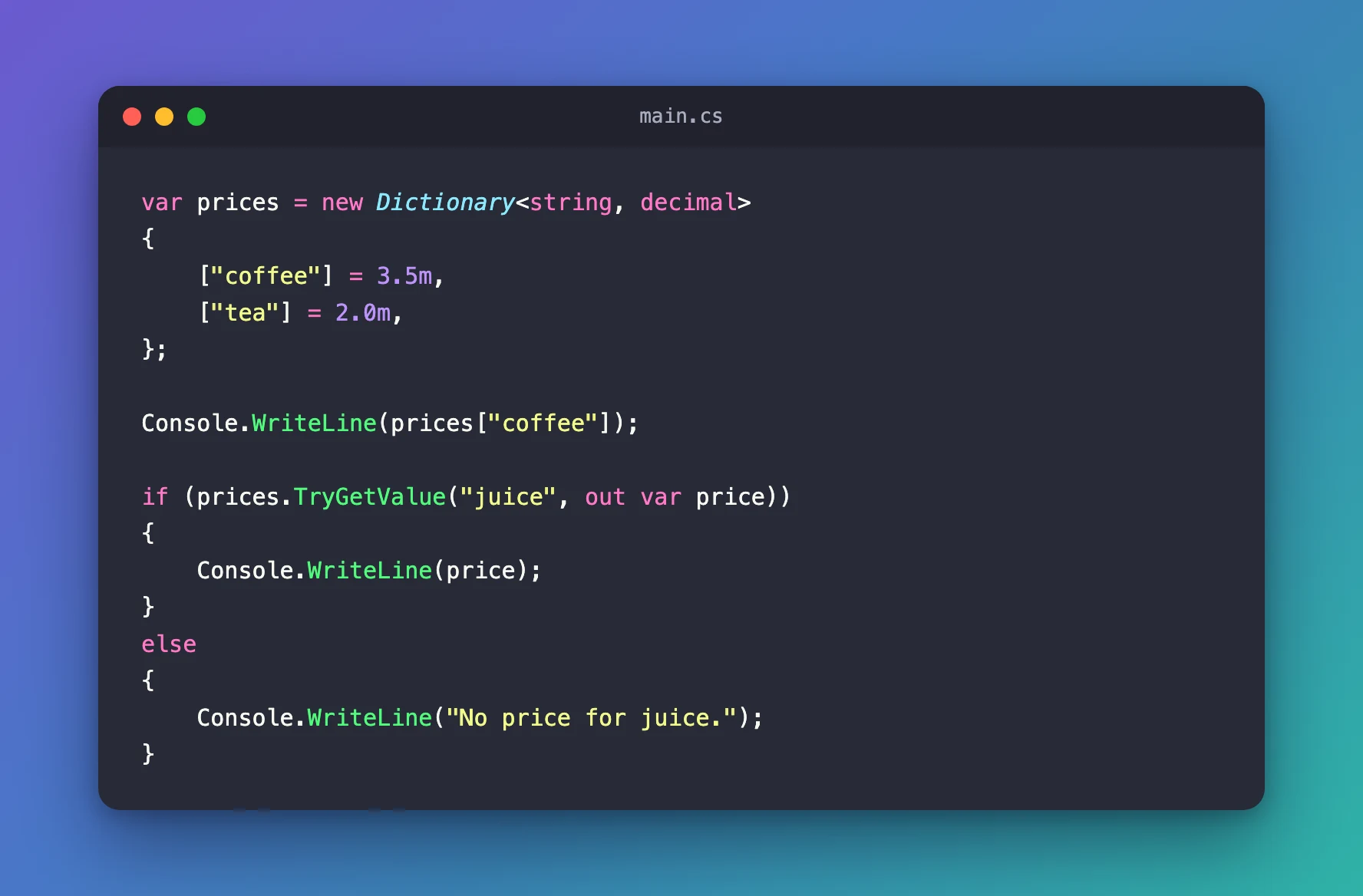
var prices = new Dictionary<string, decimal>
{
    ["coffee"] = 3.5m,
    ["tea"] = 2.0m,
};

Console.WriteLine(prices["coffee"]);

if (prices.TryGetValue("juice", out var price))
{
    Console.WriteLine(price);
}
else
{
    Console.WriteLine("No price for juice.");
}
Step 2: Run It
dotnet run main.cs
3.5
No price for juice.
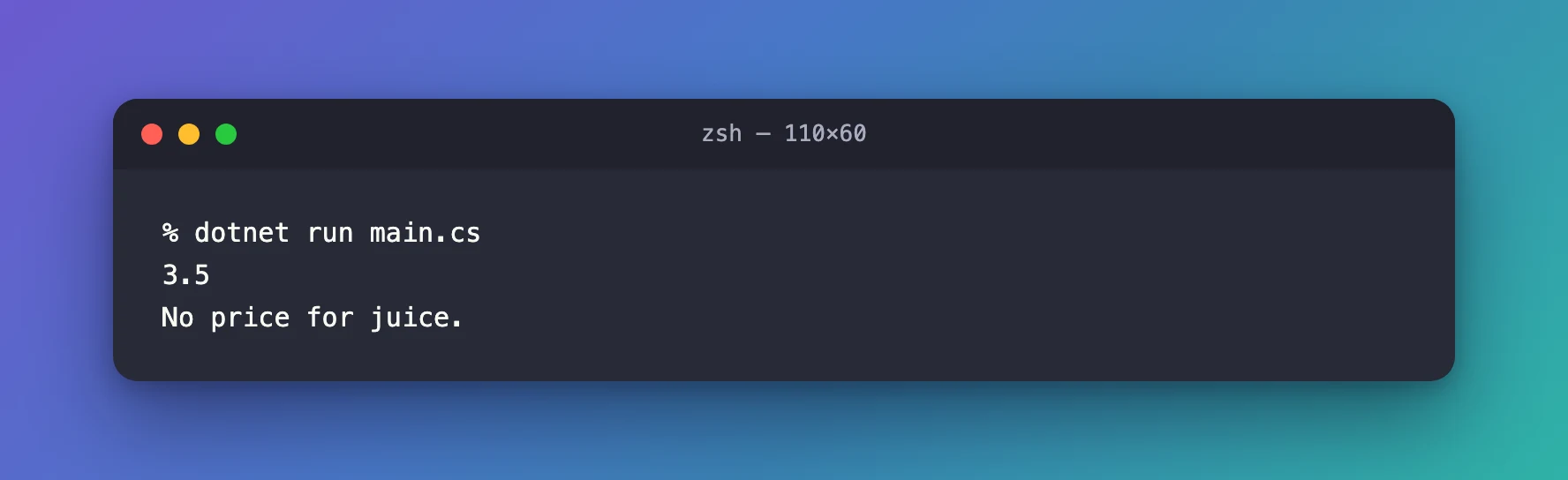
The indexer found coffee. TryGetValue returned false for juice, so the else branch ran and nothing was thrown. The command is the same in zsh, bash and PowerShell.
What the Indexer Does with a Missing Key
prices["juice"] stops the program:
Unhandled exception. System.Collections.Generic.KeyNotFoundException: The given key 'juice' was not present in the dictionary.
Use the indexer only for keys you know are there.
A Default Instead
prices.GetValueOrDefault("juice") returns the type's default value, 0 for a decimal, when the key is missing. That suits cases where a missing key really means zero.
Common Mistakes
| Mistake | What happens | Do this instead |
|---|---|---|
| Using the indexer for a key that may be missing | KeyNotFoundException: The given key '…' was not present in the dictionary. | Use TryGetValue |
Looking up "Coffee" when the key is "coffee" | Not found: keys are case-sensitive by default | Match the case, or create the dictionary with StringComparer.OrdinalIgnoreCase |
Calling ContainsKey and then the indexer | Two lookups instead of one | Use TryGetValue |
Troubleshooting
| Symptom | Likely cause | Fix |
|---|---|---|
KeyNotFoundException | The key isn't in the dictionary | Check the spelling and case, or switch to TryGetValue |
TryGetValue returns false for a key you added | The case or spacing differs | Print the keys and compare |
FAQ
What does TryGetValue put in the variable when the key is missing?
The type's default value, such as 0 for numbers or null for strings. Only use it when the method returned true.
Is TryGetValue slower than the indexer?
No. Both do one lookup; TryGetValue just reports a missing key with false instead of an exception.
Conclusion
Read a value with dictionary[key] when the key is certain, and with TryGetValue(key, out var value) when it may be missing. GetValueOrDefault is the shortcut when a missing key should mean the default.
Additional Resources
- Dictionary.TryGetValue, on Microsoft Learn.
- Dictionary indexer (Item[]), on Microsoft Learn.
