How to Get a Value from a Dictionary by Its Key in Python

A Python dictionary maps keys to values, and you read a value by putting its key in square brackets: book["title"]. When the key might be missing, book.get("author") returns None, or a default you choose, instead of stopping with an error.
Syntax
<value> = <dictionary>[<key>]
<value> = <dictionary>.get(<key>)
<value> = <dictionary>.get(<key>, <default>)
| Part | What it does |
|---|---|
<dictionary>[<key>] | The value stored under <key>. Raises KeyError when there's no such key. |
.get(<key>) | The value, or None when the key is missing. |
.get(<key>, <default>) | The value, or <default> when the key is missing. |
The Python documentation for dictionaries: d[key] "Return the item of d with key key. Raises a KeyError if key is not in the map." And get: "Return the value for key if key is in the dictionary, else default."
The Example
The example reads a book's title with square brackets, reads a missing author with get, once without and once with a default, and finally reads author with square brackets.
Prerequisites
- uv and Python. This guide uses uv 0.13.10 with Python 3.15.2.
Step 1: Write the Code
Create a file named main.py:
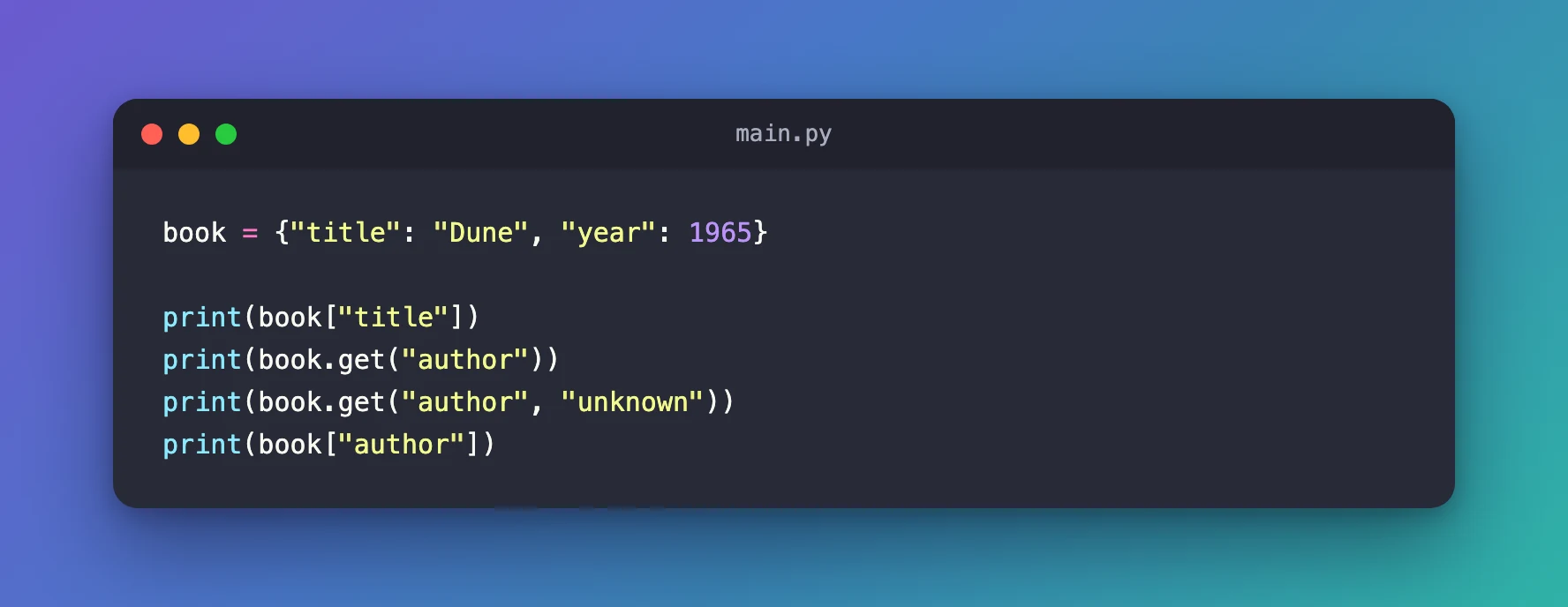
book = {"title": "Dune", "year": 1965}

print(book["title"])
print(book.get("author"))
print(book.get("author", "unknown"))
print(book["author"])
Step 2: Run It
uv run python main.py
Dune
None
unknown
Traceback (most recent call last):
  File "/Users/Shared/you/main.py", line 6, in <module>
    print(book["author"])
          ~~~~^^^^^^^^^^
KeyError: 'author'
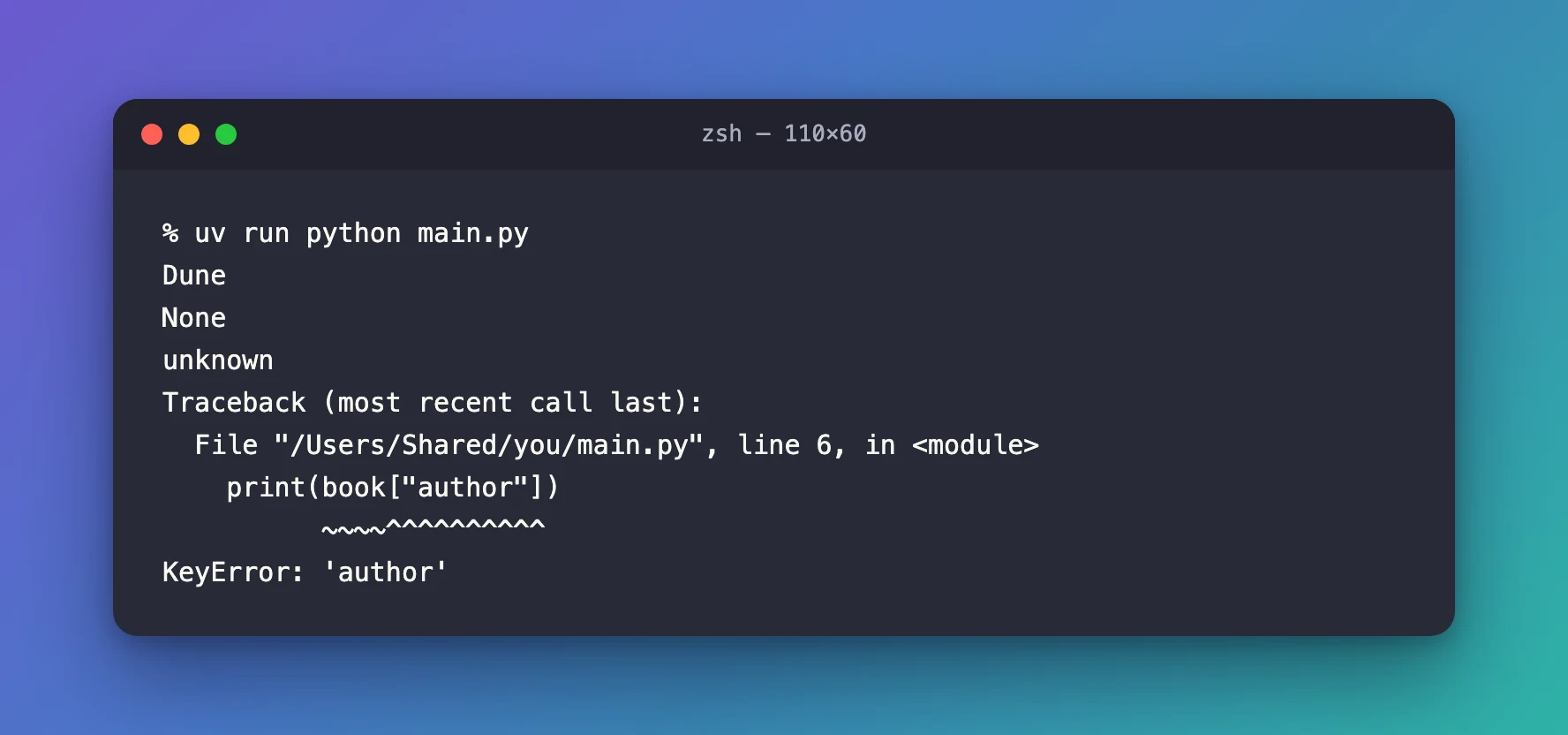
The command is the same in zsh, bash and PowerShell.
What Happened
book["title"]found the key and returnedDune.book.get("author")didn't find it and returnedNone, and with a default it returnedunknown.book["author"]stopped the program withKeyError: 'author', naming the key it couldn't find.
Common Mistakes
| Mistake | What happens | Do this instead |
|---|---|---|
| Using square brackets for a key that may be missing | KeyError stops the program | Use .get(key) or .get(key, default) |
| Getting the case wrong | Keys are case-sensitive: book["Title"] raised KeyError: 'Title' | Use the exact key |
Using .get for a key that must be there | A missing key turns into None and fails later, far from the cause | Use square brackets so the error shows up right away |
Troubleshooting
| Symptom | Likely cause | Fix |
|---|---|---|
KeyError: '...' | The dictionary has no such key | Check the keys with print(book.keys()), or use .get |
None where you expected a value | .get didn't find the key | Check the spelling, or pass a default |
FAQ
How do I check whether a key exists?
Use in: "author" in book returned False.
Can the key be something other than a string?
Yes. Numbers, tuples and other unchangeable values can be keys.
Conclusion
dictionary[key] reads a value and raises KeyError when the key is missing. dictionary.get(key, default) returns the default instead, so choose brackets for keys that must exist and get for keys that may not.
Additional Resources
- Mapping types: dict, in the Python documentation.
