How to Get a Teams User's ID in the Microsoft 365 Agents SDK in C#

Every message a person sends your agent in Microsoft Teams says who sent it. In the Microsoft 365 Agents SDK, turnContext.Activity.From holds two IDs for that person: their Teams user ID and their Microsoft Entra object ID.
Syntax
string teamsUserId = turnContext.Activity.From.Id;
string? entraObjectId = turnContext.Activity.From.AadObjectId;
Activity.Fromis the account that sent the activity: in Teams, the person.From.Idis the person's Teams user ID, a string that starts with29:. Microsoft's Teams documentation calls it the user's MRI, and it's the ID a card'srefresh.userIdstakes.From.AadObjectIdis, in the Bot Framework's schema, This account's object ID within Microsoft Entra ID: the same ID the person has in your directory and in Microsoft Graph. It'snullwhen a channel doesn't send it.
Microsoft's guide for Universal Actions shows where to read the first: You can get the user MRI for personal chats, group chats, or channels using the following example, and its first example is userMRI= turnContext.Activity.From.Id.
The Example
The agent for this post answers whoami with both IDs of whoever sent it. Leo Martin sends it in a Teams group chat, as an @mention of the app, Card Demo. The agent is one class in an ASP.NET Core project with the Agents SDK, set up to run in Teams with its own bot registration, identity and token validation.
Prerequisites
- An agent that runs in Microsoft Teams. The IDs this post reads come from Teams, so the Agents Playground's made-up accounts won't show them.
Step 1: Read the IDs
using Microsoft.Agents.Builder;
using Microsoft.Agents.Builder.App;
using Microsoft.Agents.Builder.State;

namespace WhoAmI;

public class WhoAmIAgent : AgentApplication
{
    public WhoAmIAgent(AgentApplicationOptions options) : base(options)
    {
        OnMessage("whoami", ShowIdsAsync);
    }

    private Task ShowIdsAsync(ITurnContext turnContext, ITurnState turnState, CancellationToken cancellationToken)
    {
        // From is the person who sent this message.
        string teamsUserId = turnContext.Activity.From.Id;
        string? entraObjectId = turnContext.Activity.From.AadObjectId;

        return turnContext.SendActivityAsync(
            $"Your Teams user ID: {teamsUserId}\n\nYour Microsoft Entra object ID: {entraObjectId}",
            cancellationToken: cancellationToken);
    }
}
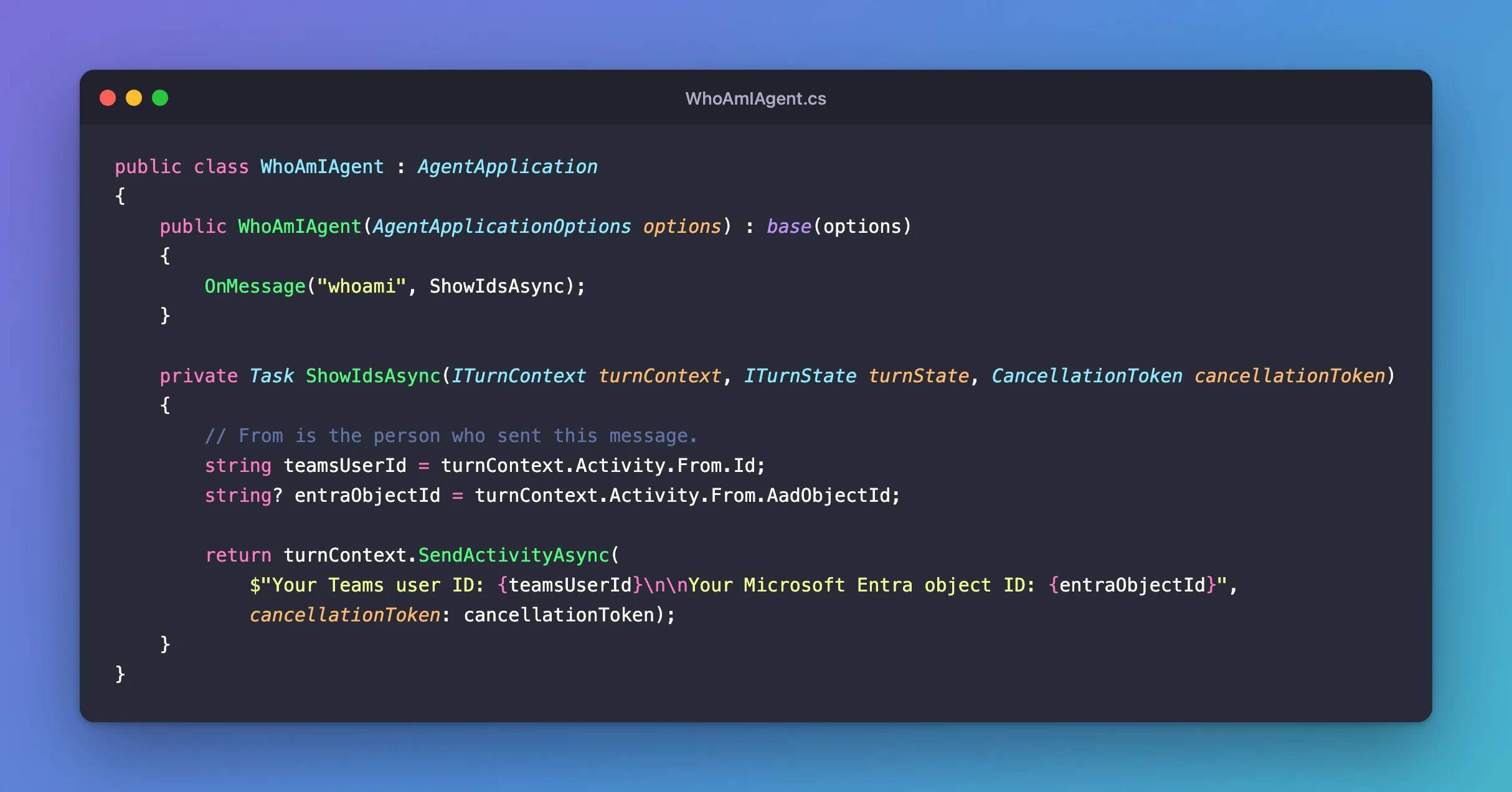
From.Idis never empty in a message from Teams: the Activity protocol says channels MUST include thefromandfrom.idfields when generating an activity.From.AadObjectIdis astring?, so the code allowsnull.
Step 2: Try It in Teams
In a chat with the agent, send whoami. In a group chat, @mention it first. The agent answers with both IDs, masked here:

- The Teams user ID starts with
29:, followed by a long string of letters, digits and dashes. - The Microsoft Entra object ID is a GUID.
Both stay the same for Leo from one message to the next, so either works as a key for what the agent keeps about him. Microsoft's guide to authentication in message extensions says the same of a Teams request's IDs: The id and aadObjectId values are guaranteed for the authenticated Teams user. They're used as keys to look up the credentials or any cached state in your service.
Common Mistakes
| Mistake | What happens | Do this instead |
|---|---|---|
Using the display name, From.Name, as a key | Two people can share a name, and names change | Use From.Id or From.AadObjectId |
Putting the Entra object ID in a card's refresh.userIds | It isn't the ID that list takes | Use From.Id, the 29: ID |
| Logging or showing these IDs where others can read them | They identify a person in your organization | Treat them like any other personal data |
Troubleshooting
| Symptom | Likely cause | Fix |
|---|---|---|
AadObjectId is null | The channel didn't send it | Test in Teams, and handle null |
| Different IDs from the Agents Playground | The Playground makes up its own accounts | Test with real people in Teams |
| The agent doesn't answer in a group chat | The message didn't @mention it | @mention the agent |
FAQ
Which ID should I store?
For anything the agent keeps per person in Teams, From.Id is the one Teams uses for that person in conversations and cards. Use From.AadObjectId when you need the person in your directory, for example to look them up in Microsoft Graph.
Is the Teams user ID the same as the email address?
No. It's an ID Teams gives the person; the email address, their user principal name, is a separate value in your directory.
Is From the agent or the person?
In a message from a person, From is the person and Recipient is your agent. In the agent's own replies, it's the other way round.
Conclusion
Read turnContext.Activity.From.Id for the person's Teams user ID, the 29: ID that Teams uses in conversations and in refresh.userIds, and From.AadObjectId for their Microsoft Entra object ID. Both identify the same person in every message they send.
Additional Resources
- Work with Universal Actions for Adaptive Cards, on Microsoft Learn: user MRIs and
From.Id. - API reference for the Bot Framework Connector service, on Microsoft Learn:
aadObjectId.
