How to Generate a SQL Script from EF Core Migrations

dotnet ef database update applies migrations straight to a database. Often you want the SQL instead: to read exactly what will run, to have a database administrator review it, or to apply it where the tools can't reach. dotnet ef migrations script generates that SQL from your migrations. This guide covers every form of the command with real scripts for MySQL, and shows why reading the SQL catches problems the C# migration hides.
Prerequisites
- A .NET C# project with EF Core migrations. The examples use EF Core 10 with Oracle's
MySql.EntityFrameworkCore, with theDbContextin a class library, so every command names both projects. How to Use EF Core Migrations When the DbContext Is in a Class Library explains the two options. dotnet ef: How to Install dotnet-ef as a Local Tool in a .NET C# Project.
The Two Arguments
EF Core's applying migrations page defines them:
- from: "The from migration should be the last migration applied to the database before running the script. If no migrations have been applied, specify
0(this is the default)." - to: "The to migration is the last migration that will be applied to the database after running the script. This defaults to the last migration in your project."
Step 1: The Script for One Change
The most useful form: only what one migration does. Give the migration before it as from, and the migration itself as to:
dotnet ef migrations script CreateCatalogTables LowercaseTableNames --project src/Dewiride.Inventory.Data --startup-project src/Dewiride.Inventory.Api
START TRANSACTION;
ALTER TABLE `Products` DROP CONSTRAINT `FK_Products_Categories_CategoryId`;

ALTER TABLE Products RENAME products;

ALTER TABLE Categories RENAME categories;

ALTER TABLE `products` RENAME INDEX `IX_Products_CategoryId` TO `IX_products_CategoryId`;

ALTER TABLE `products` ADD CONSTRAINT `FK_products_categories_CategoryId` FOREIGN KEY (`CategoryId`) REFERENCES `categories` (`Id`) ON DELETE CASCADE;

INSERT INTO `__EFMigrationsHistory` (`MigrationId`, `ProductVersion`)
VALUES ('20261103043533_LowercaseTableNames', '10.0.14');

COMMIT;
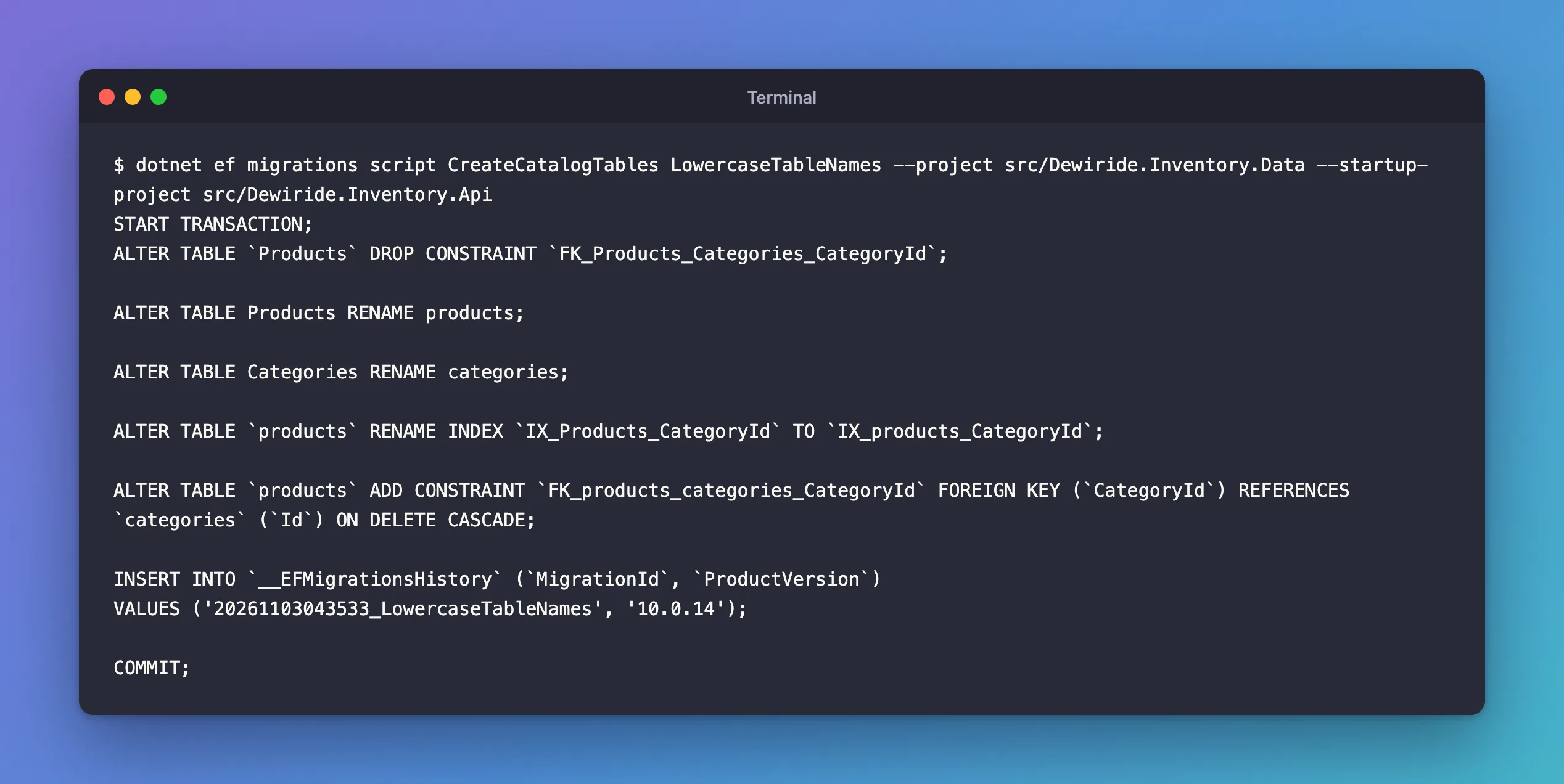
How to read it:
START TRANSACTION…COMMITwrap the migration. On MySQL that's less than it seems: everyALTER TABLEcommits on its own, so a failure halfway leaves the earlier statements applied.- The statements are the migration's changes. Here, the C# migration also dropped and re-added the primary keys, but Oracle's provider leaves those out, because MySQL calls every primary key
PRIMARYanyway. Reading the SQL is how you find such differences. - The
INSERT INTO __EFMigrationsHistoryrecords the migration as applied, which is howdotnet efknows later.
Step 2: Everything After a Given Migration
Give only from, and to defaults to the last migration. This is the script that brings a database from a known state up to date:
dotnet ef migrations script AddStockMovements --project src/Dewiride.Inventory.Data --startup-project src/Dewiride.Inventory.Api
START TRANSACTION;
ALTER TABLE `stock_movements` MODIFY `Type` varchar(32) NOT NULL;

UPDATE `stock_movements`
SET `Type` = CASE `Type`
    WHEN '0' THEN 'Receipt'
    WHEN '1' THEN 'Adjustment'
    WHEN '2' THEN 'Sale'
    WHEN '3' THEN 'SaleCancelled'
    ELSE `Type`
END;

INSERT INTO `__EFMigrationsHistory` (`MigrationId`, `ProductVersion`)
VALUES ('20261103044948_StoreMovementTypeAsString', '10.0.14');

CREATE INDEX `IX_stock_movements_ProductId_OccurredAtUtc` ON `stock_movements` (`ProductId`, `OccurredAtUtc`);

DROP INDEX IX_stock_movements_ProductId ON stock_movements;

INSERT INTO `__EFMigrationsHistory` (`MigrationId`, `ProductVersion`)
VALUES ('20261103045135_AddMovementHistoryIndex', '10.0.14');

COMMIT;
Two migrations, each followed by its history row. The UPDATE … CASE came from migrationBuilder.Sql(…) that I added to the migration by hand: scripts contain your edits exactly as written.
Which migration was last applied to the target database? Ask it: SELECT MigrationId FROM __EFMigrationsHistory ORDER BY MigrationId DESC LIMIT 1;. How to List EF Core Migrations and See Which Ones Are Applied shows more.
Step 3: All Migrations, into a File
With no arguments, the script goes from an empty database (0) to the last migration. Add --output; the docs say "By default, the command writes the script to standard output. Use --output (or -o) to create a deployment artifact with a predictable name":
dotnet ef migrations script --output artifacts/schema.sql --project src/Dewiride.Inventory.Data --startup-project src/Dewiride.Inventory.Api
Build started...
Build succeeded.
The file starts by creating the history table if it doesn't exist, then runs each migration:
CREATE TABLE IF NOT EXISTS `__EFMigrationsHistory` (
    `MigrationId` varchar(150) NOT NULL,
    `ProductVersion` varchar(32) NOT NULL,
    PRIMARY KEY (`MigrationId`)
);

START TRANSACTION;
CREATE TABLE `Categories` (
    `Id` int NOT NULL AUTO_INCREMENT,
    `Name` longtext NOT NULL,
    `CreatedAtUtc` datetime(6) NOT NULL,
    PRIMARY KEY (`Id`)
);
This one was 127 lines for 10 migrations. Two details about the file: it starts with a UTF-8 byte order mark, which the mysql client accepted when I ran a file like it, and artifacts/ is ignored by the .NET .gitignore, a good place for generated files. To run such a file against MySQL in Docker, see How to Connect to MySQL in a Docker Container with the mysql Client.
Step 4: A Rollback Script
The docs add: "You can use a from that is newer than the to in order to generate a rollback script." That runs the Down methods:
dotnet ef migrations script AddMovementHistoryIndex StoreMovementTypeAsString --project src/Dewiride.Inventory.Data --startup-project src/Dewiride.Inventory.Api
START TRANSACTION;
CREATE INDEX `IX_stock_movements_ProductId` ON `stock_movements` (`ProductId`);

DROP INDEX IX_stock_movements_ProductId_OccurredAtUtc ON stock_movements;

DELETE FROM `__EFMigrationsHistory`
WHERE `MigrationId` = '20261103045135_AddMovementHistoryIndex';

COMMIT;
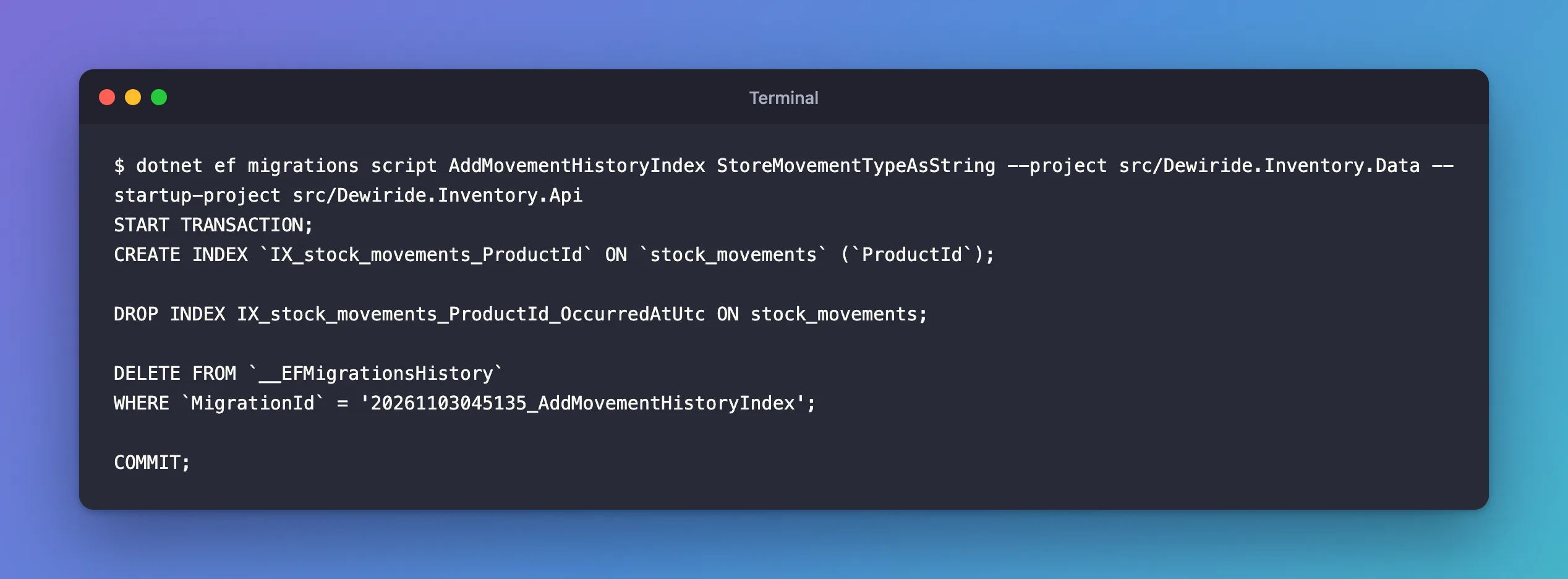
The history row is deleted instead of inserted. Generate the rollback script together with the deployment script, and you know exactly how to undo a release before you need to.
About --idempotent
An idempotent script checks the history table and applies only what's missing, so it can run against any database. The docs warn that "Idempotent script support depends on the database provider." With Oracle's MySQL provider in EF Core 10, the generated script uses SQL Server syntax that MySQL rejects with ERROR 1064. That problem has its own post, with the from/to workaround from Step 2.
Common Mistakes
| Mistake | What happens | Do this instead |
|---|---|---|
| Running a full script on a database that already has migrations | CREATE TABLE fails: the tables exist | Script from the last applied migration |
| Guessing the database's last migration | Statements run twice, or are skipped | Read __EFMigrationsHistory |
| Trusting the C# migration instead of the SQL | Provider differences go unnoticed | Read the script before applying it |
| Expecting the transaction to undo a failed script on MySQL | Earlier ALTER TABLEs stay applied | Check the table after any failure |
FAQ
Can I name migrations by Id instead of name?
Yes. Both LowercaseTableNames and 20261103043533_LowercaseTableNames work.
Does generating a script connect to the database?
No. It reads only your migrations, which is why it works anywhere, even without the database.
Conclusion
dotnet ef migrations script [from] [to] turns migrations into SQL: one migration with both arguments, everything after a migration with only from, the whole history with none, a rollback when from is newer than to, and a file with --output. Read the script before applying it: it shows what the provider really sends to MySQL, including your own edits.
Additional Resources
- Applying Migrations: SQL scripts — from, to, rollback and idempotent scripts.
- EF Core tools reference: dotnet ef migrations script
