How to Generate a Random Password for a MySQL Account

MySQL can invent a strong password for an account and show it to you once, so nobody has to think one up. Just look at what it produces before you paste it into a connection string.
Step 1: Create an Account with One
As an administrator:
CREATE USER 'random_demo'@'%' IDENTIFIED BY RANDOM PASSWORD;
+-------------+------+----------------------+-------------+
| user        | host | generated password   | auth_factor |
+-------------+------+----------------------+-------------+
| random_demo | %    | X+cF4),Cmpp-3iZV(e2f |           1 |
+-------------+------+----------------------+-------------+
1 row in set (0.004 sec)
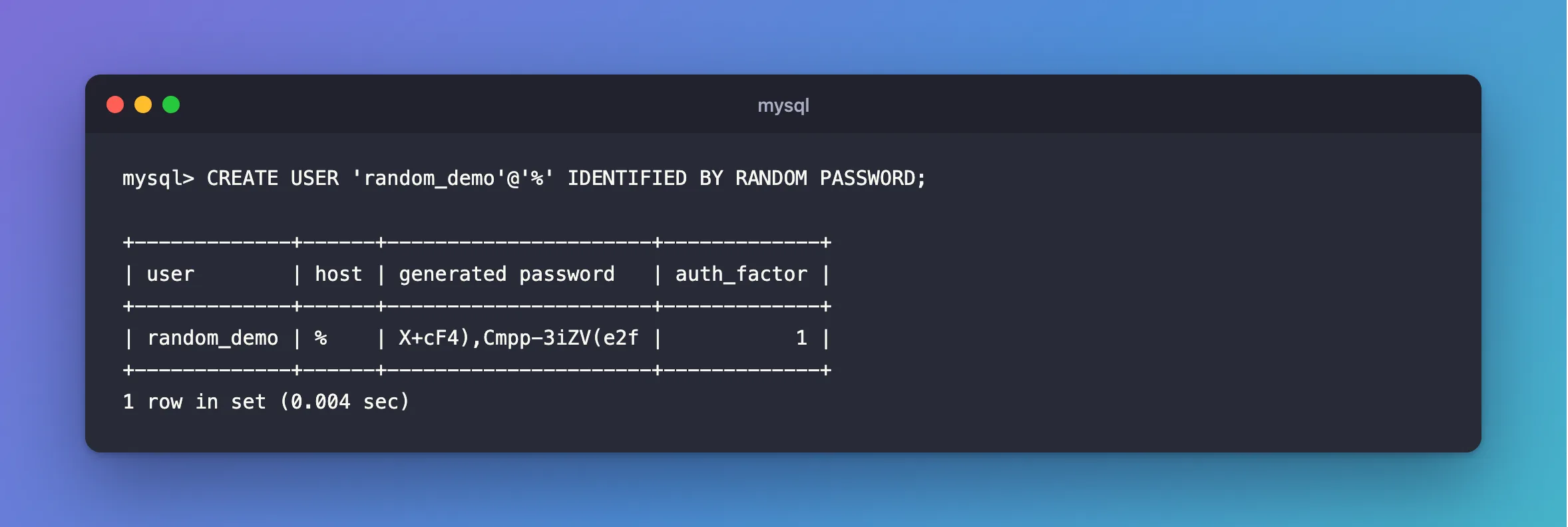
This is the only time you'll see it. MySQL stores a hash, so copy it now. I removed this account straight after this run, so this one's safe to show.
It works on an existing account too:
ALTER USER 'random_demo'@'%' IDENTIFIED BY RANDOM PASSWORD;
Step 2: Check the Length
SHOW VARIABLES LIKE 'generated_random_password_length';
+----------------------------------+-------+
| Variable_name                    | Value |
+----------------------------------+-------+
| generated_random_password_length | 20    |
+----------------------------------+-------+
1 row in set (0.004 sec)
Twenty characters is the default. To change it for your session: SET SESSION generated_random_password_length = 32;.
Step 3: Watch the Characters
Look at the password above. It can contain ;, quotes, ), # and more. That's good for strength, and it matters when you use it:
- In a connection string, a
;ends the value. Quote it, or it fails withOption not supported. - In a shell command,
$,!and quotes have meanings of their own. Keep it in a file or a secret store. - In a
.envfile, an unquoted$can cut the value short.
If that's more trouble than it's worth for your setup, generate a hex password instead with openssl rand -hex 24, and set it with IDENTIFIED BY. Hex has no special characters at all.
Common Mistakes
| Mistake | What happens | Do this instead |
|---|---|---|
| Not copying it straight away | It's gone, so you'd have to generate another | Copy it when it's shown |
| Pasting it unquoted into a connection string | Option not supported | Quote it |
| Leaving it in your scrollback or a log | Anyone with access can read it | Clear it, and store it properly |
Troubleshooting
| Symptom | Likely cause | Fix |
|---|---|---|
Access denied with the generated password | A character changed on the way through a shell | Check it was quoted, or use a hex one |
ERROR 1819 | Not from this: it's for passwords you choose | The fix |
| Nothing shown by a script | --silent or no table output | Read the result set |
Conclusion
IDENTIFIED BY RANDOM PASSWORD gives an account a strong 20-character password, once. Copy it right away, and remember it can hold characters that need quoting.
Additional Resources
- Password Management: Random Password Generation — the rules, and the character set.
- CREATE USER Statement — the syntax.
