How to Generate a Dockerfile for an MLflow Model

mlflow models build-docker writes a Dockerfile and builds it in one step, so you never see the file. mlflow models generate-dockerfile stops after writing it: you get a folder with the Dockerfile and the model, to read, change or build yourself. This guide generates one for a wine classifier, goes through it, and builds it with docker build, with real output from MLflow 3.18.0.
Syntax
mlflow models generate-dockerfile -m MODEL_URI -d FOLDER --env-manager local
| Part | What it means |
|---|---|
-m MODEL_URI | The model to package |
-d FOLDER | Where to write the Dockerfile and the model; the default is mlflow-dockerfile |
--env-manager local | Install the model's packages into the image's own Python, as build-docker --env-manager local does |
The CLI reference: "Generates a directory with Dockerfile whose default entrypoint serves an MLflow model at port 8080 using the python_function flavor. ... This Dockerfile defines an image that is equivalent to the one produced by mlflow models build-docker."
Prerequisites
- An MLflow tracking server at
http://127.0.0.1:8080, such asmlflow server --port 8080. mlflowandscikit-learnin your project, for example withuv add mlflow scikit-learn pandas.- Docker Desktop, running, only for Step 4.
Step 1: Log a Model
The example logs a wine classifier, which tells three cultivars apart from their chemistry:
import mlflow
from sklearn.datasets import load_wine
from sklearn.linear_model import LogisticRegression
from sklearn.pipeline import make_pipeline
from sklearn.preprocessing import StandardScaler

mlflow.set_tracking_uri("http://127.0.0.1:8080")
mlflow.set_experiment("generate-dockerfile-example")

X, y = load_wine(return_X_y=True, as_frame=True)
model = make_pipeline(StandardScaler(), LogisticRegression()).fit(X, y)
with mlflow.start_run():
    info = mlflow.sklearn.log_model(model, name="model", input_example=X.head(3))
print("Model URI:", info.model_uri)
uv run python log_dockerfile_model.py
Model URI: models:/m-80064c54349d4217bd8bc566216e411b
Step 2: Generate the Dockerfile
- macOS / Linux
- Windows (PowerShell)
export MLFLOW_TRACKING_URI=http://127.0.0.1:8080
uv run mlflow models generate-dockerfile -m "models:/m-80064c54349d4217bd8bc566216e411b" -d wine-dockerfile --env-manager local
$env:MLFLOW_TRACKING_URI = "http://127.0.0.1:8080"
uv run mlflow models generate-dockerfile -m "models:/m-80064c54349d4217bd8bc566216e411b" -d wine-dockerfile --env-manager local
2026/11/26 05:17:10 INFO mlflow.models.cli: Generating Dockerfile for model models:/m-80064c54349d4217bd8bc566216e411b
2026/11/26 05:17:10 INFO mlflow.models.flavor_backend_registry: Selected backend for flavor 'python_function'
2026/11/26 05:17:11 INFO mlflow.models.cli: Generated Dockerfile in directory wine-dockerfile
The folder it wrote:
wine-dockerfile
wine-dockerfile/model_dir
wine-dockerfile/model_dir/python_env.yaml
wine-dockerfile/model_dir/requirements.txt
wine-dockerfile/model_dir/MLmodel
wine-dockerfile/model_dir/serving_input_example.json
wine-dockerfile/model_dir/input_example.json
wine-dockerfile/model_dir/conda.yaml
wine-dockerfile/model_dir/model.skops
wine-dockerfile/Dockerfile
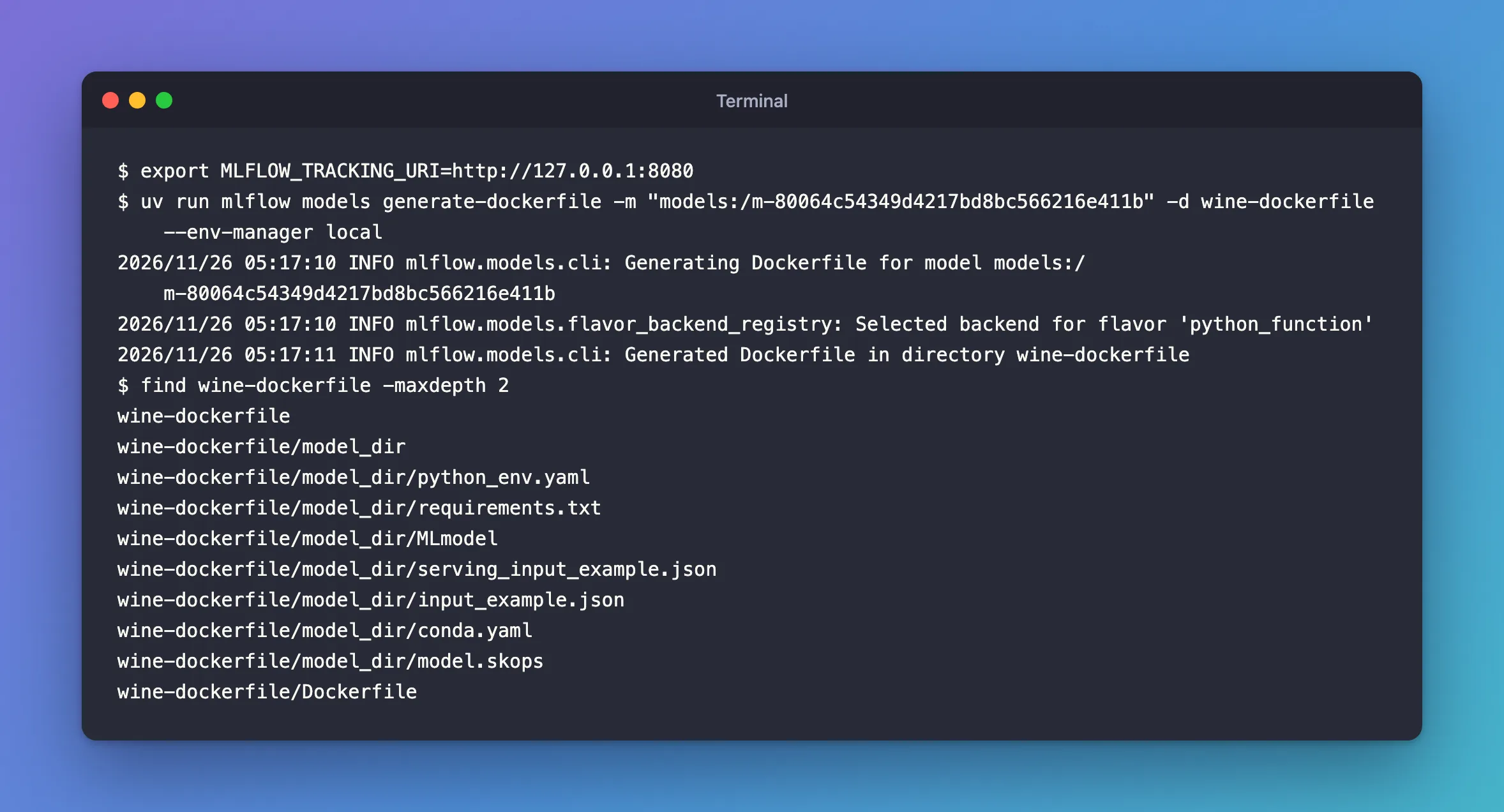
model_dir is the model as MLflow logged it: MLmodel, the saved model, model.skops, and its packages in requirements.txt.
Step 3: Read the Dockerfile
# Build an image that can serve mlflow models.
FROM python:3.15.2-slim

# Fail fast on a stalled package mirror
RUN printf '%s\n' \
    'Acquire::http::Timeout "30";' \
    'Acquire::https::Timeout "30";' \
    'Acquire::Retries "3";' \
    > /etc/apt/apt.conf.d/99-mlflow-timeouts
RUN apt-get -y update && apt-get install -y --no-install-recommends nginx


WORKDIR /opt/mlflow

# Install MLflow
RUN pip install mlflow==3.18.0

# Copy model to image and install dependencies
COPY model_dir /opt/ml/model
RUN python -c "from mlflow.models import container as C; C._install_pyfunc_deps('/opt/ml/model', install_mlflow=False, env_manager='local');"

ENV MLFLOW_DISABLE_ENV_CREATION=True

# granting read/write access and conditional execution authority to all child directories
# and files to allow for deployment to AWS Sagemaker Serverless Endpoints
# (see https://docs.aws.amazon.com/sagemaker/latest/dg/serverless-endpoints.html)
RUN chmod o+rwX /opt/mlflow/

# clean up apt cache to reduce image size
RUN rm -rf /var/lib/apt/lists/*

ENTRYPOINT ["python", "-c", "from mlflow.models import container as C; C._serve('local')"]
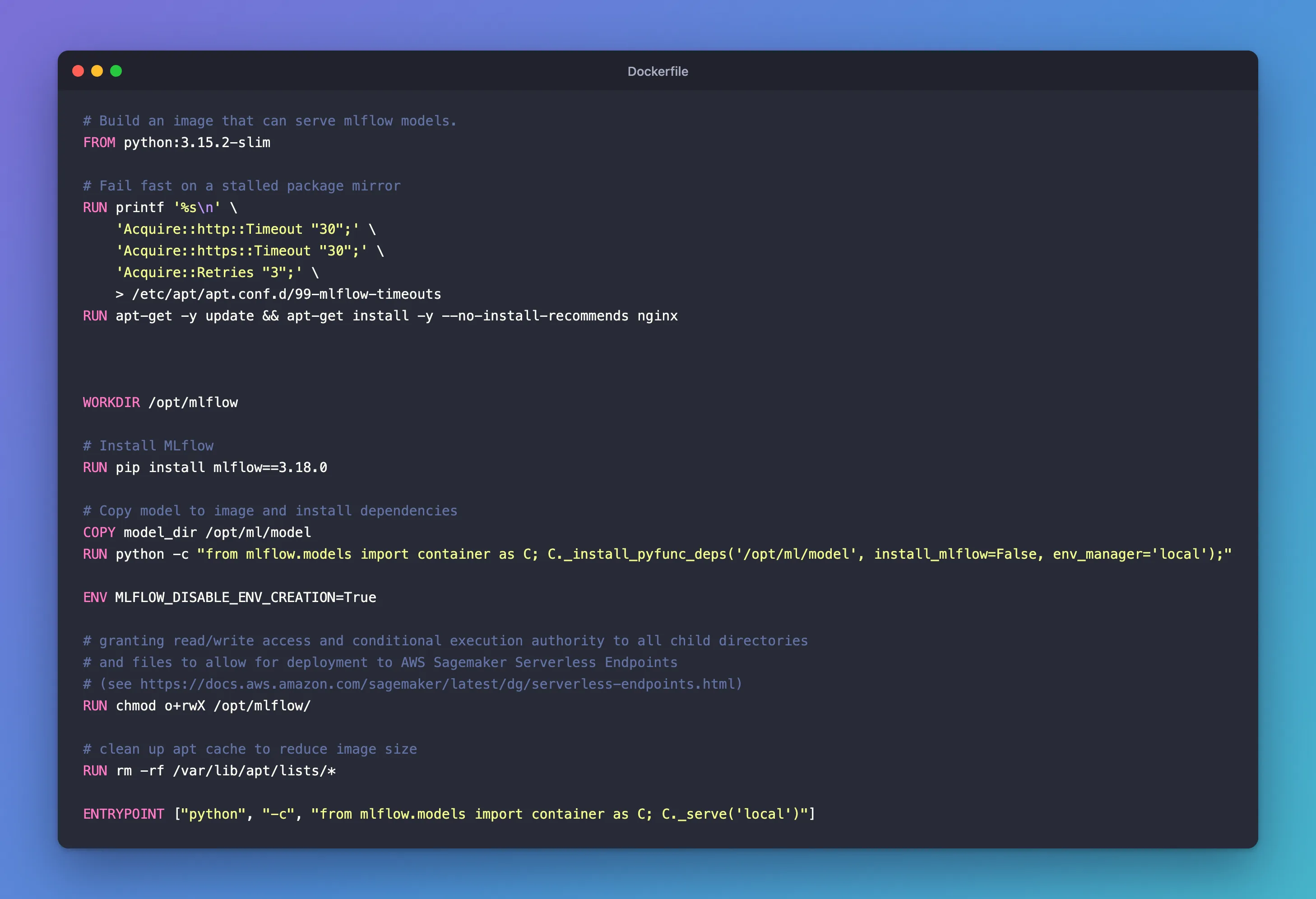
FROM python:3.15.2-slim: a small Debian image with Python 3.15.2, the model's version.- The two
aptlines: timeouts for the package download, then nginx, which listens on port 8080. pip install mlflow==3.18.0: the MLflow version that generated the file.COPY model_dir /opt/ml/modeland thepython -cline after it: the model, and the packages in itsrequirements.txt.MLFLOW_DISABLE_ENV_CREATION=True: the packages are already installed, so the container doesn't build an environment when it starts.ENTRYPOINT: what the container runs: MLflow's code that starts nginx and the model server.
There's no USER line, so the container runs as root. docker run --rm --platform linux/amd64 --entrypoint whoami wine-classifier prints root for the image built in Step 4. For a server others can reach, that's worth knowing: anything that breaks into the model server has the container's full rights.
Step 4: Build It Yourself
docker build --platform linux/amd64 -t wine-classifier wine-dockerfile
[+] Building 31.0s (14/14) FINISHED
 => [1/9] FROM docker.io/library/python:3.15.2-slim@sha256:63bb298d2b7b88f176f51b5189f54ce6535c997682ea70885d2132f5d473a8a5
 => CACHED [2/9] RUN printf '%s\n'     'Acquire::http::Timeout "30";'     'Acquire::https::Timeout "30";'     'Acquire::Retries "3";'     > /etc/apt/apt.conf.d/99-mlflow-timeouts
 => CACHED [3/9] RUN apt-get -y update && apt-get install -y --no-install-recommends nginx
 => CACHED [4/9] WORKDIR /opt/mlflow
 => CACHED [5/9] RUN pip install mlflow==3.18.0
 => [6/9] COPY model_dir /opt/ml/model
 => [7/9] RUN python -c "from mlflow.models import container as C; C._install_pyfunc_deps('/opt/ml/model', install_mlflow=False, env_manager='local');"
 => [8/9] RUN chmod o+rwX /opt/mlflow/
 => [9/9] RUN rm -rf /var/lib/apt/lists/*
 => => naming to docker.io/library/wine-classifier
--platform linux/amd64 builds for the same platform as build-docker, which always passes it. Steps 2 to 5 say CACHED: Docker reused them from an earlier MLflow image with the same lines, so only the model's own steps ran, and the build took 31 seconds. The image serves the model the same way: How to Run an MLflow Model in a Docker Container.
Common Mistakes
| Mistake | What happens | Do this instead |
|---|---|---|
Leaving out --env-manager | The reference says the default picks local when the model records its Python version, and virtualenv otherwise | Pass it, to be sure which you get |
Troubleshooting
| Symptom | Likely cause | Fix |
|---|---|---|
Cannot connect to the Docker daemon during docker build | Docker Desktop isn't running | Fixed: Cannot connect to the Docker daemon |
The generated file starts FROM ubuntu:24.04 | --env-manager virtualenv or conda was passed | Use --env-manager local for the Python image |
FAQ
Can I change the generated Dockerfile?
Yes: it's an ordinary Dockerfile, and docker build builds whatever is in it. generate-dockerfile writes the folder's Dockerfile each time it runs, so keep your changed version somewhere else.
Is it the same as build-docker's image?
With the same --env-manager, yes: the reference calls it "equivalent to the one produced by mlflow models build-docker".
Conclusion
mlflow models generate-dockerfile -m "models:/m-80064c54..." -d wine-dockerfile --env-manager local wrote a Dockerfile and the model's files, which showed every step build-docker takes: a Python 3.15.2 base, nginx, MLflow 3.18.0, the model and its packages, an entrypoint that serves it, and no USER, so it runs as root. docker build --platform linux/amd64 built it in 31 seconds.
Additional Resources
- mlflow models generate-dockerfile — the command and its options.
- Dockerfile reference —
FROM,RUN,COPY,USERandENTRYPOINT.
