How to Forward the Authorization Header from a Next.js Route Handler

When a page calls your Next.js route handler and the route calls an API for the signed-in user, the user's access token has to travel on: the browser sends it in an Authorization: Bearer header, and the route passes it to the API. Forwarding is one line, but which line matters. This guide forwards that header alone, refuses requests that don't have one, and turns the API's 401 and 403 into answers the page can act on.
How a Token Travels Through a Route
An access token is a short piece of text that a sign-in service issues and an API checks. The browser sends it with each request in the Authorization header, after the word Bearer:
Authorization: Bearer <the access token>
The name says how it works. The OAuth 2.0 standard for these tokens, RFC 6750, defines a bearer token as a security token with the property that any party in possession of the token (a "bearer") can use the token in any way that any other party in possession of it can. Whoever holds it is the user, as far as the API can tell. So a route that forwards it takes on the standard's first recommendation: Client implementations MUST ensure that bearer tokens are not leaked to unintended parties. In practice, the token goes to the API it was issued for and nowhere else: not into logs, and not into responses.
The route is the middle of three steps:
| Step | Who | What happens |
|---|---|---|
| 1 | Browser → route | The page calls the route with Authorization: Bearer … |
| 2 | Route → API | The route checks there is a token and passes that one header on |
| 3 | API → route → browser | The API checks the token and answers; the route passes the answer, or a clear error, back |
Step 1: A Stand-In for Your API
A real API checks the token's digital signature, its expiry and who it was issued for. To keep the example about the route alone, the API here is a stand-in: a second route in the same app that knows two made-up tokens. Create app/api/upstream/route.ts:
// Stands in for the API your route calls. A real API checks the access
// token's signature and contents; this one knows two made-up tokens, so the
// example runs without a sign-in.
const users = new Map([
  ["token-for-ana", { name: "Ana", allowed: true }],
  ["token-for-ben", { name: "Ben", allowed: false }],
]);

export async function GET(request: Request) {
  const token = request.headers.get("authorization")?.replace(/^Bearer /, "");
  const user = token ? users.get(token) : undefined;
  if (!user) {
    return Response.json(
      { error: "The access token is missing or not valid." },
      { status: 401, headers: { "WWW-Authenticate": "Bearer" } },
    );
  }
  if (!user.allowed) {
    return Response.json(
      { error: "The access token doesn't allow this." },
      { status: 403 },
    );
  }
  return Response.json({
    message: `Hello, ${user.name}.`,
    // The names of the headers that arrived, never their values.
    headersReceived: [...request.headers.keys()],
  });
}
It answers the way a real API does:
| Token | Answer |
|---|---|
| Missing or unknown | 401 Unauthorized: the token isn't valid |
token-for-ben | 403 Forbidden: the token is valid but doesn't allow this |
token-for-ana | 200 OK with a greeting and the names of the headers it received, so you can see what the route forwarded without any value appearing |
The Microsoft Agent Framework series builds a real one: an ASP.NET Core API that accepts only Microsoft Entra ID access tokens issued for it.
Step 2: Refuse Requests Without a Bearer Token
The route the browser calls is app/api/hello/route.ts. It starts by reading the header:
export async function GET(request: Request) {
  // Only requests that carry a bearer token go on to the API.
  const authorization = request.headers.get("authorization");
  if (!authorization?.startsWith("Bearer ")) {
    return Response.json(
      { error: "Sign in first." },
      { status: 401, headers: { "WWW-Authenticate": "Bearer" } },
    );
  }
| Code | What it does |
|---|---|
request.headers.get("authorization") | Reads the header. Header names aren't case-sensitive, so Authorization arrives here too. Without the header, the result is null |
?.startsWith("Bearer ") | true only for a header that starts with Bearer and a space |
status: 401 | Unauthorized: the request has no valid credentials |
"WWW-Authenticate": "Bearer" | Says which kind of credentials the route expects |
A request without a token never reaches the API: the route answers it alone. The WWW-Authenticate header belongs with every 401. MDN's page on 401 Unauthorized says the status is sent with an HTTP WWW-Authenticate response header that contains information on the authentication scheme the server expects.
The route doesn't try to tell a good token from a bad one. That is the API's job, and the API has to check every token it receives anyway.
Step 3: Forward Only the Authorization Header
Next, the call to the API, with a headers object built from scratch:
  // Pass on the Authorization header, and nothing else from the browser.
  const upstream = await fetch(new URL("/api/upstream", request.url), {
    headers: { Authorization: authorization },
    signal: request.signal,
  });
| Code | What it does |
|---|---|
new URL("/api/upstream", request.url) | The stand-in's address, built from the request's own. In your app, this is your API's address, usually from a setting |
headers: { Authorization: authorization } | The one header the API needs, exactly as the browser sent it |
signal: request.signal | Ends the call to the API when the browser leaves (How to Cancel an Upstream Request When the Browser Disconnects in Next.js) |
The browser sends much more than a token: cookies, its language, details about itself. None of it is meant for the API. The section after Step 5 shows what happens when it all goes along.
Step 4: Pass the API's 401 and 403 On
The API's answer comes back to the route, and its status says what the page should do next. RFC 6750 gives the two that matter here their meaning. A 401 is for a token that is expired, revoked, malformed, or invalid for other reasons, and the standard adds: The client MAY request a new access token and retry the protected resource request. A 403 is for a request that requires higher privileges than provided by the access token:
  // The API refused the token: tell the browser what to do next.
  if (upstream.status === 401) {
    return Response.json(
      { error: "Your sign-in isn't valid anymore. Sign in again." },
      { status: 401, headers: { "WWW-Authenticate": "Bearer" } },
    );
  }
  if (upstream.status === 403) {
    return Response.json(
      { error: "You don't have access to this." },
      { status: 403 },
    );
  }
  if (!upstream.ok) {
    console.error(`The API answered ${upstream.status}.`);
    return Response.json(
      { error: "The service isn't available right now." },
      { status: 502 },
    );
  }

  return Response.json(await upstream.json());
}
| The API answers | The route answers | So the page can |
|---|---|---|
401 | 401 and Sign in again | Get a new token, or sign the person in again |
403 | 403 and You don't have access to this | Tell the person, instead of retrying |
| Any other failure | 502 Bad Gateway, and a log line with the status only | Show that the service is down |
| Success | The API's JSON | Use it |
The log line names the status and nothing else. The token never appears in a log or in a response.
The complete route:
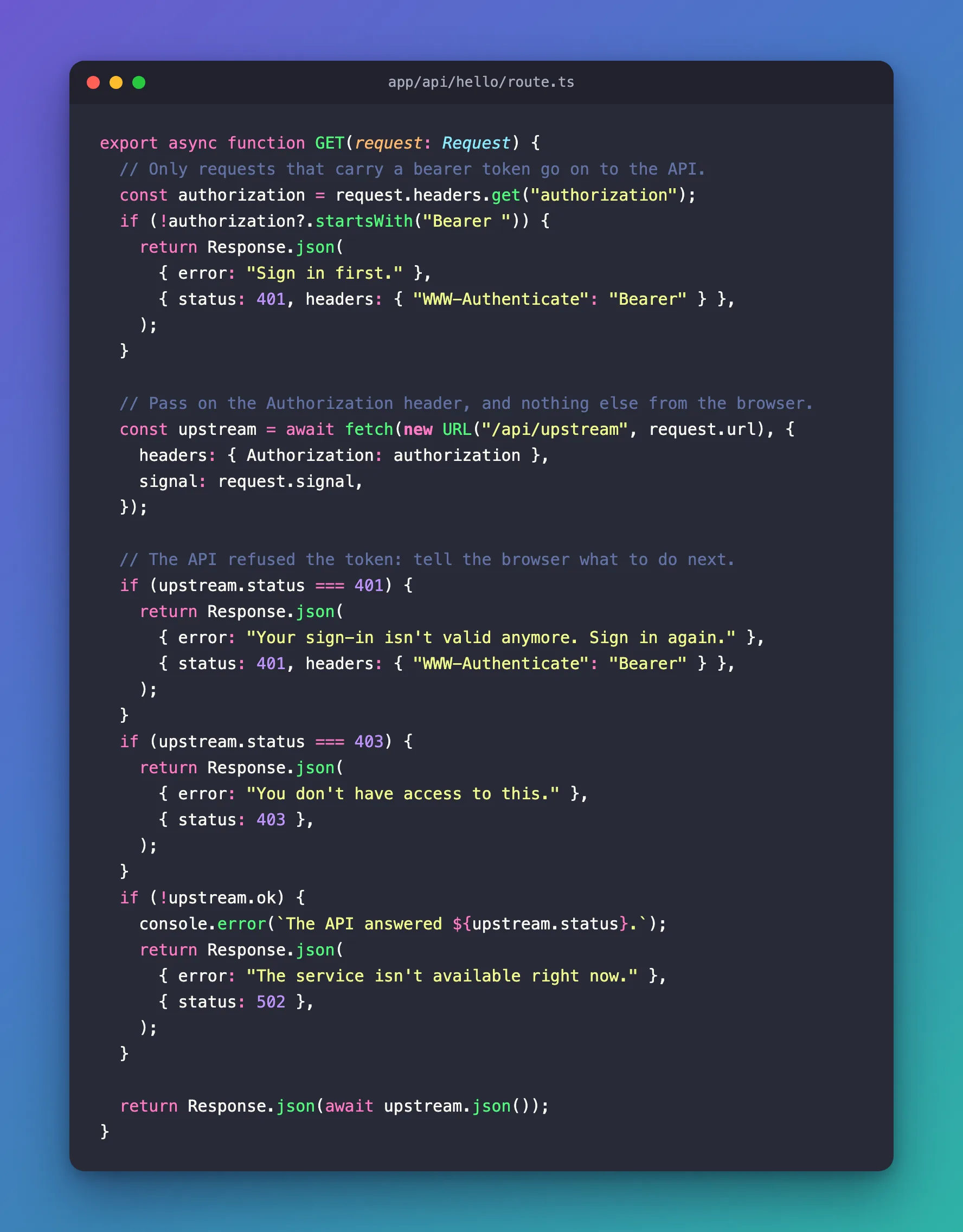
export async function GET(request: Request) {
  // Only requests that carry a bearer token go on to the API.
  const authorization = request.headers.get("authorization");
  if (!authorization?.startsWith("Bearer ")) {
    return Response.json(
      { error: "Sign in first." },
      { status: 401, headers: { "WWW-Authenticate": "Bearer" } },
    );
  }

  // Pass on the Authorization header, and nothing else from the browser.
  const upstream = await fetch(new URL("/api/upstream", request.url), {
    headers: { Authorization: authorization },
    signal: request.signal,
  });

  // The API refused the token: tell the browser what to do next.
  if (upstream.status === 401) {
    return Response.json(
      { error: "Your sign-in isn't valid anymore. Sign in again." },
      { status: 401, headers: { "WWW-Authenticate": "Bearer" } },
    );
  }
  if (upstream.status === 403) {
    return Response.json(
      { error: "You don't have access to this." },
      { status: 403 },
    );
  }
  if (!upstream.ok) {
    console.error(`The API answered ${upstream.status}.`);
    return Response.json(
      { error: "The service isn't available right now." },
      { status: 502 },
    );
  }

  return Response.json(await upstream.json());
}
Step 5: Try It
Start the development server. -p 3011 serves the app on port 3011, because another app on my computer uses the default port, 3000:
npx next dev -p 3011
In a second terminal, call the route without a token. curl comes with macOS, Windows 10 and later, and most Linux distributions; -i prints the status and headers before the body:
- macOS / Linux
- Windows (PowerShell)
curl -i http://localhost:3011/api/hello
curl.exe -i http://localhost:3011/api/hello
In PowerShell, type curl.exe: in Windows PowerShell, curl on its own runs a different command.
HTTP/1.1 401 Unauthorized
content-type: application/json
www-authenticate: Bearer

{"error":"Sign in first."}
Here and below I left out the general headers, such as Date and Connection. Now Ana's token, together with a cookie, the way a browser sends one for a site that keeps a session. -H adds a header and -b a cookie:
- macOS / Linux
- Windows (PowerShell)
curl -i http://localhost:3011/api/hello -H 'Authorization: Bearer token-for-ana' -b 'session=abc123'
curl.exe -i http://localhost:3011/api/hello -H "Authorization: Bearer token-for-ana" -b "session=abc123"
HTTP/1.1 200 OK
content-type: application/json

{"message":"Hello, Ana.","headersReceived":["accept","accept-encoding","accept-language","authorization","connection","host","sec-fetch-mode","user-agent","x-forwarded-for","x-forwarded-host","x-forwarded-port","x-forwarded-proto"]}
The API received authorization, and no cookie. The other names aren't from the browser either:
| Header names | Where they come from |
|---|---|
accept, accept-encoding, accept-language, connection, host, sec-fetch-mode, user-agent | Node.js's fetch adds them to every request it sends |
x-forwarded-for, x-forwarded-host, x-forwarded-port, x-forwarded-proto | Next.js adds them to the requests it receives, and the stand-in API runs in the same Next.js app. A request sent straight to /api/upstream with curl arrives with them too |
Then Ben's token, which the API knows but doesn't allow, and a token it doesn't know:
- macOS / Linux
- Windows (PowerShell)
curl -i http://localhost:3011/api/hello -H 'Authorization: Bearer token-for-ben'
curl -i http://localhost:3011/api/hello -H 'Authorization: Bearer old-token'
curl.exe -i http://localhost:3011/api/hello -H "Authorization: Bearer token-for-ben"
curl.exe -i http://localhost:3011/api/hello -H "Authorization: Bearer old-token"
HTTP/1.1 403 Forbidden
content-type: application/json

{"error":"You don't have access to this."}
HTTP/1.1 401 Unauthorized
content-type: application/json
www-authenticate: Bearer

{"error":"Your sign-in isn't valid anymore. Sign in again."}
The development server's terminal logged every request, the route's calls to the stand-in API included:
 GET /api/hello 401 in 37ms (next.js: 27ms, application-code: 10ms)
 GET /api/upstream 200 in 14ms (next.js: 7ms, application-code: 7ms)
 GET /api/hello 200 in 72ms (next.js: 1.9ms, application-code: 70ms)
 GET /api/hello 403 in 7ms (next.js: 0.5ms, application-code: 7ms)
 GET /api/upstream 403 in 4ms (next.js: 0.6ms, application-code: 3ms)
 GET /api/hello 401 in 6ms (next.js: 0.6ms, application-code: 6ms)
 GET /api/upstream 401 in 4ms (next.js: 0.4ms, application-code: 3ms)
The first request, the one without a token, has no /api/upstream line: the route answered it alone. Each of the other three reached the API once, and the API's 403 and 401 reached curl as the route's own messages, with the same status codes.
Why Not Forward Every Header?
Passing request.headers straight to fetch also works, and it is shorter. To see what it sends, add a second route that does exactly that, app/api/hello-all-headers/route.ts:
// Don't do this: it passes every header from the browser, cookies
// included, on to the API.
export async function GET(request: Request) {
  const upstream = await fetch(new URL("/api/upstream", request.url), {
    headers: request.headers,
    signal: request.signal,
  });
  return Response.json(await upstream.json(), { status: upstream.status });
}
Call both routes with the same token and cookie. Without -i, curl prints only the response body, and -s (silent) turns off its progress and error messages:
- macOS / Linux
- Windows (PowerShell)
curl -s http://localhost:3011/api/hello -H 'Authorization: Bearer token-for-ana' -b 'session=abc123'
curl -s http://localhost:3011/api/hello-all-headers -H 'Authorization: Bearer token-for-ana' -b 'session=abc123'
curl.exe -s http://localhost:3011/api/hello -H "Authorization: Bearer token-for-ana" -b "session=abc123"
curl.exe -s http://localhost:3011/api/hello-all-headers -H "Authorization: Bearer token-for-ana" -b "session=abc123"
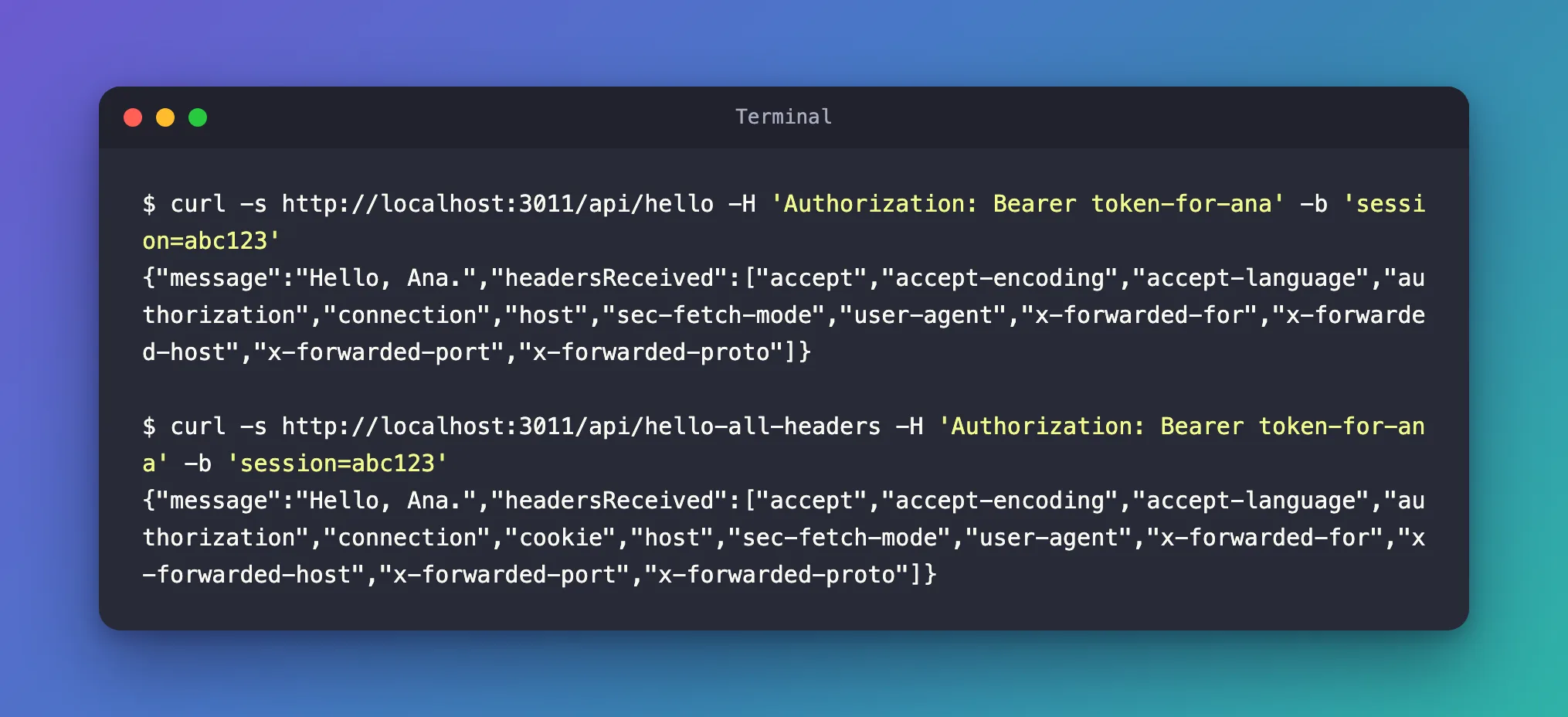
{"message":"Hello, Ana.","headersReceived":["accept","accept-encoding","accept-language","authorization","connection","host","sec-fetch-mode","user-agent","x-forwarded-for","x-forwarded-host","x-forwarded-port","x-forwarded-proto"]}
{"message":"Hello, Ana.","headersReceived":["accept","accept-encoding","accept-language","authorization","connection","cookie","host","sec-fetch-mode","user-agent","x-forwarded-for","x-forwarded-host","x-forwarded-port","x-forwarded-proto"]}
The second list has cookie. With request.headers, the browser's cookie for your site went to the API, which has no use for it and now holds it. curl sent only a few headers; a real browser sends many more, and request.headers passes them on as well. Building the headers object yourself means the API gets what you chose, and only that.
Common Mistakes
| Mistake | What happens | Do this instead |
|---|---|---|
headers: request.headers | Cookies and every other browser header reach the API | headers: { Authorization: authorization } |
Logging the Authorization header | Anyone who can read the logs can use the token as that person | Log the status, never the token |
| Calling the API when there is no token | One pointless call for every request that isn't signed in | Answer 401 in the route first |
Turning the API's 401 or 403 into 500 | The page can't tell sign in again from something broke | Pass 401 and 403 on, with messages |
A 401 without WWW-Authenticate | The client isn't told which credentials to send; RFC 6750 says the API MUST include it | Add "WWW-Authenticate": "Bearer" |
Troubleshooting
| Symptom | Likely cause | Fix |
|---|---|---|
Every request gets 401 Sign in first. | The request has no Authorization header, or it doesn't start with Bearer and a space | Send Authorization: Bearer followed by the token |
401 Your sign-in isn't valid anymore | The API refused the token: expired, revoked or not meant for it | Get a new token and send the request again |
403 You don't have access to this | The token is valid, but doesn't allow this request | Ask for the permission the API requires when you get the token |
502 and The API answered 500. in the log | The API failed | Look at the API's own logs |
FAQ
Should the route check the token itself?
Only that there is one. Whether a token is genuine, unexpired and meant for this API is the API's decision, and the API has to make it for every request it receives. Checking it in the route as well would mean keeping the same settings in two places.
Where does the browser get the token?
From the sign-in. In a React app signed in with Microsoft Entra ID, MSAL React asks for the token just before each call: How to Get an Access Token with MSAL React.
Does this work for POST requests?
The pattern is the same for every method: read the header, check it, and put it in the headers of your fetch. The Microsoft Agent Framework series does it in a POST route that streams an AI agent's answer, and turns the API's 401 and 403 into a message in the chat.
Conclusion
A route handler that calls an API for the user reads the Authorization header, answers 401 with WWW-Authenticate: Bearer when there is no bearer token, and sends the API that one header in a headers object it builds itself. When the API answers 401 or 403, the route passes the status on with a message the page can act on, and the token never shows up in a log or a response.
Additional Resources
- Next.js: route.js — route handlers, the request they receive and reading its headers.
- MDN: Authorization — the header and its schemes.
- MDN: 401 Unauthorized — what 401 means, and how it differs from 403.
- RFC 6750: Bearer Token Usage — how bearer tokens travel, the 401 and 403 errors, and keeping tokens safe.
