How to Format Output in Go with fmt.Printf

fmt.Printf prints a template with placeholders, called verbs, filled in by your values: %s for text, %d for whole numbers, %.2f for decimals with two places. Two more, %v and %T, print any value and its type, which makes them handy while debugging.
Syntax
fmt.Printf("<template with %s, %d, %.2f>\n", <value>, <value>, <value>)
| Verb | Prints |
|---|---|
%s | A string. |
%d | An integer. |
%.2f | A floating-point number with two decimal places. |
%v | Any value in its default format. |
%T | The value's type. |
\n | A new line; Printf doesn't add one by itself. |
The fmt documentation: "Printf formats according to a format specifier and writes to standard output." The full list of verbs is in the package overview.
The Example
The example prints an order line with an item, a quantity and a total, and then a price with its type.
Prerequisites
- Go.
go runcompiles and runs a single file. This guide uses Go 1.27.4.
Step 1: Write the Code
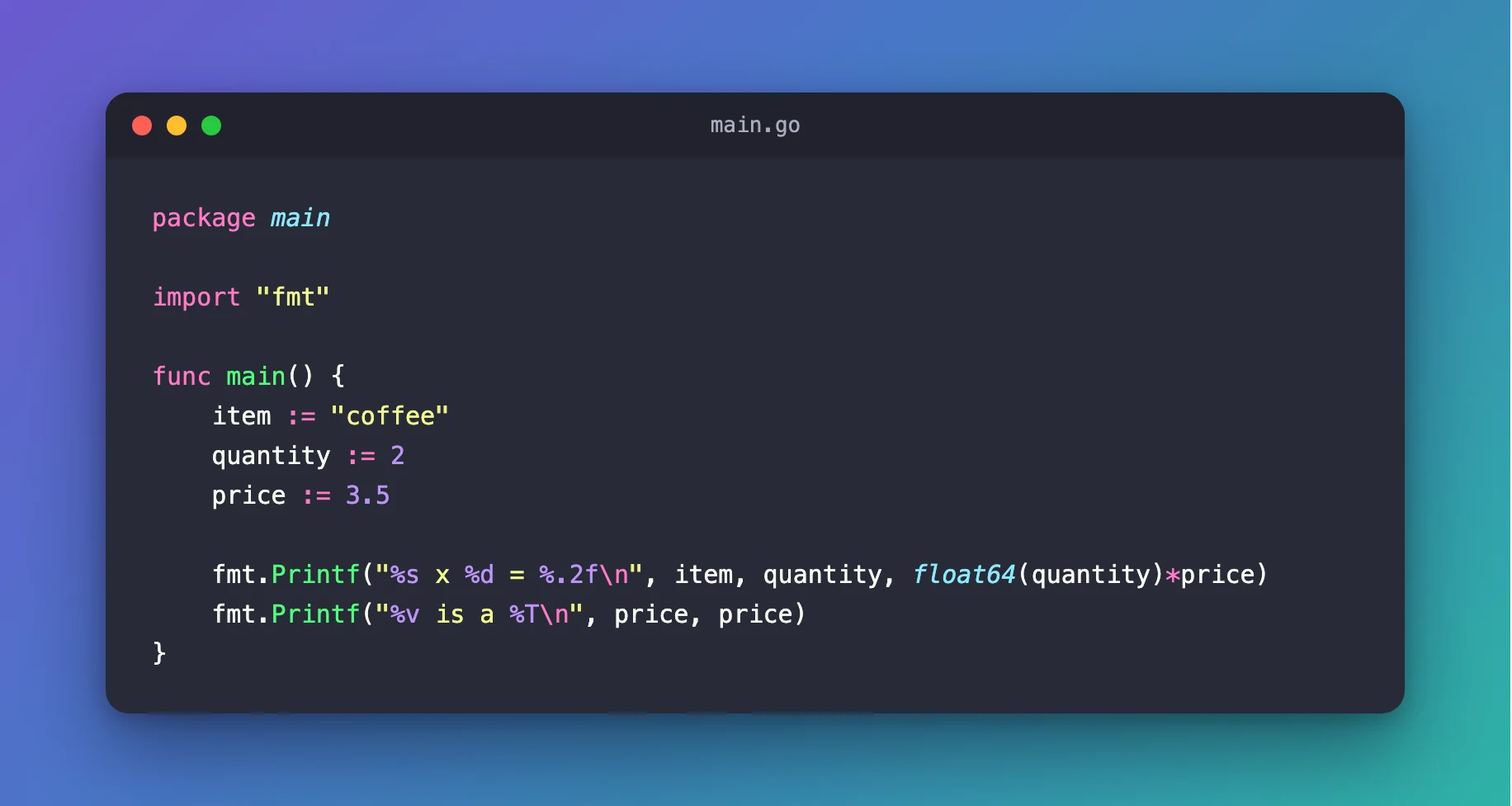
Create a file named main.go:
package main

import "fmt"

func main() {
	item := "coffee"
	quantity := 2
	price := 3.5

	fmt.Printf("%s x %d = %.2f\n", item, quantity, float64(quantity)*price)
	fmt.Printf("%v is a %T\n", price, price)
}
float64(quantity) converts the int to a float64, because Go doesn't multiply an int by a float64 without being told to.
Step 2: Run It
go run main.go
coffee x 2 = 7.00
3.5 is a float64
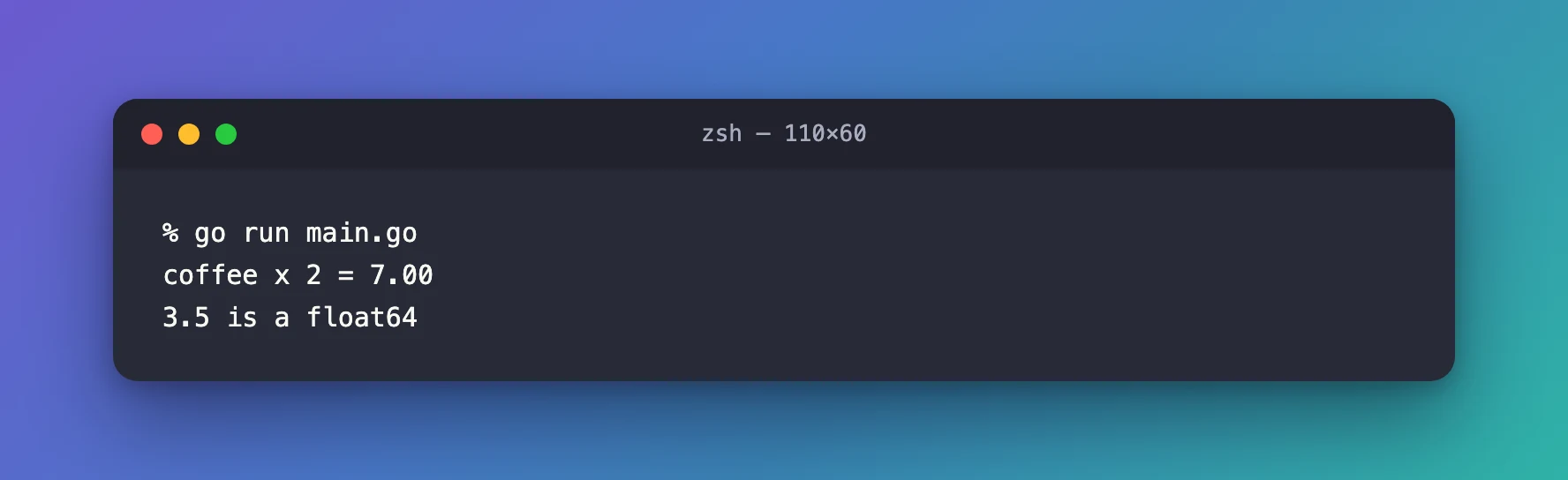
The command is the same in zsh, bash and PowerShell.
Common Mistakes
| Mistake | What happens | Do this instead |
|---|---|---|
Using %d for a float64 | It prints %!d(float64=7) instead of failing | Use %f, or %.2f |
Forgetting \n | The next output continues on the same line | End the template with \n |
Multiplying an int by a float64 | invalid operation: q * p (mismatched types int and float64) | Convert one of them, such as float64(quantity) |
Troubleshooting
| Symptom | Likely cause | Fix |
|---|---|---|
%!d(...) or %!s(...) in the output | A verb doesn't fit its value's type | Match the verb to the type, or use %v |
%!(EXTRA string=b) in the output | More values than verbs | Remove the extra value or add a verb |
FAQ
How do I get the formatted text without printing it?
fmt.Sprintf takes the same template and returns the string.
What does %+v do?
For structs, it prints field names along with the values, such as {Title:Dune Year:1965}.
Conclusion
fmt.Printf fills %s, %d, %.2f, %v and %T with your values in order. A wrong verb doesn't stop the program; it prints a %! marker, so check your output.
Additional Resources
- fmt.Printf, in the Go standard library documentation.
- fmt package: printing verbs, in the Go standard library documentation.
