How to Find the Untrusted Types in a scikit-learn Model with skops

skops won't load a model file that holds a type it doesn't trust by default, and some scikit-learn models hold one. skops.io.get_untrusted_types lists those types before you load anything, so you can review each one and pass only those you trust to load. This guide does it with a gradient-boosted tree model, with real output from skops 0.16.0 and scikit-learn 1.9.1.
Syntax
untrusted = sio.get_untrusted_types(file=path)
model = sio.load(path, trusted=reviewed_types)
| Part | What it means |
|---|---|
sio | skops.io, imported as import skops.io as sio |
get_untrusted_types(file=path) | Reads the saved file and returns the names of the types skops won't load by default, without building anything |
trusted=reviewed_types | The types you reviewed and decided to trust, written out as a list of names |
Prerequisites
- skops in your project:
uv add skops.
Step 1: List the Untrusted Types and Load with a Reviewed List
The example saves a HistGradientBoostingClassifier trained on scikit-learn's iris flowers, lists the types skops doesn't trust in the file, then loads it with the one type reviewed:
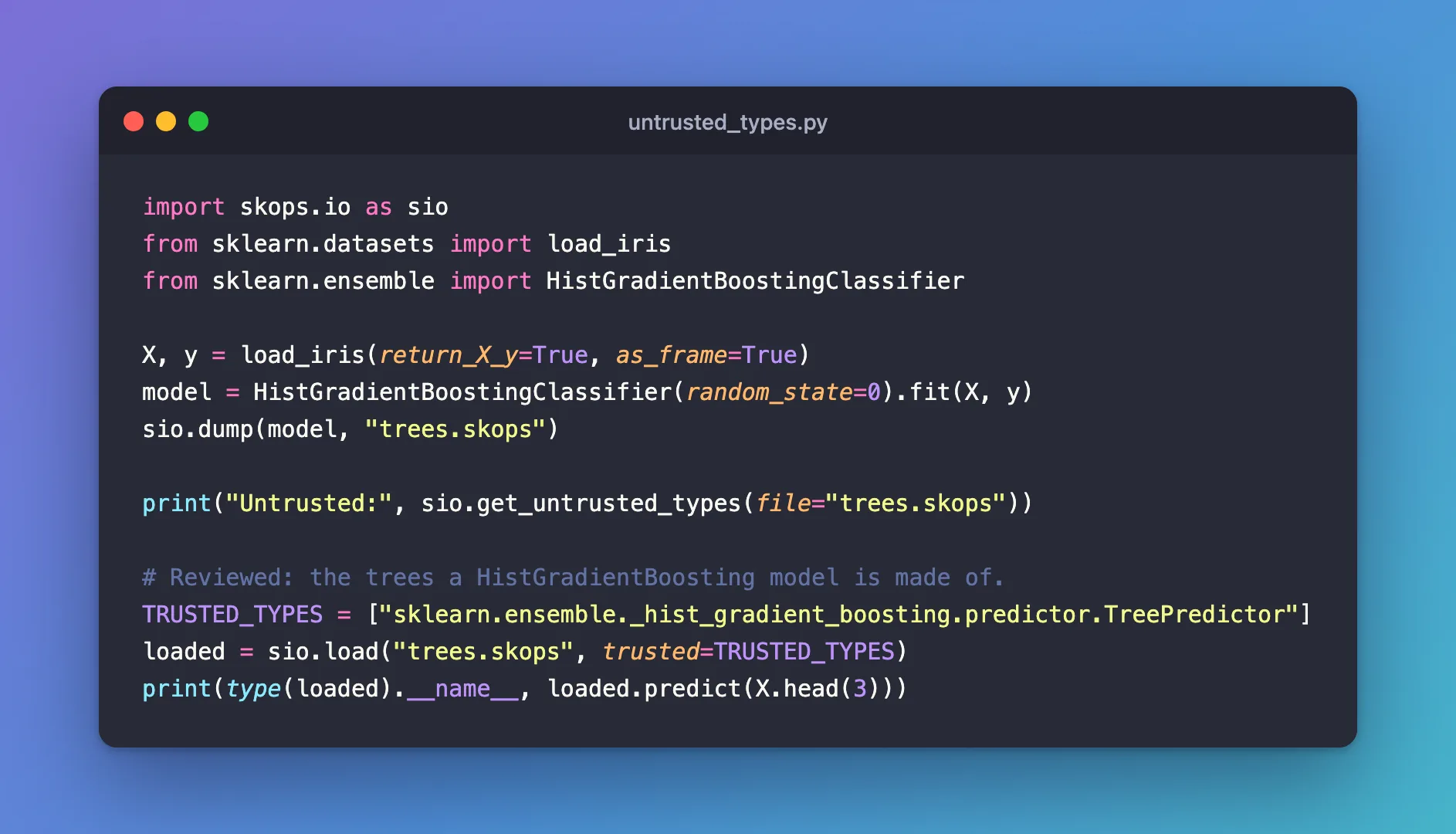
import skops.io as sio
from sklearn.datasets import load_iris
from sklearn.ensemble import HistGradientBoostingClassifier

X, y = load_iris(return_X_y=True, as_frame=True)
model = HistGradientBoostingClassifier(random_state=0).fit(X, y)
sio.dump(model, "trees.skops")

print("Untrusted:", sio.get_untrusted_types(file="trees.skops"))

# Reviewed: the trees a HistGradientBoosting model is made of.
TRUSTED_TYPES = ["sklearn.ensemble._hist_gradient_boosting.predictor.TreePredictor"]
loaded = sio.load("trees.skops", trusted=TRUSTED_TYPES)
print(type(loaded).__name__, loaded.predict(X.head(3)))
uv run python untrusted_types.py
Untrusted: ['sklearn.ensemble._hist_gradient_boosting.predictor.TreePredictor']
HistGradientBoostingClassifier [0 0 0]
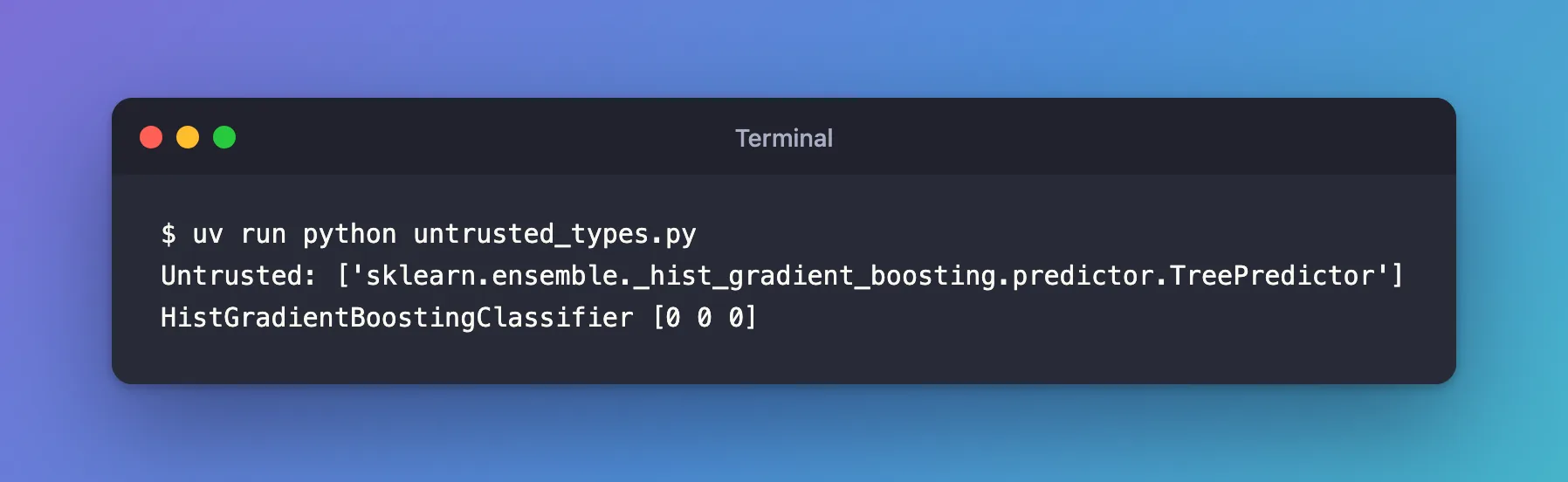
One type isn't trusted by default: TreePredictor, the object each of the model's trees is stored in. Listed in trusted, the file loads and predicts.
The list is written out rather than taken from get_untrusted_types directly on purpose: the point of the check is that a person looked at each type.
Step 2: See What Happens Without trusted
load_untrusted.py loads the same file without a trusted list:
import skops.io as sio

sio.load("trees.skops")
uv run python load_untrusted.py
skops.io.exceptions.UntrustedTypesFoundException: Untrusted types found in the file: ['sklearn.ensemble._hist_gradient_boosting.predictor.TreePredictor'].

- sklearn.ensemble._hist_gradient_boosting.predictor.TreePredictor: sklearn.ensemble._hist_gradient_boosting.predictor.TreePredictor (used by HistGradientBoosting* models) stores raw node indices (left, right, feature_idx) in its nodes array that scikit-learn indexes into without bounds checking. A malicious file can set these to out-of-range values: skops loads the object successfully, but calling .predict() on it can then crash the process (segfault) or read out-of-bounds memory. If you created the file yourself or otherwise fully trust its source, you can load it with trusted=["sklearn.ensemble._hist_gradient_boosting.predictor.TreePredictor"].

Only add the specific types you have reviewed and trust to the `trusted` argument; avoid passing everything reported by get_untrusted_types() just to make a file load.
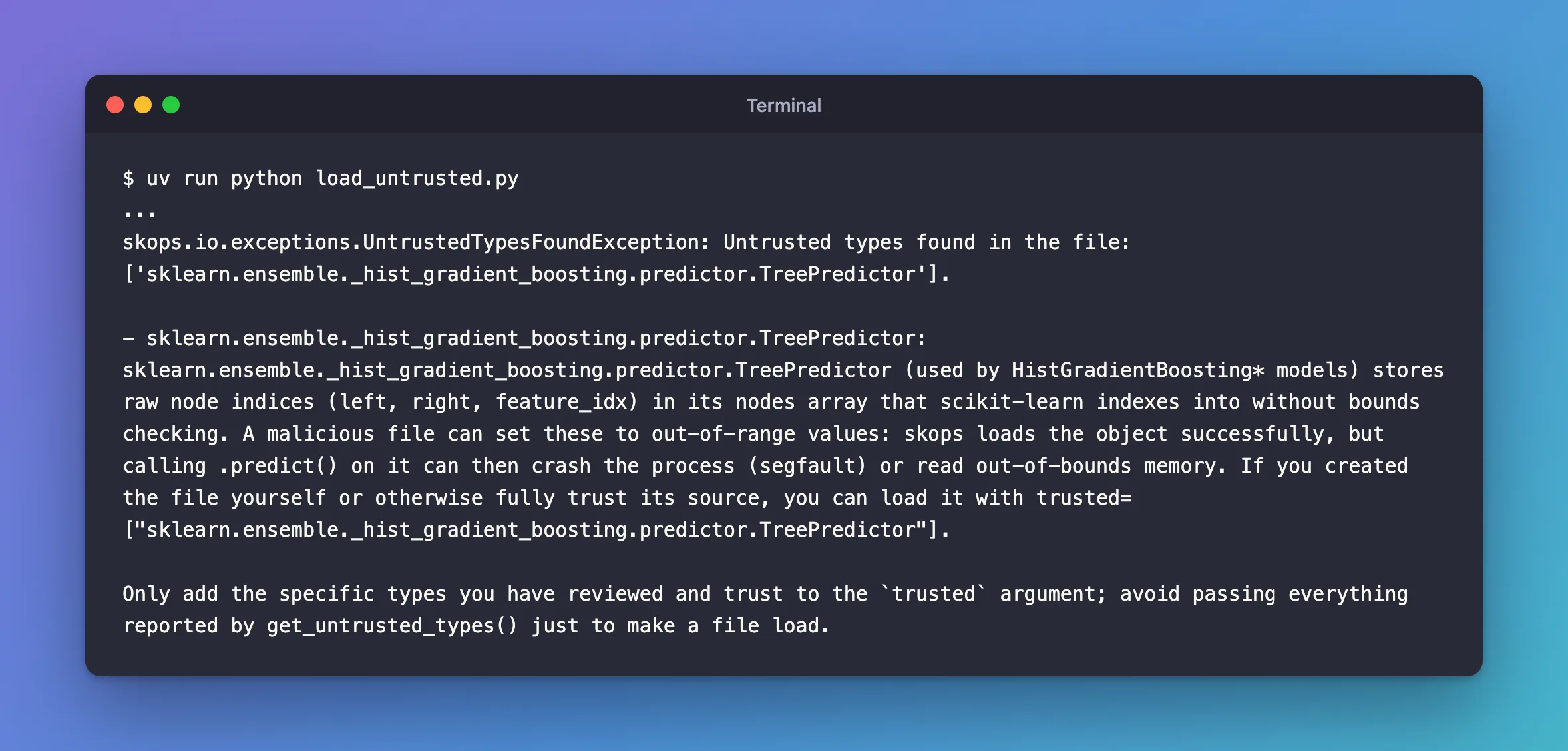
skops explains the risk for this type: a crafted file can hold node numbers that point outside the tree, so predicting with it could crash or read memory it shouldn't. For a file you made yourself, as here, trusting it is safe.
Common Mistakes
| Mistake | What happens | Do this instead |
|---|---|---|
trusted=sio.get_untrusted_types(file=path) | Every type is trusted without anyone looking | Write out the types you reviewed |
| Trusting a type for a file from an unknown source | The protection skops gives is gone for that type | Load such files only from sources you trust |
Troubleshooting
| Symptom | Likely cause | Fix |
|---|---|---|
UntrustedTypesFoundException: Untrusted types found in the file: [...] | The file holds types skops doesn't trust by default | Review them, then pass them in trusted |
get_untrusted_types returns [] | Every type in the file is trusted by default | load needs no trusted list |
FAQ
Do all scikit-learn models have untrusted types?
No. The logistic regression in How to Save and Load a scikit-learn Model with skops loaded without any. Models with special internal objects, like the gradient-boosted trees here, need them listed.
Where do I find a type's risk?
In the exception: skops 0.16 explains the known risk for types like TreePredictor right in the message.
Conclusion
get_untrusted_types named the one type skops wouldn't load by default, TreePredictor. Without a trusted list, load stopped with UntrustedTypesFoundException and explained the risk; with the reviewed type written out, the model loaded and predicted.
Additional Resources
- Secure persistence with skops —
get_untrusted_typesand thetrustedargument.
