How to Find the Child Runs of a Parent Run in MLflow

Every child run carries a tag, mlflow.parentRunId, holding its parent's run ID. That makes a parent's children one search away: filter the experiment's runs on that tag. This guide finds the children of a nightly batch of models and ranks them by loss, with real output from MLflow 3.18.0.
Syntax
children = mlflow.search_runs(
    experiment_names=["<experiment>"],
    filter_string=f"tags.mlflow.parentRunId = '{parent_run_id}'",
)
| Part | What it means |
|---|---|
tags.mlflow.parentRunId | The tag MLflow puts on every child run |
'{parent_run_id}' | The parent's run ID, in single quotes: tag values are text |
experiment_names=[...] | Where to search. Children are in their parent's experiment |
Add order_by=["metrics.<metric> ASC"] to sort them; How to Search MLflow Runs in Python with search_runs covers the rest of search_runs.
Prerequisites
- An MLflow tracking server at
http://127.0.0.1:8080. MLflow's tracking server guide shows how to start one.
Step 1: Create a Parent with Three Children
The example is a nightly batch that trains three models, each a child run with its loss. Create make_batch.py:
import mlflow

mlflow.set_tracking_uri("http://127.0.0.1:8080")
mlflow.set_experiment("child-runs-demo")

with mlflow.start_run(run_name="nightly-batch"):
    for name, loss in [("model-a", 0.42), ("model-b", 0.37), ("model-c", 0.51)]:
        with mlflow.start_run(run_name=name, nested=True):
            mlflow.log_metric("loss", loss)
uv run python make_batch.py
It prints a View run link for each of the three children, then one for nightly-batch.
Step 2: Find the Children
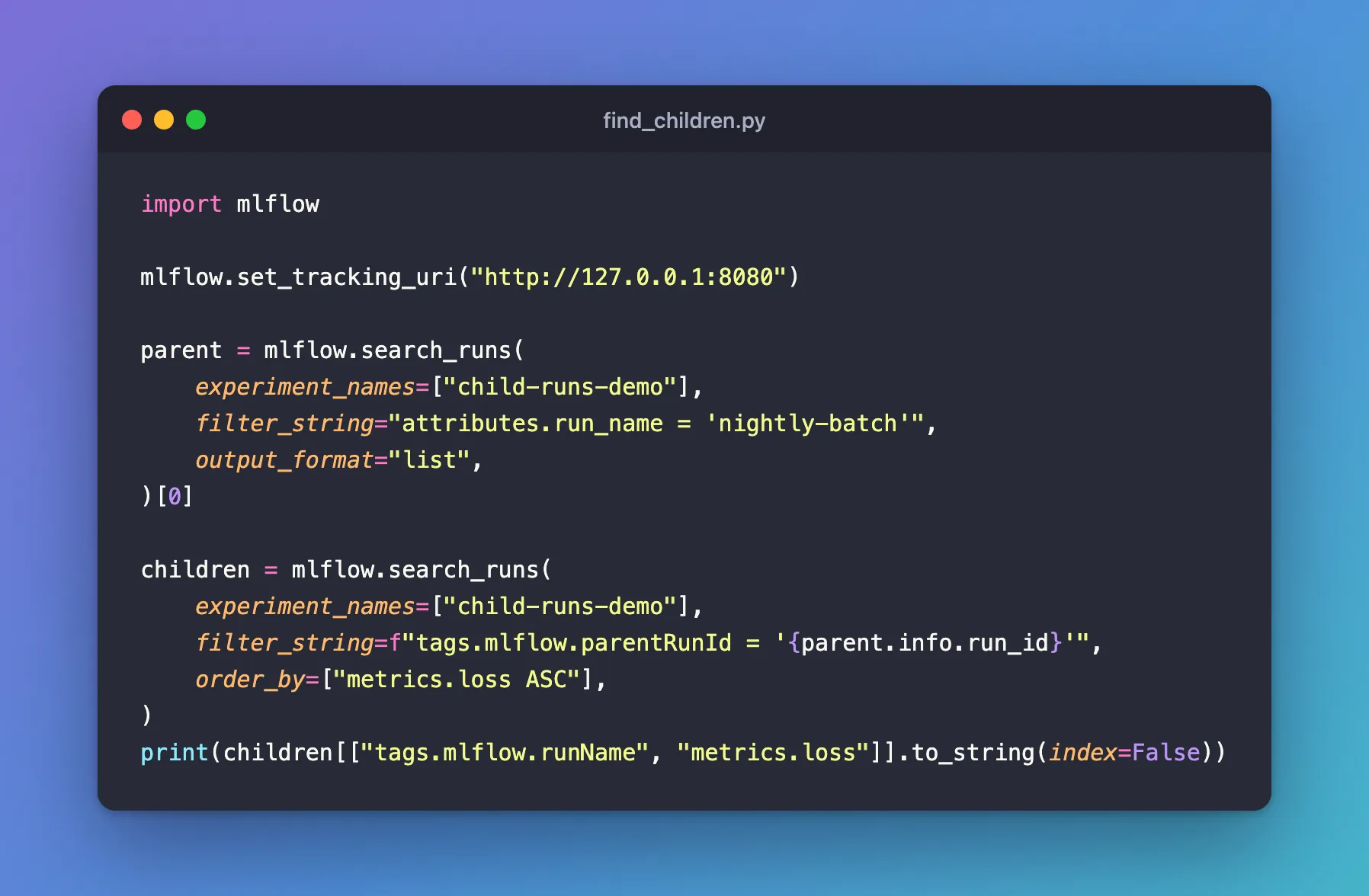
The script first finds the parent by its name, to get its run ID, then searches for the runs whose mlflow.parentRunId is that ID, lowest loss first. Create find_children.py:
import mlflow

mlflow.set_tracking_uri("http://127.0.0.1:8080")

parent = mlflow.search_runs(
    experiment_names=["child-runs-demo"],
    filter_string="attributes.run_name = 'nightly-batch'",
    output_format="list",
)[0]

children = mlflow.search_runs(
    experiment_names=["child-runs-demo"],
    filter_string=f"tags.mlflow.parentRunId = '{parent.info.run_id}'",
    order_by=["metrics.loss ASC"],
)
print(children[["tags.mlflow.runName", "metrics.loss"]].to_string(index=False))
uv run python find_children.py
tags.mlflow.runName  metrics.loss
            model-b          0.37
            model-a          0.42
            model-c          0.51
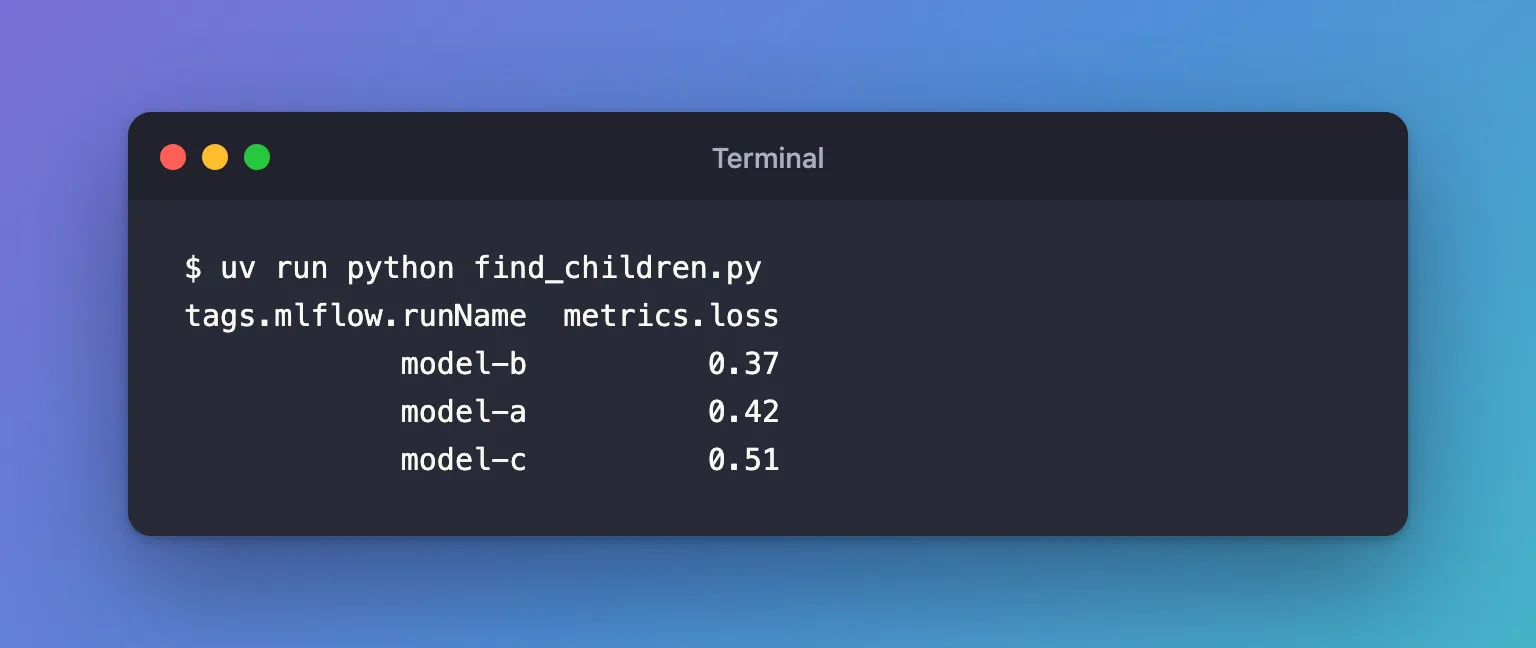
All three children came back, best first: model-b. The parent isn't in the list, since it has no mlflow.parentRunId tag of its own. How to Find an MLflow Run by Name explains the first search.
Common Mistakes
| Mistake | What happens | Do this instead |
|---|---|---|
| Leaving out the quotes around the ID | RestException: INVALID_PARAMETER_VALUE: Invalid clause(s) in filter string: 'tags.mlflow.parentRunId = 2343badc...' | Put the ID in single quotes |
| Searching another experiment | An empty result, with no error | Search the parent's experiment |
| Using the parent's name instead of its ID | No child matches: the tag holds the ID | Look the ID up first, as in Step 2 |
Troubleshooting
| Symptom | Likely cause | Fix |
|---|---|---|
| The result is empty | Wrong experiment, or the parent has no children | Check the parent's page: its Child runs row lists them |
Invalid clause(s) in filter string | Missing quotes, or a typo in tags.mlflow.parentRunId | Copy the filter from the Syntax section |
FAQ
Can I get only the best child?
Add max_results=1 and output_format="list", and take [0]: How to Find the Best Run in MLflow.
Does this work for autologged searches?
Yes: the child runs of an autologged GridSearchCV carry the same tag, so order_by=["metrics.mean_test_score DESC"] ranks the candidates.
Can the UI do the same?
Yes, the runs table folds children under their parent: How to See Nested Runs in the MLflow UI.
Conclusion
filter_string=f"tags.mlflow.parentRunId = '{parent.info.run_id}'" returned the three children of nightly-batch, ranked by loss. Quote the ID, search the parent's experiment, and look the ID up by name when you only know the parent's name.
Additional Resources
- Search Runs — the filter syntax, including tags.
- mlflow.search_runs — its parameters.
