How to Find the Best Run in MLflow

After a batch of training runs, the next question is always the same: which one did best? MLflow answers it with one search: sort the experiment's runs by the metric that measures quality, ask for just one run, and take it. This guide finds the run with the lowest error among three, with real output from MLflow 3.18.0.
Syntax
best = mlflow.search_runs(
    experiment_names=["<experiment name>"],
    order_by=["metrics.<metric> ASC"],
    max_results=1,
    output_format="list",
)[0]
| Part | What it means |
|---|---|
order_by=["metrics.<metric> ASC"] | Sorts by the metric, lowest first. Use ASC for an error, where lower is better, and DESC for a score such as accuracy, where higher is better |
max_results=1 | Asks the tracking server for the top run only |
output_format="list" | Returns a list of Run objects instead of a DataFrame |
[0] | The first, and only, run in that list |
best.info holds the run's own fields, such as run_name and run_id, and best.data.metrics and best.data.params what it logged.
Prerequisites
- An MLflow tracking server at
http://127.0.0.1:8080. MLflow's tracking server guide shows how to start one.
Step 1: Create Three Runs
The example is three price models, each with the root mean squared error (RMSE) it scored. Create price_models.py:
import mlflow

mlflow.set_tracking_uri("http://127.0.0.1:8080")
mlflow.set_experiment("best-run-demo")

for name, rmse in [("model-a", 0.62), ("model-b", 0.48), ("model-c", 0.55)]:
    with mlflow.start_run(run_name=name):
        mlflow.log_metric("rmse", rmse)
uv run python price_models.py
It prints a View run link for each run.
Step 2: Ask for the Best Run
RMSE is an error, so lower is better and the order is ASC. Create best_run.py:
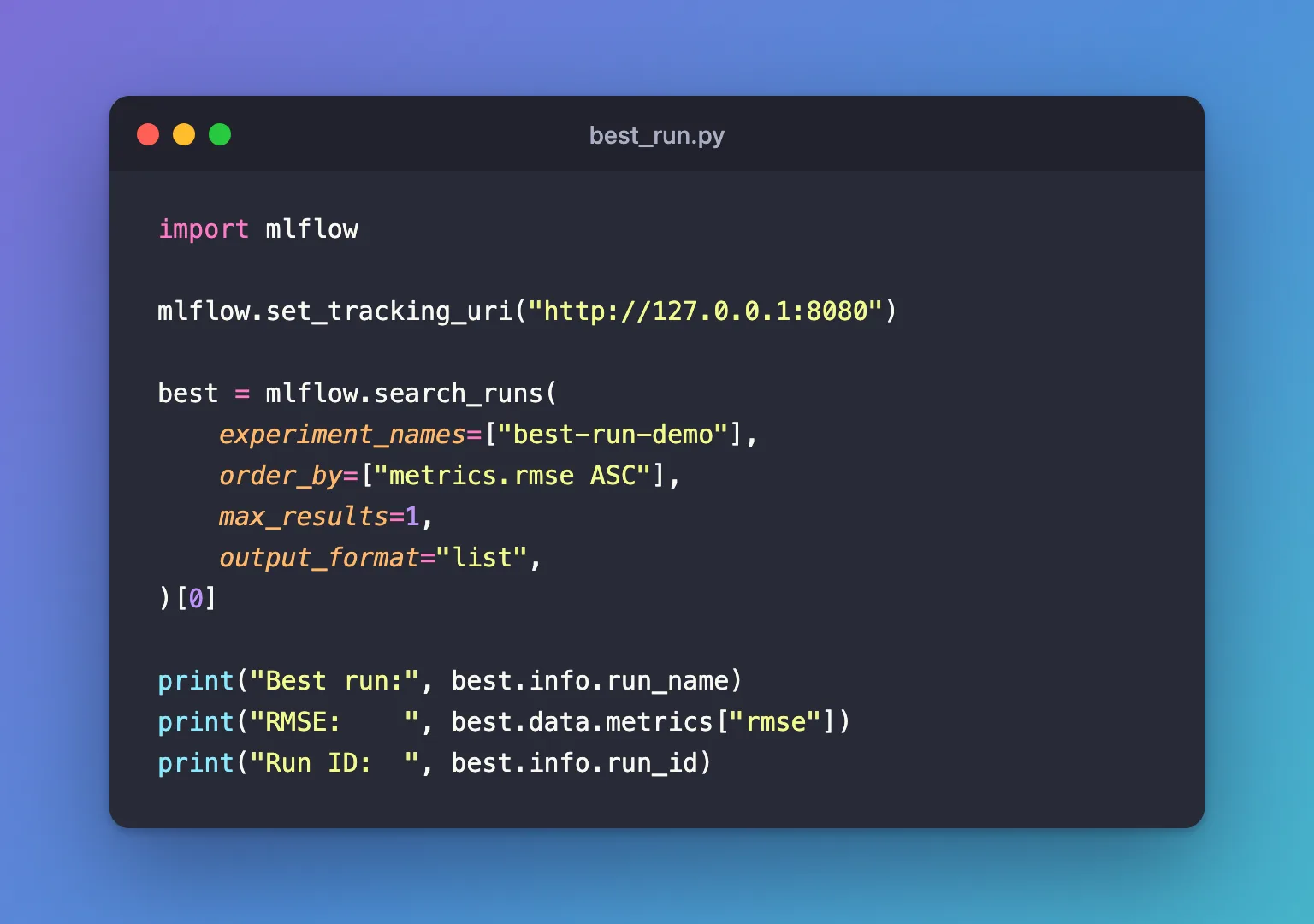
import mlflow

mlflow.set_tracking_uri("http://127.0.0.1:8080")

best = mlflow.search_runs(
    experiment_names=["best-run-demo"],
    order_by=["metrics.rmse ASC"],
    max_results=1,
    output_format="list",
)[0]

print("Best run:", best.info.run_name)
print("RMSE:    ", best.data.metrics["rmse"])
print("Run ID:  ", best.info.run_id)
uv run python best_run.py
Best run: model-b
RMSE:     0.48
Run ID:   c0ead38ba4de42799088a2050cebc467
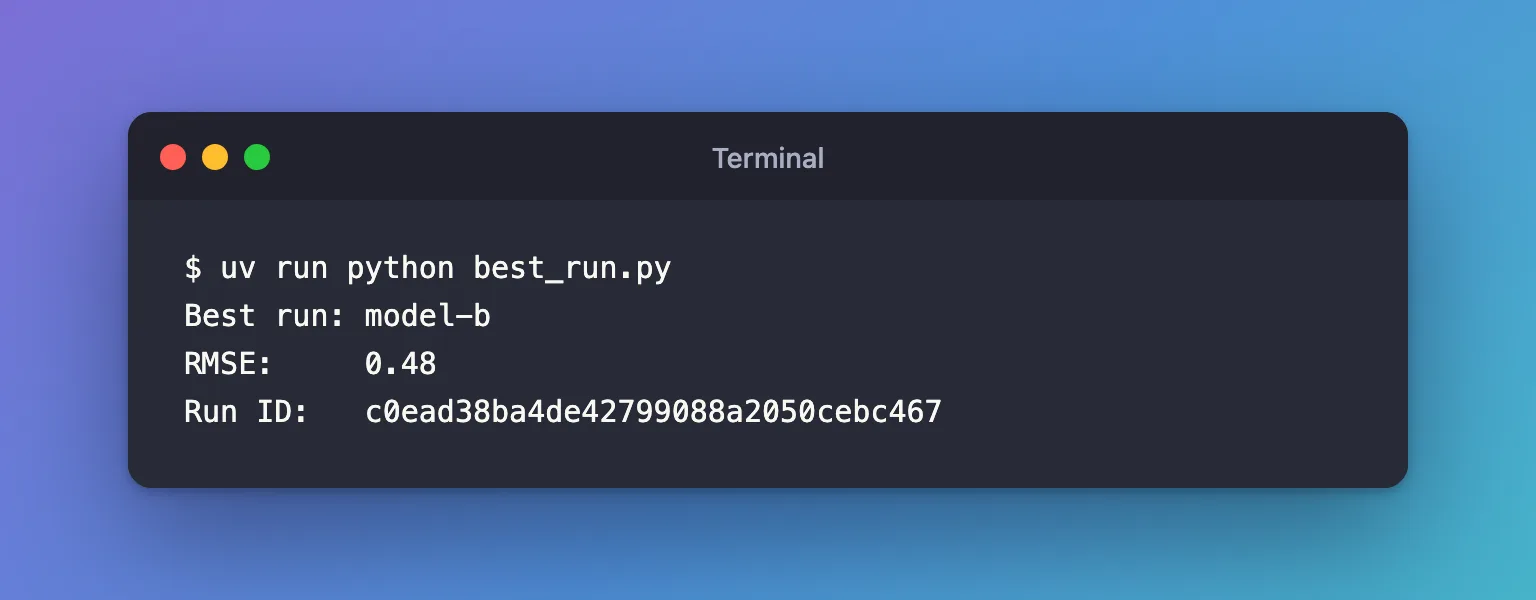
model-b, with 0.48, is the lowest of the three. The run ID is what other MLflow calls need, such as loading the run's files. With DESC the same search returns model-a, the worst at 0.62, so get the direction right for your metric.
Step 3: Make "Best" Mean What You Want
Real experiments need two more rules:
- Finished runs only. A run that crashed or was stopped keeps the scores it logged before it ended, and they can look good. Add
filter_string="attributes.status = 'FINISHED'": How to Find Failed Runs in MLflow shows what a failed run looks like. - A rule for ties. On a tracking server that keeps runs in a database, as here, two runs with the same score come back newest first: after your sort keys, MLflow sorts by start time, then by run ID. Writing that rule into your own
order_by, asorder_by=["metrics.rmse ASC", "attributes.start_time DESC"], makes it visible in your code.
Runs that never logged the metric are always sorted last, whichever direction you choose, so they never come out as the best.
Common Mistakes
| Mistake | What happens | Do this instead |
|---|---|---|
DESC for an error metric | You get the worst run: model-a here | ASC for errors and losses, DESC for accuracy and R² |
Leaving out output_format="list" and taking [0] | KeyError: 0, because the result is a DataFrame and [0] looks for a column | Add output_format="list", or use .iloc[0] on the DataFrame |
Taking [0] when no run matches | IndexError: list index out of range | Check that the list isn't empty first |
Troubleshooting
| Symptom | Likely cause | Fix |
|---|---|---|
KeyError: 'rmse' on best.data.metrics["rmse"] | The best run by the sort didn't log that metric, or the name differs | Check the metric's exact name on the run's page |
| The "best" run is one you know crashed | Failed runs are included | Filter with attributes.status = 'FINISHED' |
FAQ
Can I do this in the UI?
Yes: sort the runs table by the metric, lowest first, and the best run is on top: How to Sort Runs in the MLflow UI.
How do I get the top three instead?
Set max_results=3 and use the whole list, or drop output_format="list" to get a DataFrame with three rows.
Which metric should decide?
One measured on data the model didn't train on, such as a validation score. Picking the best run by a test score turns the test set into part of training, so it no longer measures how the model does on new data.
Conclusion
mlflow.search_runs(order_by=["metrics.rmse ASC"], max_results=1, output_format="list")[0] returned the best of three runs, model-b. Sort ASC for errors and DESC for scores, keep only finished runs, add a tie-breaker, and check the list isn't empty before taking [0].
Additional Resources
- mlflow.search_runs — the function's reference.
- Search Runs — MLflow's guide, including ordering and
max_results.
