How to Find Rows by a List of IDs with Contains in EF Core
· 4 min read

To load several rows by their IDs, call Contains on the list inside your Where. It reads backwards the first time, and EF Core turns it into a plain SQL IN. An empty list is worth seeing too: it doesn't fail, and it doesn't return everything.
Prerequisites
- A .NET C# project using EF Core. I used EF Core 10.0.14 and MySQL 9.7.4.
Step 1: Write the Query
An endpoint
g.MapGet("/contains", async ([FromQuery] int[] ids, InventoryDbContext db, CancellationToken cancellationToken) =>
{
    var products = await db.Products
        .Where(p => ids.Contains(p.Id))
        .OrderBy(p => p.Id)
        .Select(p => new { p.Id, p.Sku })
        .ToListAsync(cancellationToken);

    return Results.Ok(products);
});
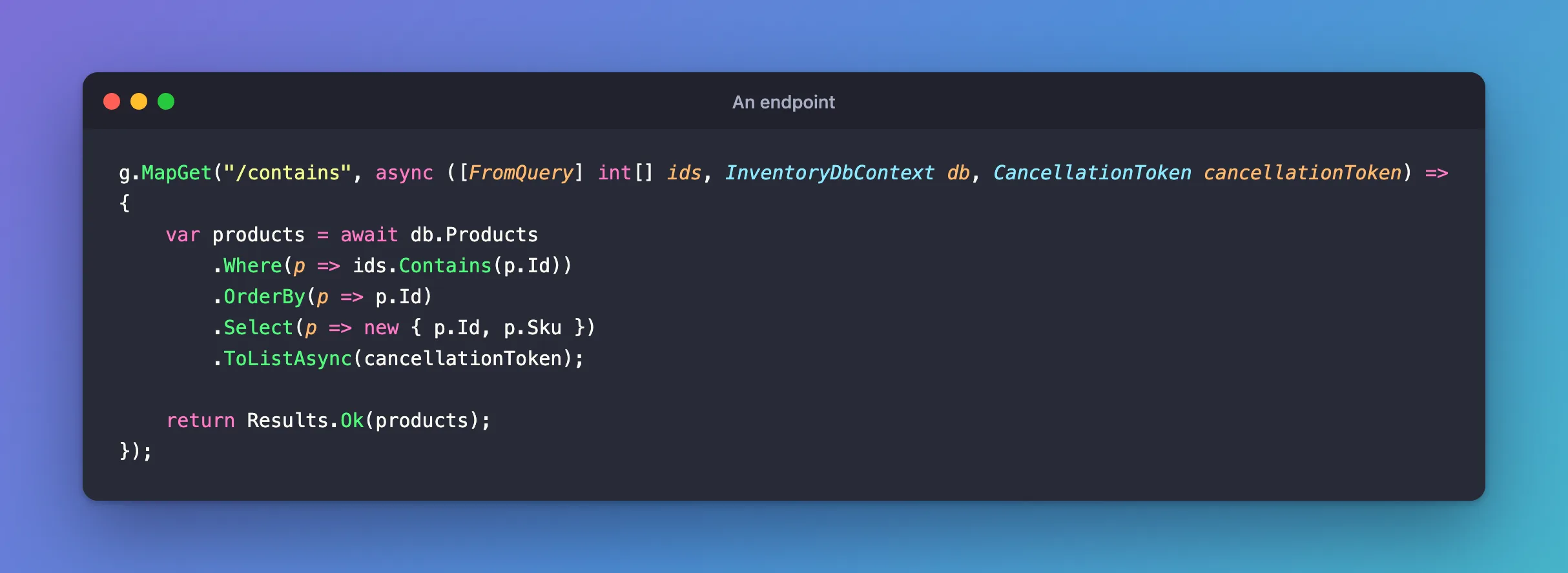
[FromQuery] int[] ids reads the same parameter repeated in the query string.
Step 2: Call It
Request
GET http://localhost:5190/demo/contains?ids=1&ids=2&ids=3
Output
[
  {
    "id": 1,
    "sku": "CBL-USBC-2M"
  },
  {
    "id": 2,
    "sku": "CBL-USBC-1M"
  },
  {
    "id": 3,
    "sku": "CBL-HDMI-2M"
  }
]
Step 3: See the SQL
API log
Executed DbCommand (1ms) [Parameters=[@ids1='?' (DbType = Int32), @ids2='?' (DbType = Int32), @ids3='?' (DbType = Int32)], CommandType='Text', CommandTimeout='0']
SELECT `p`.`Id`, `p`.`Sku`
FROM `products` AS `p`
WHERE `p`.`Id` IN (@ids1, @ids2, @ids3)
ORDER BY `p`.`Id`
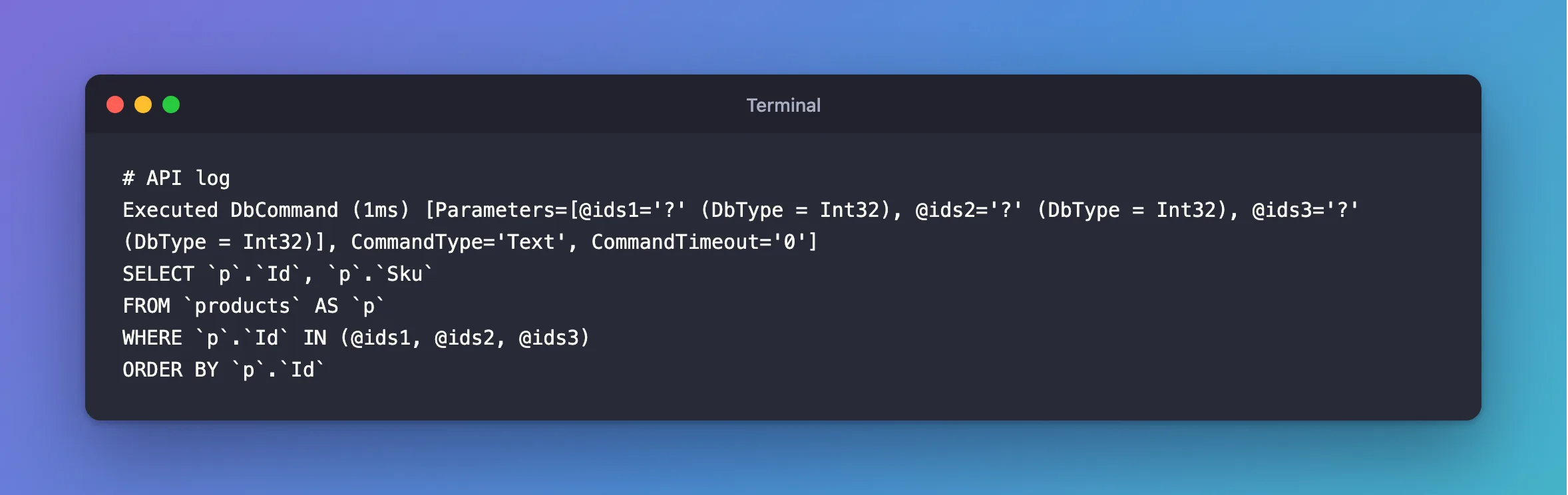
Each value gets its own parameter, so a user's input never becomes part of the SQL.
Step 4: Try an Empty List
With no ids at all, here's what MySQL received, on the second line:
Output (MySQL's log)
+-------------------------------------------------------------------------------------------------+
| statement                                                                                       |
+-------------------------------------------------------------------------------------------------+
| SELECT `p`.`Id`, `p`.`Sku` FROM `products` AS `p` WHERE `p`.`Id` IN (1, 2, 3) ORDER BY `p`.`Id` |
| SELECT `p`.`Id`, `p`.`Sku` FROM `products` AS `p` WHERE FALSE ORDER BY `p`.`Id`                 |
+-------------------------------------------------------------------------------------------------+
WHERE FALSE returns nothing, which is the right answer for "these zero IDs".
Common Mistakes
| Mistake | What happens | Do this instead |
|---|---|---|
| Loading rows one at a time in a loop | One query per ID | Use Contains |
| Sending thousands of IDs | A very long statement | Split them into batches |
| Assuming the results come back in your order | SQL doesn't promise any | Add OrderBy, or sort in C# |
Troubleshooting
| Symptom | Likely cause | Fix |
|---|---|---|
ids is empty though it's in the URL | The parameter's name differs | ?ids=1&ids=2, matching the name |
A 400 for a list | A value isn't a number | Failed to bind parameter |
| It's slow | No index on the column | Add one, or use the primary key |
Conclusion
Write ids.Contains(p.Id) in your Where, and EF Core sends IN, with one parameter per value. An empty list sends WHERE FALSE.
Additional Resources
- Complex Query Operators — LINQ translation.
- Parameter binding in minimal APIs — arrays from the query string.
