How to Find Long-Running Transactions in MySQL

A program starts a transaction and never ends it, because of a forgotten COMMIT, a crash in the middle, or a person who went to lunch. Nothing looks wrong until someone else needs one of its rows. information_schema.innodb_trx shows every transaction that's open, so you can find it first.
Prerequisites
- MySQL, with the
PROCESSprivilege. The INNODB_TRX page says: "You must have thePROCESSprivilege to query this table." Without it you get ERROR 1227. The examples use root on MySQL 9.7.4 in Docker.
Step 1: Leave a Transaction Open
START TRANSACTION;
UPDATE products SET ReorderLevel = 6 WHERE Id = 3;
Leave it there. It has finished its work, and nothing is running.
Step 2: List the Open Transactions
SELECT trx_id, trx_state, trx_started, trx_mysql_thread_id, trx_query,
       trx_rows_locked, trx_rows_modified
FROM information_schema.innodb_trx\G
*************************** 1. row ***************************
             trx_id: 4559
          trx_state: RUNNING
        trx_started: 2026-11-05 05:26:35
trx_mysql_thread_id: 104
          trx_query: NULL
    trx_rows_locked: 1
  trx_rows_modified: 1
1 row in set (0.002 sec)
| Column | What it tells you |
|---|---|
trx_state | RUNNING, or LOCK WAIT when it's waiting for someone else |
trx_started | When the transaction started |
trx_mysql_thread_id | The connection ID, the one you'd use with KILL |
trx_query | The statement running now. NULL means it's idle |
trx_rows_locked, trx_rows_modified | How much it's holding |
Step 3: Find the Old Ones, and Who Owns Them
Join it to the list of connections, and keep only what's been open for a while. Here, more than 5 seconds:
SELECT t.trx_mysql_thread_id AS connection,
       TIMESTAMPDIFF(SECOND, t.trx_started, NOW()) AS open_seconds,
       t.trx_rows_locked AS rows_locked,
       p.USER AS user, p.HOST AS host, p.COMMAND AS command
FROM information_schema.innodb_trx t
JOIN performance_schema.processlist p ON p.ID = t.trx_mysql_thread_id
WHERE t.trx_started < NOW() - INTERVAL 5 SECOND
ORDER BY t.trx_started;
+------------+--------------+-------------+---------------+-----------+---------+
| connection | open_seconds | rows_locked | user          | host      | command |
+------------+--------------+-------------+---------------+-----------+---------+
|        104 |            6 |           1 | inventory_app | localhost | Sleep   |
+------------+--------------+-------------+---------------+-----------+---------+
1 row in set (0.004 sec)
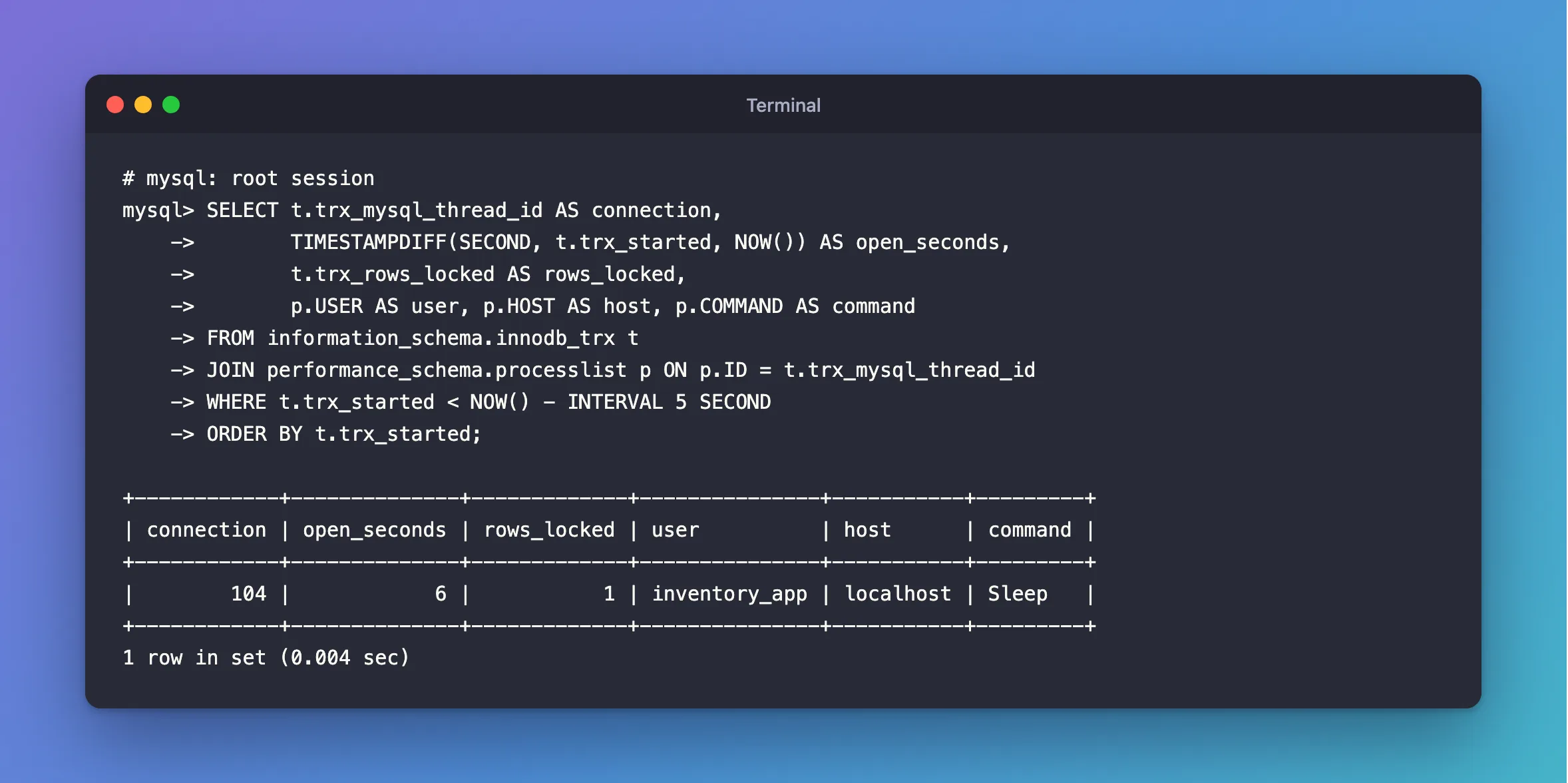
command: Sleep with an open transaction is the one to worry about: it's doing nothing, and it's holding its locks anyway.
I use performance_schema.processlist because SHOW PROCESSLIST and the old INFORMATION_SCHEMA table are on their way out: Warning 1287 covers that.
Step 4: See What It Last Ran
trx_query is NULL for an idle transaction, which isn't much help. sys.session remembers the last statement:
SELECT conn_id, last_statement, trx_state
FROM sys.session
WHERE trx_state = 'ACTIVE' AND user NOT LIKE 'root%'\G
*************************** 1. row ***************************
       conn_id: 104
last_statement: UPDATE products SET ReorderLevel = 6 WHERE Id = 3
     trx_state: ACTIVE
1 row in set (0.030 sec)
That statement usually tells you which part of which program it came from.
Step 5: End It
Fix the program if you can. If it has to end now, use the connection ID:
KILL 104;
MySQL rolls back the transaction, and its locks are released. How to Stop a Running Query or Connection in MySQL with KILL covers the details.
Common Mistakes
| Mistake | What happens | Do this instead |
|---|---|---|
| Looking only for slow queries | An idle transaction runs no query | Look at innodb_trx |
Judging by trx_query | NULL doesn't mean harmless | Check trx_rows_locked and how long it's been open |
| Killing without checking who owns it | Someone's work is rolled back | Look at user, host and last_statement first |
Troubleshooting
| Symptom | Likely cause | Fix |
|---|---|---|
Access denied; you need (at least one of) the PROCESS privilege(s) | The account lacks PROCESS | The fix |
| A transaction you started isn't listed | It hasn't done any work yet | Run a statement in it |
| One keeps coming back | The app opens one and doesn't finish it | Fix the app: check that each path commits or rolls back |
FAQ
How long is too long?
It depends on the app. For a web API, a transaction should end within a request, so anything over a few seconds is worth a look.
Does a long transaction cost anything apart from locks?
Yes. InnoDB keeps old versions of rows for as long as a transaction might still read them, as the multi-versioning page explains. Keep them short.
Conclusion
information_schema.innodb_trx lists every open transaction and when it started. Join it to performance_schema.processlist to see who owns each one, and read sys.session to see what it last ran. An idle transaction holding locks is the one to go after.
Additional Resources
- The INFORMATION_SCHEMA INNODB_TRX Table — every column.
- The processlist Table — the list of connections.
