How to Find an MLflow Run by Name

Run names are what you see in the MLflow UI, but most MLflow functions want a run ID. Searching with attributes.run_name turns one into the other: an exact name, a pattern, or a name in any capitalisation. Names aren't unique, though, so getting "the" run takes one more step. This guide finds runs by name four ways and picks the newest of two runs that share a name, with real results from MLflow 3.18.0.
Syntax
attributes.run_name = '<name>'
attributes.run_name LIKE '<pattern>'
attributes.run_name ILIKE '<pattern>'
| Part | What it means |
|---|---|
attributes.run_name | The run's name, as the runs table shows it. tags.mlflow.runName finds the same runs, because MLflow also stores the name as that tag |
= '<name>' | Exactly this name, capitalisation included |
LIKE '<pattern>' | A pattern, where % stands for any number of characters and _ for one |
ILIKE '<pattern>' | The same, ignoring upper and lower case |
Put the name in single quotes, or in double quotes when it contains an apostrophe.
Prerequisites
- An MLflow tracking server at
http://127.0.0.1:8080. MLflow's tracking server guide shows how to start one.
Step 1: Create Five Runs
The example is five runs with an accuracy each: a baseline and its second version, two runs that were both named tuned, and one whose name contains an apostrophe. Create named_runs.py:
import mlflow

mlflow.set_tracking_uri("http://127.0.0.1:8080")
mlflow.set_experiment("name-search-demo")

for name, accuracy in [
    ("baseline", 0.80),
    ("baseline-v2", 0.83),
    ("tuned", 0.86),
    ("tuned", 0.89),
    ("bob's run", 0.70),
]:
    with mlflow.start_run(run_name=name):
        mlflow.log_metric("accuracy", accuracy)
uv run python named_runs.py
It prints a View run link for each of the five runs, two of them called tuned.
Step 2: Search by Name
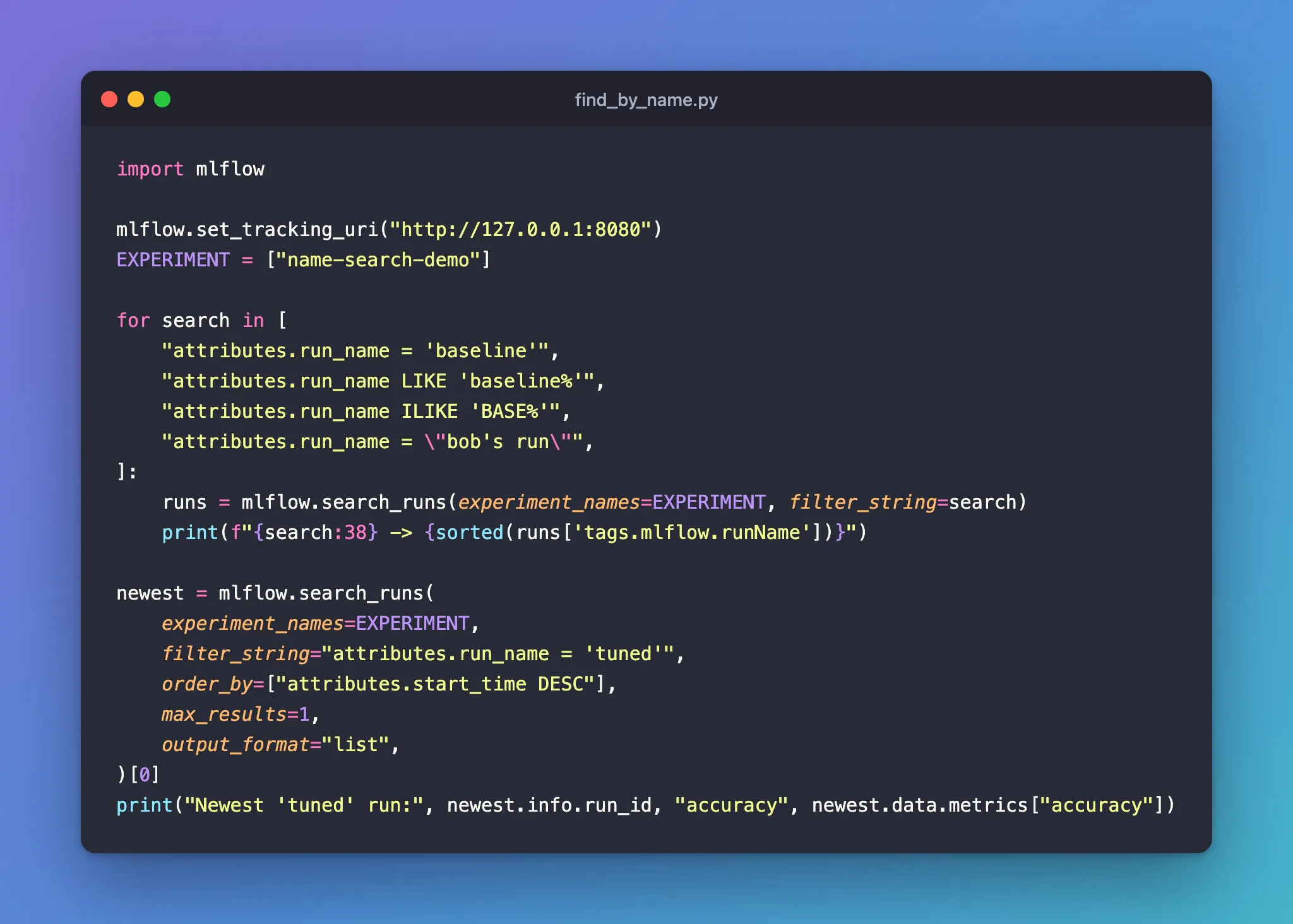
Create find_by_name.py. The loop runs four name searches; the last search gets the newest run called tuned:
import mlflow

mlflow.set_tracking_uri("http://127.0.0.1:8080")
EXPERIMENT = ["name-search-demo"]

for search in [
    "attributes.run_name = 'baseline'",
    "attributes.run_name LIKE 'baseline%'",
    "attributes.run_name ILIKE 'BASE%'",
    "attributes.run_name = \"bob's run\"",
]:
    runs = mlflow.search_runs(experiment_names=EXPERIMENT, filter_string=search)
    print(f"{search:38} -> {sorted(runs['tags.mlflow.runName'])}")

newest = mlflow.search_runs(
    experiment_names=EXPERIMENT,
    filter_string="attributes.run_name = 'tuned'",
    order_by=["attributes.start_time DESC"],
    max_results=1,
    output_format="list",
)[0]
print("Newest 'tuned' run:", newest.info.run_id, "accuracy", newest.data.metrics["accuracy"])
uv run python find_by_name.py
attributes.run_name = 'baseline'       -> ['baseline']
attributes.run_name LIKE 'baseline%'   -> ['baseline', 'baseline-v2']
attributes.run_name ILIKE 'BASE%'      -> ['baseline', 'baseline-v2']
attributes.run_name = "bob's run"      -> ["bob's run"]
Newest 'tuned' run: 0ecfe0ae9bae44ecb0da515a96792898 accuracy 0.89
Step 3: Read the Results
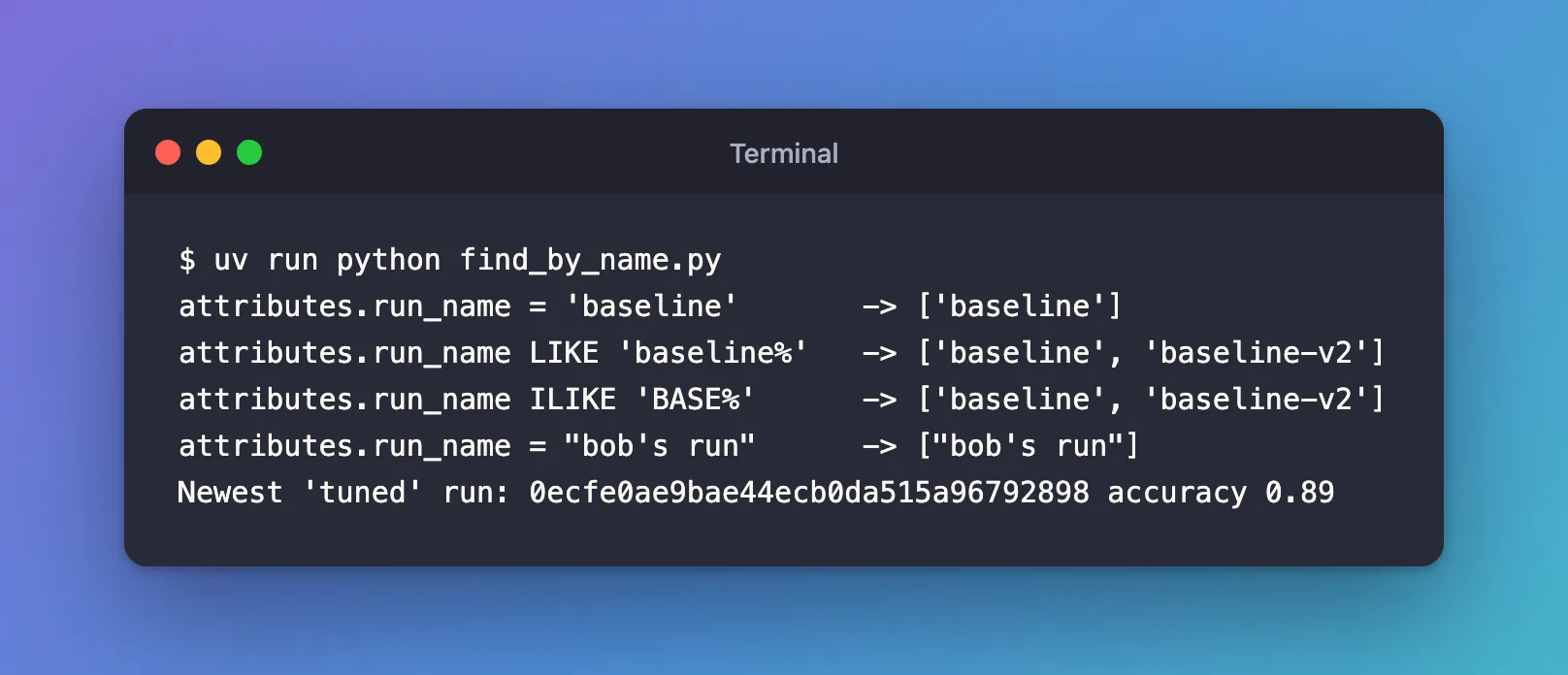
= 'baseline'found onlybaseline:=means the whole name, sobaseline-v2doesn't match.LIKE 'baseline%'found both, since%covers-v2.ILIKE 'BASE%'found the same two despite the capitals.= 'Baseline'finds nothing, because=andLIKEmatch capitalisation exactly."bob's run"is in double quotes because the name contains an apostrophe. Inside single quotes, neither'bob''s run'nor'bob\'s run'finds it.- Two runs are called
tuned. Sorting byattributes.start_time DESCand keeping one returned the newer, the one with accuracy 0.89, and its run ID.
Common Mistakes
| Mistake | What happens | Do this instead |
|---|---|---|
| Assuming a name points to one run | = 'tuned' returns two runs here | Sort by attributes.start_time DESC and take one, or use the run ID |
An apostrophe inside single quotes, 'bob''s run' | No match, and no error | Use double quotes: "bob's run" |
= for part of a name | = 'baseline' misses baseline-v2 | Use LIKE 'baseline%' |
Troubleshooting
| Symptom | Likely cause | Fix |
|---|---|---|
| No run found, though the name looks right | Capitalisation or a space differs | Use ILIKE, or copy the name from the runs table |
| The run you want isn't in the results | It's in another experiment, or deleted | Check experiment_names, and see How to Include Deleted Runs in an MLflow Search in Python |
FAQ
How do I get a run's ID from its name in the UI?
Search attributes.run_name = '<name>' in the runs table's search box and open the run: its ID is on the run page and in the page's address.
Is run_name the same as the mlflow.runName tag?
They hold the same name: tags.mlflow.runName = 'tuned' returned the same two runs as attributes.run_name = 'tuned'.
Can I make run names unique?
MLflow doesn't enforce it. A naming scheme that includes something unique, such as a date or a seed, avoids duplicates.
Conclusion
attributes.run_name = '<name>' found runs by exact name, LIKE and ILIKE by pattern, and double quotes handled a name with an apostrophe. Because names repeat, order_by=["attributes.start_time DESC"] with max_results=1 turned a name into the newest run's ID.
Additional Resources
- Search Runs — MLflow's guide, including searching by run attributes.
- mlflow.search_runs — the function's reference.
