How to Filter a Collection with LINQ Where in C#

Most collections hold more than you need right now: the big numbers, the names that start with A, the open orders. In C#, LINQ's Where keeps only the items that pass a test you write, and leaves the rest out.
Syntax
IEnumerable<<Type>> <matching> = <items>.Where(<item> => <condition>);
<Type>[] <matchingArray> = <items>.Where(<item> => <condition>).ToArray();
| Part | What it does |
|---|---|
<items>.Where(...) | Returns the items for which the condition is true, in their original order |
<item> => <condition> | The test, run once per item: n => n > 6 keeps numbers above 6 |
.ToArray() | Runs the filter now and stores the result in a new array |
Microsoft's Enumerable.Where reference: "Filters a sequence of values based on a predicate." Its remarks add: "This method is implemented by using deferred execution."
The Example
The program keeps the numbers above 6 from a short array, then the names that start with A from a list of three.
Prerequisites
- The .NET 10 SDK or newer, which runs a single
.csfile withdotnet run. This guide uses .NET SDK 10.0.404.
Step 1: Write the Code
Create a file named main.cs in an empty folder:
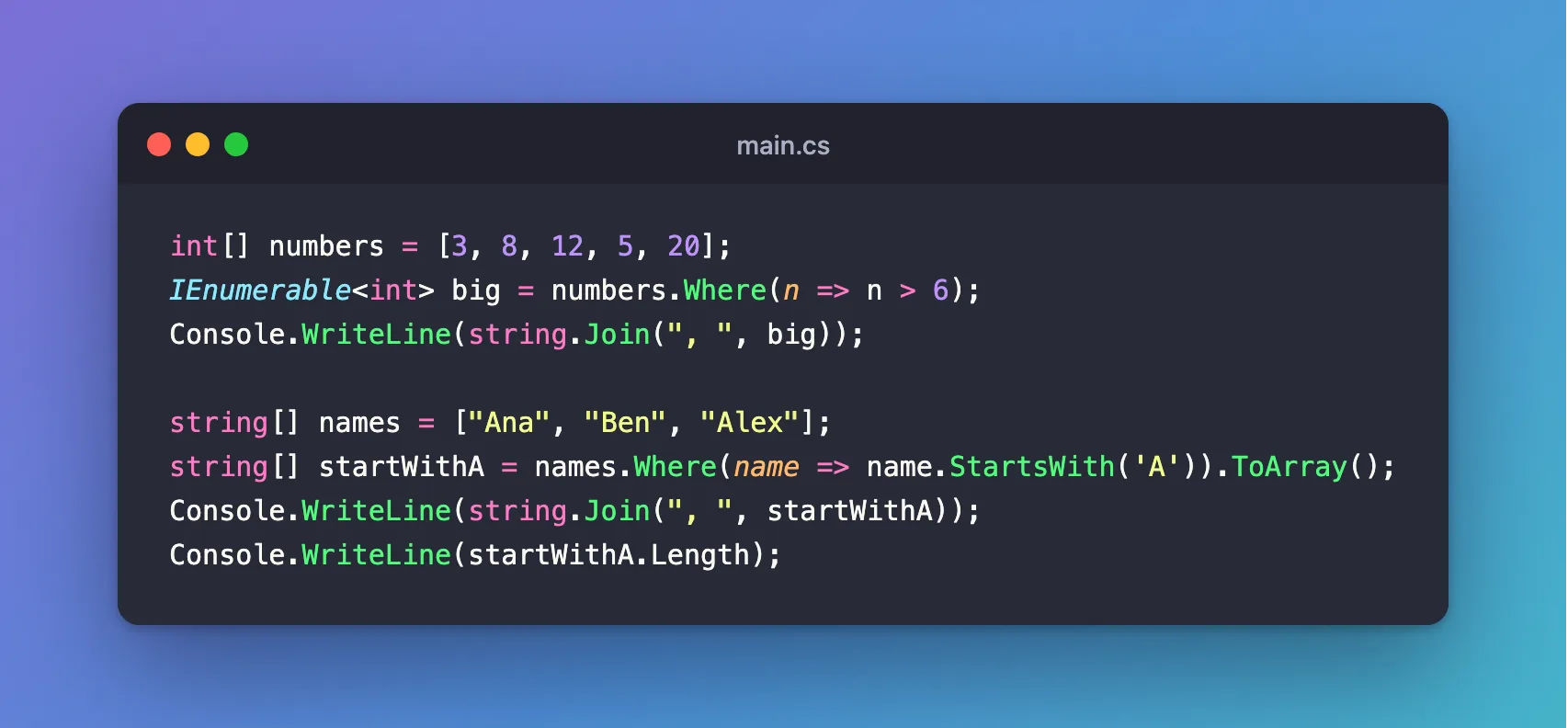
int[] numbers = [3, 8, 12, 5, 20];
IEnumerable<int> big = numbers.Where(n => n > 6);
Console.WriteLine(string.Join(", ", big));

string[] names = ["Ana", "Ben", "Alex"];
string[] startWithA = names.Where(name => name.StartsWith('A')).ToArray();
Console.WriteLine(string.Join(", ", startWithA));
Console.WriteLine(startWithA.Length);
string.Join(", ", ...) puts the items on one line with a comma between them.
Step 2: Run It
dotnet run main.cs
8, 12, 20
Ana, Alex
2
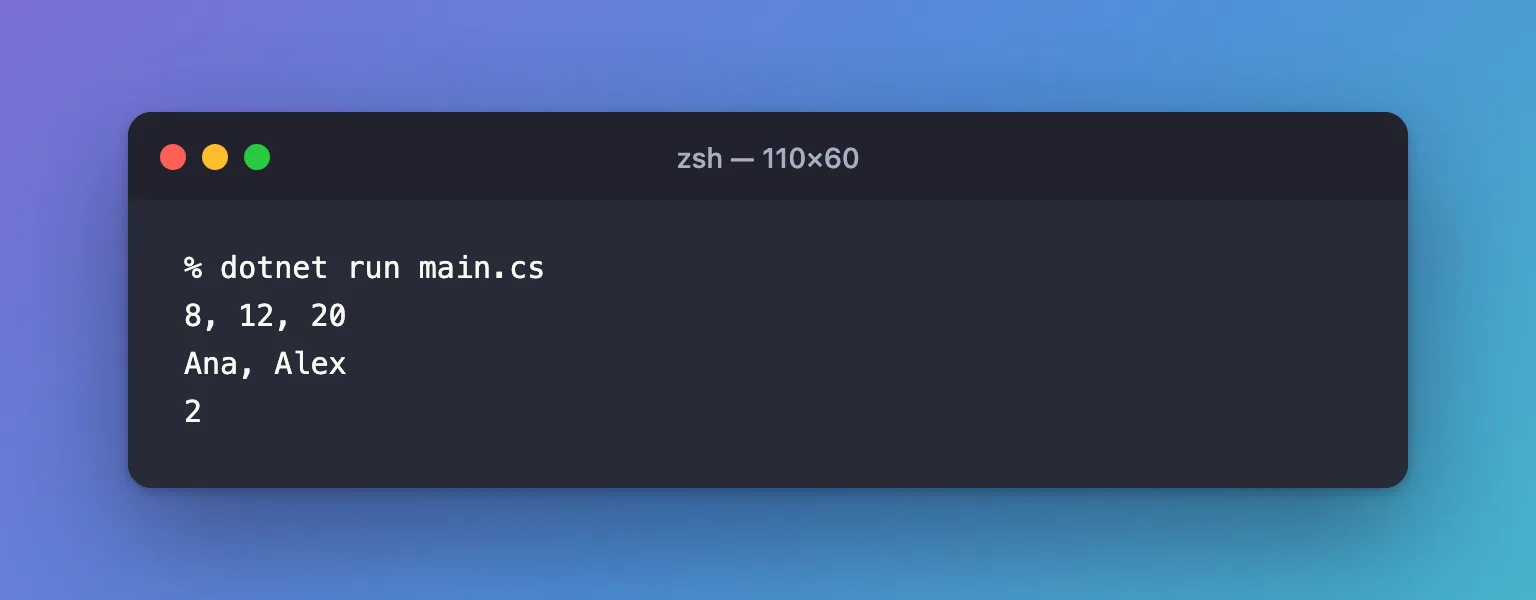
- 8, 12 and 20 passed
n > 6, in the order they were in. 3 and 5 were left out. AnaandAlexstart withA.ToArray()turned them into an array of 2.
The command is the same in zsh, bash and PowerShell.
The Original Stays as It Was
Where returns a new sequence. It never removes anything from the collection you call it on:
int[] numbers = [3, 8, 12, 5, 20];
int[] big = numbers.Where(n => n > 6).ToArray();

Console.WriteLine(string.Join(", ", big));
Console.WriteLine(string.Join(", ", numbers));
8, 12, 20
3, 8, 12, 5, 20
The Filter Runs When You Read It
Without ToArray(), Where doesn't filter straight away. It filters each time you read the result, so it sees the collection as it is then:
List<int> numbers = [1, 5, 9];
IEnumerable<int> overFour = numbers.Where(n => n > 4);

numbers.Add(7);

Console.WriteLine(string.Join(", ", overFour));
5, 9, 7
7 was added after the Where line, and still came out. Microsoft's introduction to LINQ queries calls this deferred execution: "Deferred execution means that the operation isn't performed at the point in the code where the query is declared." Add .ToArray() when you want the result as it is at that line.
Common Mistakes
| Mistake | What happens | Do this instead |
|---|---|---|
Expecting Where to remove items from the original | The original keeps every item | Use the result Where returns |
Changing the source between Where and reading the result | The result includes the change | Call .ToArray() where you want the result fixed |
Writing the condition the wrong way round, such as n < 6 for "above 6" | The opposite items come out: 3, 5 | Read the lambda as "keep it when ..." |
Troubleshooting
| Symptom | Likely cause | Fix |
|---|---|---|
| An item added later shows up in the result | Deferred execution | .ToArray() right after Where |
| The original array still holds every item | Where never changes it | Assign the result to a variable |
FAQ
Do I need ToArray?
Only when you want an array: to read Length, to use it more than once without filtering again, or to fix the result at that point. string.Join read the IEnumerable<int> in Step 1 directly.
Can I filter on more than one condition?
Yes, join them in the lambda with && or ||. On the same numbers, n => n > 6 && n < 20 kept 8, 12.
Conclusion
items.Where(item => condition) keeps the items that pass the test, in order, and leaves the original collection as it was. It filters when you read the result, so add .ToArray() when you want the result as it is at that line.
Additional Resources
- Enumerable.Where method, on Microsoft Learn.
- Introduction to LINQ queries, on Microsoft Learn.
