How to Exit a Rust Program with an Exit Code

Scripts, CI pipelines and other programs read a program's exit code to learn whether it worked: 0 means success, anything else failure. In Rust, std::process::exit(1) stops the program on the spot with exit code 1.
Syntax
std::process::exit(<code>);
| Part | What it does |
|---|---|
std::process::exit | Ends the process at once. It never returns, so nothing after it runs. |
<code> | The exit code, an i32: 0 for success, any other number for failure. |
The standard library's documentation for std::process::exit: "Terminates the current process with the specified exit code. This function will never return and will immediately terminate the current process. The exit code is passed through to the underlying OS and will be available for consumption by another process."
The Example
The example checks whether all orders are paid. They aren't, so it prints a message to standard error and exits with code 1.
Prerequisites
- Rust, installed with rustup, which comes with Cargo. This guide uses Rust 1.100.0.
Step 1: Create a Project
cargo new demo
cd demo
    Creating binary (application) `demo` package
note: see more `Cargo.toml` keys and their definitions at https://doc.rust-lang.org/cargo/reference/manifest.html
cargo new demo creates a folder named demo with a Cargo.toml file, which describes the project, and src/main.rs, which holds the code. cd demo moves into it.
Step 2: Write the Code
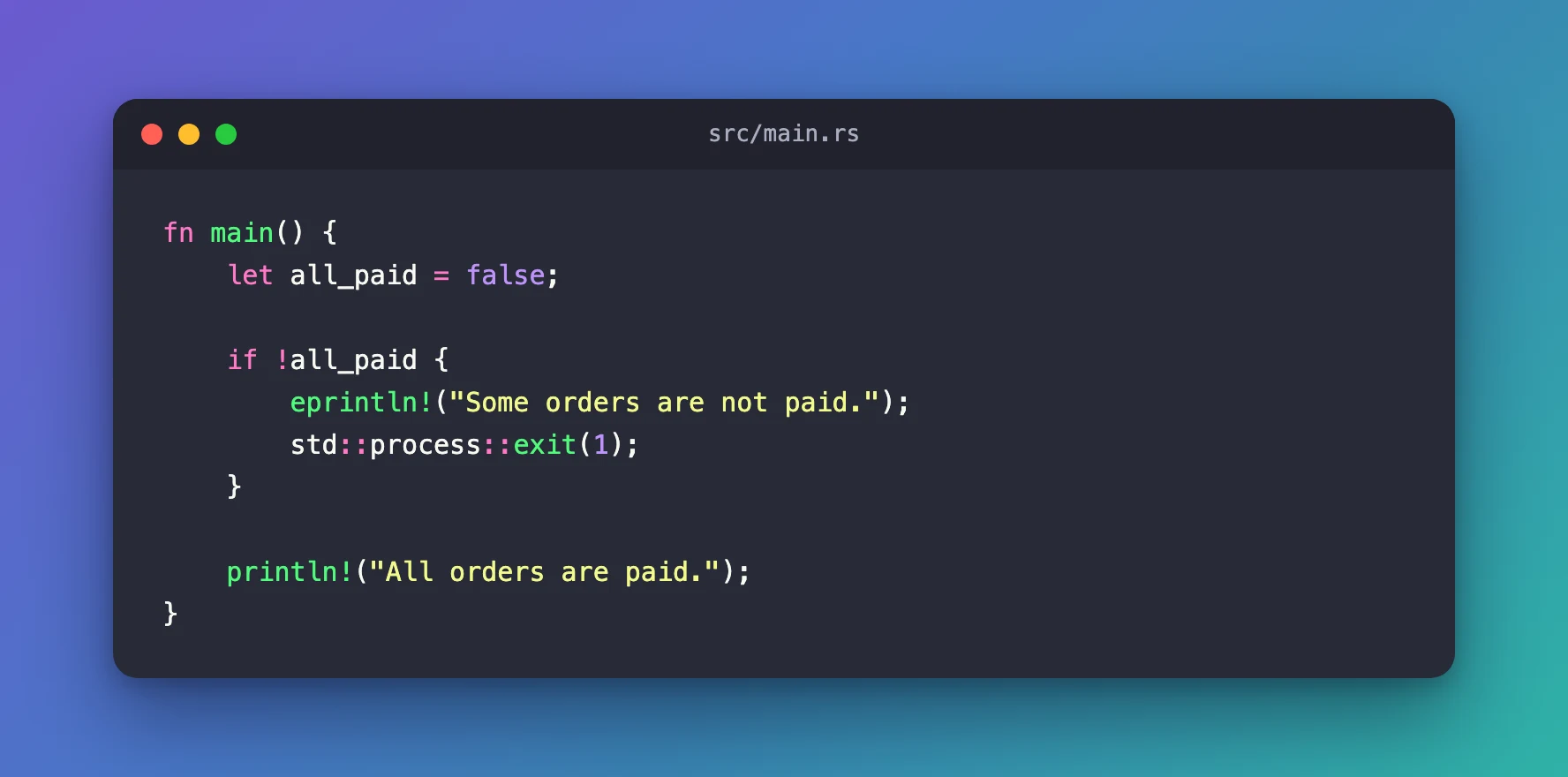
Replace the contents of src/main.rs with:
fn main() {
    let all_paid = false;

    if !all_paid {
        eprintln!("Some orders are not paid.");
        std::process::exit(1);
    }

    println!("All orders are paid.");
}
!all_paid is true, so the if block runs: eprintln! writes the message to standard error, and exit(1) ends the program before the last line.
Step 3: Run It and Check the Exit Code
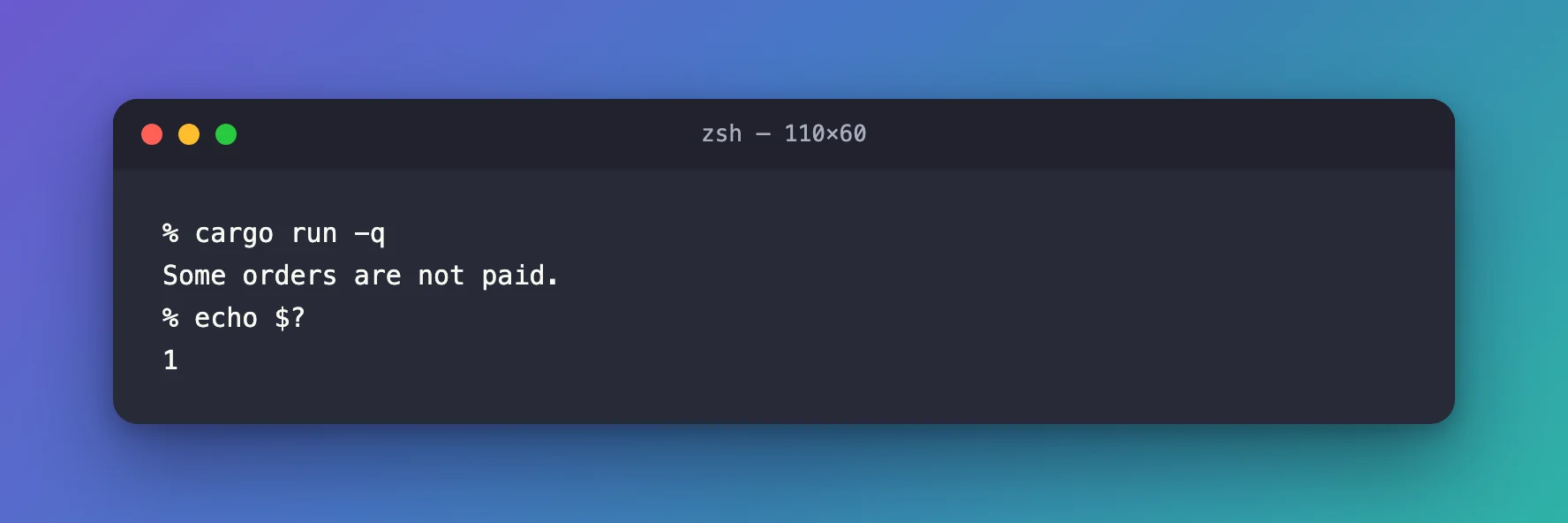
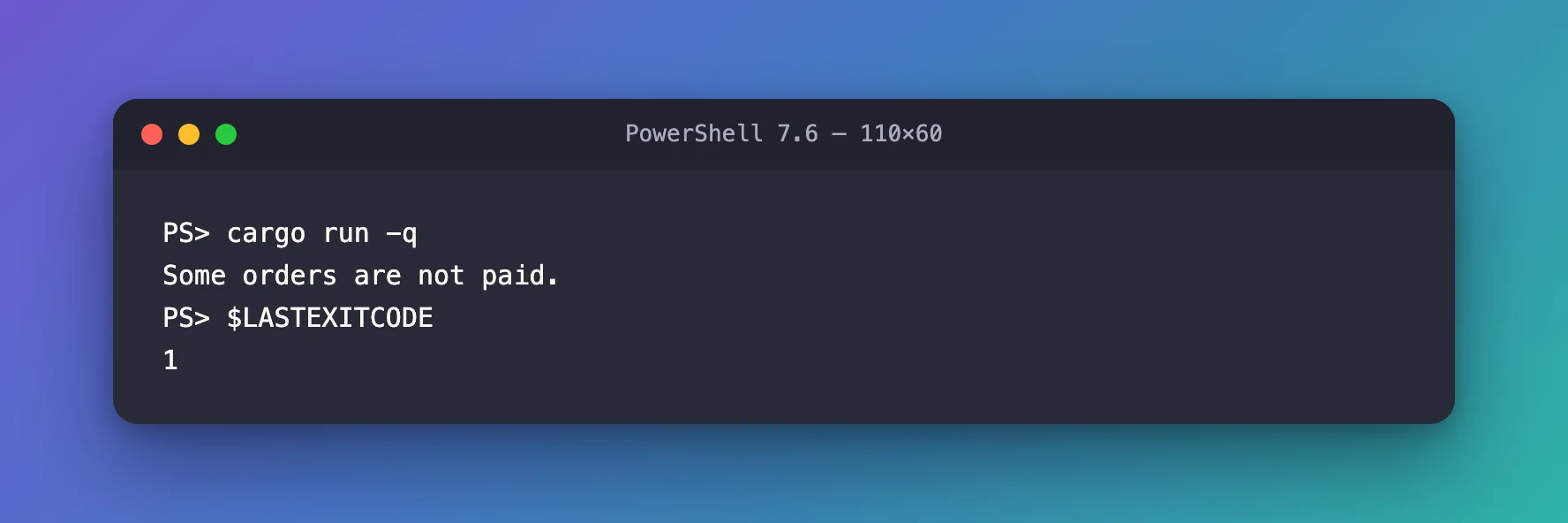
Run the program, then print the exit code of the last command:
- macOS / Linux
- Windows (PowerShell)
cargo run -q
echo $?
cargo run -q
$LASTEXITCODE
Some orders are not paid.
1
cargo run compiles the program and runs it, and -q hides Cargo's own status lines. All orders are paid. never printed. $? in zsh and bash, and $LASTEXITCODE in PowerShell, hold the exit code of the last program, and cargo run passes your program's code on: with exit(3), both cargo run -q and the built program in target/debug/demo exit with 3.
Destructors Don't Run
exit ends the process without the usual cleanup. The documentation warns: "no destructors on the current stack or any other thread’s stack will be run." A value whose Drop prints a line shows it:
struct Noisy;

impl Drop for Noisy {
    fn drop(&mut self) {
        println!("cleaning up");
    }
}

fn main() {
    let _n = Noisy;
    std::process::exit(0);
}
The program printed nothing: cleaning up never ran. Buffered output is lost the same way: a program that wrote a line through a BufWriter to a file and then called exit(0) left the file empty, 0 bytes, because the buffer is written out when the BufWriter is dropped.
Return an ExitCode from main Instead
When main decides the code at its end, return a std::process::ExitCode instead. main then ends normally, cleanup included, and the code still reaches the shell:
use std::process::ExitCode;

fn main() -> ExitCode {
    eprintln!("Some orders are not paid.");
    ExitCode::from(2)
}
This printed the message and exited with code 2. The documentation describes ExitCode as the type that "represents the status code the current process can return to its parent under normal termination."
Common Mistakes
| Mistake | What happens | Do this instead |
|---|---|---|
Code after exit that should still run | It never runs: exit doesn't return | Do the work before calling exit |
Calling exit deep inside the program | Destructors are skipped, so buffered output can be lost | Return an error up to main, then exit there or return an ExitCode |
Printing the failure message with println! | It goes to standard output, mixed with results | Use eprintln! for the message |
Troubleshooting
| Symptom | Likely cause | Fix |
|---|---|---|
echo $? shows 0 after a failure | The program ended normally | Call exit with a non-zero code, or return an ExitCode |
The exit code is 101 | The program panicked | Read the panic message above it |
FAQ
What exit code does a panic give?
101. A program that panics, for example on expect with an error, exits with 101.
Which codes should I use?
0 for success and 1 for a general failure are the usual choices. Pick other numbers only when a caller needs to tell failures apart.
Conclusion
std::process::exit(code) ends a Rust program at once with that exit code, which $? or $LASTEXITCODE then shows. It skips destructors, so when main can decide the result at its end, return an ExitCode instead.
Additional Resources
- std::process::exit, in the standard library documentation.
- std::process::ExitCode, in the standard library documentation.
