How to Evaluate Predictions You Already Have with MLflow

Sometimes the predictions already exist: a model that runs somewhere else, an old system you want to compare with, or a spreadsheet of answers. mlflow.models.evaluate can score those without a model. Put the predictions and the true answers side by side in a DataFrame, and MLflow computes the metrics and logs them to a run. This guide scores a spam filter's answers, with real output from MLflow 3.18.0.
Syntax
result = mlflow.models.evaluate(
    data=frame,
    predictions="prediction_column",
    targets="target_column",
    model_type="classifier",
)
| Part | What it means |
|---|---|
data | A pandas DataFrame holding the predictions and the true answers |
predictions | The name of the column of predictions |
targets | The name of the column of true answers |
model_type | "classifier" or "regressor", which picks the metrics |
No model argument. The reference for mlflow.models.evaluate: if model is omitted, "a static dataset will be used for evaluation instead of a model. In this case, the data argument must be a Pandas DataFrame or an mlflow PandasDataset that contains model outputs, and the predictions argument must be the name of the column in data that contains model outputs."
Prerequisites
- An MLflow tracking server at
http://127.0.0.1:8080. MLflow's tracking server guide shows how to start one. mlflowandpandasin your project, for example withuv add mlflow scikit-learn pandas.
Step 1: Evaluate the Predictions
Ten emails: what a spam filter said about each one, and what each one really was:
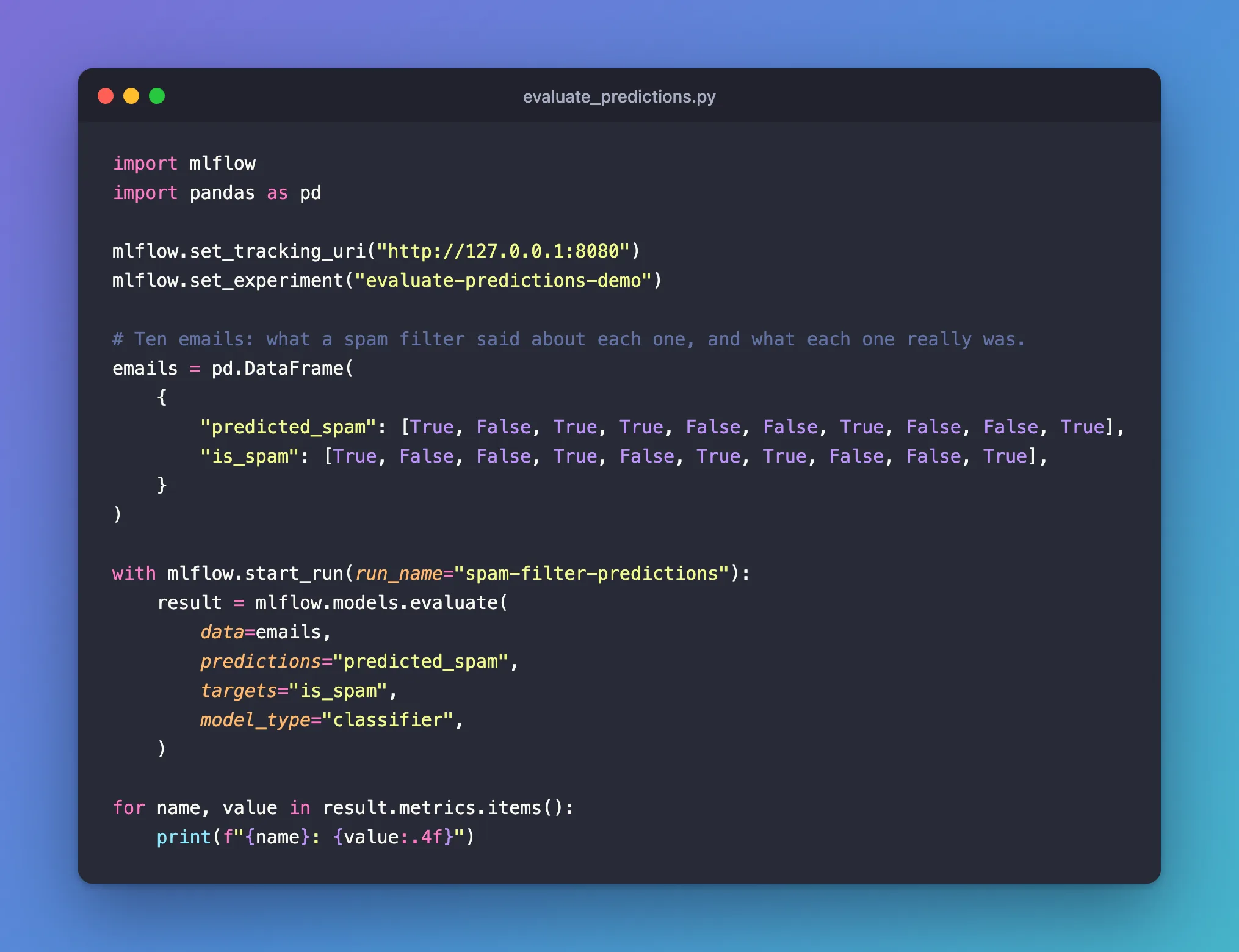
import mlflow
import pandas as pd

mlflow.set_tracking_uri("http://127.0.0.1:8080")
mlflow.set_experiment("evaluate-predictions-demo")

# Ten emails: what a spam filter said about each one, and what each one really was.
emails = pd.DataFrame(
    {
        "predicted_spam": [True, False, True, True, False, False, True, False, False, True],
        "is_spam": [True, False, False, True, False, True, True, False, False, True],
    }
)

with mlflow.start_run(run_name="spam-filter-predictions"):
    result = mlflow.models.evaluate(
        data=emails,
        predictions="predicted_spam",
        targets="is_spam",
        model_type="classifier",
    )

for name, value in result.metrics.items():
    print(f"{name}: {value:.4f}")
uv run python evaluate_predictions.py
2026/11/21 17:52:05 INFO mlflow.tracking.fluent: Experiment with name 'evaluate-predictions-demo' does not exist. Creating a new experiment.
2026/11/21 17:52:07 INFO mlflow.models.evaluation.evaluators.classifier: The evaluation dataset is inferred as binary dataset, positive label is True, negative label is False.
2026/11/21 17:52:07 INFO mlflow.models.evaluation.default_evaluator: Testing metrics on first row...
2026/11/21 17:52:07 WARNING mlflow.models.evaluation.evaluators.shap: SHAP or matplotlib package is not installed, so model explainability insights will not be logged.
🏃 View run spam-filter-predictions at: http://127.0.0.1:8080/#/experiments/7/runs/12cd66abb5c041ed949ba6dfa3e0292d
🧪 View experiment at: http://127.0.0.1:8080/#/experiments/7
true_negatives: 4.0000
false_positives: 1.0000
false_negatives: 1.0000
true_positives: 4.0000
example_count: 10.0000
accuracy_score: 0.8000
recall_score: 0.8000
precision_score: 0.8000
f1_score: 0.8000
Step 2: See What a Table of Answers Can and Can't Give
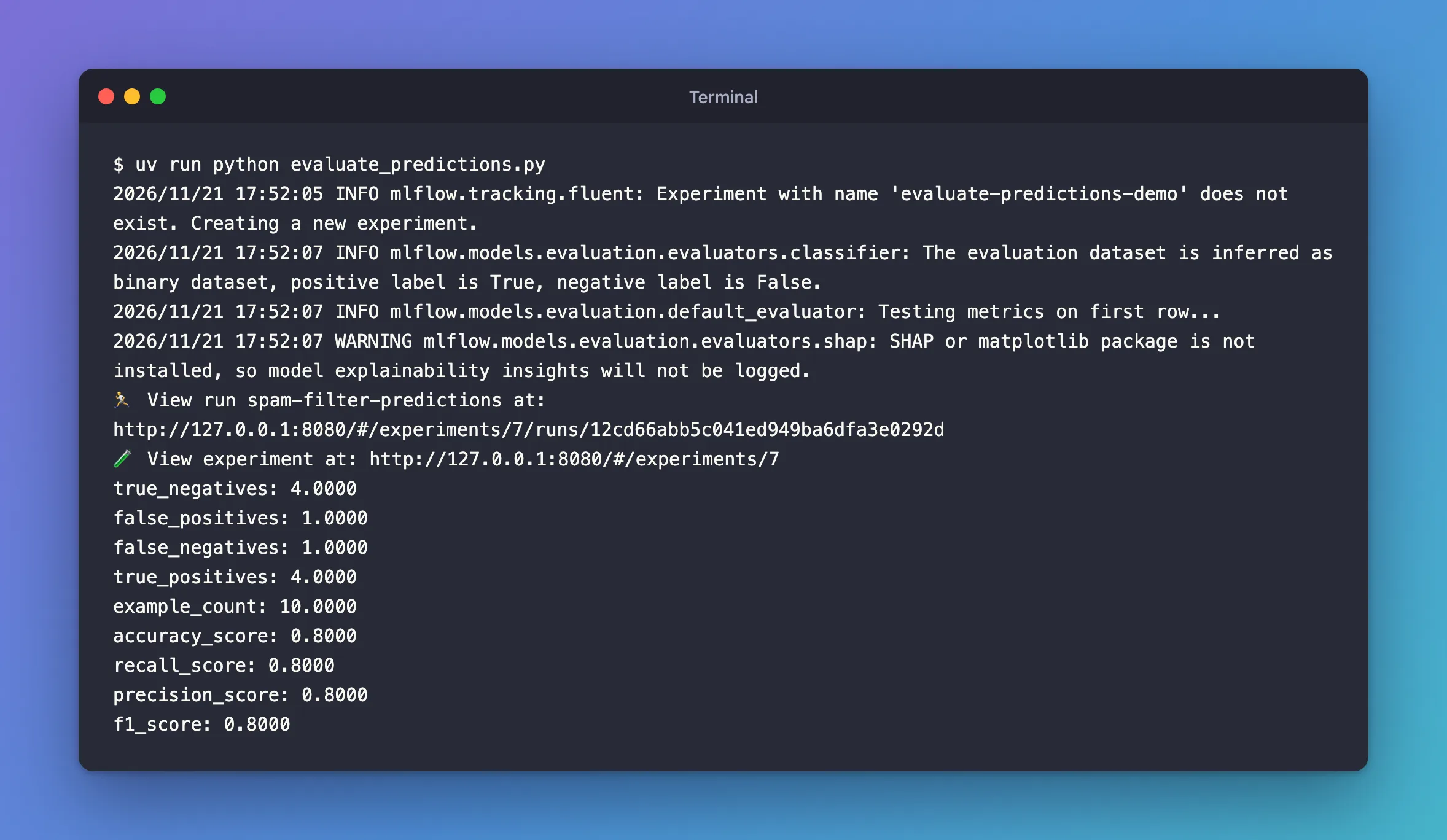
The filter was right on 8 of the 10 emails: it caught 4 of the 5 spam emails and wrongly flagged 1 of the 5 others, so accuracy, recall, precision and F1 are all 0.8.
Nine metrics, not the 13 a model gets, and on the run one plot, confusion_matrix.png, not five. ROC AUC, the precision-recall AUC, log loss and the curves all need the probability behind each answer, and a column of True and False doesn't have it.
The evaluation guide suggests you "include a column with probabilities for metrics like ROC-AUC". In MLflow 3.18.0 that column isn't read: I added one, prediction_proba, and the run got the same nine metrics. For those metrics, evaluate the model itself, which hands MLflow its probabilities. I reported the guide's error to MLflow as issue #28014.
The WARNING line shows MLflow's SHAP step runs even here; Fixed: SHAP or matplotlib package is not installed covers it.
Common Mistakes
| Mistake | What happens | Do this instead |
|---|---|---|
| Expecting ROC AUC from answers alone | It isn't computed, even with a probability column added | Evaluate the model itself: How to Evaluate a Classification Model with mlflow.models.evaluate |
Troubleshooting
| Symptom | Likely cause | Fix |
|---|---|---|
| Only nine metrics and one plot | Predictions without probabilities | Expected for answers alone |
SHAP or matplotlib package is not installed | No shap package | Fixed: SHAP or matplotlib package is not installed |
FAQ
Can I compare these answers with a model's?
Yes: evaluate both on the same rows, then compare the metrics, or run a quality gate on them: How to Compare a Model with a Baseline in MLflow.
Does it work for numbers too?
The evaluation guide's Dataset Evaluation section lists model_type as "classifier" or "regressor" for this kind of evaluation, so predictions of numbers take model_type="regressor".
Conclusion
mlflow.models.evaluate(data=emails, predictions="predicted_spam", targets="is_spam", model_type="classifier") scored ten answers without a model: 4 of 5 spam emails caught, 1 false alarm, 0.8 on every rate, and a confusion matrix on the run.
Additional Resources
- MLflow model evaluation — the Dataset Evaluation section.
- mlflow.models.evaluate —
predictionsandtargets.
