How to Enter Data with Tab and Enter in Excel for the Web

The quickest way to type rows of data is with the keyboard: Tab finishes a cell and moves right, Enter finishes a cell and moves down. In Excel for the web, Enter moves down from the cell you're in, not back to the column the row started in, so press Home to get back to column A.
The examples are from the old overtime timesheet in Part 1 of the Overtime Timesheet series.
Prerequisites
- A workbook open in Excel for the web.
Step 1: Type and Press Tab
Select the first cell of the row, type its value and press Tab. Excel stores the value and selects the next cell to the right. Here I typed Start in A9, and Tab moved to B9:
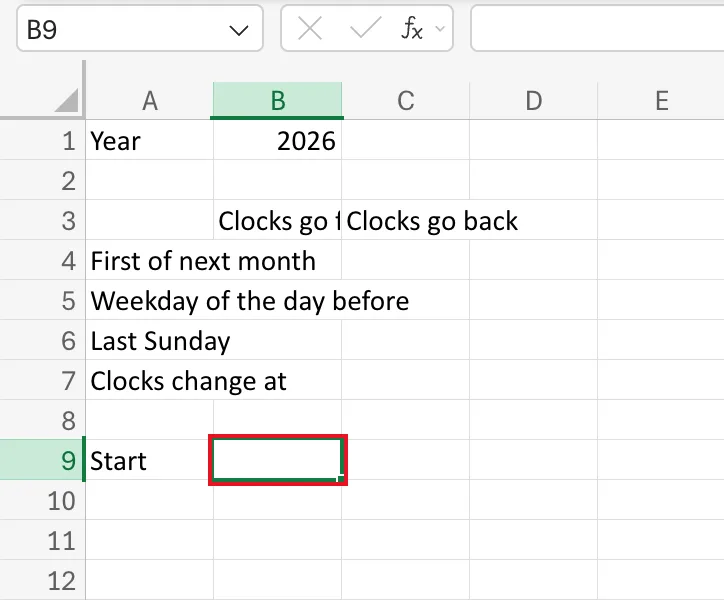
Keep going: type, Tab, type, Tab. I typed Finish, Excel hours and Real hours the same way.
Step 2: Press Enter at the End of the Row
After the last value, press Enter instead of Tab. Excel moves down from the cell you were in. After the headings in row 9, that was D10, not A10.
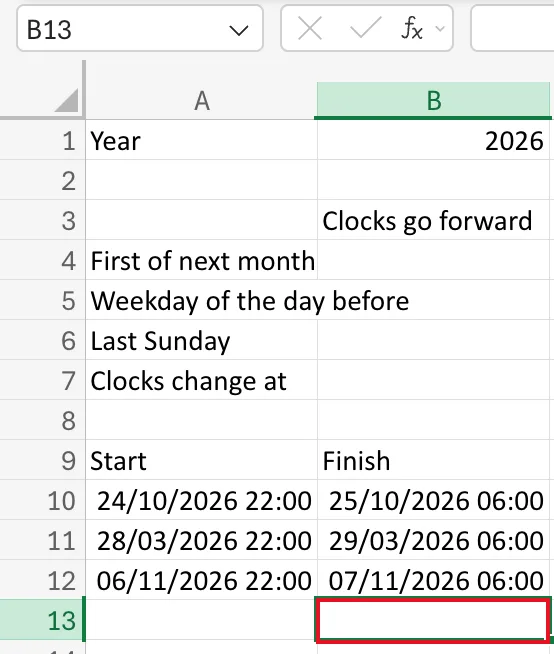
The same happens on every row. I typed two dates in A10 and B10 with Tab between them, then pressed Enter, and Excel selected B11. After the third row, it selected B13:
When I typed the eight headings of the timesheet's first row with Tab and pressed Enter after the last one, Excel selected H2, under the last heading.
Microsoft's Enter data manually in worksheet cells, written for the desktop apps, says that when you press Tab across a row and then Enter, the selection moves to the start of the next row by default. Excel for the web didn't do that in any of these rows. Its own list, Keyboard shortcuts in Excel, describes Enter as "Complete cell entry and select the cell below", which is what happened.
Step 3: Press Home to Start the Next Row
Home selects column A of the row you're in. After Enter had taken me to B11, Home took me to A11, ready for the next row. Here it is after the last row, going from B13 to A13:
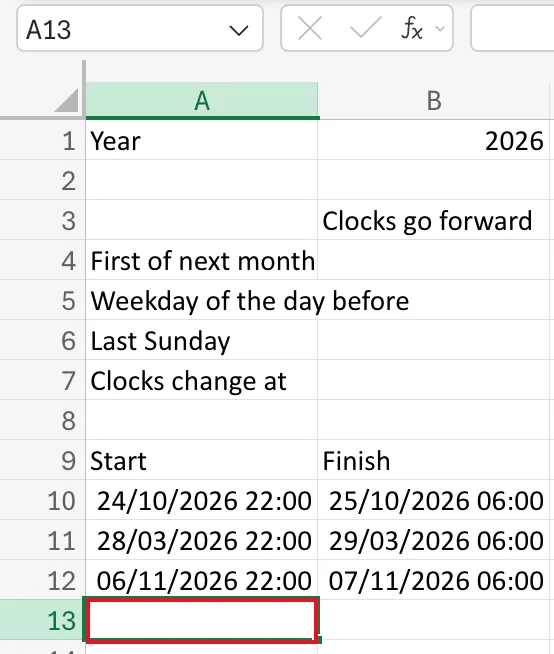
So a row of data is: type, Tab, type, Tab … type, Enter, Home.
Common Mistakes
| Mistake | What happens | Do this instead |
|---|---|---|
| Expecting Enter to return to column A | You start the next row in the wrong column | Press Home after Enter |
| Pressing Tab after the last column | You end up one cell past your data | Press Enter on the last value |
Troubleshooting
| Symptom | Likely cause | Fix |
|---|---|---|
| The next row starts in column B or later | Enter moved down from the last cell you typed in | Press Home before typing |
| Your typing went into the wrong cell | The selection was somewhere else when you started | Check the Name Box before typing |
FAQ
What does Shift+Tab do?
It moves left, the opposite of Tab, which helps when you've gone one cell too far.
Is there a faster way for lots of rows?
For data you already have elsewhere, paste it: How to Paste Tab-Separated Data into Excel puts fourteen rows in at once.
Conclusion
Tab moves right, Enter moves down from where you are, and Home takes you back to column A. In Excel for the web that's the rhythm for typing rows.
