How to Drop a Column from a pandas DataFrame

Most tables carry columns you don't need: notes, IDs, or values a model mustn't see. frame.drop(columns=...) removes them and returns a new table, leaving the original untouched. This guide drops one column, then two, then shows what happens when the name doesn't exist, with real output from pandas 3.1.1.
Syntax
smaller = frame.drop(columns="column")
smaller = frame.drop(columns=["column_1", "column_2"])
| Part | What it means |
|---|---|
columns="column" | The column to remove. A list removes several at once |
smaller = ... | drop returns a new DataFrame. The original keeps every column |
errors="ignore" (optional) | Don't complain about names that aren't in the table |
Step 1: Drop One Column, Then Two
The example is a small table of phone calls. Create drop_column.py:
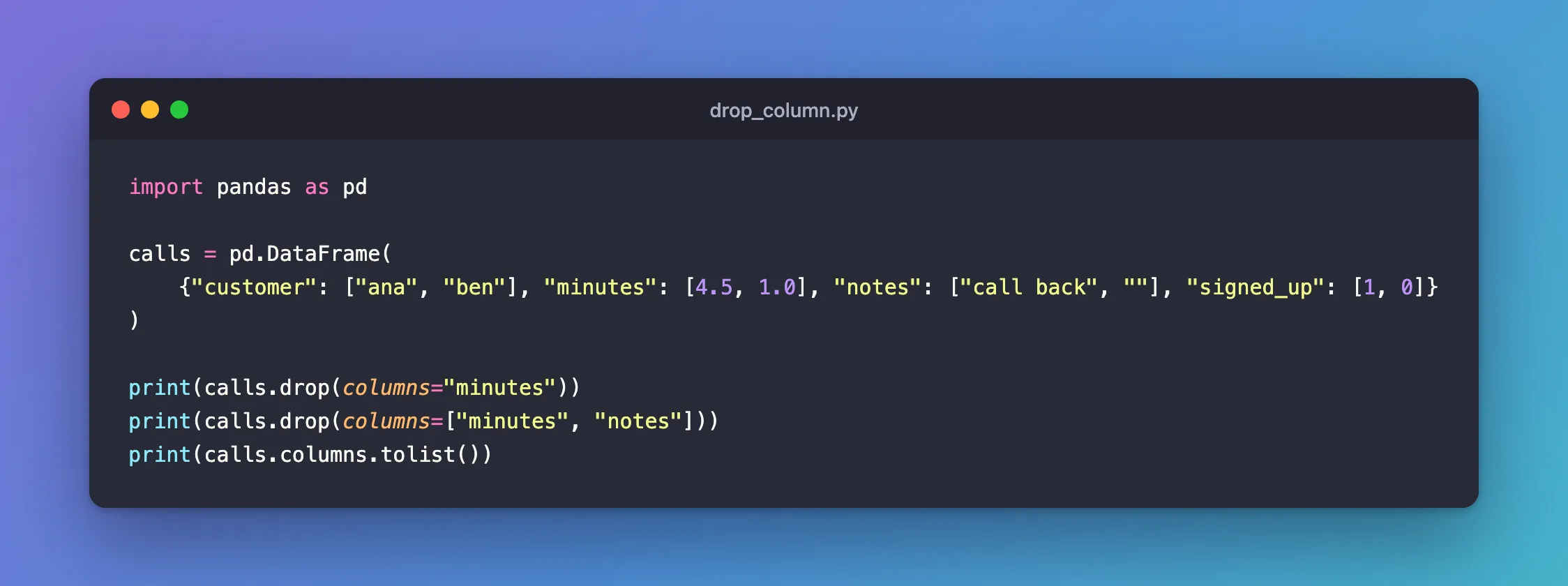
import pandas as pd

calls = pd.DataFrame(
    {"customer": ["ana", "ben"], "minutes": [4.5, 1.0], "notes": ["call back", ""], "signed_up": [1, 0]}
)

print(calls.drop(columns="minutes"))
print(calls.drop(columns=["minutes", "notes"]))
print(calls.columns.tolist())
uv run python drop_column.py
  customer      notes  signed_up
0      ana  call back          1
1      ben                     0
  customer  signed_up
0      ana          1
1      ben          0
['customer', 'minutes', 'notes', 'signed_up']
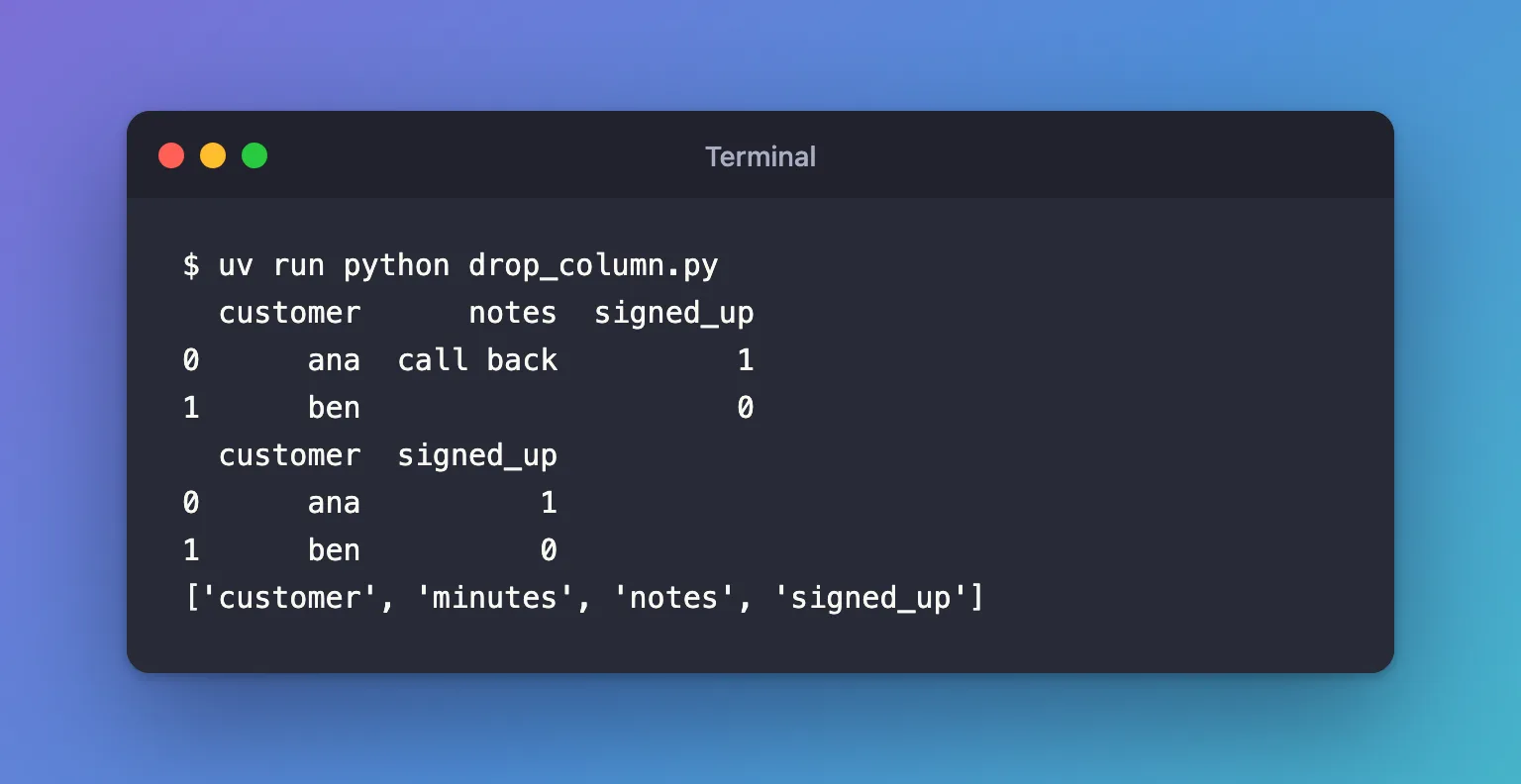
The last line shows that calls itself still has all four columns: each drop returned a new table. To keep the result, assign it: calls = calls.drop(columns="minutes").
Step 2: Drop a Column That Isn't There
Create drop_missing.py, which drops a notes column from a table that has none, first with errors="ignore", then without:
import pandas as pd

calls = pd.DataFrame({"customer": ["ana", "ben"], "minutes": [4.5, 1.0]})

print(calls.drop(columns="notes", errors="ignore").columns.tolist())
calls.drop(columns="notes")
uv run python drop_missing.py
['customer', 'minutes']
Traceback (most recent call last):
  File "/Users/you/source/python-demo/drop_missing.py", line 6, in <module>
    calls.drop(columns="notes")
...
KeyError: "['notes'] not found in axis"
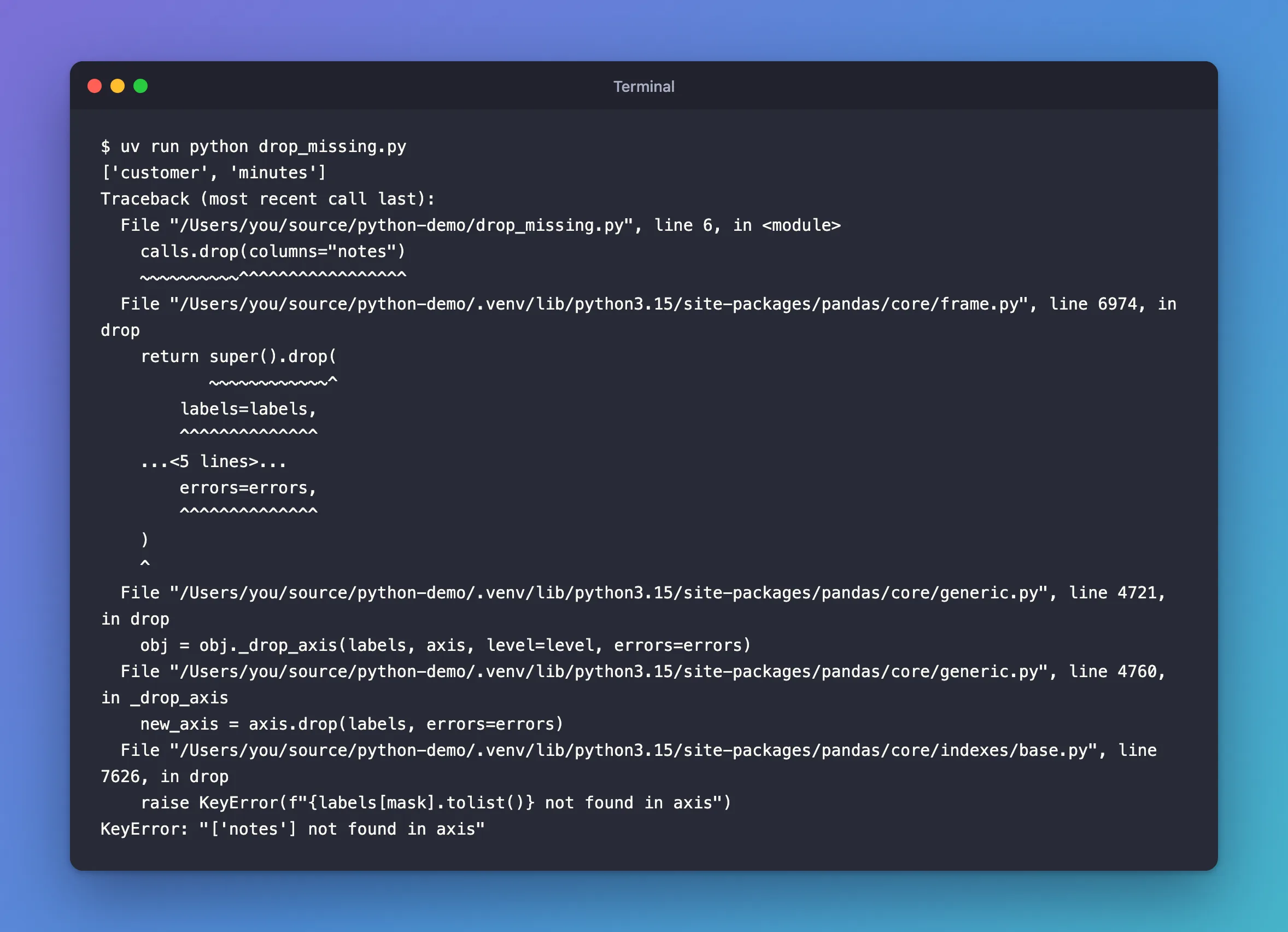
The KeyError is usually the help you want: it catches a misspelled name before the column you meant to drop slips through. Use errors="ignore" only when the column is genuinely optional.
Common Mistakes
| Mistake | What happens | Do this instead |
|---|---|---|
Calling calls.drop(columns="minutes") without assigning the result | The column is still there | calls = calls.drop(columns="minutes") |
calls.drop("minutes") without columns= | KeyError: "['minutes'] not found in axis": by default drop removes rows | Name it: columns="minutes" |
errors="ignore" by habit | A misspelled column is silently kept | Leave the default, so a typo raises an error |
Troubleshooting
| Symptom | Likely cause | Fix |
|---|---|---|
KeyError: "['notes'] not found in axis" | No column with that exact name | Print frame.columns.tolist() and copy the name |
The column is still in the table after drop | The result wasn't assigned | Assign it back |
FAQ
What about del frame["column"]?
It also removes a column, but changes the table itself and takes one name at a time. drop works on copies, which is easier to follow when a table passes through several steps.
Can I keep a list of columns instead?
Yes, choosing columns works the other way round: How to Choose the Columns of a pandas DataFrame with reindex.
Conclusion
calls.drop(columns="minutes") and calls.drop(columns=["minutes", "notes"]) returned smaller tables and left calls as it was. Assign the result to keep it, name the columns with columns=, and let the KeyError catch misspelled names.
Additional Resources
- pandas.DataFrame.drop —
columns,errorsand dropping rows.
