How to Download an MLflow Model's Files

Sometimes you want a logged model's files on disk: to look inside MLmodel, to use its serving_input_example.json as a request, or to hand the whole folder to a tool. MLflow downloads a model by its models:/ URI, from the terminal or from Python. This guide does both, with real output from MLflow 3.18.0.
Syntax
mlflow artifacts download -u models:/MODEL_ID -d FOLDER
folder = mlflow.artifacts.download_artifacts(artifact_uri=model_uri, dst_path=folder)
| Part | What it means |
|---|---|
-u / artifact_uri | The model's URI, models:/<model ID> |
-d / dst_path | The folder to download into. MLflow's reference: "If the directory does not exist, it is created." |
folder | The local path of the downloaded files, which both print or return |
The terminal command finds the tracking server through the MLFLOW_TRACKING_URI environment variable.
Prerequisites
- An MLflow tracking server at
http://127.0.0.1:8080. MLflow's tracking server guide shows how to start one.
Step 1: Download from the Terminal
The example model is a linear regression trained on scikit-learn's diabetes data and logged with an input example, models:/m-27f5ad2cfe8b40659f4e226c0508db8d. In your project:
- macOS / Linux
- Windows (PowerShell)
export MLFLOW_TRACKING_URI=http://127.0.0.1:8080
uv run mlflow artifacts download -u models:/m-27f5ad2cfe8b40659f4e226c0508db8d -d diabetes-model
$env:MLFLOW_TRACKING_URI = "http://127.0.0.1:8080"
uv run mlflow artifacts download -u models:/m-27f5ad2cfe8b40659f4e226c0508db8d -d diabetes-model
/Users/you/source/mlflow-demo/diabetes-model
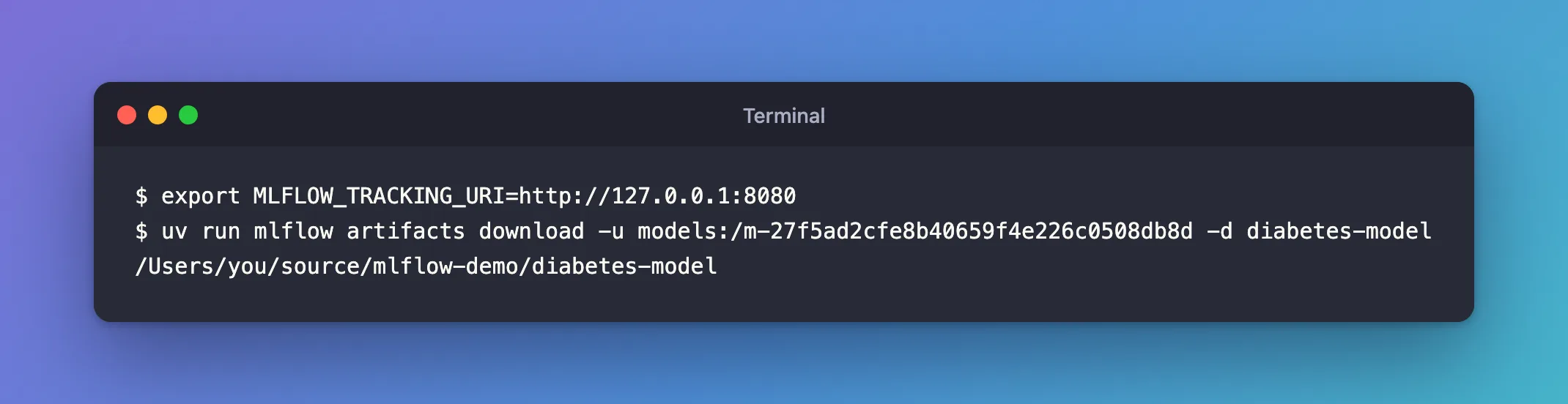
The command prints where the files went. The folder holds the model's seven files:
diabetes-model/
├── MLmodel
├── conda.yaml
├── input_example.json
├── model.skops
├── python_env.yaml
├── requirements.txt
└── serving_input_example.json
Step 2: Download from Python
The same, from a script that takes the URI on the command line:
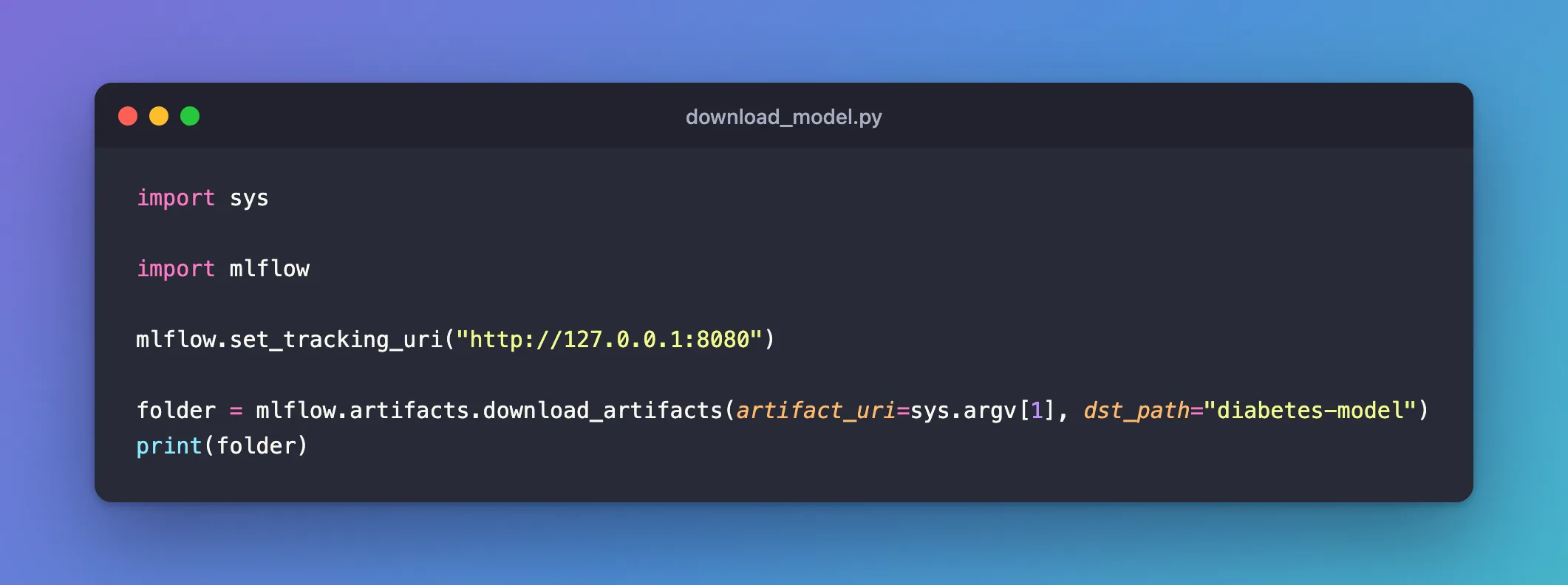
import sys

import mlflow

mlflow.set_tracking_uri("http://127.0.0.1:8080")

folder = mlflow.artifacts.download_artifacts(artifact_uri=sys.argv[1], dst_path="diabetes-model")
print(folder)
uv run python download_model.py models:/m-27f5ad2cfe8b40659f4e226c0508db8d
/Users/you/source/mlflow-demo/diabetes-model
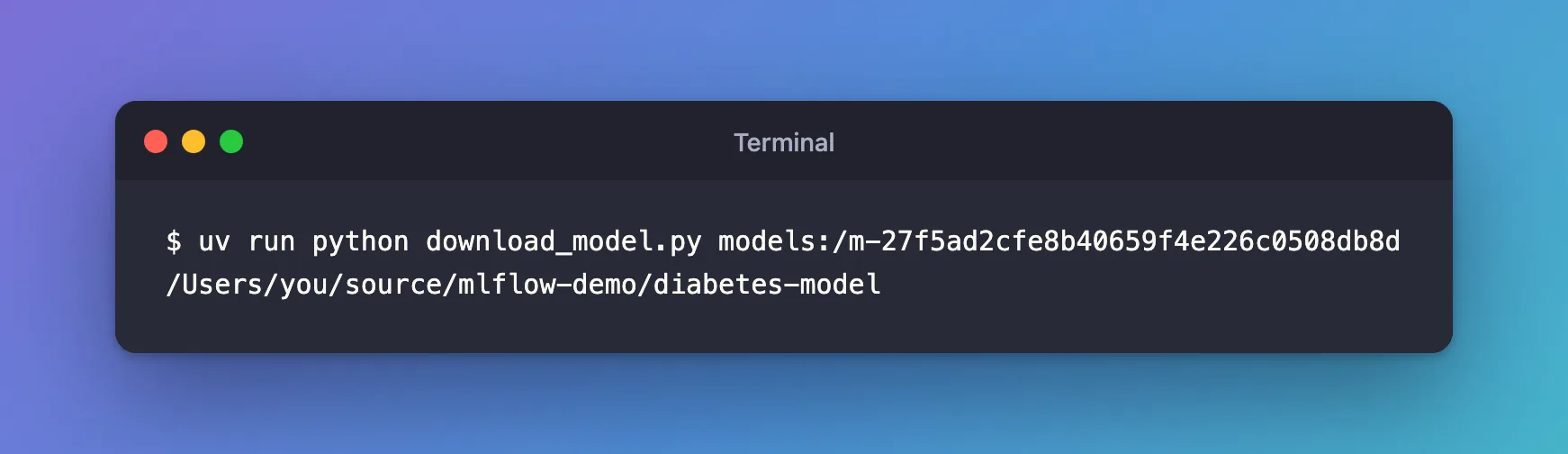
download_artifacts returns the folder, ready to use in the rest of the script.
Common Mistakes
| Mistake | What happens | Do this instead |
|---|---|---|
Adding a file name to the model URI, models:/<ID>/MLmodel | MLflow reads it as a registered model's name and version: RESOURCE_DOES_NOT_EXIST: Registered Model with name=m-... not found | Fixed: Registered Model with name=m-... not found |
mlflow artifacts list to see a model's files | It takes a run ID, and MLflow 3 keeps models outside the run's files | Download the model, or open its Artifacts tab |
| Leaving the downloaded folder in a Git project | It shows up as new, untracked files | Delete it when you're done, or download outside the project |
Troubleshooting
| Symptom | Likely cause | Fix |
|---|---|---|
MlflowException: Logged model with ID '...' not found. | MLFLOW_TRACKING_URI isn't set, so the command looks in a local database, mlflow.db, which it creates in the folder | Set it as above, and delete the stray mlflow.db |
FAQ
Do I need to download a model to load it?
No: mlflow.pyfunc.load_model and mlflow.sklearn.load_model download what they need themselves.
Where do the files go without -d?
MLflow's reference: "If unspecified the artifacts are downloaded to a new uniquely-named directory".
Conclusion
mlflow artifacts download -u models:/m-… -d diabetes-model and mlflow.artifacts.download_artifacts both put the model's seven files in a folder and gave its path. To fetch only one of them, see the fix for single files.
Additional Resources
- mlflow.artifacts —
download_artifactsand the URIs it accepts. - MLflow CLI —
mlflow artifacts download.
