How to Download a File in Python with urllib

Python can download a file without installing anything: urllib.request.urlopen opens the web address, and shutil.copyfileobj copies what it reads into a file on your disk. This guide downloads a small web page to example.html, then shows what happens when the file you ask for isn't there, with real output from Python 3.15.2.
Syntax
with urllib.request.urlopen(url, timeout=seconds) as response, open(path, "wb") as file:
    shutil.copyfileobj(response, file)
| Part | What it means |
|---|---|
urllib.request.urlopen(url, ...) | Opens the address and returns the server's response, which you read like a file |
timeout=seconds | How long to wait for the server before giving up. Without it, a server that never answers can make your script wait forever |
open(path, "wb") | Creates the file on your disk. "wb" means write bytes: what arrives from the network is bytes, not text |
shutil.copyfileobj(response, file) | Copies the response into the file a piece at a time, so even a large download never has to fit in memory |
with ... as response, ... as file | Closes the connection and the file when the block ends, even if something goes wrong |
Step 1: Download a Page
The example downloads https://example.com/, a tiny page that exists for examples like this one. Create download_page.py:
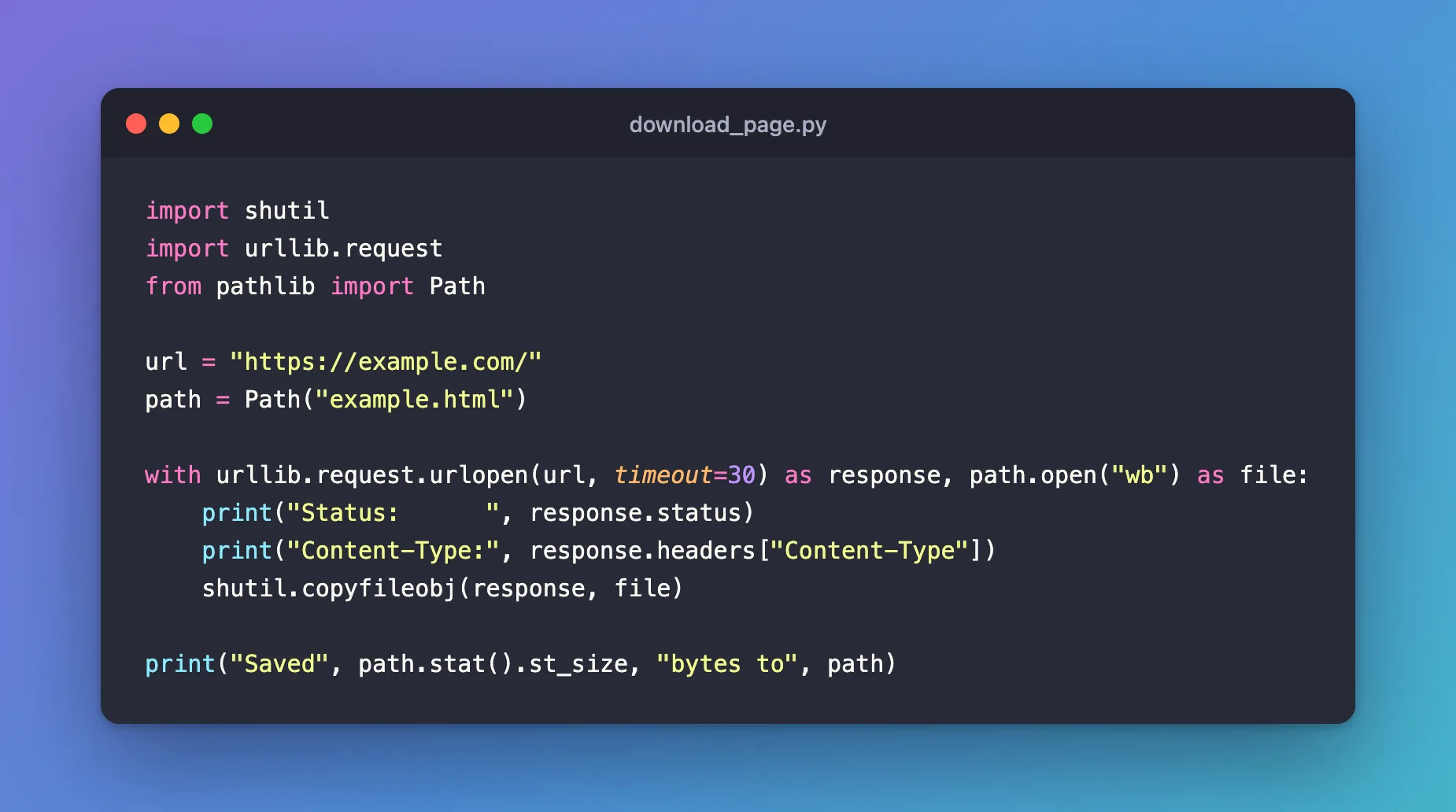
import shutil
import urllib.request
from pathlib import Path

url = "https://example.com/"
path = Path("example.html")

with urllib.request.urlopen(url, timeout=30) as response, path.open("wb") as file:
    print("Status:      ", response.status)
    print("Content-Type:", response.headers["Content-Type"])
    shutil.copyfileobj(response, file)

print("Saved", path.stat().st_size, "bytes to", path)
uv run python download_page.py
Status:       200
Content-Type: text/html; charset=utf-8
Saved 577 bytes to example.html
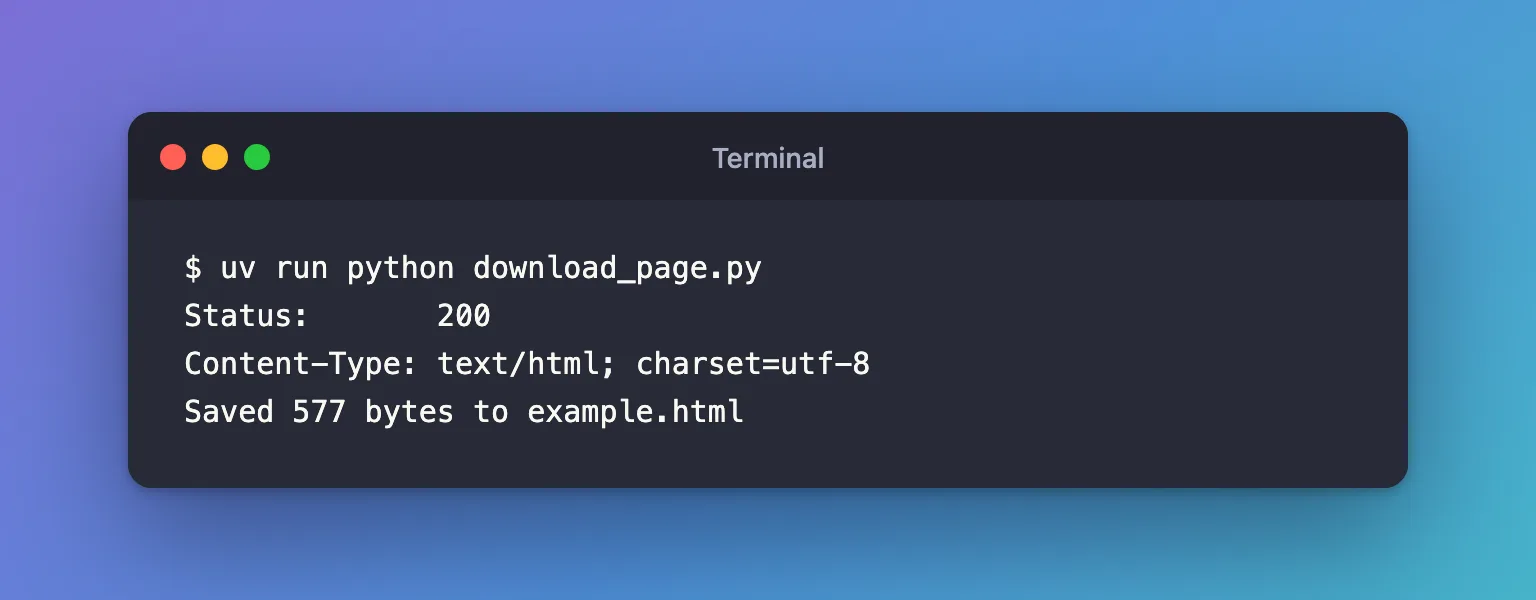
example.html is now in the folder, next to the script.
Step 2: Read What the Server Sent Back
response.statusis the HTTP status code:200means the server found the file and sent it.response.headersholds the details the server sent along with the file.Content-Typesays what kind of file it is: here, an HTML page.path.stat().st_sizeis the size of the file on disk, which confirms that the whole download was written.
path.open("wb") is the pathlib form of open(path, "wb"); both work.
Step 3: Handle a File That Isn't There
When the server answers with an error, such as 404 Not Found, urlopen doesn't return a response: it raises urllib.error.HTTPError. When it can't reach the server at all, it raises urllib.error.URLError. Create download_missing.py, which asks for a file example.com doesn't have:
import shutil
import urllib.error
import urllib.request
from pathlib import Path

url = "https://example.com/missing.txt"
path = Path("missing.txt")

try:
    with urllib.request.urlopen(url, timeout=30) as response, path.open("wb") as file:
        shutil.copyfileobj(response, file)
except urllib.error.HTTPError as error:
    print("The server said:", error.code, error.reason)
except urllib.error.URLError as error:
    print("Couldn't reach the server:", error.reason)

print("File created:", path.exists())
uv run python download_missing.py
The server said: 404 Not Found
File created: False
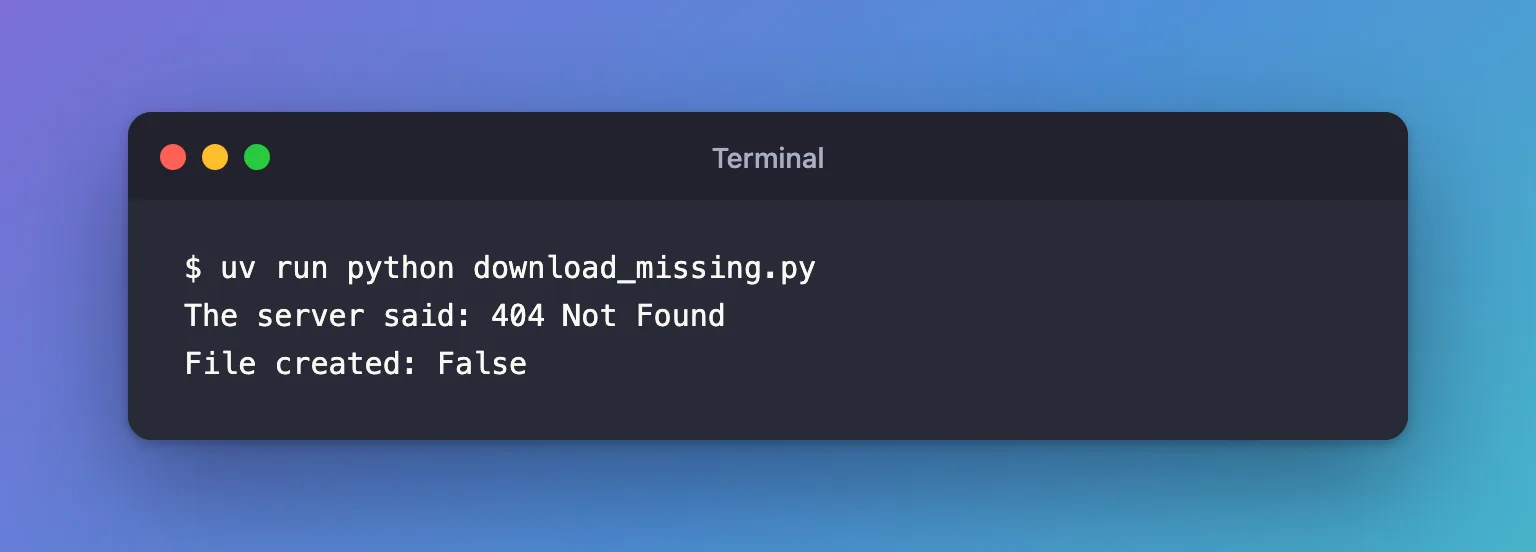
No file was created, because urlopen raised the error before path.open ran. Catch HTTPError before URLError: HTTPError is a kind of URLError, so the other order would never reach it.
Common Mistakes
| Mistake | What happens | Do this instead |
|---|---|---|
Opening the file with "w" | TypeError: write() argument must be str, not bytes: the download is bytes, and a text file expects text | Open it with "wb" |
Leaving out timeout | A server that never answers makes the script hang | Always pass timeout |
response.read() for a large file | The whole file is held in memory at once | shutil.copyfileobj(response, file) |
Catching URLError before HTTPError | The HTTPError branch never runs | Put HTTPError first |
Troubleshooting
| Symptom | Likely cause | Fix |
|---|---|---|
urllib.error.HTTPError: HTTP Error 404: Not Found | The address is wrong, or the file was moved | Open the address in a browser to check it |
URLError: <urlopen error [Errno 8] nodename nor servname provided, or not known> (macOS) | The host name doesn't exist: often a typo | Check the address |
[SSL: CERTIFICATE_VERIFY_FAILED] on macOS | Python can't find trusted certificates | Fixed: CERTIFICATE_VERIFY_FAILED in Python on macOS |
FAQ
Do I need the requests package?
No. urllib.request is part of Python, so this works in any project. requests is a separate package with a friendlier interface, worth adding when a project makes many web requests.
What about urllib.request.urlretrieve?
It downloads to a file in one call, but Python's documentation lists it under the legacy interface that "might become deprecated at some point in the future". urlopen with copyfileobj is the current way.
How do I check that the download isn't damaged?
Compare its SHA-256 fingerprint with the one the publisher gives: How to Check a File's SHA-256 Hash in Python.
Conclusion
urllib.request.urlopen(url, timeout=30) and shutil.copyfileobj(response, file) downloaded a page to disk with nothing but the standard library. Open the file with "wb", always set a timeout, and catch HTTPError and URLError so a missing file or a dead connection gives a clear message instead of a crash.
Additional Resources
- urllib.request —
urlopenand its parameters. - urllib.error —
HTTPErrorandURLError. - shutil.copyfileobj — copying between file objects.
