How to Download a Docker Image with docker pull

Before Docker can run a container, it needs the image, and most images come from Docker Hub. docker pull downloads one ahead of time, so the first run starts at once. This guide pulls the small alpine image, with real output from Docker 29.9.3.
Syntax
docker pull NAME:TAG
| Part | What it means |
|---|---|
NAME | The image, such as alpine or nginx |
TAG | The version, such as 3.24. Without it, Docker pulls latest |
The reference describes docker pull as "Download an image from a registry", and: "If no tag is provided, Docker Engine uses the :latest tag as a default." The same command works in PowerShell.
Prerequisites
- Docker: Docker Desktop on Mac or Windows, running.
Step 1: Pull an Image
docker pull alpine:3.24
3.24: Pulling from library/alpine
b90627b8f429: Already exists
Digest: sha256:f59abe656b692d901e184be3445e084786602108599d2a51d229c0f5a48c71bf
Status: Downloaded newer image for alpine:3.24
docker.io/library/alpine:3.24
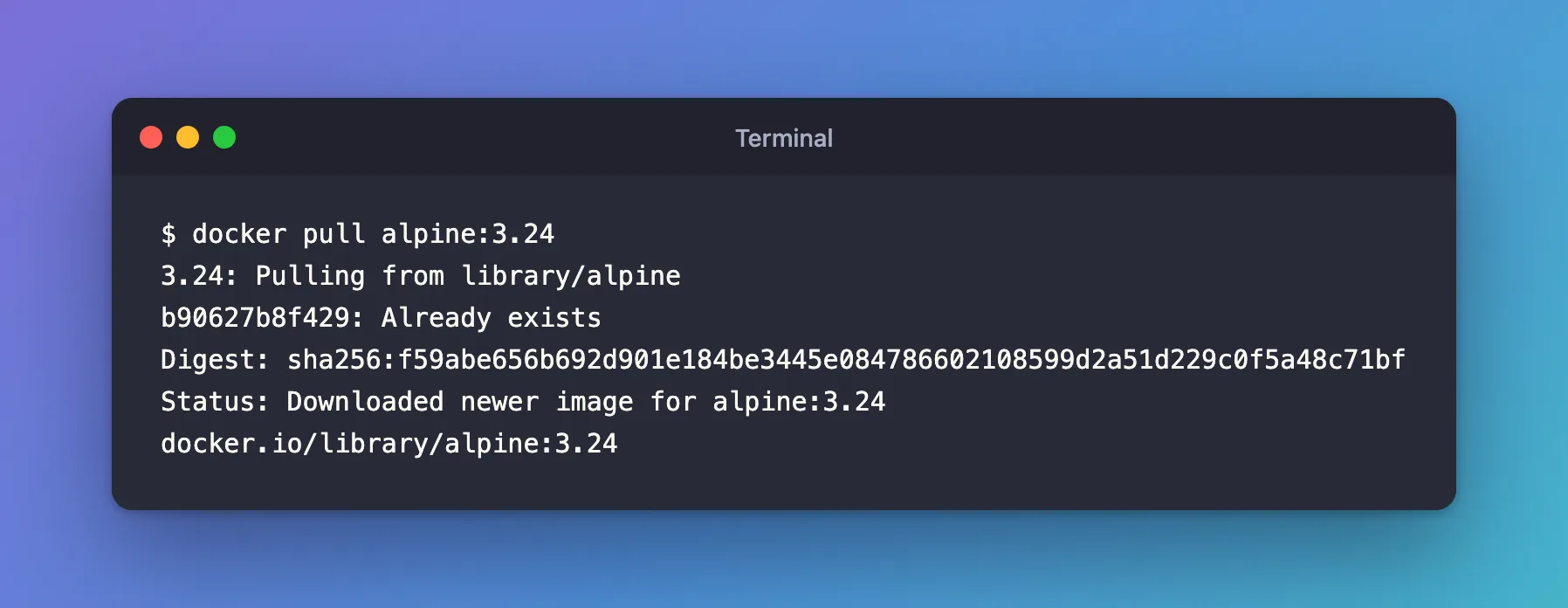
- The layer line: images are made of layers. This one said
Already existsbecause another image on this computer shares it; a layer Docker has to download saysPull complete. Digest: the image's unique fingerprint.Status: Downloaded newer image: the image is now on this computer, namedalpine:3.24.
Step 2: Pull It Again
docker pull alpine:3.24
3.24: Pulling from library/alpine
Digest: sha256:f59abe656b692d901e184be3445e084786602108599d2a51d229c0f5a48c71bf
Status: Image is up to date for alpine:3.24
docker.io/library/alpine:3.24
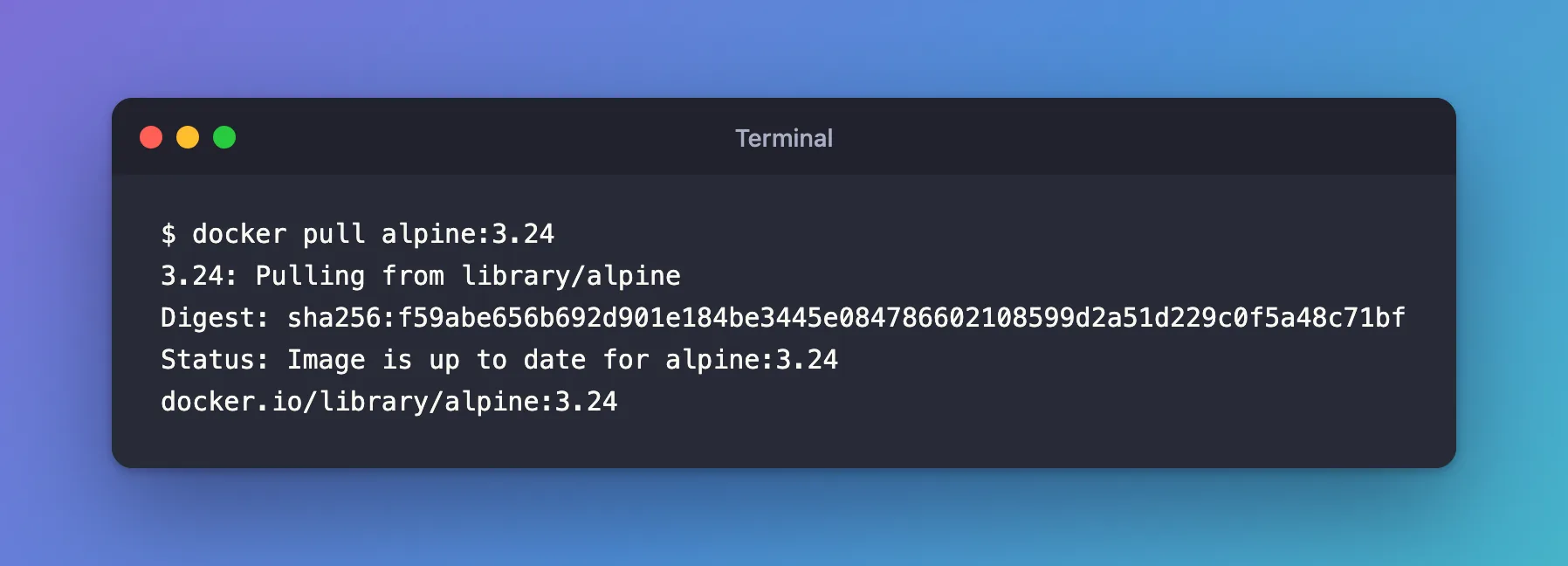
Nothing to download: the local copy matches Docker Hub's.
Common Mistakes
| Mistake | What happens | Do this instead |
|---|---|---|
| A tag that doesn't exist | Error response from daemon: manifest for alpine:3.99 not found: manifest unknown: manifest unknown | Check the image's tags on Docker Hub |
| Leaving the tag out | Docker pulls latest, which moves to new versions over time | Pull a fixed tag, such as alpine:3.24, when you need the same image every time |
Troubleshooting
| Symptom | Likely cause | Fix |
|---|---|---|
manifest unknown | The name or the tag is misspelled or doesn't exist | Correct it, or pull without a tag to get latest |
FAQ
Do I have to pull before docker run?
No: docker run pulls a missing image itself. Pulling first only moves the download to a time you choose.
Where do pulled images go?
Into Docker's own image storage. docker images lists them, with their sizes.
Conclusion
docker pull alpine:3.24 downloaded the image, and pulling it again said Image is up to date. Pull a fixed tag when you need the same image every time.
Additional Resources
- docker image pull — every option.
- alpine on Docker Hub — the image's tags.
