How to Destructure an Object in JavaScript

Reading several properties of an object usually takes one line each: const name = user.name;, const city = user.city;. Destructuring does it in one line, const { name, city } = user;, and creates a variable for each property you list.
Syntax
const { <property>, <property> = <default>, <property>: <newName> } = <object>;
| Part | What it does |
|---|---|
{ <property> } | Creates a variable named after the property, holding its value. |
<property> = <default> | Uses <default> when the object has no such property. |
<property>: <newName> | Puts the property's value in a variable with another name. |
<object> | The object to read from. |
MDN's destructuring reference: "The destructuring syntax is a JavaScript syntax that makes it possible to unpack values from arrays, or properties from objects, into distinct variables."
The Example
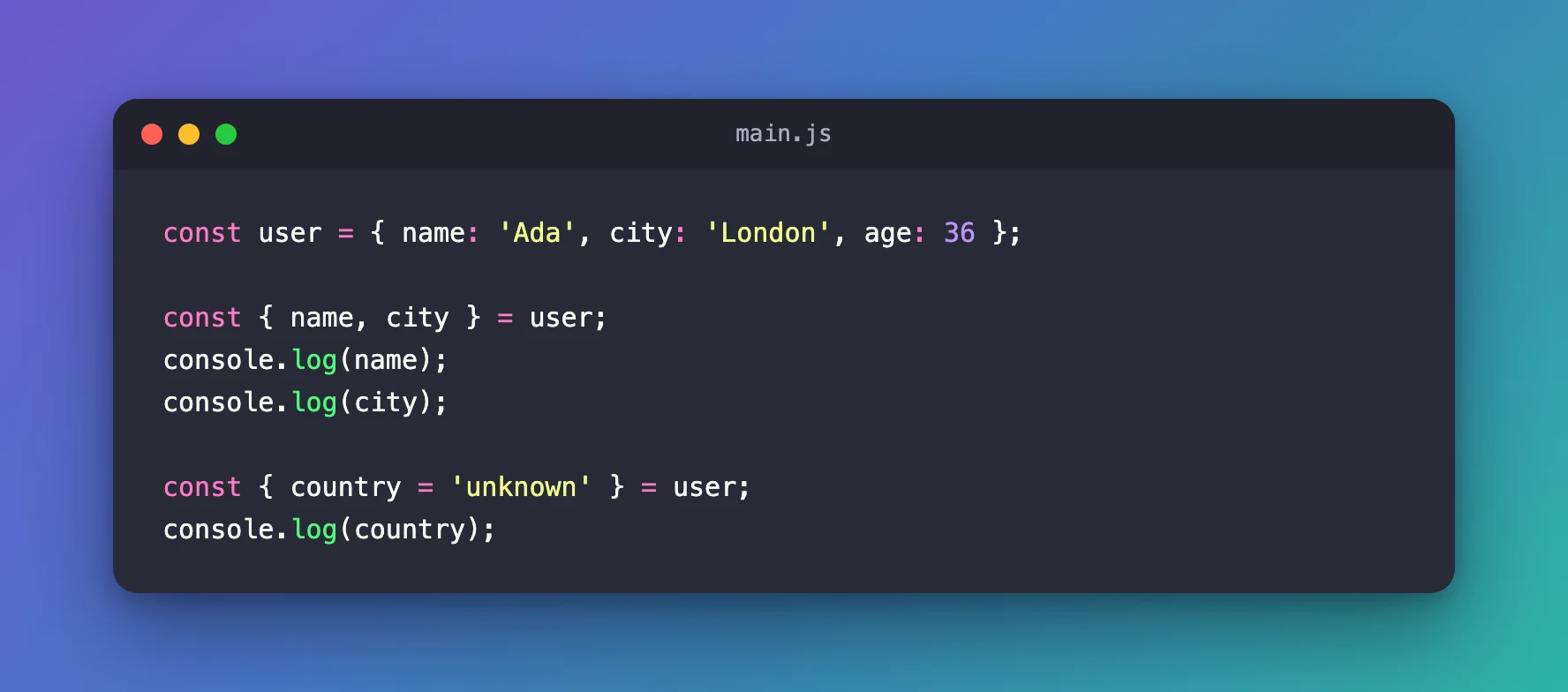
The example takes a user object, pulls out its name and city in one line, and asks for a country the object doesn't have, with a default.
Prerequisites
- Node.js. This guide uses Node.js 26.13.1.
Step 1: Write the Code
Create a file named main.js:
const user = { name: 'Ada', city: 'London', age: 36 };

const { name, city } = user;
console.log(name);
console.log(city);

const { country = 'unknown' } = user;
console.log(country);
const { name, city } = user;creates two variables,nameandcity, from the properties with those names.ageis left alone.const { country = 'unknown' } = user;asks forcountry. The object has none, so the default applies.
Step 2: Run It
node main.js
Ada
London
unknown
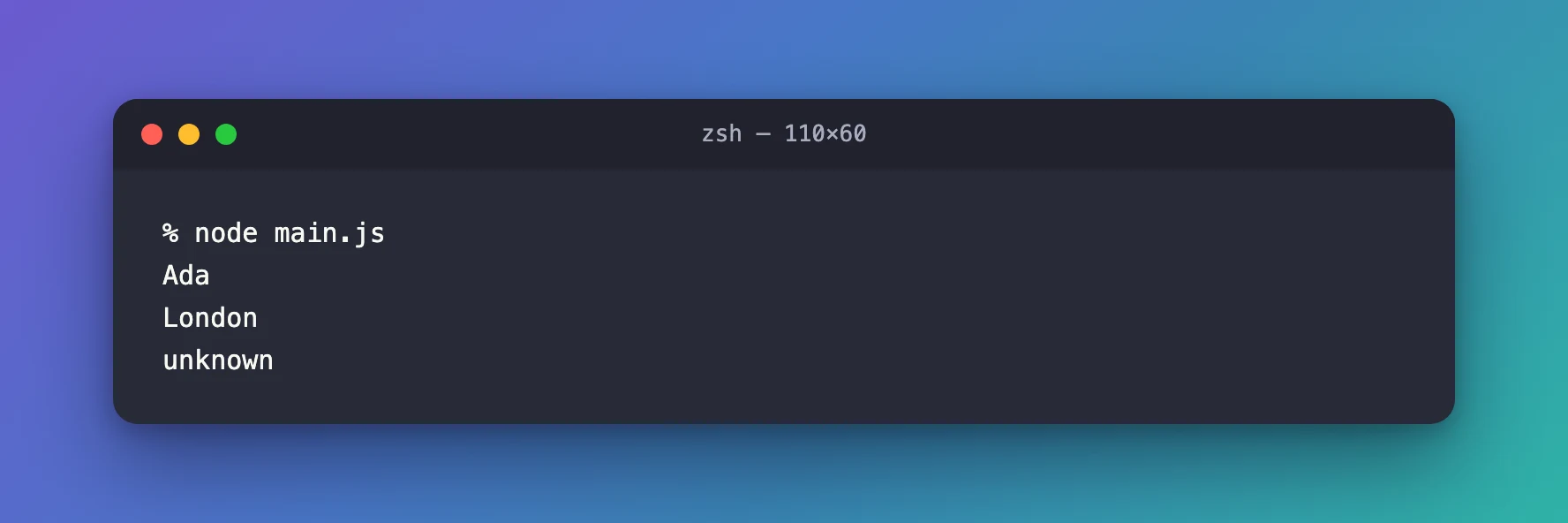
The command is the same in zsh, bash and PowerShell.
Renaming While You Destructure
When the variable needs a different name than the property, put the new name after a colon:
const { name: fullName } = user;
console.log(fullName); // Ada
Destructuring works on any expression that gives an object, so you can keep only the part you need: const { hostname } = new URL('https://example.com/books'); sets hostname to 'example.com'.
Common Mistakes
| Mistake | What happens | Do this instead |
|---|---|---|
Destructuring undefined or null | TypeError: Cannot destructure property 'name' of 'undefined' as it is undefined. | Check that the object exists first |
Misspelling a property, as in { nmae } | The variable is undefined, with no error | Match the property name exactly |
Expecting { name: fullName } to create name | Only fullName is created | Use the new name after the colon |
Troubleshooting
| Symptom | Likely cause | Fix |
|---|---|---|
TypeError: Cannot destructure property '…' of '…' as it is undefined. | The value on the right is undefined | Find out why it's missing, or write = {} as a fallback: const { name } = user ?? {}; |
A destructured variable is undefined | The object has no property with that name | Print the object and compare the names |
FAQ
Can I destructure arrays too?
Yes, with square brackets: const [first, second] = ['red', 'green']; takes items by position instead of by name.
Does destructuring change the object?
No. It copies values into new variables; the object stays as it was.
Conclusion
const { a, b } = object; creates variables from properties in one line. Add = default for properties that might be missing and : newName to rename.
Additional Resources
- Destructuring, on MDN.
