How to Describe a Method with the Description Attribute in C#

[Description("Gets the current time in a city.")] above a method attaches that sentence to the method. Nothing changes when the method runs, but other code can read the description, which is how some libraries, such as AI agent frameworks, explain your methods to a model.
Microsoft's overview of attributes: Attributes provide a powerful way to associate metadata, or declarative information, with code (assemblies, types, methods, properties, and so on). After you associate an attribute with a program entity, you can query the attribute at run time by using a technique called reflection. DescriptionAttribute is a ready-made one that holds a piece of text.
Syntax
using System.ComponentModel;
using System.Reflection;

[Description("<text>")]
<member declaration>

DescriptionAttribute? <attribute> = <memberInfo>.GetCustomAttribute<DescriptionAttribute>();
string? <text> = <attribute>?.Description;
| Part | What it is |
|---|---|
[Description("<text>")] | The attribute, in square brackets above, or in front of, what it describes |
<memberInfo> | The method, parameter or property, found through reflection, such as typeof(Tools).GetMethod(...) |
GetCustomAttribute<DescriptionAttribute>() | The attribute, or null when there is none |
.Description | The text |
The Example
A console app called DescriptionAttribute describes a GetCityTime method and its city parameter, then finds the method through reflection and prints both descriptions.
Prerequisites
- The .NET 10 SDK.
dotnet --versionprints a version that starts with10.0.
Step 1: Create a Console App
dotnet new console -n DescriptionAttribute
cd DescriptionAttribute
The template "Console App" was created successfully.

Processing post-creation actions...
Restoring /Users/you/source/DescriptionAttribute/DescriptionAttribute.csproj:
  Determining projects to restore...
  Restored /Users/you/source/DescriptionAttribute/DescriptionAttribute.csproj (in 48 ms).
Restore succeeded.
dotnet new console -n DescriptionAttribute creates a folder named DescriptionAttribute with a project file and a Program.cs, and cd moves into it. Everything this example uses is part of .NET, so there's no package to add. Open the folder in VS Code, or DescriptionAttribute.csproj in Visual Studio.
Step 2: Write the Code
Replace everything in Program.cs. First find the method:
using System.ComponentModel;
using System.Reflection;

MethodInfo method = typeof(Tools).GetMethod(nameof(Tools.GetCityTime))!;
nameof(Tools.GetCityTime) gives the method's name as text, and GetMethod finds it. The ! tells the compiler the method is there.
Then read the method's description, and each parameter's:
DescriptionAttribute? methodDescription = method.GetCustomAttribute<DescriptionAttribute>();
Console.WriteLine($"{method.Name}: {methodDescription?.Description}");

foreach (ParameterInfo parameter in method.GetParameters())
{
    DescriptionAttribute? description = parameter.GetCustomAttribute<DescriptionAttribute>();
    Console.WriteLine($"  {parameter.Name}: {description?.Description}");
}
And add the described method at the end of the file:
static class Tools
{
    [Description("Gets the current time in a city.")]
    public static string GetCityTime([Description("The city, such as Tokyo or London.")] string city) =>
        $"12:00 in {city}";
}
Step 3: Run It
Run it in VS Code's terminal, or press Ctrl+F5 in Visual Studio:
dotnet run
GetCityTime: Gets the current time in a city.
  city: The city, such as Tokyo or London.

Both descriptions came back from the compiled code: the method's and its parameter's. The method itself was never called.
The Complete File
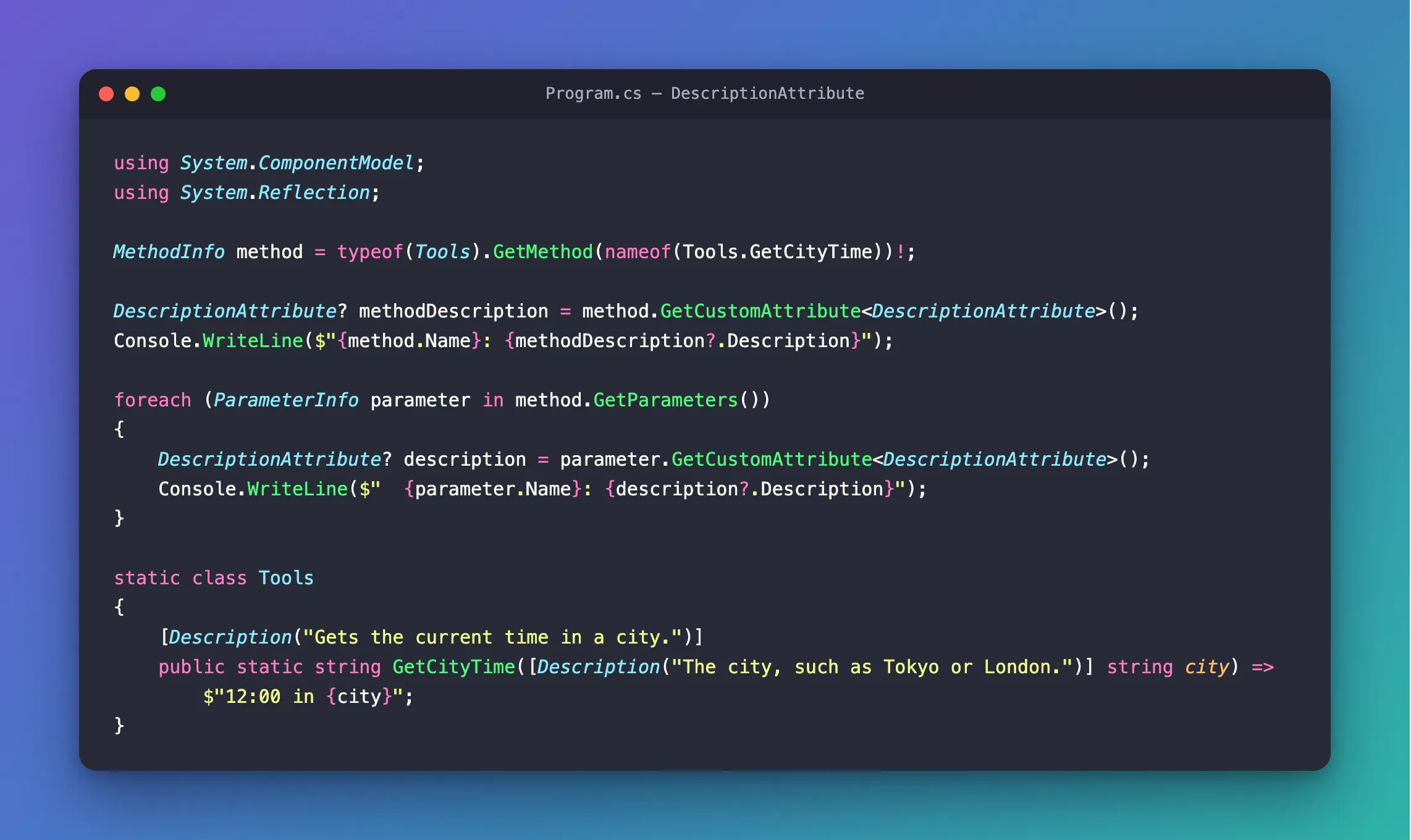
using System.ComponentModel;
using System.Reflection;

MethodInfo method = typeof(Tools).GetMethod(nameof(Tools.GetCityTime))!;

DescriptionAttribute? methodDescription = method.GetCustomAttribute<DescriptionAttribute>();
Console.WriteLine($"{method.Name}: {methodDescription?.Description}");

foreach (ParameterInfo parameter in method.GetParameters())
{
    DescriptionAttribute? description = parameter.GetCustomAttribute<DescriptionAttribute>();
    Console.WriteLine($"  {parameter.Name}: {description?.Description}");
}

static class Tools
{
    [Description("Gets the current time in a city.")]
    public static string GetCityTime([Description("The city, such as Tokyo or London.")] string city) =>
        $"12:00 in {city}";
}
Common Mistakes
| Mistake | What happens | Do this instead |
|---|---|---|
| Expecting a description where there is no attribute | GetCustomAttribute returns null: for a method without one, the description printed as nothing | Use ?.Description, as the example does, and handle the missing text |
| A misspelled attribute name | [Descripton("Typo")] doesn't build: error CS0246: The type or namespace name 'Descripton' could not be found (are you missing a using directive or an assembly reference?) | Check the spelling and the using System.ComponentModel; line |
FAQ
Description or DescriptionAttribute?
Both work: [DescriptionAttribute("...")] gave the same result. Microsoft's overview: By convention, all attribute names end with the suffix "Attribute" ... However, you don't need to specify the attribute suffix when you use attributes in code.
Conclusion
[Description("...")] stores a sentence with a method, parameter or property, and GetCustomAttribute<DescriptionAttribute>() reads it back. It describes the code without changing what the code does.
Additional Resources
- DescriptionAttribute — the attribute and its
Descriptionproperty. - Attributes and reflection — how attributes work.
- CustomAttributeExtensions.GetCustomAttribute — reading an attribute.
