How to Delete Rows Without Loading Them with ExecuteDeleteAsync in EF Core

ExecuteDeleteAsync sends one DELETE to MySQL, without loading anything, for one row or thousands. It's shorter than loading a row and removing it. But its errors arrive differently, and that catches people out. This guide shows the call, the SQL, and how to handle a foreign key refusal.
Prerequisites
- A .NET C# project with EF Core 7 or later. The examples use EF Core 10, Oracle's
MySql.EntityFrameworkCore, MySQL 9.7, and acategoriestable thatproductspoints at. SQL logging is on, as in How to See the SQL That EF Core Sends.
Step 1: Delete One Row
app.MapDelete("/demo/execute-delete/{id:int}", async (int id, InventoryDbContext db) =>
{
    var deleted = await db.Categories.Where(c => c.Id == id).ExecuteDeleteAsync();
    return deleted == 0 ? Results.NotFound() : Results.NoContent();
});
HTTP/1.1 204 No Content
info: Microsoft.EntityFrameworkCore.Database.Command[20101]
      Executed DbCommand (2ms) [Parameters=[@id='?' (DbType = Int32)], CommandType='Text', CommandTimeout='30']
      DELETE FROM `categories` AS `c`
      WHERE `c`.`Id` = @id
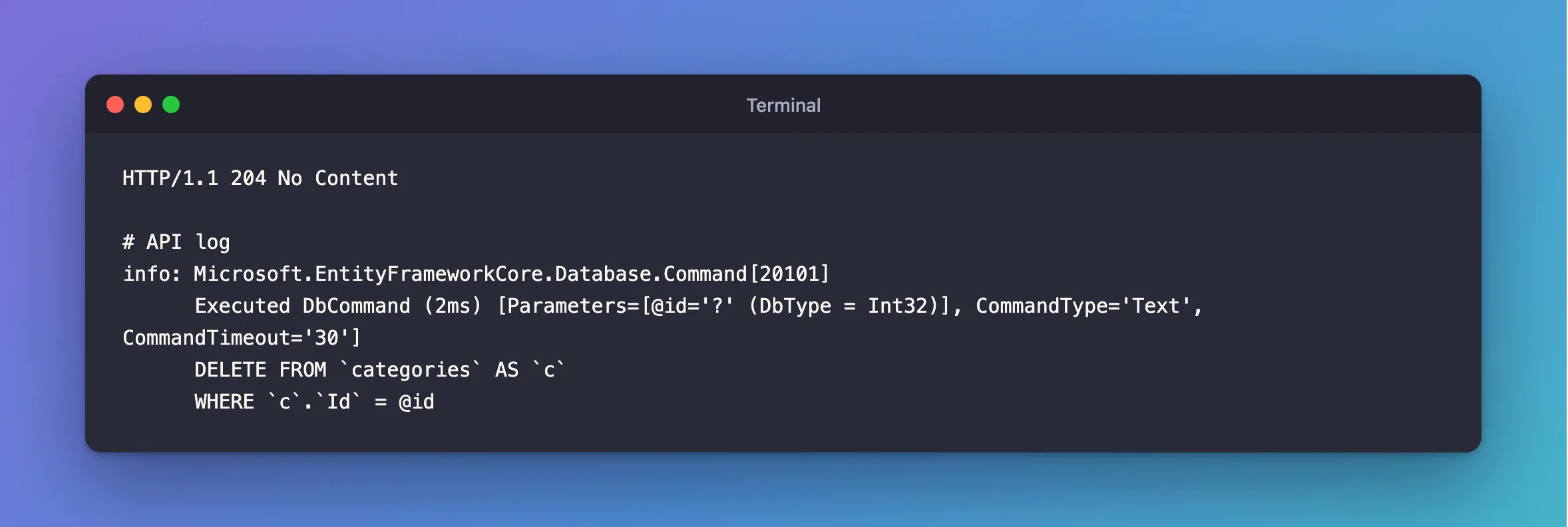
One statement. It returns how many rows it deleted, so 0 means the row wasn't there, and you can answer 404 without a separate query:
HTTP/1.1 404 Not Found
Content-Type: application/problem+json

{
  "type": "https://tools.ietf.org/html/rfc9110#section-15.5.5",
  "title": "Not Found",
  "status": 404,
  "traceId": "00-82b28fc7885e8ba26df03f44bd53b731-3c6a324c48bb387c-00"
}
Step 2: Delete Many Rows
Any Where works. This one deletes every category whose name starts with Batch:
var deleted = await db.Categories.Where(c => c.Name.StartsWith(prefix)).ExecuteDeleteAsync();
HTTP/1.1 200 OK
Content-Type: application/json; charset=utf-8

{
  "deleted": 53
}
Be careful with this one: EF Core's ExecuteUpdate and ExecuteDelete page says they "take effect immediately", so there's no SaveChangesAsync to stop before. Check the Where with a CountAsync first if you're unsure.
Step 3: Handle a Foreign Key Refusal
Here's the difference. A category with products can't be deleted, and with Remove and SaveChangesAsync, you'd catch a DbUpdateException. ExecuteDeleteAsync doesn't go through SaveChanges, so nothing wraps the error:
fail: Microsoft.AspNetCore.Diagnostics.ExceptionHandlerMiddleware[1]
      An unhandled exception has occurred while executing the request.
      MySql.Data.MySqlClient.MySqlException (0x80004005): Cannot delete or update a parent row: a foreign key constraint fails (`inventory`.`products`, CONSTRAINT `FK_products_categories_CategoryId` FOREIGN KEY (`CategoryId`) REFERENCES `categories` (`Id`) ON DELETE RESTRICT)
It's a MySqlException, directly. So the catch looks different:
try
{
    var deleted = await db.Categories.Where(c => c.Id == id).ExecuteDeleteAsync(cancellationToken);
    return deleted == 0 ? Results.NotFound() : Results.NoContent();
}
catch (MySqlException exception) when (exception.Number == (int)MySqlErrorCode.RowIsReferenced2)
{
    return Results.Problem(
        title: "The category still has products.",
        statusCode: StatusCodes.Status409Conflict);
}
MySqlException is in using MySql.Data.MySqlClient;. The same request now answers:
HTTP/1.1 409 Conflict
Content-Type: application/problem+json

{
  "type": "https://tools.ietf.org/html/rfc9110#section-15.5.10",
  "title": "The category still has products.",
  "status": 409,
  "traceId": "00-6baff9e7f05e4b96c2cc022582a65e91-6f3a8cf9abc5b049-00"
}
Compared with Remove
Remove + SaveChangesAsync | ExecuteDeleteAsync | |
|---|---|---|
| Queries for one row | SELECT + DELETE | DELETE |
| Runs | When you save | Immediately |
| Error type on a refusal | DbUpdateException, wrapping MySqlException | MySqlException |
| Missing row | You see null when loading | Returns 0 |
| Change tracker | Knows about it | Doesn't |
| Concurrency token | Checked | Not checked |
Common Mistakes
| Mistake | What happens | Do this instead |
|---|---|---|
Forgetting the Where | Every row is deleted | Always write the Where first |
catch (DbUpdateException) | It never runs here | Catch MySqlException |
| Expecting a tracked object to disappear | The change tracker still has it | Don't mix the two on the same rows |
Expecting it to wait for SaveChangesAsync | It has already run | Treat it as immediate |
FAQ
Does it respect ON DELETE CASCADE?
Yes, because MySQL does that, not EF Core. Its SQL goes through the same foreign key rules as any DELETE.
Is it in a transaction?
The statement is atomic on its own, but several in a row aren't one unit. The page says these methods "do not implicitly start a transaction", so start one yourself if they have to succeed together.
Conclusion
Where(…).ExecuteDeleteAsync() sends one DELETE immediately, and returns how many rows it removed. Use 0 to answer 404. Because it skips SaveChanges, a foreign key failure arrives as a plain MySqlException, so catch that instead of DbUpdateException.
Additional Resources
- ExecuteUpdate and ExecuteDelete — behaviour and limits.
