How to Delete a Row with EF Core and SaveChangesAsync

To delete a row with EF Core, load it, call Remove, and call SaveChangesAsync. A Web API also needs to answer the two things that can go wrong: the row isn't there, and other rows still depend on it. This guide does all of that, with the real SQL from MySQL.
Prerequisites
- A .NET C# project with EF Core. The examples use EF Core 10, Oracle's
MySql.EntityFrameworkCore, MySQL 9.7, and acategoriestable thatproductspoints at, withON DELETE RESTRICT. SQL logging is on, as in How to See the SQL That EF Core Sends.
Step 1: Load, Remove, Save
var category = await db.Categories
    .FirstOrDefaultAsync(c => c.Id == id, cancellationToken);

if (category is null)
{
    return TypedResults.NotFound();
}

db.Categories.Remove(category);
await db.SaveChangesAsync(cancellationToken);

return TypedResults.NoContent();
Remove only marks the entity as Deleted. SaveChangesAsync sends the statement. EF Core's Basic SaveChanges page says: "If the entity already exists in the database, it will be deleted during SaveChanges."
HTTP/1.1 204 No Content
info: Microsoft.EntityFrameworkCore.Database.Command[20101]
      Executed DbCommand (1ms) [Parameters=[@id='?' (DbType = Int32)], CommandType='Text', CommandTimeout='30']
      SELECT `c`.`Id`, `c`.`CreatedAtUtc`, `c`.`Name`
      FROM `categories` AS `c`
      WHERE `c`.`Id` = @id
      LIMIT 1
info: Microsoft.EntityFrameworkCore.Database.Command[20101]
      Executed DbCommand (2ms) [Parameters=[@p0='?' (DbType = Int32)], CommandType='Text', CommandTimeout='30']
      DELETE FROM `categories`
      WHERE `Id` = @p0;
      SELECT ROW_COUNT();
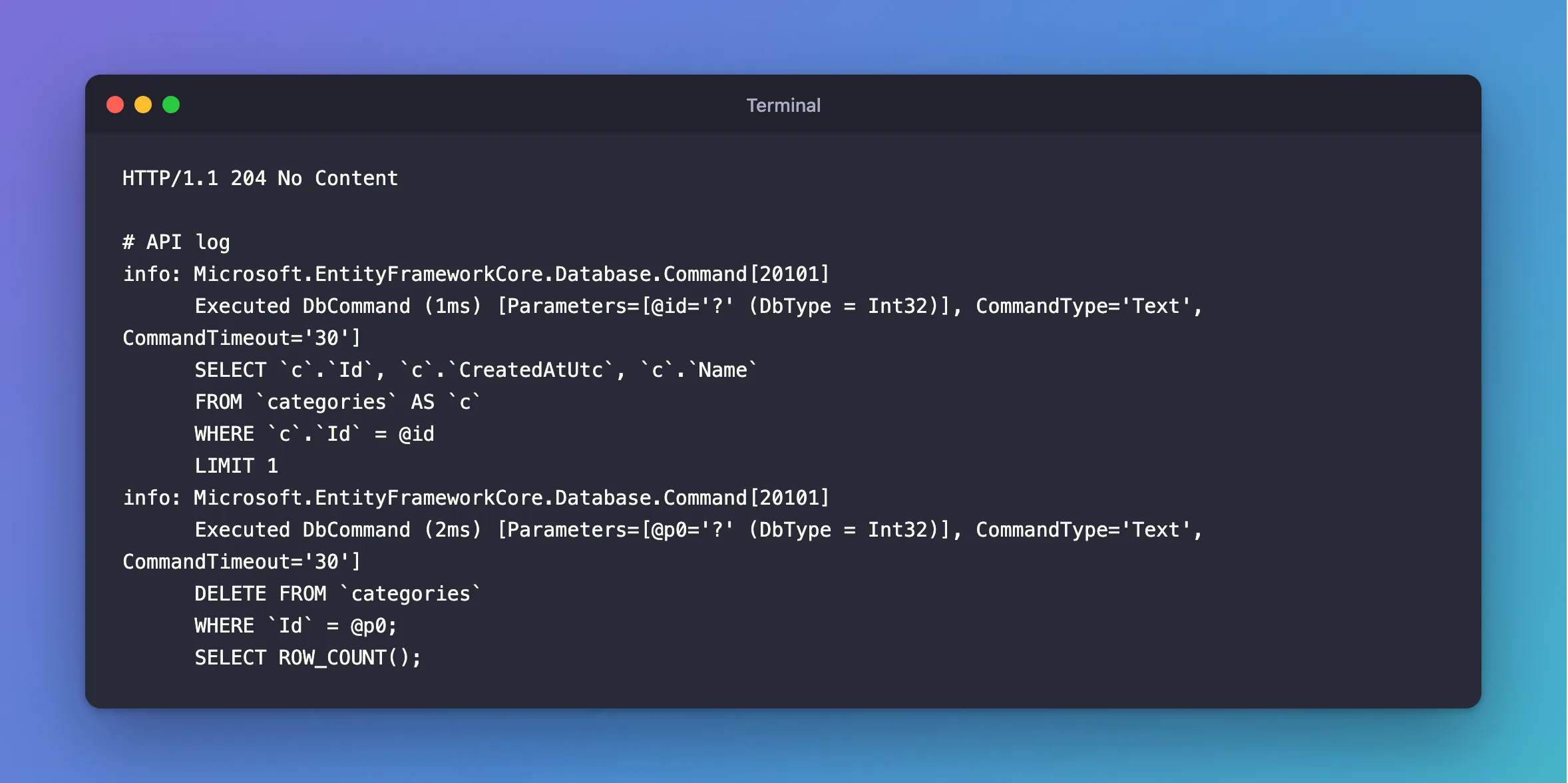
204 No Content is the usual answer to a delete that worked. Asking again finds nothing at the SELECT, and answers 404:
HTTP/1.1 404 Not Found
Content-Type: application/problem+json

{
  "type": "https://tools.ietf.org/html/rfc9110#section-15.5.5",
  "title": "Not Found",
  "status": 404,
  "traceId": "00-b76ec663d962231e6187ac9ab59ebef3-bb2916e81f8e6d8b-00"
}
Step 2: Handle a Row That's Still in Use
If products still point at the category, the foreign key refuses. Without handling, that's a 500:
fail: Microsoft.EntityFrameworkCore.Update[10000]
      An exception occurred in the database while saving changes for context type 'Dewiride.Inventory.Data.InventoryDbContext'.
      Microsoft.EntityFrameworkCore.DbUpdateException: Could not save changes. Please configure your entity type accordingly.
       ---> MySql.Data.MySqlClient.MySqlException (0x80004005): Cannot delete or update a parent row: a foreign key constraint fails (`inventory`.`products`, CONSTRAINT `FK_products_categories_CategoryId` FOREIGN KEY (`CategoryId`) REFERENCES `categories` (`Id`) ON DELETE RESTRICT)
So catch that one error. IsRowStillReferenced checks for MySQL's error 1451, as shown in How to Return 409 Conflict for a Duplicate Key:
db.Categories.Remove(category);

try
{
    await db.SaveChangesAsync(cancellationToken);
}
catch (DbUpdateException exception) when (exception.IsRowStillReferenced())
{
    return TypedResults.Problem(
        title: "The category still has products.",
        detail: $"Move the products in '{category.Name}' to another category before deleting it.",
        statusCode: StatusCodes.Status409Conflict);
}
HTTP/1.1 409 Conflict
Content-Type: application/problem+json

{
  "type": "https://tools.ietf.org/html/rfc9110#section-15.5.10",
  "title": "The category still has products.",
  "status": 409,
  "detail": "Move the products in 'Cables' to another category before deleting it.",
  "traceId": "00-11d992c8afc2f491dc328fef2a3630d7-e65a7189fa3a6581-00"
}
Should You Delete at All?
Think before making anything deletable. If other tables keep history, such as orders that mention a product, deleting would break that history, or the foreign key would stop you. A common alternative is an IsArchived column, which ExecuteUpdateAsync can set in one statement.
Common Mistakes
| Mistake | What happens | Do this instead |
|---|---|---|
Forgetting SaveChangesAsync | The row stays | Call it |
Catching every DbUpdateException | Other failures look like "still in use" | Check the error number |
| Loading the row's children, then removing it | The association has been severed | Load only the row itself |
Setting ON DELETE CASCADE to avoid the error | Deleting one row silently deletes others | Choose it on purpose |
FAQ
Can I delete without loading the row?
Yes, with ExecuteDeleteAsync, which sends one DELETE and returns how many rows it removed.
What if two people delete the same row at once?
Both load it, the first deletes it, and the second's DELETE affects no rows, so EF Core throws DbUpdateConcurrencyException. Catch it and answer 404 if that matters in your API.
Conclusion
Remove and SaveChangesAsync delete a row, after you've loaded it and answered 404 if it's missing. Catch MySQL's error 1451 and answer 409, so a row that's still in use gets a clear message instead of a 500.
Additional Resources
- Basic SaveChanges — deleting data.
- Cascade Delete — what happens to related rows.
