How to Delete a Registered Model in MLflow

When a model is retired, its entry in the Model Registry can go with it. MlflowClient.delete_registered_model deletes the registered model and every version in it, but not the logged models those versions were registered from. This guide deletes one and checks both sides, with real output from MLflow 3.18.0.
Syntax
MlflowClient().delete_registered_model(name)
| Part | What it means |
|---|---|
name | The registered model to delete, with all its versions and aliases |
MLflow's Model Registry workflows page: "You can either delete specific versions of a registered model or you can delete a registered model and all its versions." And: "Deleting registered models or model versions is irrevocable, so use it judiciously."
Prerequisites
- An MLflow tracking server with a database backend at
http://127.0.0.1:8080, such asmlflow server --port 8080with its default SQLite database. The registry needs one. mlflowandscikit-learnin your project, for example withuv add mlflow scikit-learn pandas.
Step 1: Delete the Registered Model
The example registers an iris classifier as iris-retired, deletes the registered model, then searches for the name and looks up the logged model it was registered from:
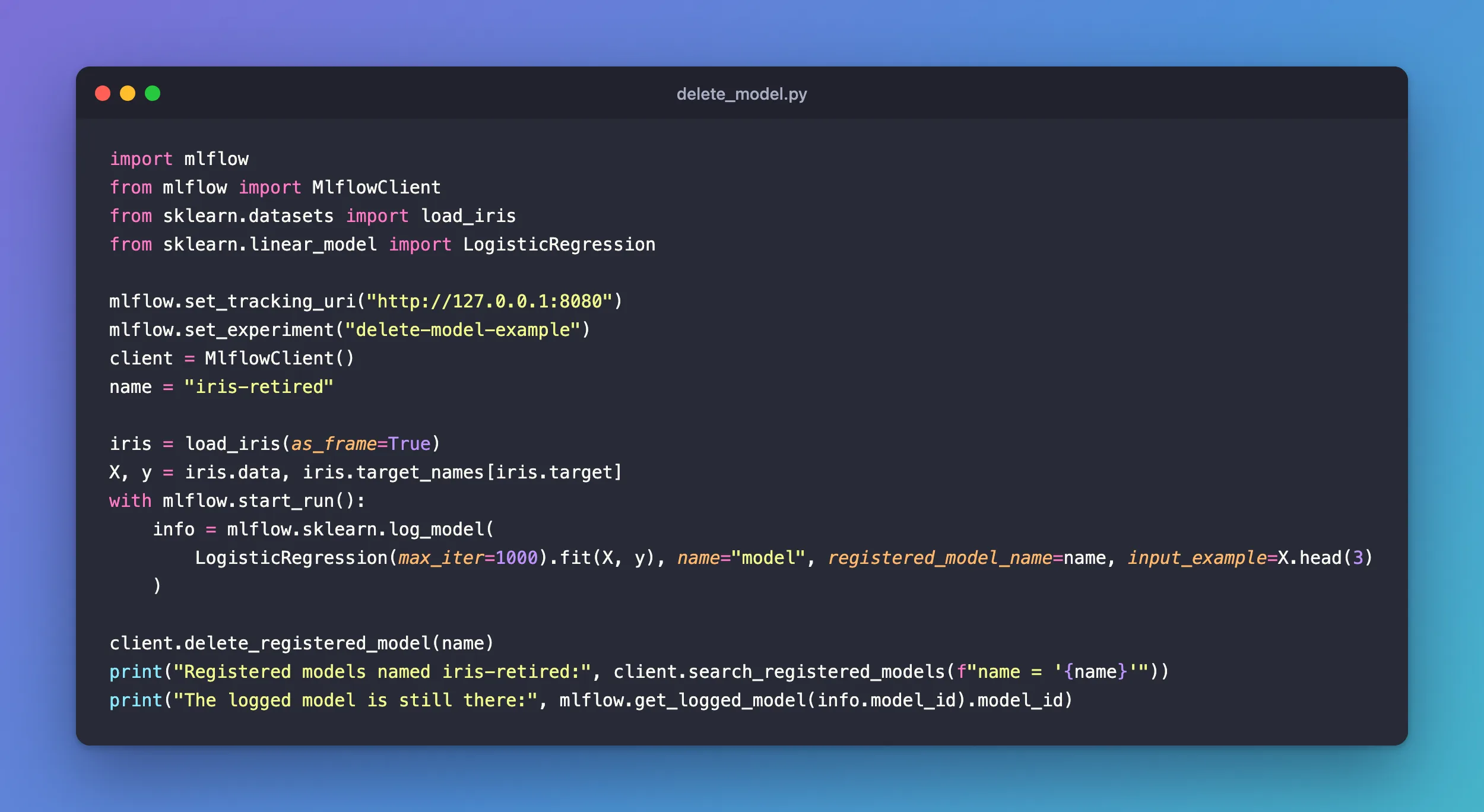
import mlflow
from mlflow import MlflowClient
from sklearn.datasets import load_iris
from sklearn.linear_model import LogisticRegression

mlflow.set_tracking_uri("http://127.0.0.1:8080")
mlflow.set_experiment("delete-model-example")
client = MlflowClient()
name = "iris-retired"

iris = load_iris(as_frame=True)
X, y = iris.data, iris.target_names[iris.target]
with mlflow.start_run():
    info = mlflow.sklearn.log_model(
        LogisticRegression(max_iter=1000).fit(X, y), name="model", registered_model_name=name, input_example=X.head(3)
    )

client.delete_registered_model(name)
print("Registered models named iris-retired:", client.search_registered_models(f"name = '{name}'"))
print("The logged model is still there:", mlflow.get_logged_model(info.model_id).model_id)
uv run python delete_model.py
Registered models named iris-retired: []
The logged model is still there: m-2c3516a4d58f415ca718fe8a5df284d4
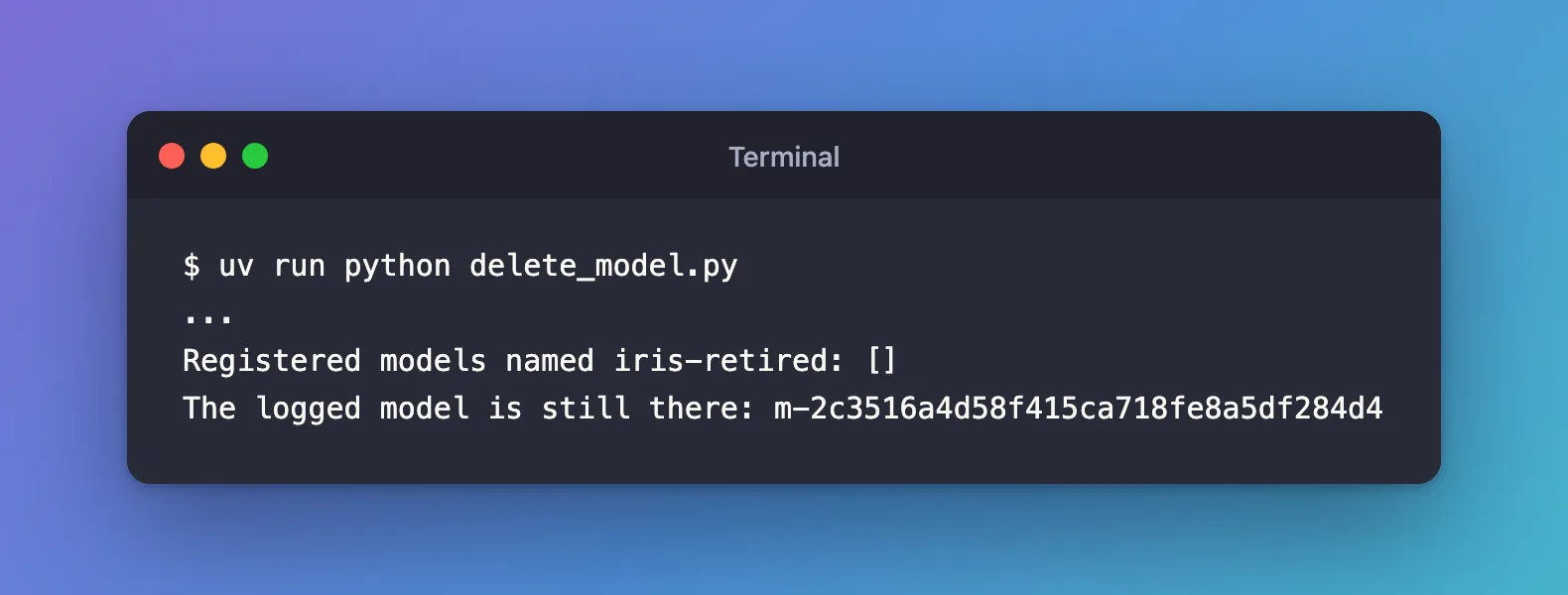
The registered model is gone, but the logged model isn't: it's still in the experiment, and it still loads as models:/m-2c3516a4d58f415ca718fe8a5df284d4. The registry only held a name and versions that pointed to it.
Common Mistakes
| Mistake | What happens | Do this instead |
|---|---|---|
| Deleting a registered model that code still loads | Every models:/iris-retired/... load fails | Move that code to another model first |
| Expecting the delete to free the model's files | The logged model and its files stay in the experiment | Delete the logged model separately if you no longer need it |
Troubleshooting
| Symptom | Likely cause | Fix |
|---|---|---|
RESOURCE_DOES_NOT_EXIST: Registered Model with name=iris-retired not found | The registered model was deleted, or the name is misspelled | Check the name in the Model Registry |
| The model still appears on the experiment's Models tab | That's the logged model, which the delete doesn't touch | Delete the logged model to remove it too |
FAQ
Can I undo it?
No; MLflow calls it "irrevocable". The logged model is still there, though, so you can register it again under the same name and get a new version 1.
How do I delete one version instead?
With delete_model_version: How to Delete a Model Version in MLflow.
Conclusion
client.delete_registered_model("iris-retired") removed the registered model, so a search for the name came back empty, while the logged model m-2c3516a4... was still there.
Additional Resources
- Model Registry workflows — deleting models and versions.
- MlflowClient.delete_registered_model — the call and an example.
