How to Delete a Logged Model in MLflow

Experiments pile up models you'll never use: test runs, failed ideas, the model you logged twice. MLflow 3 lets you delete a logged model on its own, from its page in the UI or from Python, and its files are removed for good the next time mlflow gc runs. This guide does both, with real screens and output from MLflow 3.18.0.
Syntax
MlflowClient().delete_logged_model(model_id)
| Part | What it means |
|---|---|
MlflowClient() | MLflow's client, from mlflow import MlflowClient |
model_id | The m-… ID of the model to delete |
Deleting marks the model as deleted: it disappears from the UI and from searches. Its files stay on the server until mlflow gc removes them.
Prerequisites
- An MLflow tracking server at
http://127.0.0.1:8080. MLflow's tracking server guide shows how to start one.
Step 1: Delete a Model in the UI
The example model is a linear regression on scikit-learn's diabetes data, logged in an experiment named delete-demo. Open the experiment's Models tab, click the model, then the ⋮ button next to Register model:

Click Delete. MLflow asks first:
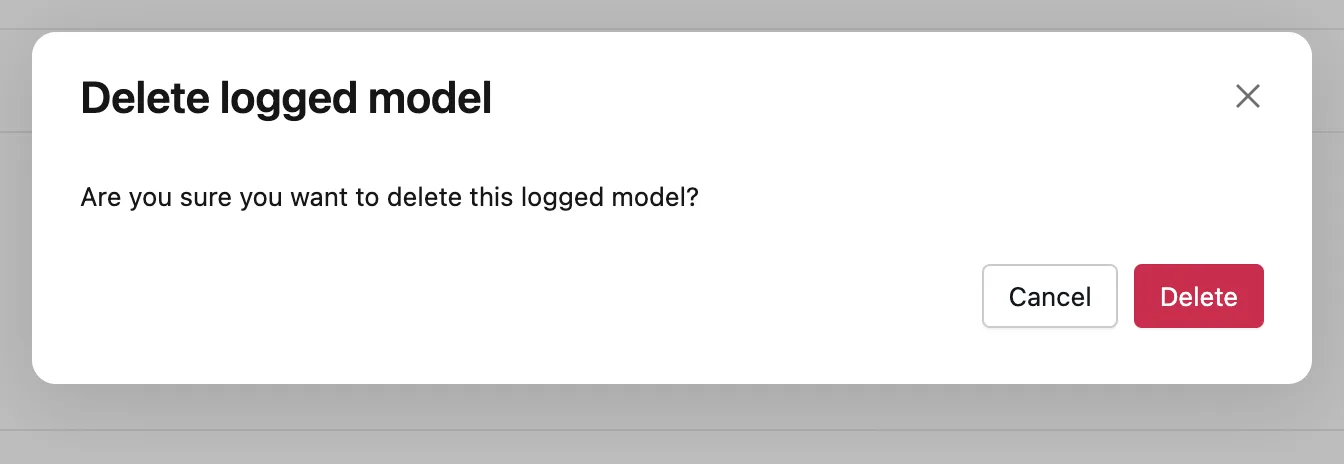
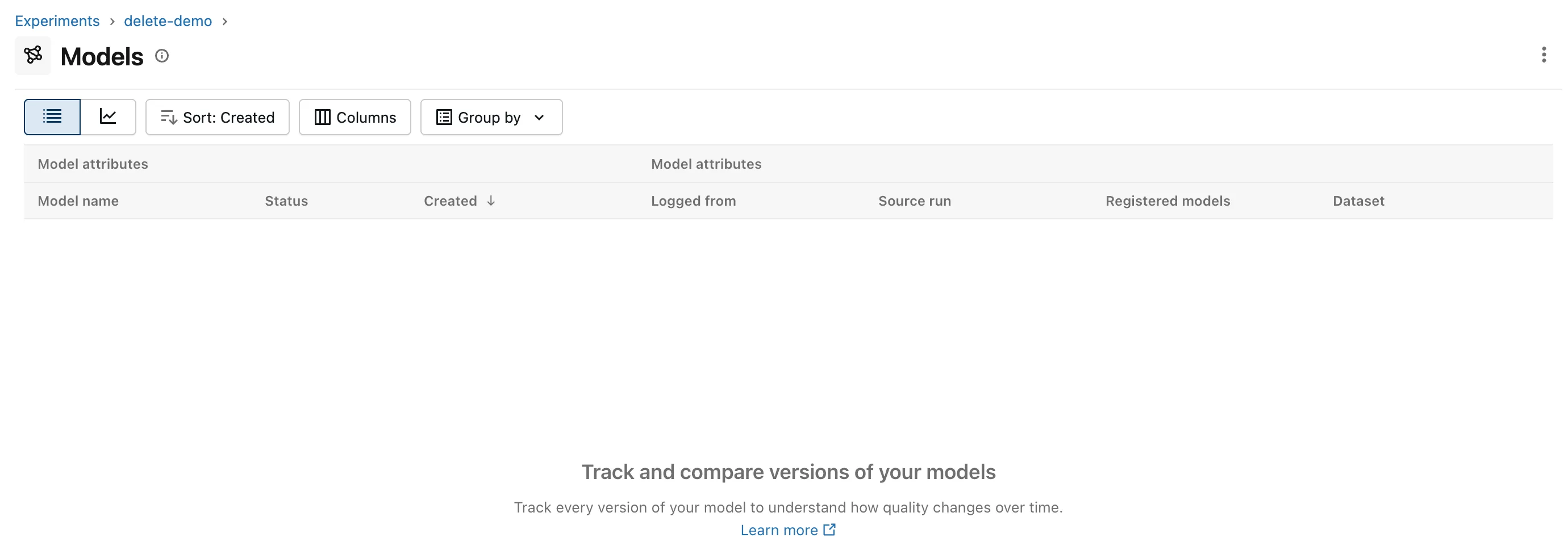
Click Delete in the dialog. MLflow goes back to the experiment's Models tab, now without the model:
Step 2: Delete a Model from Python
For many models, or in a cleanup script, delete by ID. delete_model.py deletes the model whose ID you pass, then counts the models left in delete-demo:
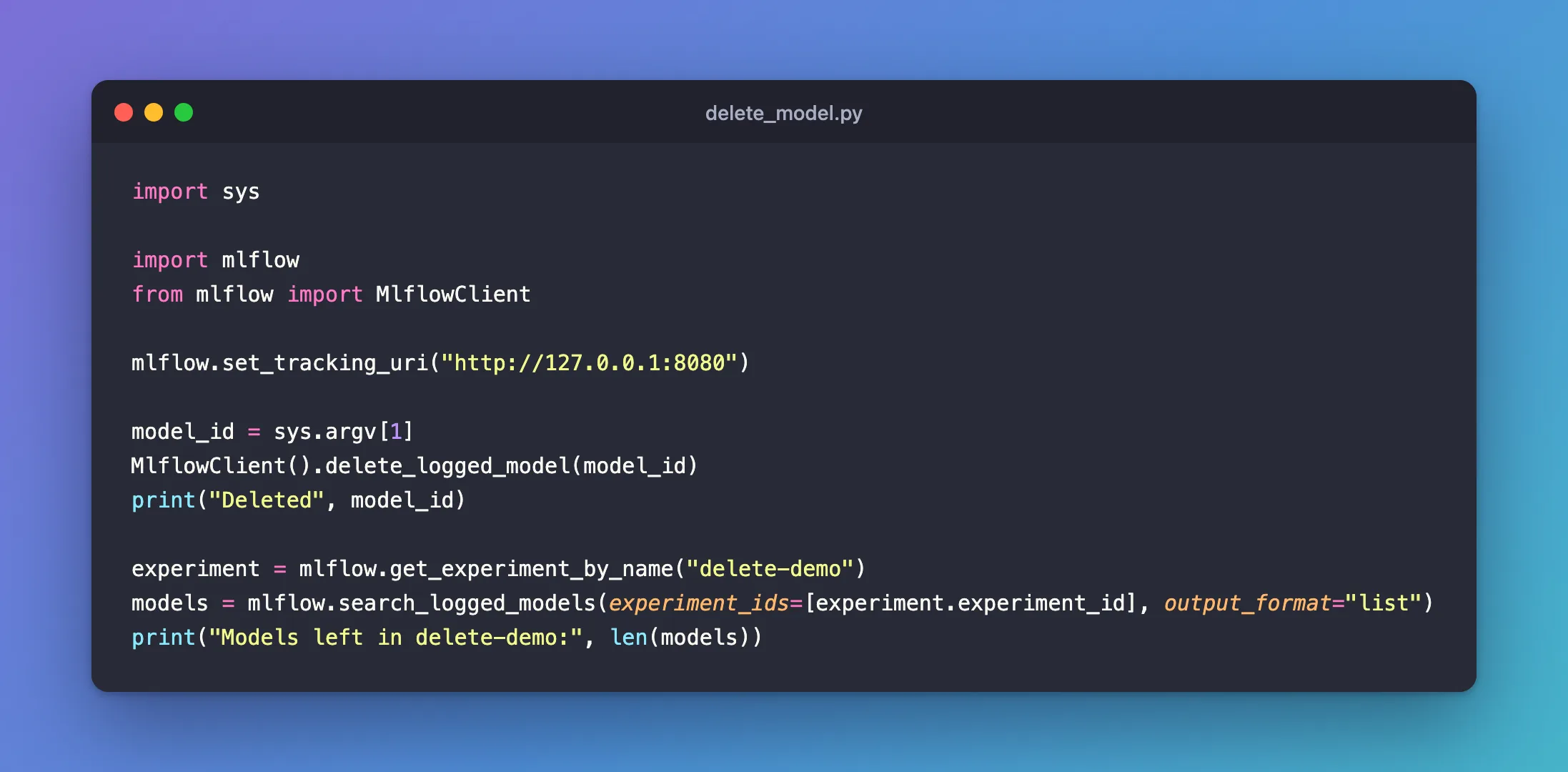
import sys

import mlflow
from mlflow import MlflowClient

mlflow.set_tracking_uri("http://127.0.0.1:8080")

model_id = sys.argv[1]
MlflowClient().delete_logged_model(model_id)
print("Deleted", model_id)

experiment = mlflow.get_experiment_by_name("delete-demo")
models = mlflow.search_logged_models(experiment_ids=[experiment.experiment_id], output_format="list")
print("Models left in delete-demo:", len(models))
uv run python delete_model.py m-e8c0a59a92ef46ed8fcebb2733645342
Deleted m-e8c0a59a92ef46ed8fcebb2733645342
Models left in delete-demo: 0
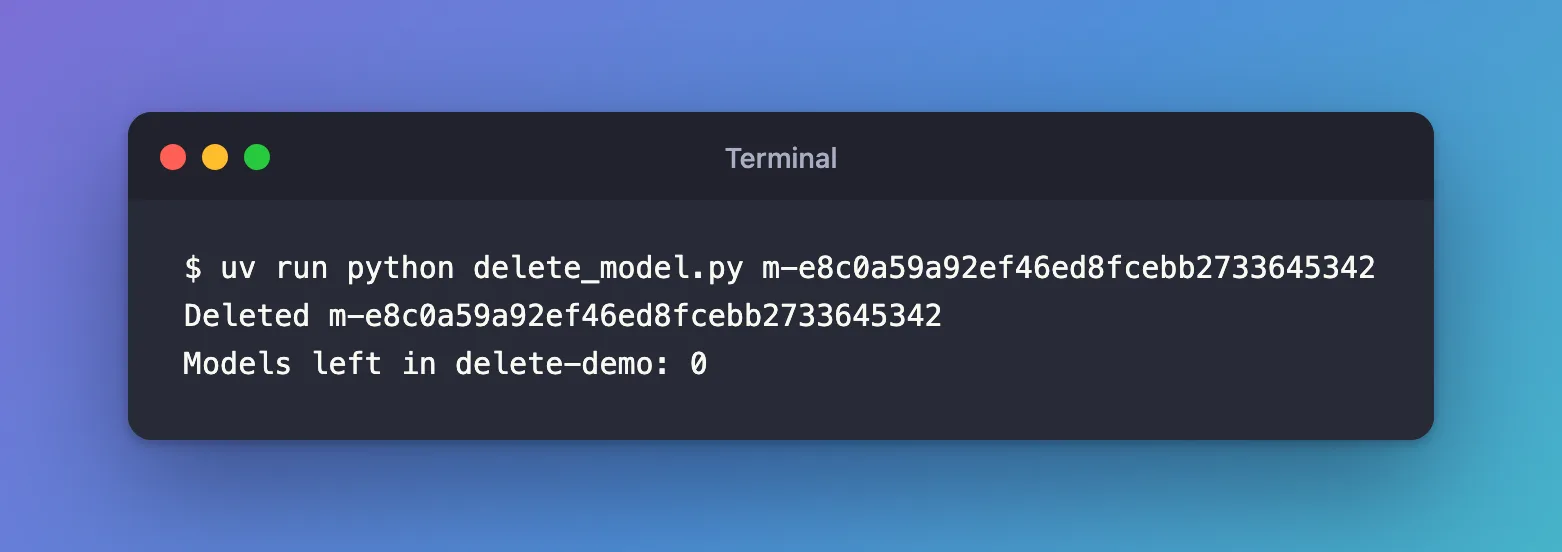
The deleted model no longer counts. Looking it up by ID now fails too: mlflow.get_logged_model on it raised RESOURCE_DOES_NOT_EXIST: Logged model with ID 'm-e8c0a59a92ef46ed8fcebb2733645342' not found.
Step 3: Remove the Files with mlflow gc
A deleted model's files stay on the tracking server: right after deleting another model the same way, its folder still held all seven files. mlflow gc, run in the server's folder, removes them for good, for every logged model in the deleted state:
uv run mlflow gc --tracking-uri http://127.0.0.1:8080
Logged model with ID m-f195725e7cf942a69ac037cfff78d6ee has been permanently deleted.
One line per deleted model, and that model's folder now holds no files. Run without options, mlflow gc also removes every deleted run and experiment for good; its help lists --logged-model-ids, --run-ids and --experiment-ids to narrow it down. Delete the models before you delete their experiment: Fixed: mlflow gc Leaves Logged Model Files Behind shows what happens otherwise.
Common Mistakes
| Mistake | What happens | Do this instead |
|---|---|---|
Deleting an experiment with models in it, then running mlflow gc | The models' files stay on disk, with nothing left to point at them | Delete the models first |
| Expecting deletion to free disk space at once | The files stay until mlflow gc | Run mlflow gc |
Troubleshooting
| Symptom | Likely cause | Fix |
|---|---|---|
RESOURCE_DOES_NOT_EXIST: Logged model with ID '...' not found. after deleting | Deleted models aren't returned by get_logged_model | Expected; there's nothing to fetch |
FAQ
Can I get a deleted model back?
Not from the UI or the client calls used here: once deleted, the model is gone from both. After mlflow gc, its files are gone too.
Does deleting the model delete its run?
No. The run, with its parameters and metrics, stays.
Conclusion
The model page's ⋮ menu and MlflowClient().delete_logged_model(model_id) both deleted a logged model, and it vanished from the Models tab and from searches. Its files stay on the server until mlflow gc removes them.
Additional Resources
- MlflowClient —
delete_logged_model. - MLflow CLI: mlflow gc — permanent deletion and
--logged-model-ids.
