How to Define and Use a Struct in Rust

A struct groups related values under one name, each with its own field name and type. A Book can hold a title and a year together, and the code reads them as book.title and book.year.
Syntax
struct <Name> {
    <field>: <Type>,
    <field>: <Type>,
}

let <variable> = <Name> {
    <field>: <value>,
    <field>: <value>,
};

<variable>.<field>
| Part | What it does |
|---|---|
struct <Name> | Defines a new type named <Name>. |
<field>: <Type> | One named piece of data and its type, such as year: u32. |
<Name> { <field>: <value>, … } | Creates a value of the struct, called an instance, with every field set. |
<variable>.<field> | Reads one field of the instance. |
The Rust Book's chapter on structs compares them with tuples: "Unlike with tuples, in a struct you’ll name each piece of data so it’s clear what the values mean."
The Example
The example defines a Book with a title and a year, creates the book Dune, and prints both fields.
Prerequisites
- Rust, installed with rustup, which comes with Cargo. This guide uses Rust 1.100.0.
Step 1: Create a Project
cargo new demo
cd demo
    Creating binary (application) `demo` package
note: see more `Cargo.toml` keys and their definitions at https://doc.rust-lang.org/cargo/reference/manifest.html
cargo new demo creates a folder named demo with a Cargo.toml file, which describes the project, and src/main.rs, which holds the code. cd demo moves into it.
Step 2: Write the Code
Replace the contents of src/main.rs with:
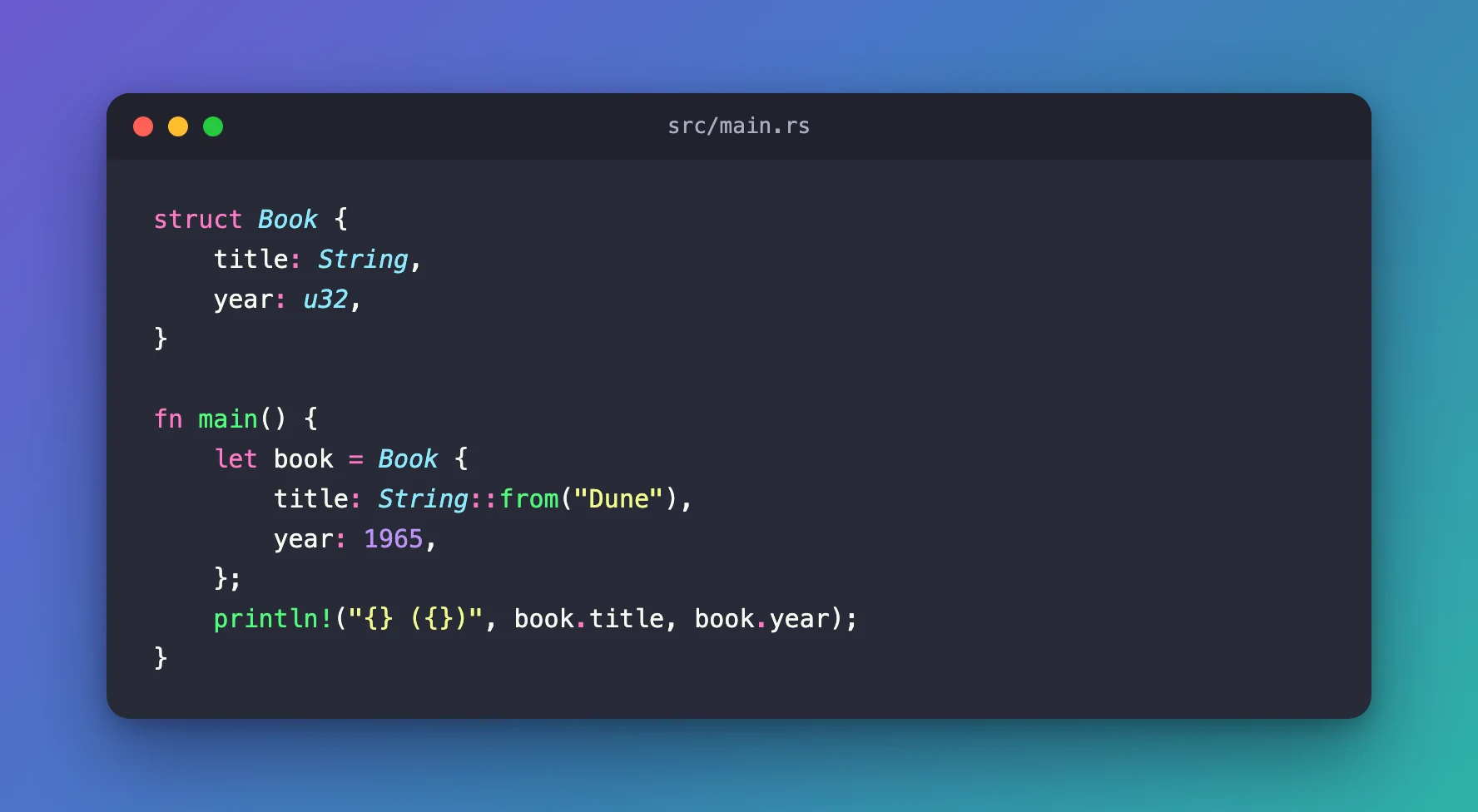
struct Book {
    title: String,
    year: u32,
}

fn main() {
    let book = Book {
        title: String::from("Dune"),
        year: 1965,
    };
    println!("{} ({})", book.title, book.year);
}
title: String holds text the struct owns, and year: u32 holds an unsigned 32-bit number. String::from("Dune") turns the text into a String. book.title and book.year read the two fields, and println! puts them into its two {} places in order.
Step 3: Run It
cargo run -q
Dune (1965)
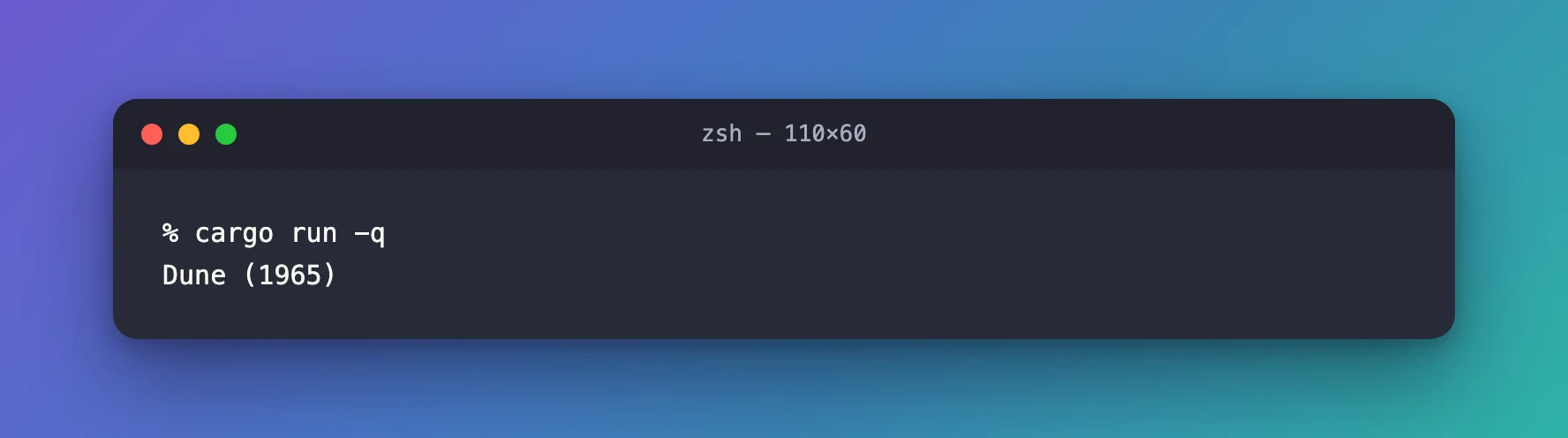
cargo run compiles the program and runs it, and -q hides Cargo's own status lines, so only the program's output is left.
Change a Field
To change a field after creating the instance, declare the variable with let mut. Without mut, book.year = 1966; stops the build:
error[E0594]: cannot assign to `book.year`, as `book` is not declared as mutable
With mut, the change works. When a variable already has a field's name, you can also write the field once instead of title: title, which the Book calls field init shorthand:
fn main() {
    let title = String::from("Dune");
    let mut book = Book { title, year: 1965 };
    book.year = 1966;
    println!("{} ({})", book.title, book.year);
}
Dune (1966)
Common Mistakes
| Mistake | What happens | Do this instead |
|---|---|---|
| Leaving out a field | error[E0063]: missing field `year` in initializer of `Book` | Set every field |
Printing the whole struct with {} | error[E0277]: `Book` doesn't implement `std::fmt::Display` | Print its fields, or derive Debug and print with {:?} |
Changing a field of a variable declared without mut | error[E0594]: cannot assign to `book.year`, as `book` is not declared as mutable | Declare it with let mut |
Troubleshooting
| Symptom | Likely cause | Fix |
|---|---|---|
missing field `…` in initializer | A field has no value | Add the field to the struct literal |
doesn't implement `std::fmt::Display` | {} doesn't know how to print the struct | Print a field, or use {:?} with #[derive(Debug)] |
as `…` is not declared as mutable | The variable is immutable | Use let mut |
FAQ
Do I need mut to read a field?
No. The example reads book.title and book.year from a variable declared with plain let. Only changing a field needs mut.
Does the order of fields in the literal matter?
No. Fields are matched by name, so Book { year: 1965, title: String::from("Dune") } creates the same book.
Conclusion
struct defines a type with named fields, a struct literal creates an instance with every field set, and instance.field reads one. Add mut to the variable when you need to change a field.
Additional Resources
- Defining and Instantiating Structs, in the Rust Book.
- Structs, in the Rust Reference.
