How to Define a Struct in Go

A struct groups related values under one type: a book's title, author and year. In Go you declare the struct type once, then create as many values of it as you need.
Syntax
type <Name> struct {
	<Field> <type>
	<Field> <type>
}

<value> := <Name>{<Field>: <value>, <Field>: <value>}
| Part | What it does |
|---|---|
type <Name> struct { ... } | Declares a new struct type with its fields. |
<Field> <type> | One field: a name and its type. |
<Name>{<Field>: <value>} | A composite literal: creates a value, setting fields by name. |
The Go specification: "A struct is a sequence of named elements, called fields, each of which has a name and a type."
The Example
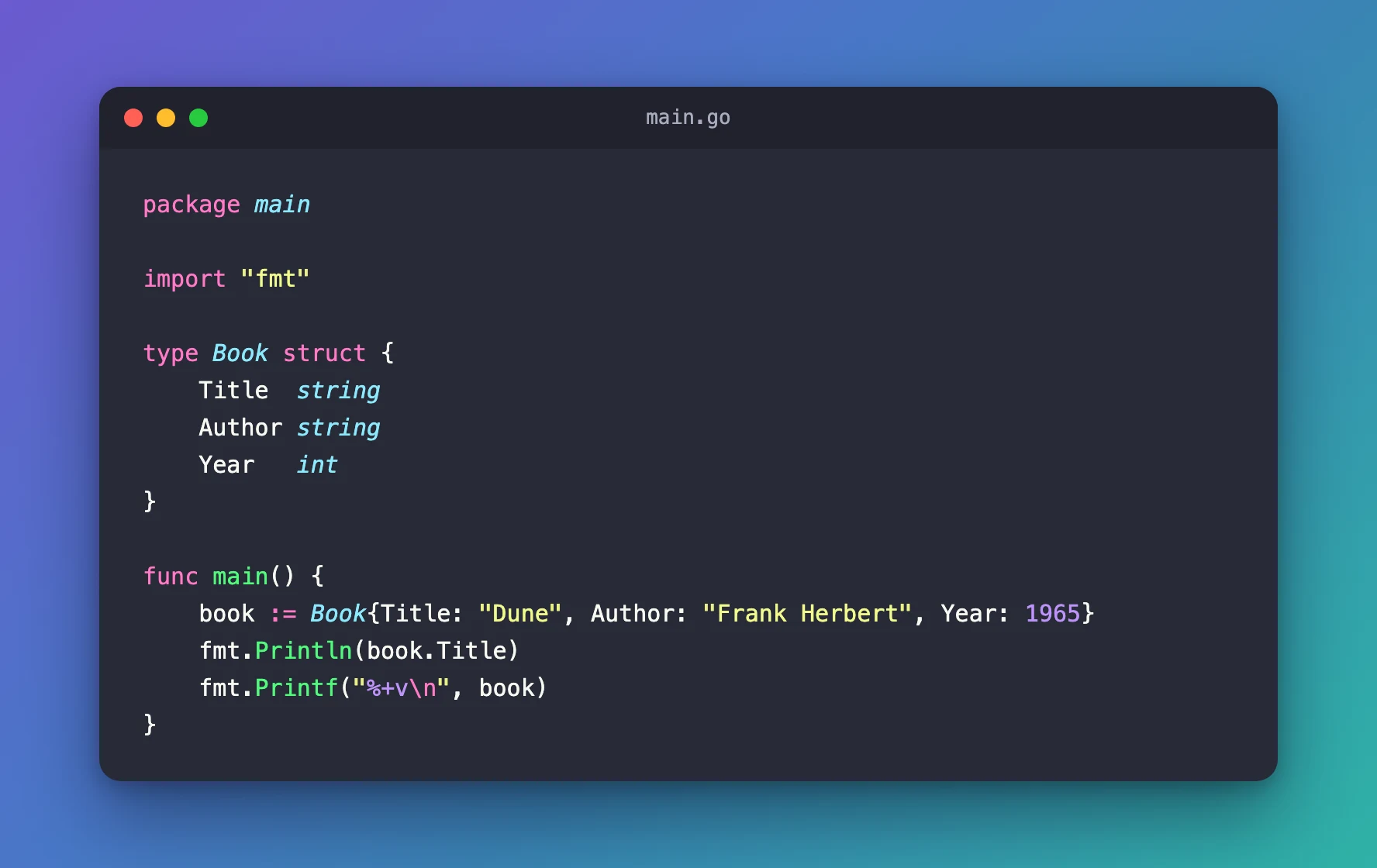
The example declares a Book type, creates one book, prints its title and then the whole struct.
Prerequisites
- Go.
go runcompiles and runs a single file. This guide uses Go 1.27.4.
Step 1: Write the Struct
Create a file named main.go:
package main

import "fmt"

type Book struct {
	Title  string
	Author string
	Year   int
}

func main() {
	book := Book{Title: "Dune", Author: "Frank Herbert", Year: 1965}
	fmt.Println(book.Title)
	fmt.Printf("%+v\n", book)
}
%+v prints a struct with its field names, which is handy for checking what it holds.
Step 2: Run It
go run main.go
Dune
{Title:Dune Author:Frank Herbert Year:1965}
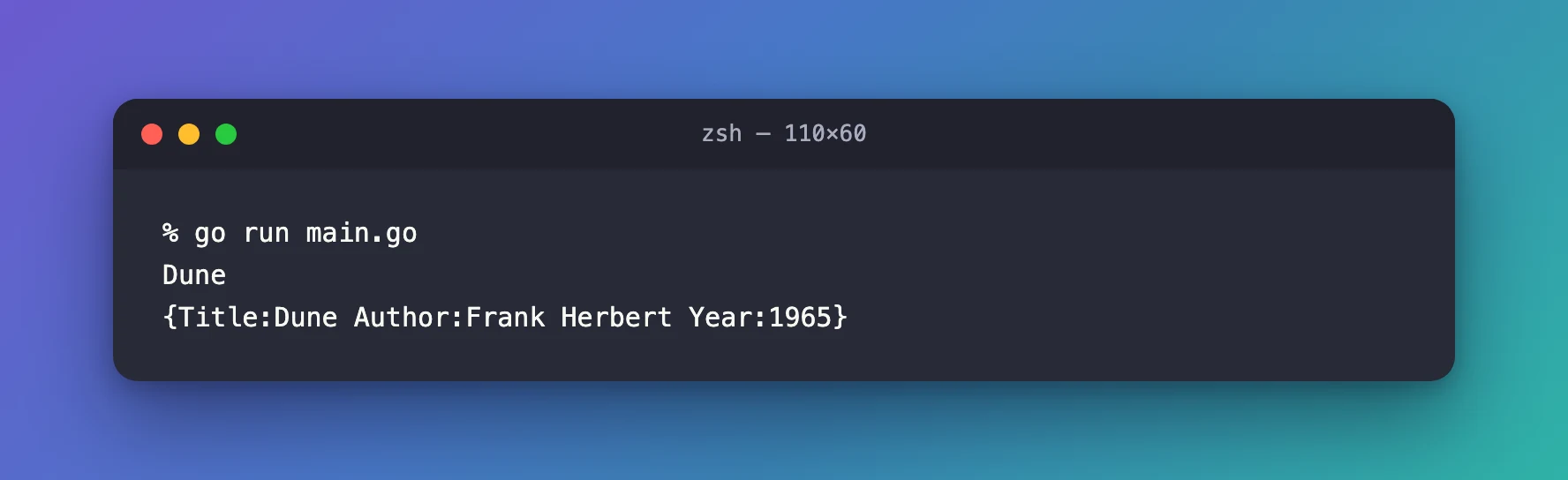
The command is the same in zsh, bash and PowerShell.
Fields You Leave Out
Fields you don't set get their type's zero value: "" for strings and 0 for numbers. Book{} printed with %+v gives {Title: Year:0} for a struct with only Title and Year.
Common Mistakes
| Mistake | What happens | Do this instead |
|---|---|---|
Setting a field the struct doesn't have, as in Pages: 412 | unknown field Pages in struct literal of type Book | Add the field to the type, or remove it from the literal |
Lowercase field names, such as title | Other packages, including encoding/json, can't see them | Capitalize fields that must be visible outside |
Creating a value without field names, as in Book{"Dune", "Frank Herbert", 1965} | It breaks when fields are added or reordered | Name the fields |
Troubleshooting
| Symptom | Likely cause | Fix |
|---|---|---|
unknown field … in struct literal | A misspelled or missing field | Compare with the type's fields |
A field is empty or 0 | It wasn't set in the literal | Set it, or rely on its zero value on purpose |
FAQ
How do I change a field?
Assign to it: book.Year = 1966. To change it inside a function, pass a pointer to the struct.
Can structs have methods?
Yes: func (b Book) Summary() string { ... } gives every Book a Summary method.
Conclusion
type Name struct { ... } declares the fields, Name{Field: value} creates a value, and value.Field reads one. Unset fields start at their zero value.
Additional Resources
- Struct types, in the Go specification.
- A Tour of Go: Structs.
