How to Decode JSON into an Object in PHP with JWT::jsonDecode

PHP's json_decode returns null when the JSON is broken, which is easy to miss. php-jwt's public helper JWT::jsonDecode decodes JSON into an object too, but throws a DomainException with the reason when the JSON is invalid.
Syntax
use Firebase\JWT\JWT;

$<object> = JWT::jsonDecode(<json>);
$<value> = $<object>-><property>;
| Part | What it does |
|---|---|
JWT::jsonDecode(<json>) | Decodes the JSON text into a stdClass object (or another value for non-object JSON). |
$<object>-><property> | Reads one property of the object. |
DomainException | Thrown when the text isn't valid JSON. |
php-jwt's source documents jsonDecode as: "Decode a JSON string into a PHP object." and "@throws DomainException Provided string was invalid JSON". It calls json_decode with large integers kept as strings, so no precision is lost.
The Example
The example decodes a small set of JWT-style claims, prints the role and exp properties, then decodes a piece of cut-off JSON inside try and prints the exception.
Prerequisites
Step 1: Create the Project
mkdir demo
cd demo
composer require firebase/php-jwt
composer require downloads php-jwt, version 7.2.2 here, into a vendor folder and writes vendor/autoload.php.
Step 2: Write the Code
Create main.php in the demo folder:
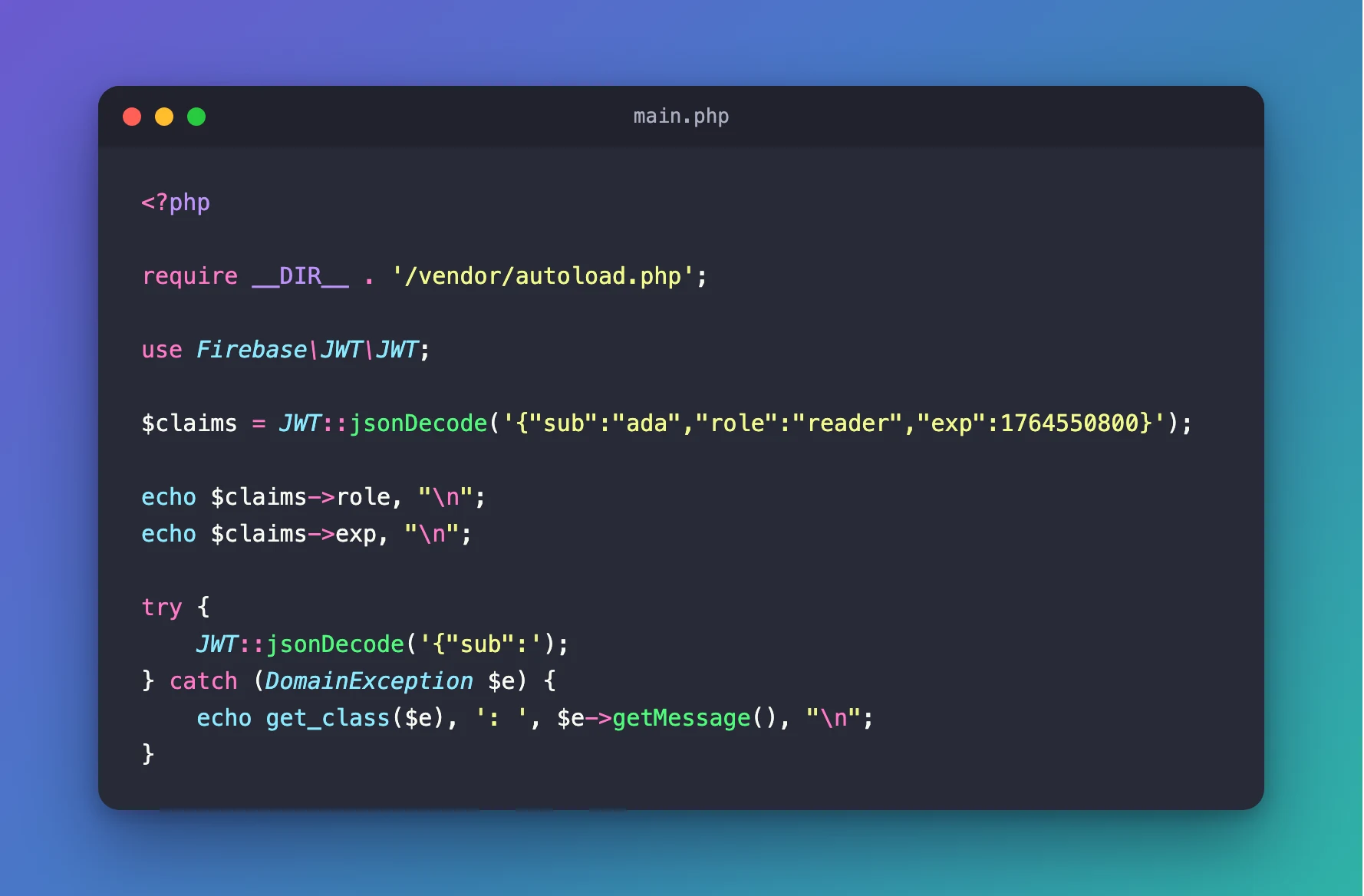
<?php

require __DIR__ . '/vendor/autoload.php';

use Firebase\JWT\JWT;

$claims = JWT::jsonDecode('{"sub":"ada","role":"reader","exp":1764550800}');

echo $claims->role, "\n";
echo $claims->exp, "\n";

try {
    JWT::jsonDecode('{"sub":');
} catch (DomainException $e) {
    echo get_class($e), ': ', $e->getMessage(), "\n";
}
Step 3: Run It
php main.php
reader
1764550800
DomainException: Syntax error, malformed JSON
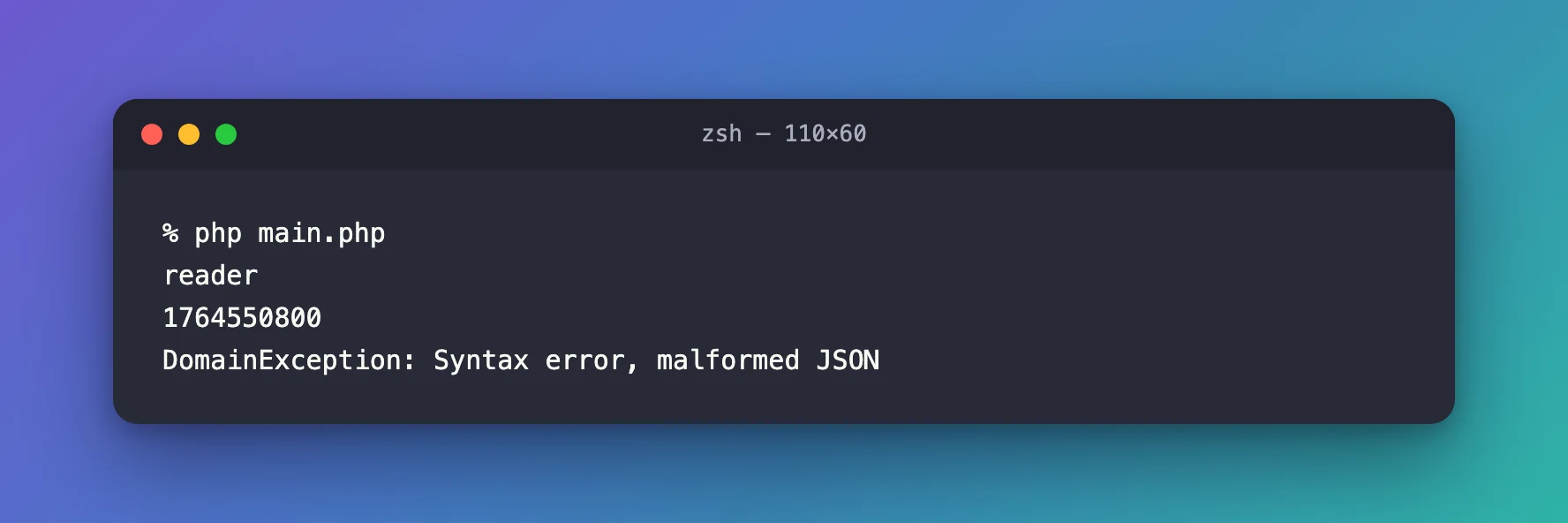
The command is the same in zsh, bash and PowerShell.
What Happened
JWT::jsonDecodeturned the claims into an object, and->roleand->expread two of its properties.- The cut-off JSON made it throw
DomainExceptionwith the reason,Syntax error, malformed JSON, which thecatchblock printed.
Common Mistakes
| Mistake | What happens | Do this instead |
|---|---|---|
Using json_decode and not checking for null | A broken input quietly becomes null and fails later | Use JWT::jsonDecode, or json_decode with JSON_THROW_ON_ERROR |
Reading properties with ['role'] | jsonDecode returns an object, not an array | Use ->role |
Expecting the JSON text null to throw | JWT::jsonDecode('null') returned NULL without an exception | Check that the result is an object |
Troubleshooting
| Symptom | Likely cause | Fix |
|---|---|---|
DomainException: Syntax error, malformed JSON | The input isn't valid JSON | Check the text, for example a cut-off piece |
Class "Firebase\JWT\JWT" not found | The autoloader isn't loaded | require __DIR__ . '/vendor/autoload.php'; |
FAQ
Is this the same as reading a JWT's claims?
It's how you'd turn a decoded payload into an object, after JWT::urlsafeB64Decode. That reads the claims without verifying them; to trust them, verify the token with JWT::decode and the key.
Why does php-jwt keep big integers as strings?
So that very large numbers in a token don't lose precision by turning into floats.
Conclusion
JWT::jsonDecode($json) decodes JSON into an object whose properties you read with ->, and throws a DomainException with the reason when the JSON is invalid, where plain json_decode would return null.
Additional Resources
- php-jwt, and its JWT.php source.
- json_decode, in the PHP manual.
