How to Decode Base64 to Bytes in JavaScript with Uint8Array.fromBase64

Base64 turns bytes into plain text so they can travel in JSON, URLs or environment variables. Uint8Array.fromBase64 turns that text back into the bytes, as a byte array, using a method built into JavaScript itself.
Syntax
const <bytes> = Uint8Array.fromBase64(<text>, { alphabet: '<alphabet>' });
| Part | What it does |
|---|---|
Uint8Array.fromBase64 | Decodes base64 text into a new Uint8Array, an array of bytes from 0 to 255. |
<text> | The base64 text to decode. |
alphabet | Optional. 'base64', the default, or 'base64url' for the URL-safe variant that uses - and _. |
MDN's Uint8Array.fromBase64() reference: "The Uint8Array.fromBase64() static method creates a new Uint8Array object from a base64-encoded string." It adds that it "should be preferred over Window.atob() because it results in a byte array".
The Example
The example decodes SGVsbG8=, the base64 form of the word Hello, prints the bytes, then turns them back into text.
Prerequisites
- Node.js 26 or newer. I checked Node.js 24.22.3 too: there,
Uint8Array.fromBase64isundefined. This guide uses Node.js 26.13.1.
Step 1: Write the Code
Create a file named main.js:
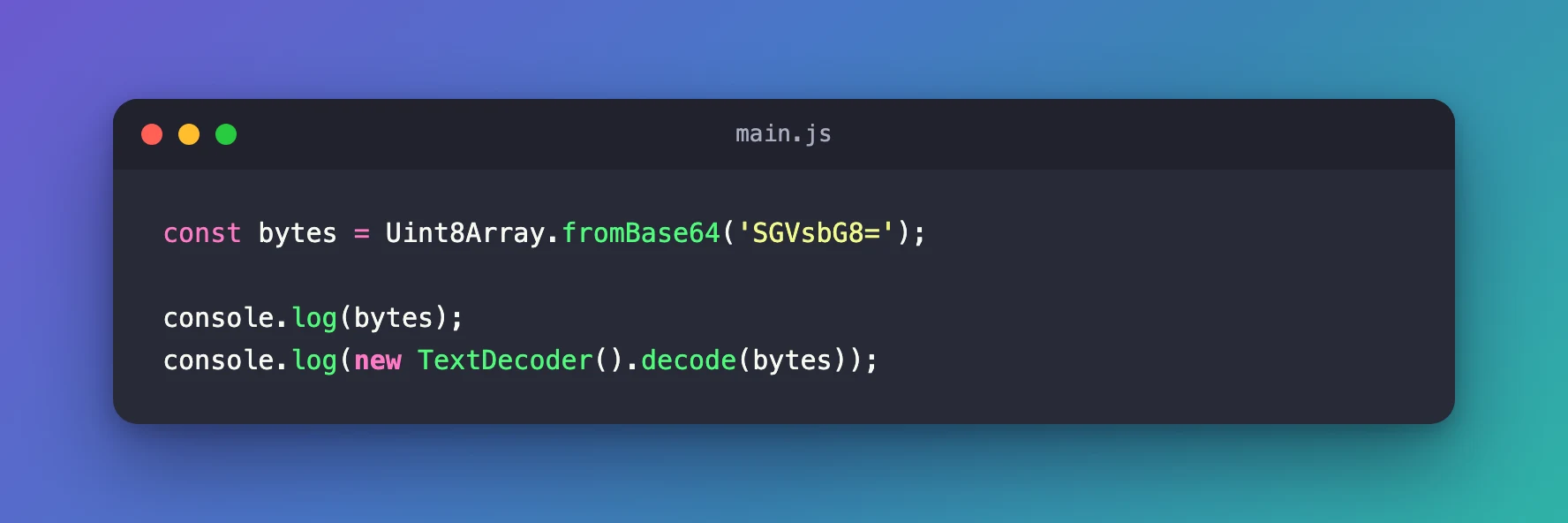
const bytes = Uint8Array.fromBase64('SGVsbG8=');

console.log(bytes);
console.log(new TextDecoder().decode(bytes));
Uint8Array.fromBase64('SGVsbG8=')returns five bytes.new TextDecoder().decode(bytes)reads bytes as UTF-8 text, which is how you check what they spell.
Step 2: Run It
node main.js
Uint8Array(5) [ 72, 101, 108, 108, 111 ]
Hello
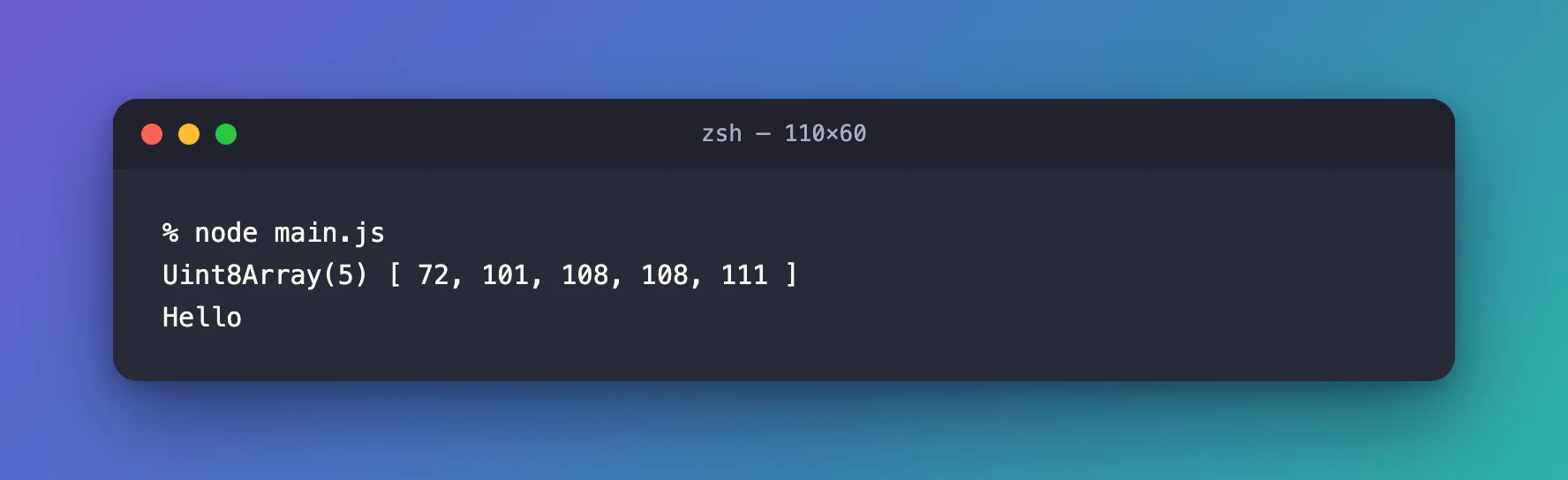
The five numbers are the bytes of H, e, l, l and o. The command is the same in zsh, bash and PowerShell.
Base64url and the Way Back
Base64url, the variant used in JWTs and URLs, writes - and _ where base64 writes + and /. The default alphabet rejects those characters, so name the alphabet:
Uint8Array.fromBase64('-_8', { alphabet: 'base64url' }); // Uint8Array(2) [ 251, 255 ]
To go the other way, every Uint8Array has a toBase64() method: new TextEncoder().encode('Hello').toBase64() returns 'SGVsbG8='.
Common Mistakes
| Mistake | What happens | Do this instead |
|---|---|---|
| Decoding base64url text with the default alphabet | SyntaxError: Found a character that cannot be part of a valid base64 string. | Pass { alphabet: 'base64url' } |
| Running it on Node.js 24 or older | TypeError, because Uint8Array.fromBase64 is undefined there | Use Node.js 26, or Buffer.from(text, 'base64') on older versions |
| Printing the bytes and expecting text | You see numbers, as above | Decode them with TextDecoder when they hold text |
Troubleshooting
| Symptom | Likely cause | Fix |
|---|---|---|
SyntaxError: Found a character that cannot be part of a valid base64 string. | A character such as *, - or _ that the alphabet doesn't allow | Clean the input, or use the base64url alphabet |
TypeError: Uint8Array.fromBase64 is not a function | An older Node.js | Upgrade to Node.js 26 |
FAQ
Does the input need = padding?
Not by default: I decoded SGVsbG8, without the =, and got the same five bytes.
What about atob()?
atob() returns a string of characters rather than bytes. MDN recommends Uint8Array.fromBase64() unless the decoded data really is ASCII text.
Conclusion
Uint8Array.fromBase64(text) decodes base64 into bytes, { alphabet: 'base64url' } handles the URL-safe variant, and toBase64() encodes bytes back to text.
Additional Resources
- Uint8Array.fromBase64(), on MDN.
- Uint8Array.prototype.toBase64(), on MDN.
