How to Decode Base64 in Python with base64.b64decode

Base64 turns bytes into plain text so they can travel in JSON, URLs or environment variables. base64.b64decode turns that text back into the original bytes, and with validate=True it refuses anything that isn't proper base64 instead of quietly skipping it.
Syntax
import base64

<data> = base64.b64decode(<text>, validate=True)
| Part | What it does |
|---|---|
base64.b64decode | Decodes base64 and returns bytes. |
<text> | The base64 text, as a string or bytes. |
validate=True | Raises an error for characters outside the base64 alphabet. Without it, they're thrown away. |
The base64 documentation: "Decode the Base64 encoded bytes-like object or ASCII string s and return the decoded bytes." Python 3.15 added three keyword-only parameters, padded, ignorechars and canonical, for stricter or looser decoding; the defaults behave as before.
The Example
The example decodes SGVsbG8=, the base64 form of the word Hello, prints the bytes, then turns them into text.
Prerequisites
- uv and Python. This guide uses uv 0.13.10 with Python 3.15.2.
Step 1: Write the Code
Create a file named main.py:
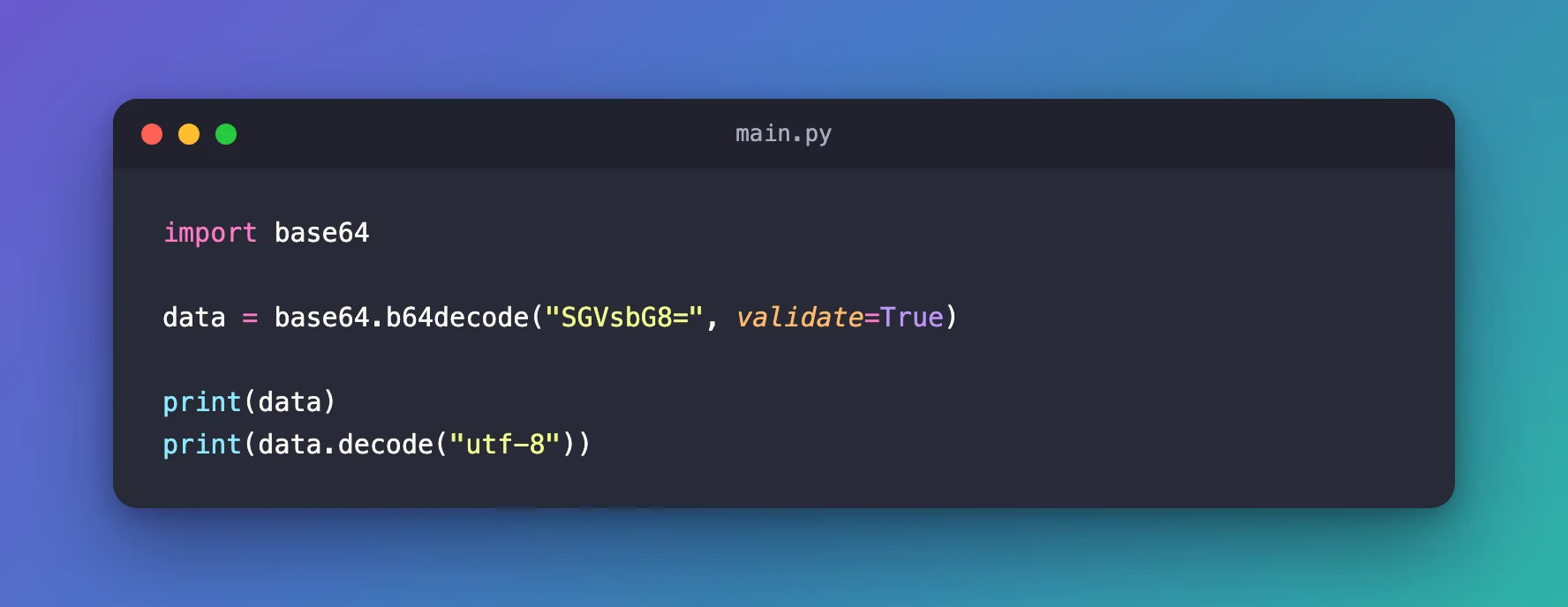
import base64

data = base64.b64decode("SGVsbG8=", validate=True)

print(data)
print(data.decode("utf-8"))
base64.b64decode(...)returnsbytes.data.decode("utf-8")reads those bytes as UTF-8 text.
Step 2: Run It
uv run python main.py
b'Hello'
Hello
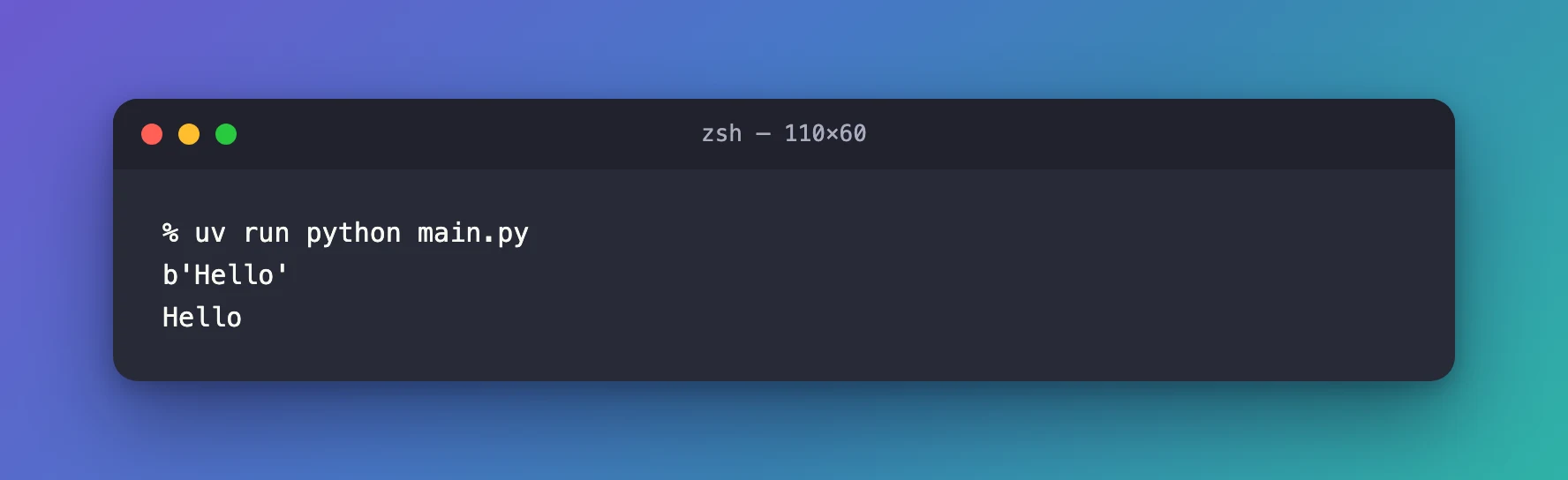
The b in front of 'Hello' marks it as bytes; .decode turned it into an ordinary string. The command is the same in zsh, bash and PowerShell.
Why validate=True
Without it, characters that don't belong are dropped without a word. base64.b64decode("SGV*sbG8="), with a stray *, still returned b'Hello'. With validate=True, the same mistake raises binascii.Error: Only base64 data is allowed, so broken input can't slip through.
Base64url
Base64url, used in JWTs and URLs, writes - and _ where base64 writes + and /. b64decode with validate=True rejects those characters; decode them with base64.urlsafe_b64decode("-_8="), which returned b'\xfb\xff'. The way back is base64.b64encode(b"Hello"), which returned b'SGVsbG8='.
Common Mistakes
| Mistake | What happens | Do this instead |
|---|---|---|
Leaving out the = padding, as in "SGVsbG8" | binascii.Error: Incorrect padding | Add = until the length is a multiple of 4 |
Decoding base64url with b64decode and validate=True | binascii.Error: Only base64 data is allowed | Use base64.urlsafe_b64decode |
| Treating the result as a string | It's bytes, printed as b'...' | Call .decode("utf-8") when it holds text |
Troubleshooting
| Symptom | Likely cause | Fix |
|---|---|---|
binascii.Error: Incorrect padding | The text is missing its = padding, or was cut short | Restore the padding, or check the input is complete |
binascii.Error: Only base64 data is allowed | A character outside the alphabet, such as -, _, * or a space | Clean the input, or use the URL-safe decoder for base64url |
FAQ
Does b64decode accept a string?
Yes, an ASCII string or bytes. It always returns bytes.
How do I get a string back out?
data.decode("utf-8"), when the bytes hold UTF-8 text. Random bytes, such as a key, stay as bytes.
Conclusion
base64.b64decode(text, validate=True) turns base64 into bytes and rejects anything that isn't base64. Use urlsafe_b64decode for base64url and .decode("utf-8") when the bytes are text.
Additional Resources
- base64.b64decode(), in the Python documentation.
- base64.urlsafe_b64decode(), in the Python documentation.
