How to Decode Base64 in Go

Base64 turns bytes into plain text so they can travel in JSON, URLs or environment variables. Go's encoding/base64 package turns that text back into bytes with DecodeString, and returns an error when the text isn't valid base64.
Syntax
import "encoding/base64"

<data>, err := base64.StdEncoding.DecodeString(<text>)
| Part | What it does |
|---|---|
base64.StdEncoding | Standard base64, with +, / and = padding. |
.DecodeString(<text>) | Decodes the text and returns a []byte and an error. |
err | nil on success; otherwise it says where the input went wrong. |
The encoding/base64 documentation: "DecodeString returns the bytes represented by the base64 string s. If the input is malformed, it returns the partially decoded data and CorruptInputError."
The Example
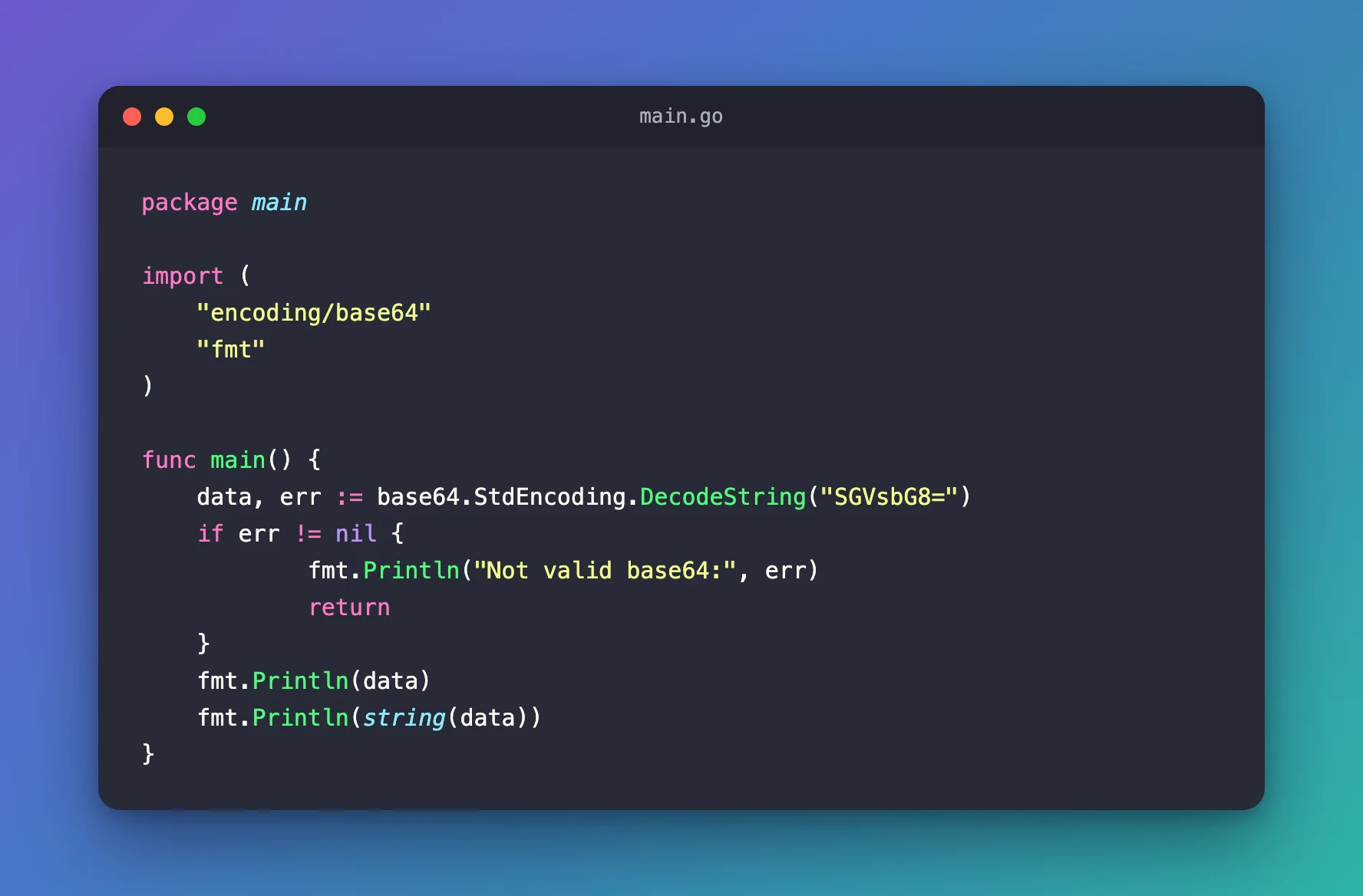
The example decodes SGVsbG8=, the base64 form of the word Hello, prints the bytes and then the text.
Prerequisites
- Go.
go runcompiles and runs a single file. This guide uses Go 1.27.4.
Step 1: Write the Code
Create a file named main.go:
package main

import (
	"encoding/base64"
	"fmt"
)

func main() {
	data, err := base64.StdEncoding.DecodeString("SGVsbG8=")
	if err != nil {
		fmt.Println("Not valid base64:", err)
		return
	}
	fmt.Println(data)
	fmt.Println(string(data))
}
string(data) converts the bytes to a string, which shows the text they hold.
Step 2: Run It
go run main.go
[72 101 108 108 111]
Hello
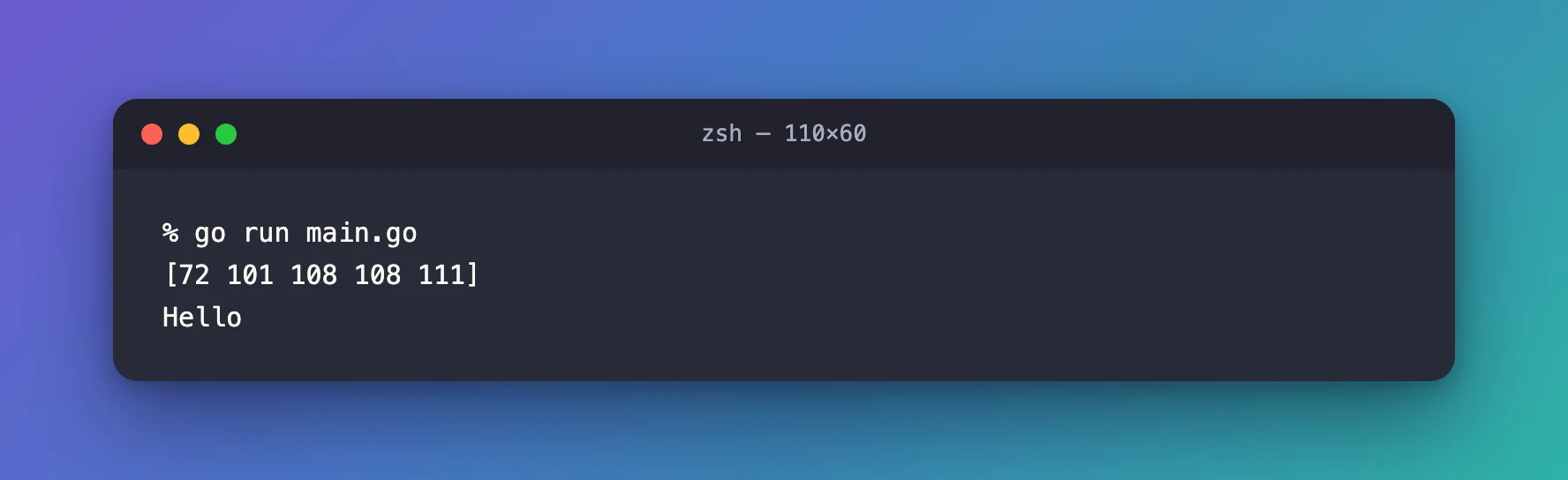
The five numbers are the bytes of H, e, l, l and o. The command is the same in zsh, bash and PowerShell.
Base64url and the Way Back
Base64url, used in JWTs and URLs, writes - and _ and usually leaves out the = padding. Decode it with base64.RawURLEncoding.DecodeString, which returned the bytes [251 255] for -_8. To encode, use base64.StdEncoding.EncodeToString([]byte("Hello")), which returned SGVsbG8=.
Common Mistakes
| Mistake | What happens | Do this instead |
|---|---|---|
Decoding base64url text with StdEncoding | illegal base64 data at input byte 0 for -_8 | Use base64.RawURLEncoding |
Leaving out the = padding with StdEncoding | illegal base64 data at input byte 4 for SGVsbG8 | Keep the padding, or use RawStdEncoding |
| Ignoring the error | A partial result is used as if it were complete | Check err |
Troubleshooting
| Symptom | Likely cause | Fix |
|---|---|---|
illegal base64 data at input byte N | A character the encoding doesn't allow, or missing padding, at position N | Pick the encoding that matches the input |
Garbled text after string(data) | The bytes aren't text, such as a key | Keep them as []byte |
FAQ
Which encodings does the package have?
Four: StdEncoding and URLEncoding with padding, and RawStdEncoding and RawURLEncoding without.
Does DecodeString accept new lines?
Yes. The documentation says new line characters are ignored.
Conclusion
base64.StdEncoding.DecodeString(text) returns the decoded bytes and an error; check the error, then use string(data) when the bytes are text. Use RawURLEncoding for base64url.
Additional Resources
- encoding/base64, in the Go standard library documentation.
