How to Decode a JWT Without Verifying It in Node.js with jose decodeJwt

decodeJwt from the jose library reads a JSON Web Token's claims without the key, and decodeProtectedHeader reads its header. Neither checks anything, which makes them right for reading a token and wrong for trusting one.
Syntax
const <claims> = decodeJwt(<token>);
const <header> = decodeProtectedHeader(<token>);
| Part | What it does |
|---|---|
decodeJwt(<token>) | Returns the token's claims as an object, without checking the signature or the claims. |
decodeProtectedHeader(<token>) | Returns the token's header as an object, for example to read its kid. |
<token> | The JWT as a string. No key is needed. |
The jose documentation for decodeJwt: it "Decodes the Claims Set of a JWT in JWS Compact Serialization without validating its JWS Signature (digital signature or MAC) or claim types and values." For decodeProtectedHeader: it "Decodes the Protected Header of a JWE, JWS, or JWT without authenticating the token."
The Example
The example decodes a token that another service signed with a key this program doesn't have. The token expired on 1 December 2025. Its header names the key that signed it, key-2025-12, in a kid.
Prerequisites
- Node.js. This guide uses Node.js 26.13.1.
Step 1: Create the Project
mkdir demo
cd demo
npm init -y
npm pkg set type=module
npm install jose
npm init -y writes a package.json, npm pkg set type=module lets the code use import, and npm install jose adds the library, version 6.2.18 here.
Step 2: Write the Code
Create main.js:
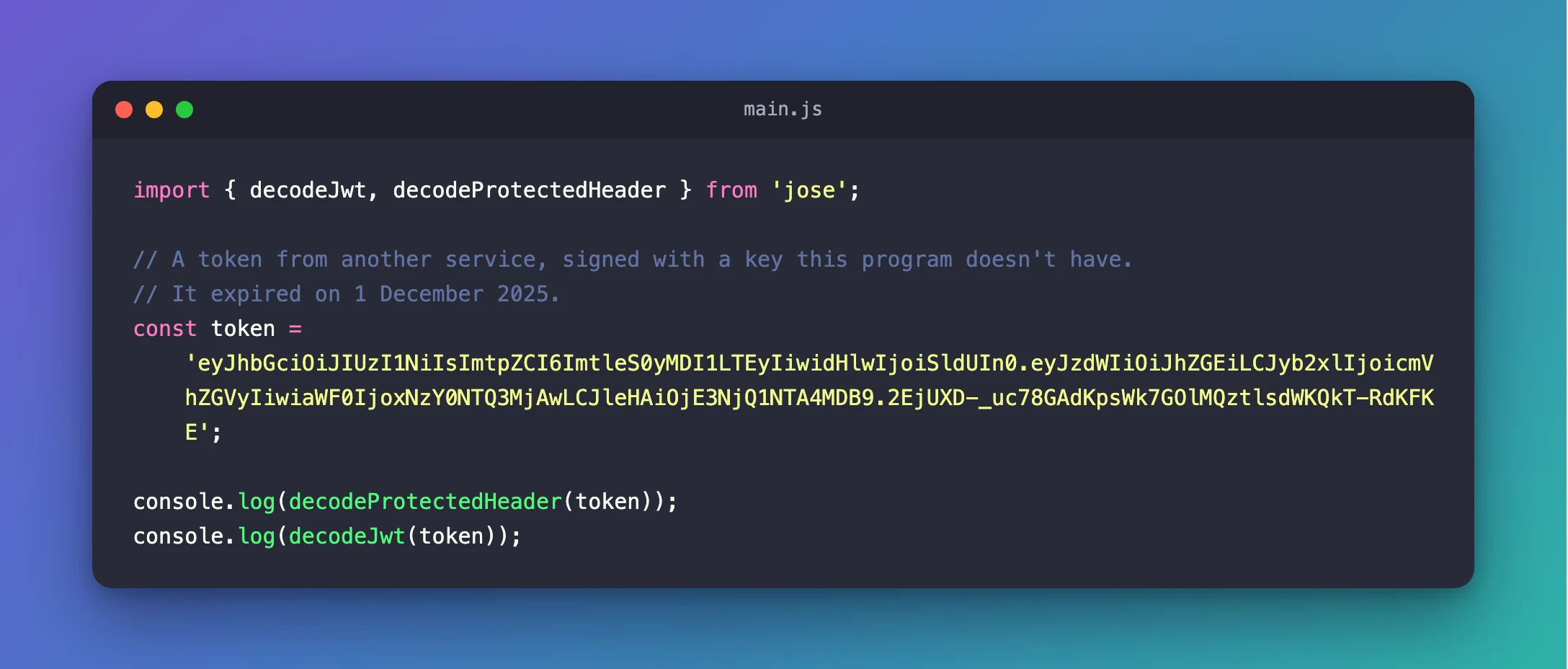
import { decodeJwt, decodeProtectedHeader } from 'jose';

// A token from another service, signed with a key this program doesn't have.
// It expired on 1 December 2025.
const token = 'eyJhbGciOiJIUzI1NiIsImtpZCI6ImtleS0yMDI1LTEyIiwidHlwIjoiSldUIn0.eyJzdWIiOiJhZGEiLCJyb2xlIjoicmVhZGVyIiwiaWF0IjoxNzY0NTQ3MjAwLCJleHAiOjE3NjQ1NTA4MDB9.2EjUXD-_uc78GAdKpsWk7GOlMQztlsdWKQkT-RdKFKE';

console.log(decodeProtectedHeader(token));
console.log(decodeJwt(token));
Step 3: Run It
node main.js
{ alg: 'HS256', kid: 'key-2025-12', typ: 'JWT' }
{ sub: 'ada', role: 'reader', iat: 1764547200, exp: 1764550800 }
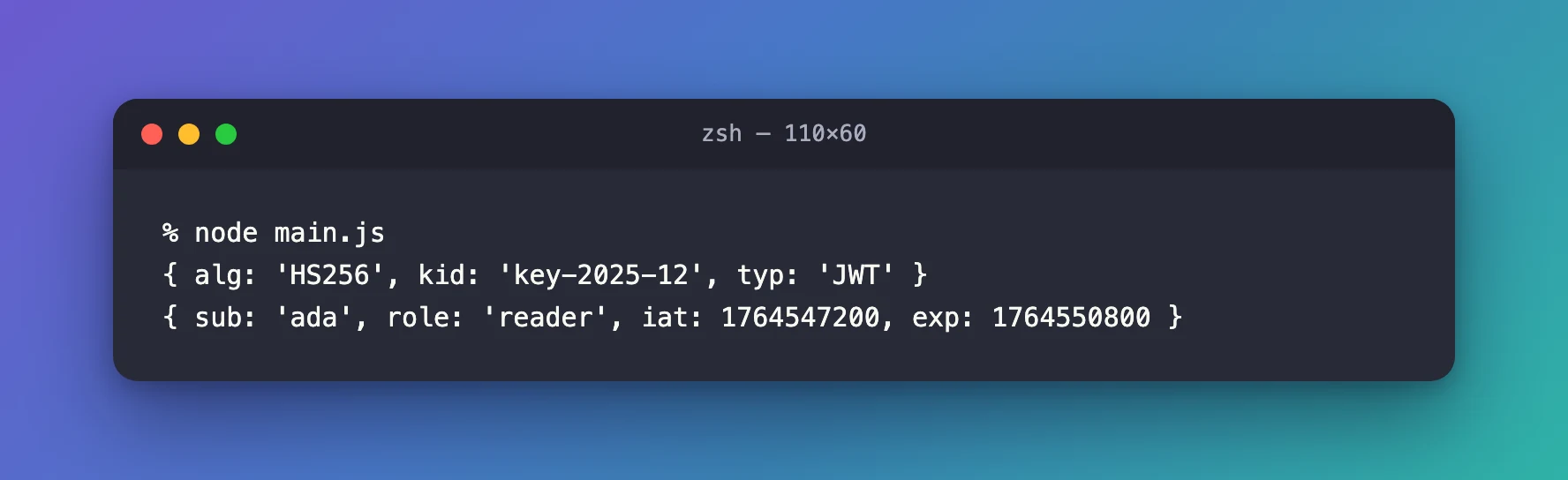
Both calls returned what the token says, without the key and without a complaint about the expiry: exp is 1764550800, 1 December 2025 at 01:00 UTC. Decoding only turns the base64url pieces back into JSON.
Decoding Is Not Verifying
Anyone can write a token with any claims, so the claims decodeJwt returns prove nothing. Use them to read, never to decide who someone is or what they may do. To trust a token, verify it with the key:
const { payload } = await jwtVerify(token, key, { algorithms: ['HS256'] });
jwtVerify checks the signature and the expiry first, and returns the claims only when both pass.
Reading the header before verifying is the one common server-side use: a service with several keys reads kid with decodeProtectedHeader and picks that key from its own list. The header is just as forgeable as the claims, so look it up only among keys you already trust.
Common Mistakes
| Mistake | What happens | Do this instead |
|---|---|---|
Trusting the claims from decodeJwt | Anyone can send a token with any claims, and the code believes them | Use the payload from jwtVerify |
Expecting decodeJwt to reject an expired token | It returned the claims of a token that had expired, without an error | Verify with jwtVerify, which checks exp |
Letting the header's alg choose how to verify | The sender picks the algorithm | Pass algorithms to jwtVerify |
Troubleshooting
| Symptom | Likely cause | Fix |
|---|---|---|
JWTInvalid: Invalid JWT | The string isn't three pieces separated by dots | Check what you passed to decodeJwt |
TypeError: Invalid Token or Protected Header formatting | decodeProtectedHeader couldn't read the first piece, for example because the string still starts with Bearer | Remove the Bearer prefix of an Authorization header first |
SyntaxError: The requested module 'jose' does not provide an export named ... | The function name is misspelled | Import decodeJwt and decodeProtectedHeader exactly as written |
FAQ
Is it safe to use decodeJwt in a browser?
Yes, for reading, for example to show the user's name or to refresh a token before its exp. The API that receives the token still verifies it.
What does decodeJwt check at all?
Only that it can read the payload: the string must have three pieces separated by dots, and the middle one must be base64url-encoded JSON. It doesn't look at the header or the signature at all, so a token with Bearer still in front of it decoded without an error.
Conclusion
decodeJwt(token) and decodeProtectedHeader(token) read a token's claims and header without a key and without checking anything. Use them to look inside a token; use jwtVerify before you trust it.
Additional Resources
- decodeJwt and decodeProtectedHeader, in the jose documentation.
- RFC 8725, section 3.10: Do Not Trust Received Claims.
