How to Declare a Variable with var in C#

C# needs to know the type of every variable, but you don't always have to write it. With var, the compiler reads the type from the value you assign: var city = "Paris"; makes city a string, exactly as if you had written string city = "Paris";.
Syntax
var <name> = <value>;
| Part | What it does |
|---|---|
var | Asks the compiler to work out the variable's type from <value>. |
<name> | The variable's name. |
<value> | Required. Its type becomes the variable's type, for good. |
Microsoft's declaration statements reference: "When you declare a local variable, you can let the compiler infer the type of the variable from the initialization expression. To do that, use the var keyword instead of the name of a type". It adds: "implicitly typed local variables are strongly typed."
The Example
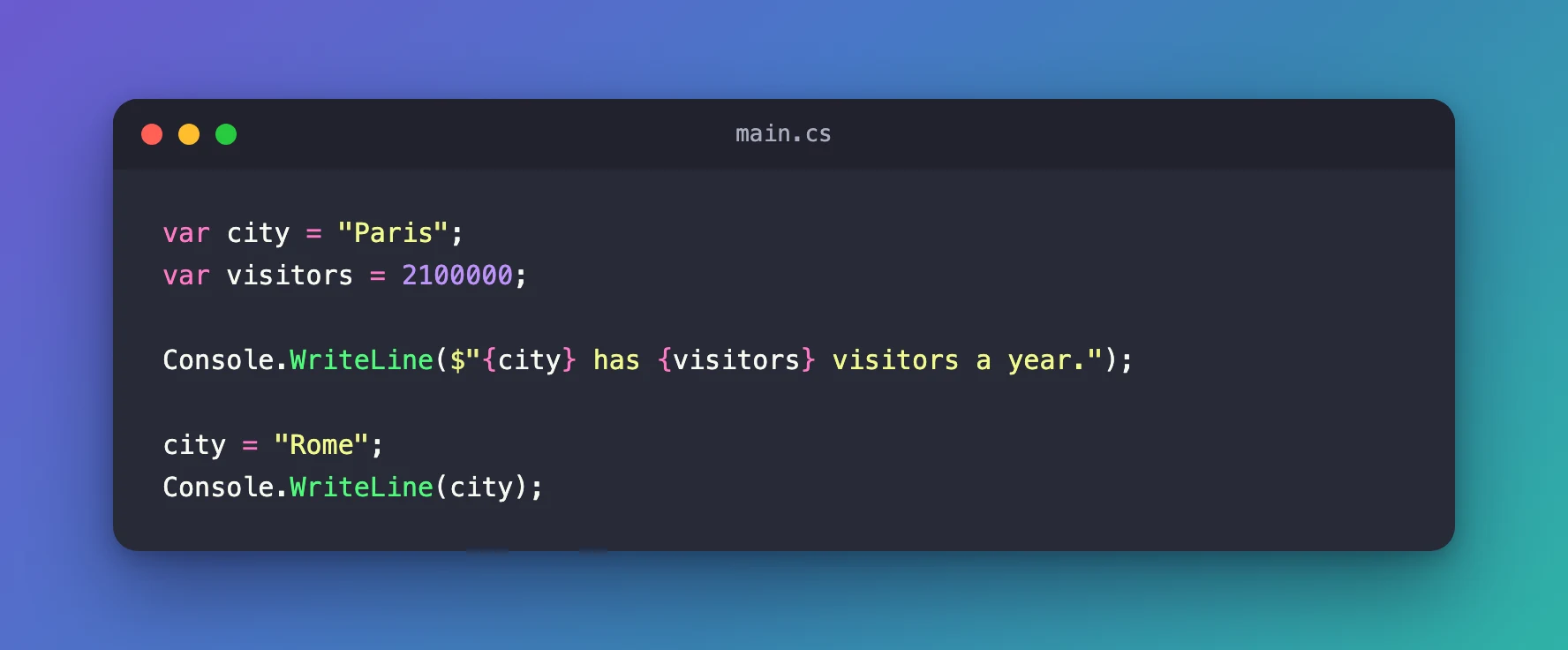
The example declares a city and a visitor count with var, prints a sentence with both, and gives the city a new value of the same type.
Prerequisites
- The .NET 10 SDK or newer, which runs a single
.csfile withdotnet run. This guide uses .NET SDK 10.0.404.
Step 1: Write the Code
Create a file named main.cs in an empty folder:
var city = "Paris";
var visitors = 2100000;

Console.WriteLine($"{city} has {visitors} visitors a year.");

city = "Rome";
Console.WriteLine(city);
var city = "Paris";makescityastring.var visitors = 2100000;makesvisitorsanint.city = "Rome";works, because"Rome"is astringtoo.
Step 2: Run It
dotnet run main.cs
Paris has 2100000 visitors a year.
Rome

The command is the same in zsh, bash and PowerShell.
var Is Still Strongly Typed
Once the compiler has picked the type, it keeps it. Assigning a number to city fails to compile:
city = 5; // error CS0029: Cannot implicitly convert type 'int' to 'string'
var saves typing; it doesn't make a variable accept anything.
Common Mistakes
| Mistake | What happens | Do this instead |
|---|---|---|
Declaring var x; without a value | error CS0818: Implicitly-typed variables must be initialized | Assign the value in the same line, or write the type |
Writing var x = null; | error CS0815: Cannot assign <null> to an implicitly-typed variable | Write the type, such as string? x = null; |
Giving a var variable a value of another type later | error CS0029: Cannot implicitly convert type … | Use a new variable, or convert the value |
Troubleshooting
| Symptom | Likely cause | Fix |
|---|---|---|
CS0818 on a var line | The declaration has no = value | Add the value |
A number ends up as int when you wanted decimal | var took the type of the literal | Write the literal with its suffix, as in 3.5m, or the type itself |
FAQ
Is code with var slower?
No. The compiler fills in the type at compile time, so the program is the same as with the type written out.
When should I write the type instead?
When the value doesn't show it clearly, such as the result of a method whose return type isn't obvious from its name.
Conclusion
var name = value; declares a variable whose type comes from the value. The type is fixed from then on, so var keeps C#'s type checking and just saves you writing the type.
Additional Resources
- Implicitly typed local variables, on Microsoft Learn.
