How to Declare a Variable in Rust with let

let creates a variable in Rust. A variable can't change unless you declare it with let mut, and a new let with the same name creates a fresh variable that shadows the old one.
Syntax
let <name> = <value>;
let <name>: <Type> = <value>;
let mut <name> = <value>;
| Part | What it does |
|---|---|
let <name> = <value>; | Creates an immutable variable. Rust infers its type from the value. |
: <Type> | Optional. States the type yourself, such as i32 or &str. |
mut | Optional. Lets you change the variable later. |
The Rust Reference on let statements: "A let statement introduces a new set of variables, given by a pattern. The pattern is followed optionally by a type annotation and then either ends, or is followed by an initializer expression plus an optional else block." The Rust Book adds: "by default, variables are immutable", and "you can make them mutable by adding mut in front of the variable name".
The Example
The example keeps a city's name and its number of visitors, adds 50 visitors, and then reuses the name city for another city.
Prerequisites
- Rust, installed with rustup, which comes with Cargo. This guide uses Rust 1.100.0.
Step 1: Create a Project
cargo new demo
cd demo
    Creating binary (application) `demo` package
note: see more `Cargo.toml` keys and their definitions at https://doc.rust-lang.org/cargo/reference/manifest.html
cargo new demo creates a folder named demo with a Cargo.toml file, which describes the project, and src/main.rs, which holds the code. cd demo moves into it.
Step 2: Write the Code
Replace the contents of src/main.rs with:
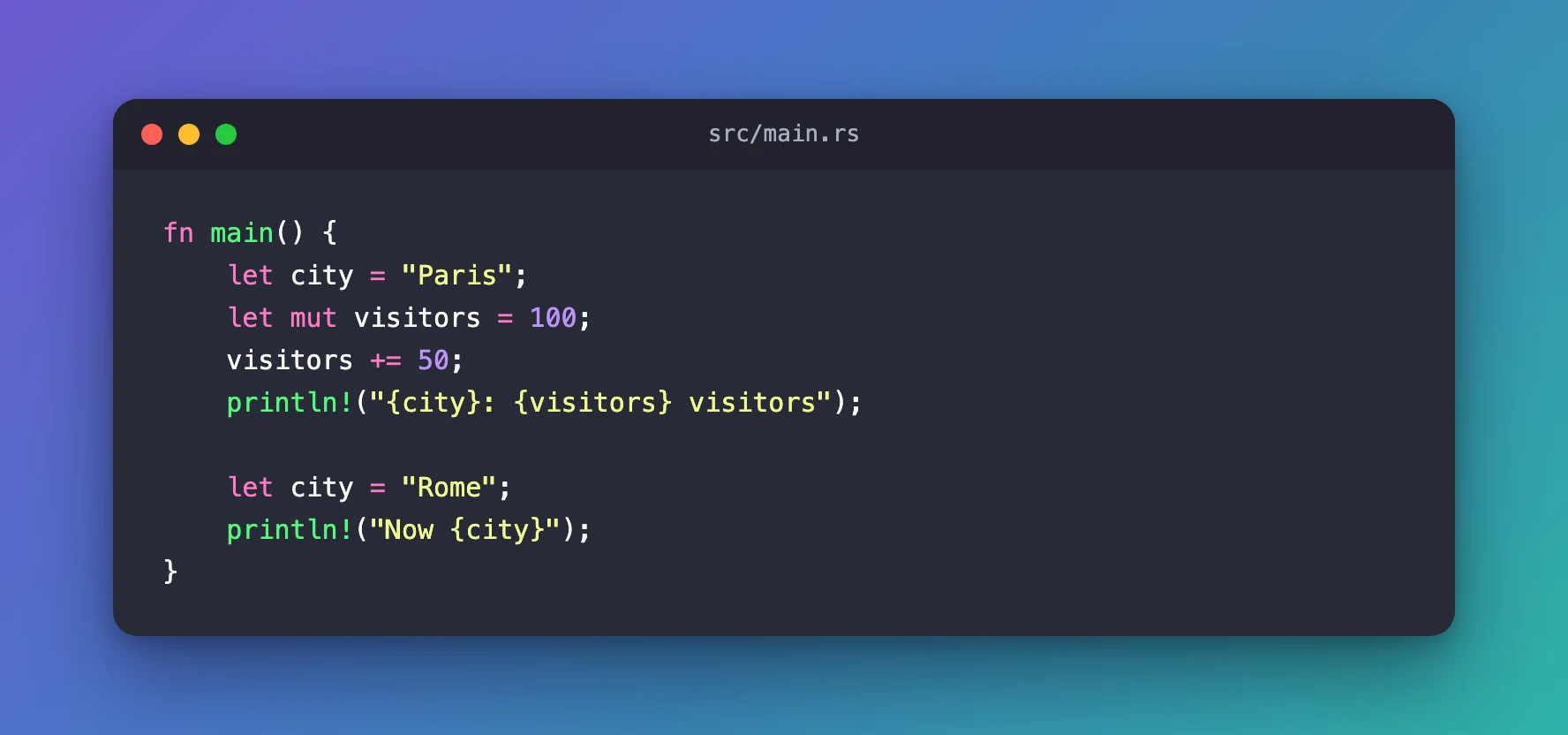
fn main() {
    let city = "Paris";
    let mut visitors = 100;
    visitors += 50;
    println!("{city}: {visitors} visitors");

    let city = "Rome";
    println!("Now {city}");
}
visitors is declared with mut, so += 50 can change it. city isn't, so the second let city doesn't change it: it creates a new variable with the same name, which hides the first from then on.
Step 3: Run It
cargo run -q
Paris: 150 visitors
Now Rome
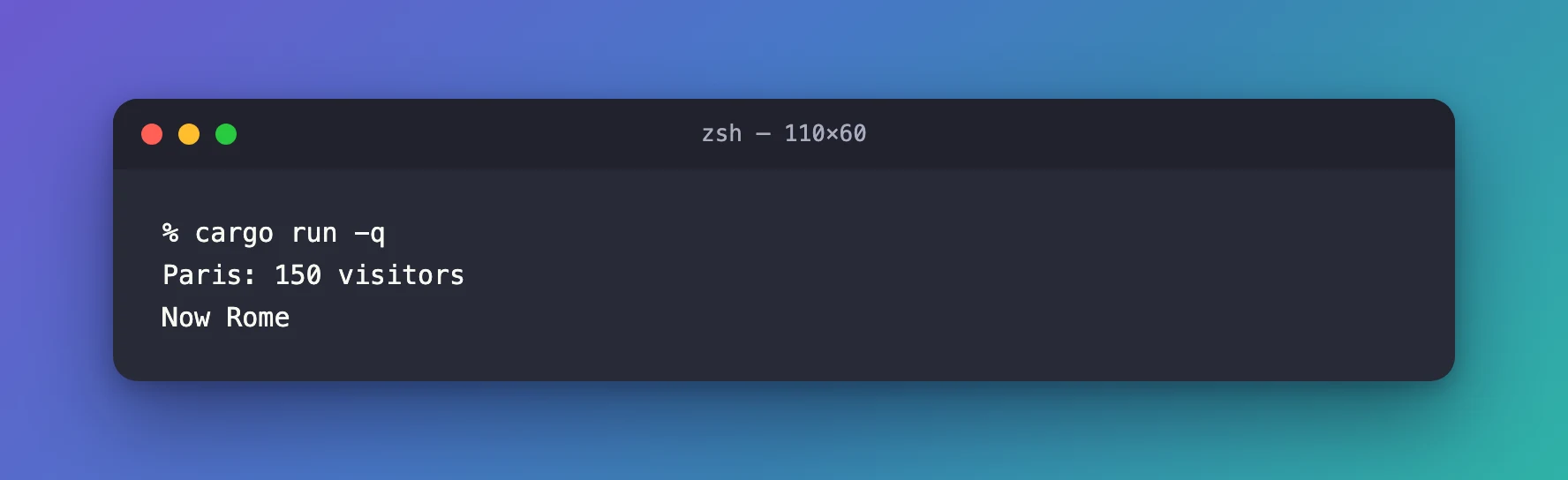
cargo run compiles the program and runs it, and -q hides Cargo's own status lines.
Without mut
Remove mut from visitors and the build stops at the line that changes it:
error[E0384]: cannot assign twice to immutable variable `visitors`
 --> src/main.rs:4:5
  |
3 |     let visitors = 100;
  |         -------- first assignment to `visitors`
4 |     visitors += 50;
  |     ^^^^^^^^^^^^^^ cannot assign twice to immutable variable
  |
help: consider making this binding mutable
  |
3 |     let mut visitors = 100;
  |         +++

For more information about this error, try `rustc --explain E0384`.
error: could not compile `demo` (bin "demo") due to 1 previous error
The help line shows the fix: add mut.
Shadowing Can Change the Type
Because a shadowing let creates a new variable, the new one can have another type. Here text becomes a number:
fn main() {
    let count = "3";
    let count: i32 = count.parse().unwrap();
    println!("{}", count + 1);
}
4
The Book describes it: "the second variable overshadows the first, taking any uses of the variable name to itself until either it itself is shadowed or the scope ends."
Common Mistakes
| Mistake | What happens | Do this instead |
|---|---|---|
Changing a variable declared without mut | error[E0384]: cannot assign twice to immutable variable `visitors` | Declare it with let mut |
mut on a variable that never changes | warning: variable does not need to be mutable, with the help remove this `mut` | Drop the mut |
| Reading a variable before giving it a value | error[E0381]: used binding `city` isn't initialized | Assign it in the let, or before the first read |
Troubleshooting
| Symptom | Likely cause | Fix |
|---|---|---|
cannot assign twice to immutable variable | The variable isn't mut | Add mut, as the compiler's help shows |
variable does not need to be mutable | An unneeded mut | Remove it |
isn't initialized | The variable has no value yet | Give it one before using it |
FAQ
Shadowing or mut?
mut changes a value of the same type in place. Shadowing creates a new variable, which may have a different type, and leaves the old one unchanged.
Do I have to write the type?
Usually not: Rust infers it from the value, as for city and visitors above. Write it when Rust can't tell, as for count: i32 with parse.
Conclusion
let declares an immutable variable, let mut one you can change, and a second let with the same name shadows the first, even with a new type. The compiler's help lines point at the missing or extra mut.
Additional Resources
- Variables and Mutability, in the Rust Book.
- let statements, in the Rust Reference.
