How to Declare a static readonly Field in C#

Some values belong to the whole program and should never be swapped out, such as a fixed list of places to eat. In C#, a static readonly field holds one shared value that can only be set where it's declared or in a static constructor.
Syntax
<access> static readonly <Type> <Name> = <value>;
| Part | What it does |
|---|---|
<access> | Who can read the field, such as public or private. |
static | One field for the whole class, read through the class name: <Class>.<Name>. |
readonly | The field can be assigned only in its declaration or in the class's static constructor. |
<Type> <Name> = <value> | The field's type, its name and the value it starts with. The value is worked out when the program runs. |
Microsoft's readonly keyword reference: "In a field declaration, readonly means you can only assign the field during the declaration or in a constructor in the same class." For a static field, the constructor is the class's static constructor.
The Example
A Menu class keeps three places to eat in a static readonly array. The program prints how many there are and the first one.
Prerequisites
- The .NET 10 SDK or newer, which runs a single
.csfile withdotnet run. This guide uses .NET SDK 10.0.404.
Step 1: Write the Code
Create a file named main.cs in an empty folder:
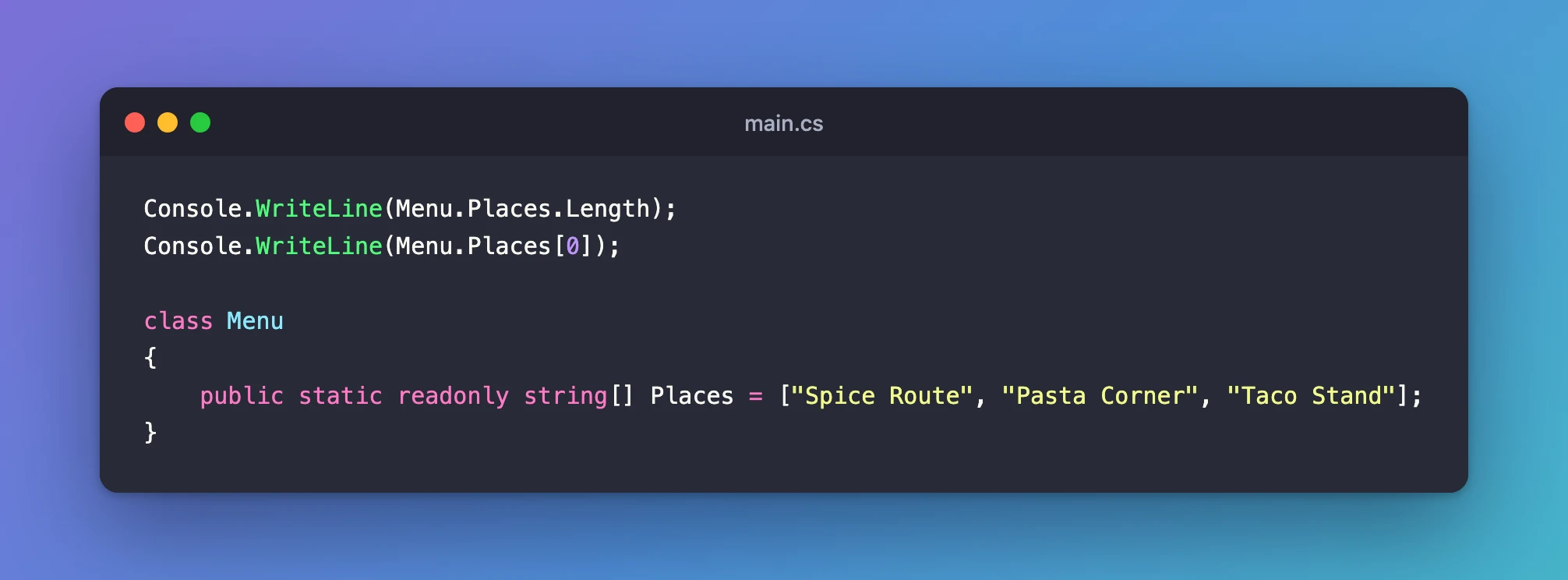
Console.WriteLine(Menu.Places.Length);
Console.WriteLine(Menu.Places[0]);

class Menu
{
    public static readonly string[] Places = ["Spice Route", "Pasta Corner", "Taco Stand"];
}
The two Console.WriteLine lines at the top are the program. The Menu class below them declares the field, and the program reads it through the class name, Menu.Places, without creating a Menu object.
Step 2: Run It
dotnet run main.cs
3
Spice Route
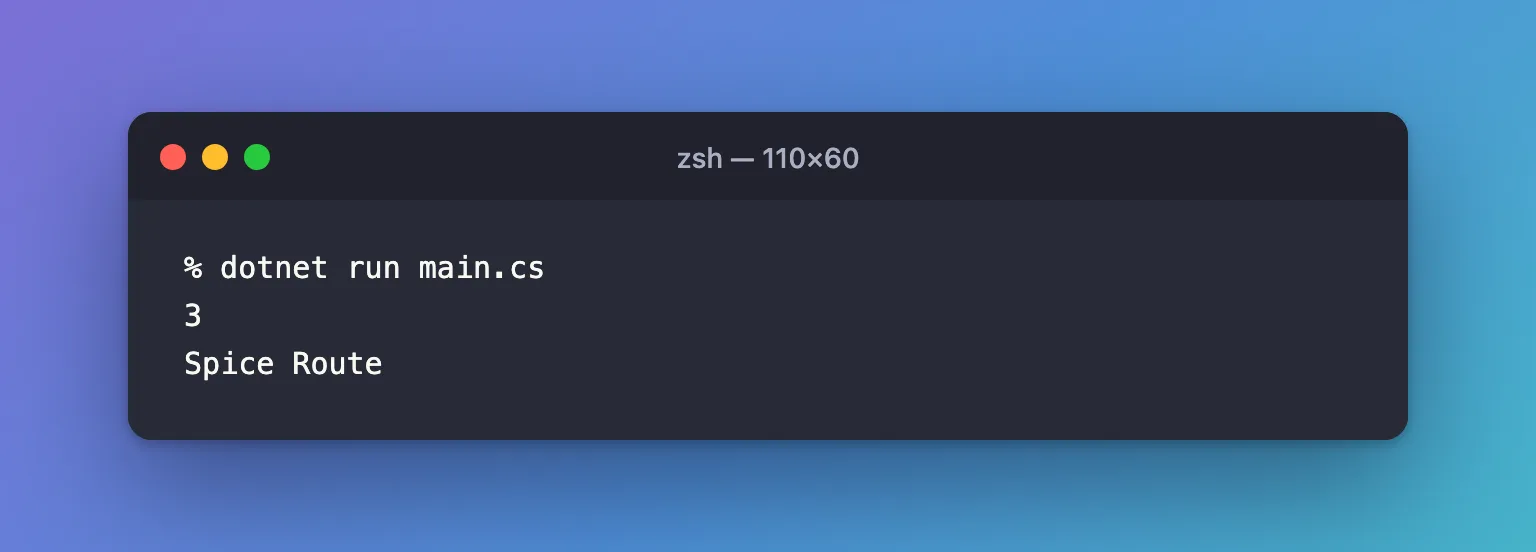
Three places, and the first is Spice Route. The command is the same in zsh, bash and PowerShell.
What Happens When Code Replaces It
Assigning the field anywhere else stops the build:
Menu.Places = [];

class Menu
{
    public static readonly string[] Places = ["Spice Route"];
}
/Users/you/demo/main.cs(1,1): error CS0198: A static readonly field cannot be assigned to (except in a static constructor or a variable initializer)

The build failed. Fix the build errors and run again.
The "variable initializer" is the = ["Spice Route"] part of the declaration.
Common Mistakes
| Mistake | What happens | Do this instead |
|---|---|---|
Assigning the field later, as in Menu.Places = []; | error CS0198: A static readonly field cannot be assigned to (except in a static constructor or a variable initializer) | Set the value in the declaration or in a static constructor |
Expecting readonly to freeze the array's items | readonly stops the field from pointing at another array, not changes to the items inside it | Expose a read-only type such as IReadOnlyList<string> when callers mustn't change items |
Declaring the array with const | const needs a compile-time constant, and an array isn't one | Use static readonly |
Troubleshooting
| Symptom | Likely cause | Fix |
|---|---|---|
CS0198 | Code outside the declaration and the static constructor assigns the field | Move the assignment into the declaration |
| A value you set in a regular constructor is rejected | Instance constructors can't assign a static readonly field | Use a static constructor, or drop static if each object needs its own value |
FAQ
Does readonly make an array read-only?
No. The reference explains: "The readonly modifier prevents replacing the field value with a different instance of the reference type. However, the modifier doesn't prevent the instance data of the field from being modified through the read-only field."
Should I use const or static readonly?
Use const for values known when the code compiles, such as numbers and strings. Use static readonly for values that are created when the program runs, such as arrays and objects. The reference: "while a const field is a compile-time constant, the readonly field can be used for run-time constants".
Conclusion
public static readonly <Type> <Name> = <value>; declares one shared value that is set once, where it's declared or in a static constructor, and can't be replaced afterwards. Read it through the class name, and remember that it protects the field, not the contents of the object it points to.
Additional Resources
- The readonly keyword, on Microsoft Learn.
- The const keyword, on Microsoft Learn.
